Reviewed by Amit Kumar
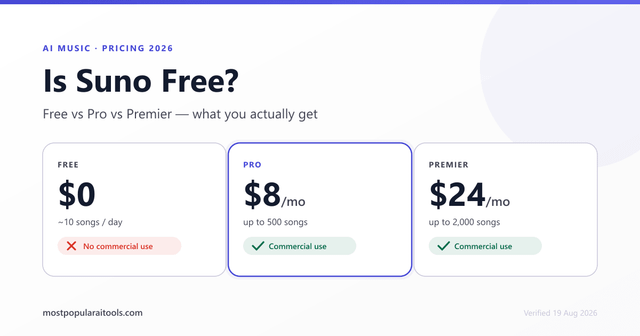
Suno is an AI music generator: you describe a song, and it writes the lyrics, sings them and plays the backing. It is for anyone who wants a finished-sounding track without recording one, from hobbyists to creators who need music for videos. There are three plans: Free at $0, Pro at $8 a month and Premier at $24 a month.
Fact-checked reviewAudio

Suno Review: Pricing, Free Plan and Commercial Use
Text-to-song generator with a daily free credit allowance
Quick verdict
The free plan is real, but nothing you make on it can be used commercially, and the plan table hides a second condition. The Terms say a paid user may exploit a song commercially only if it was a permitted download under the tier's monthly download allowance. The other thing to weigh is the Privacy Notice, which says your uploads and prompts may be used to train Suno's models and describes no opt-out.
Best forBackground music for videosSong ideas and demosCasual music making
How we reviewed Suno
We read Suno's pricing page, homepage, Terms of Service, Privacy Notice and a help article on commercial use on 13 October 2026.
Every Suno plan, price and limit in this review comes from Suno's own pages, checked on , and links to the page it came from. All 5 sources are listed at the end. A review cannot be bought. How these reviews are written
On this page
Suno at a glance
| Question | Short answer |
|---|---|
| Plans | Free $0; Pro $8 a month; Premier $24 a month |
| Free allowance | 50 credits a day, which do not carry over |
| Commercial use | Pro and Premier only; none on Free |
| Annual billing | Saves $24 a year on Pro and $72 on Premier, per the pricing page |
| Refunds | Final and non-refundable, unless Suno decides otherwise or the law gives you a right |
| Read | suno.com, 13 October 2026 |
What is Suno used for?
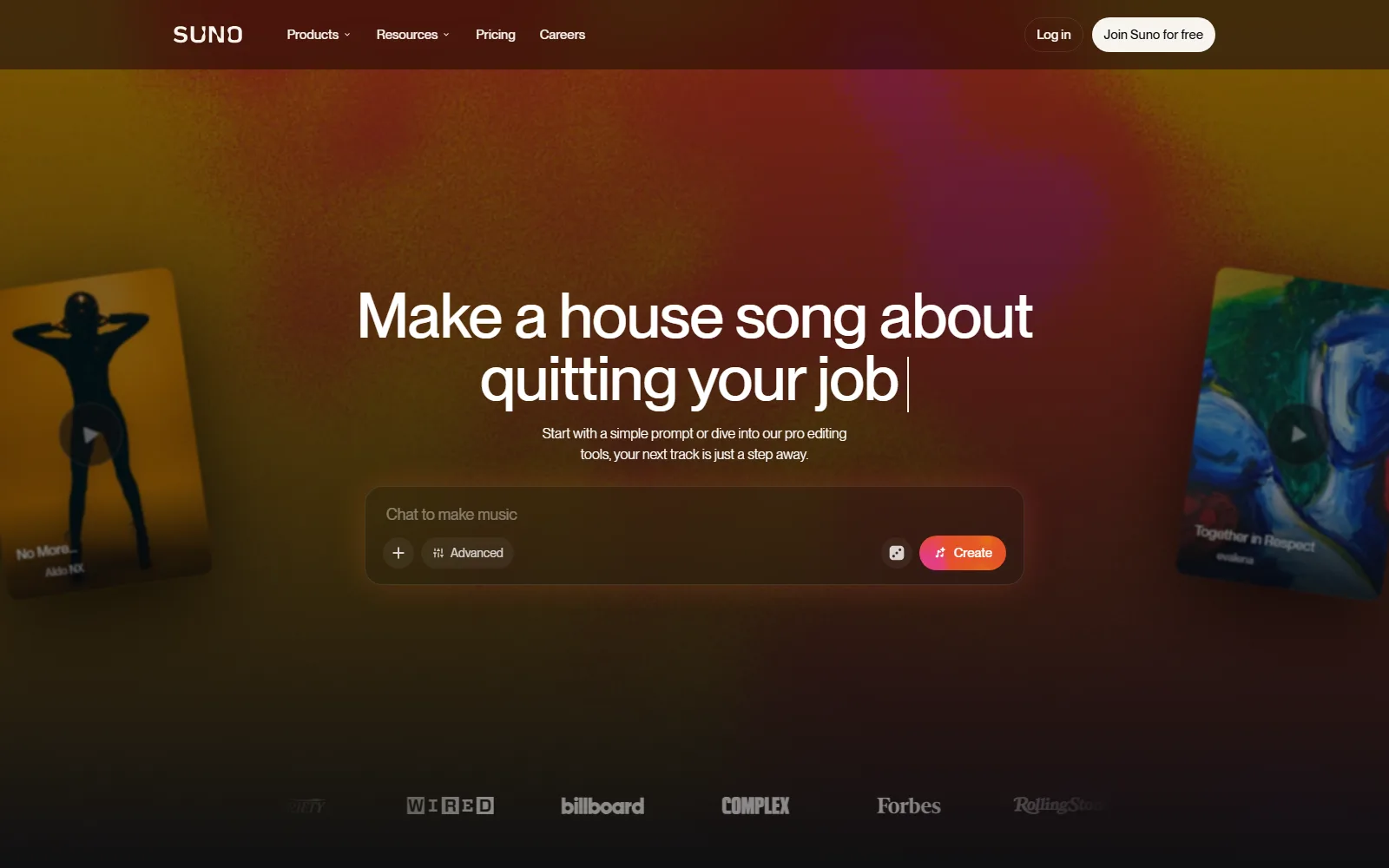
Mainly for making complete songs from a short description. The homepage pitches it as a way to "make any song you can imagine", and lists newer models, a browser-based editor, stems, remixing and voices.
Song generation and models
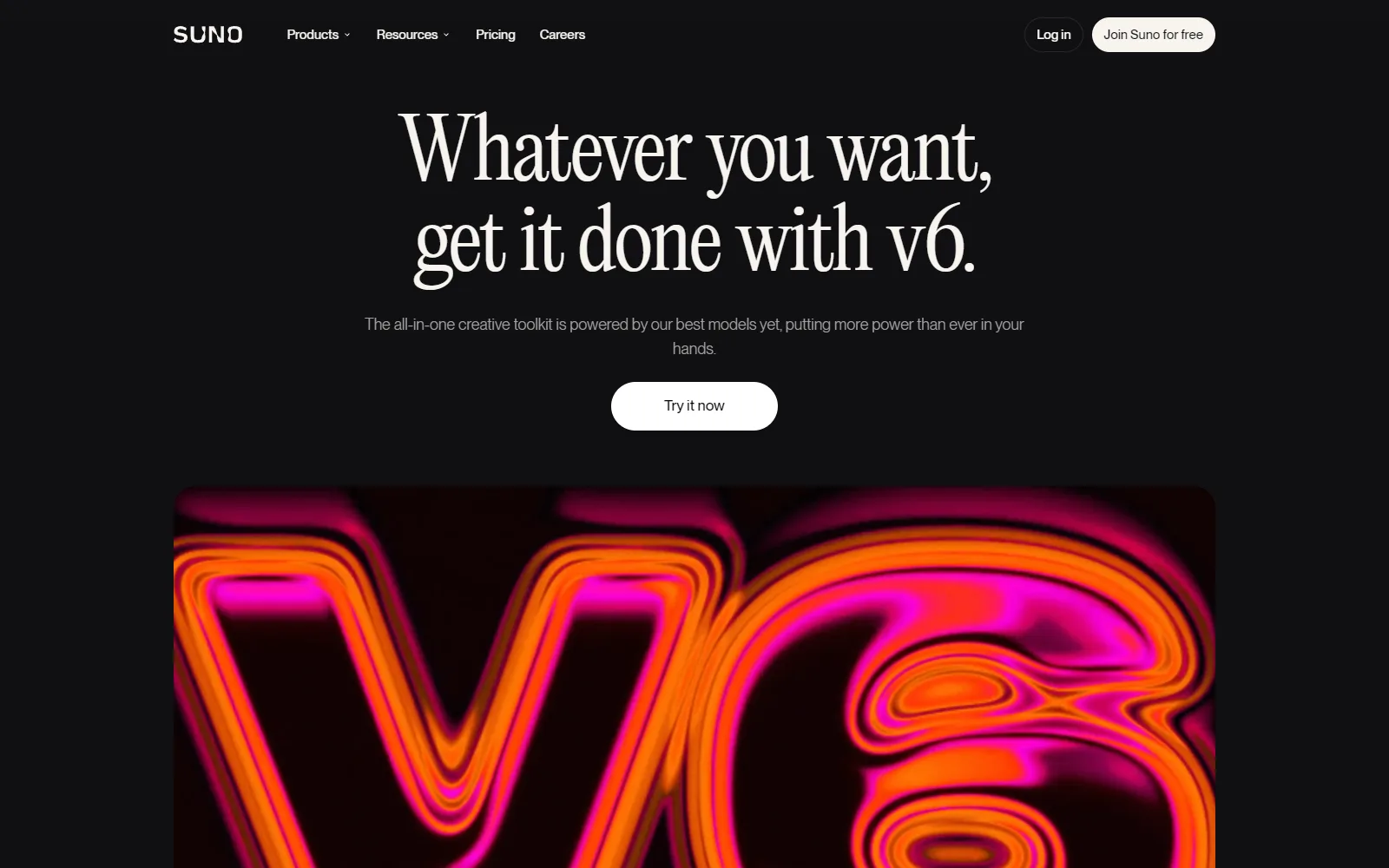
You type a prompt and pick a style; Suno returns songs. The homepage names v6 as its newest model, "with fuller vocals, tighter arrangements and more of the detail you asked for". The pricing page ties models to plans: Free gets v6-mini, while Pro and Premier get v6 and v6-wild. The homepage FAQ still mentions v5.5 on Pro, so the model naming differs between Suno's own pages.
Stems, uploads and remixing
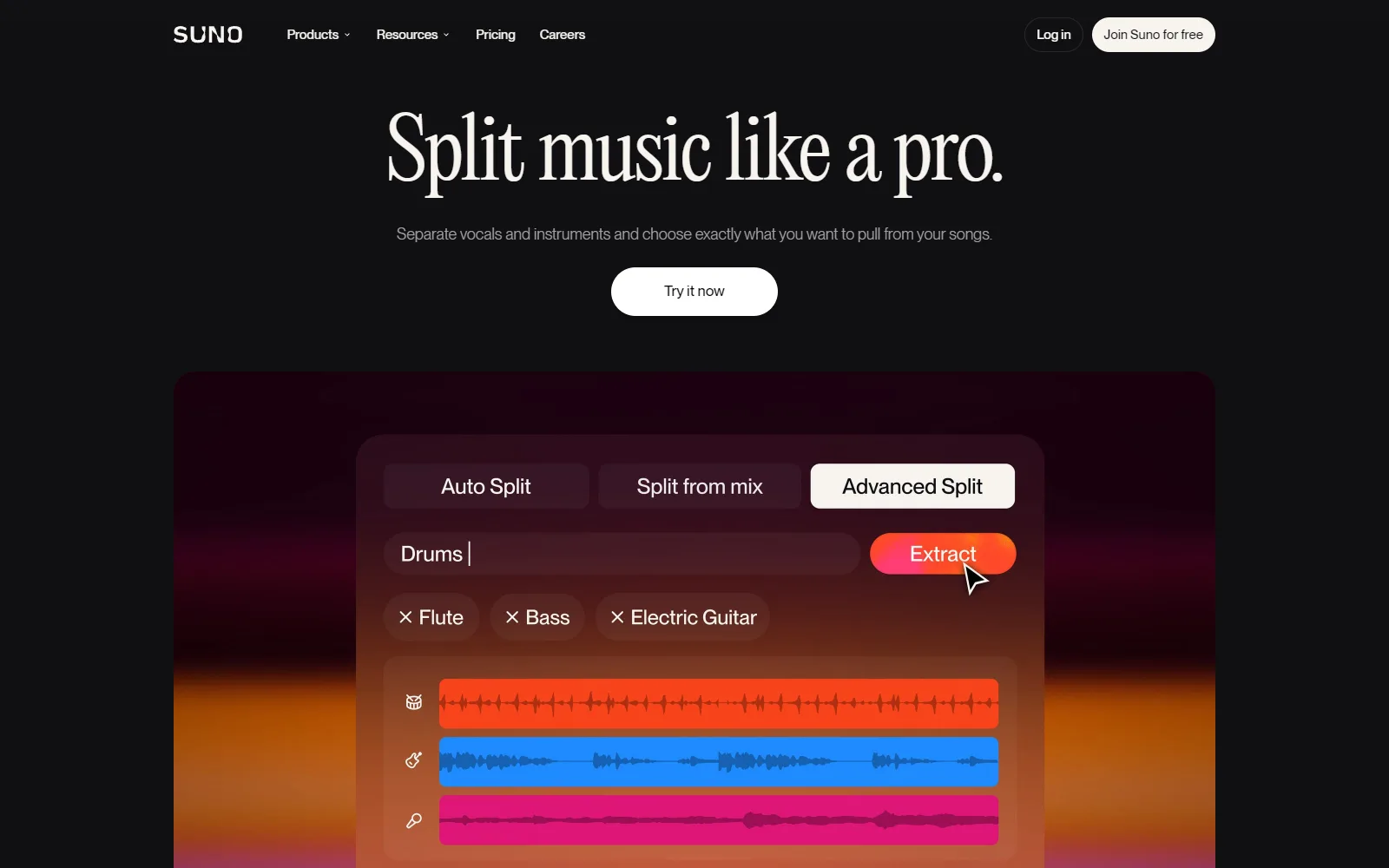
The homepage says you can pull a song apart into clean, time-aligned stems, and its FAQ lists vocal and instrument stem separation on Pro. It also lists audio uploads of up to 8 minutes on Pro, and a Remix function that changes a song's style, rewrites its lyrics or rebuilds it around your own recording. Be aware that the Terms treat remixes as jointly owned with the remixer and limit them to non-commercial use on every tier.
Suno Studio
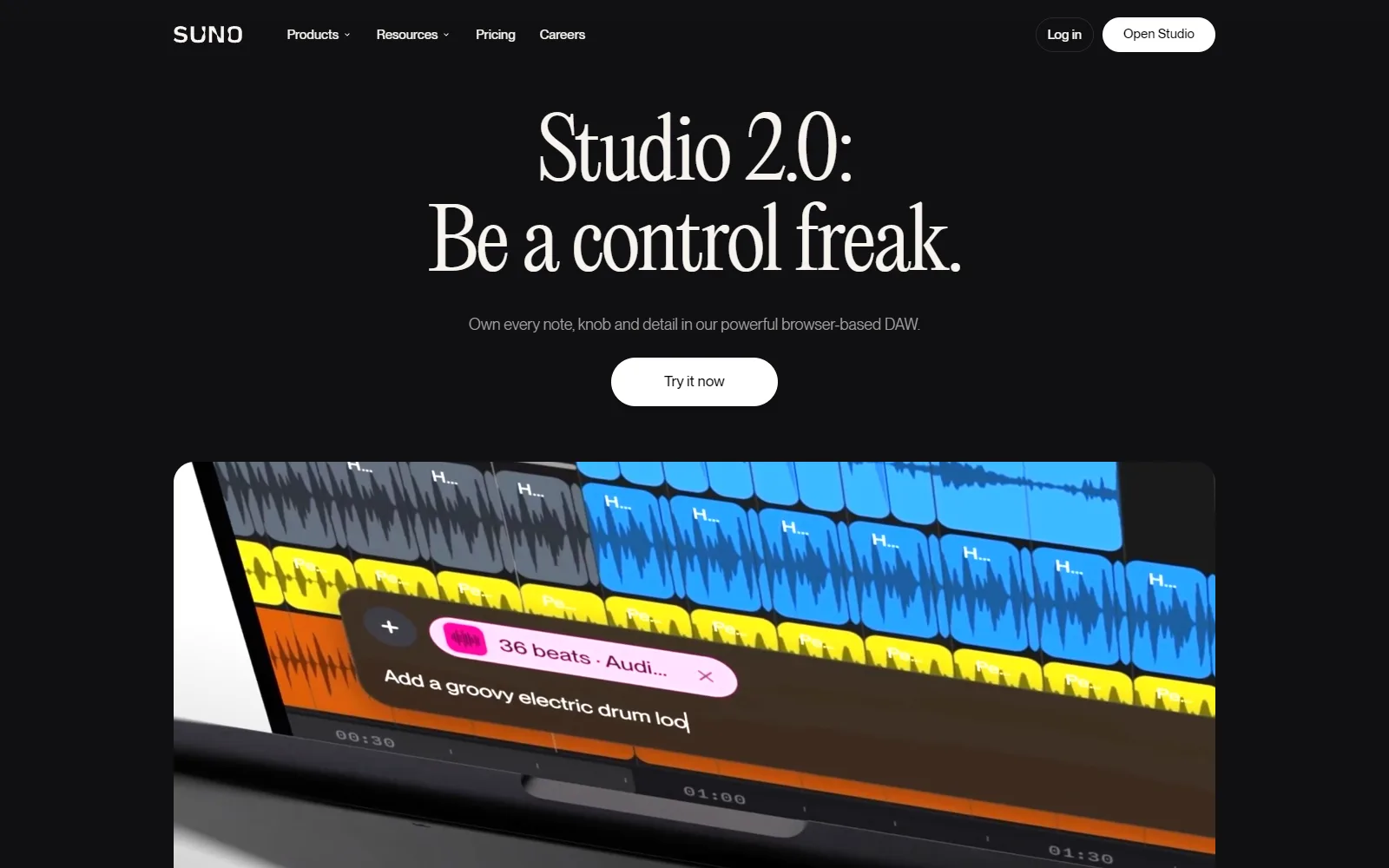
The homepage describes Studio as a browser-based editor for arranging, editing and mixing every part of a song. The FAQ places it in Premier. The pricing page footnote adds that Premier includes the Pro features plus personas and advanced editing.
Voices
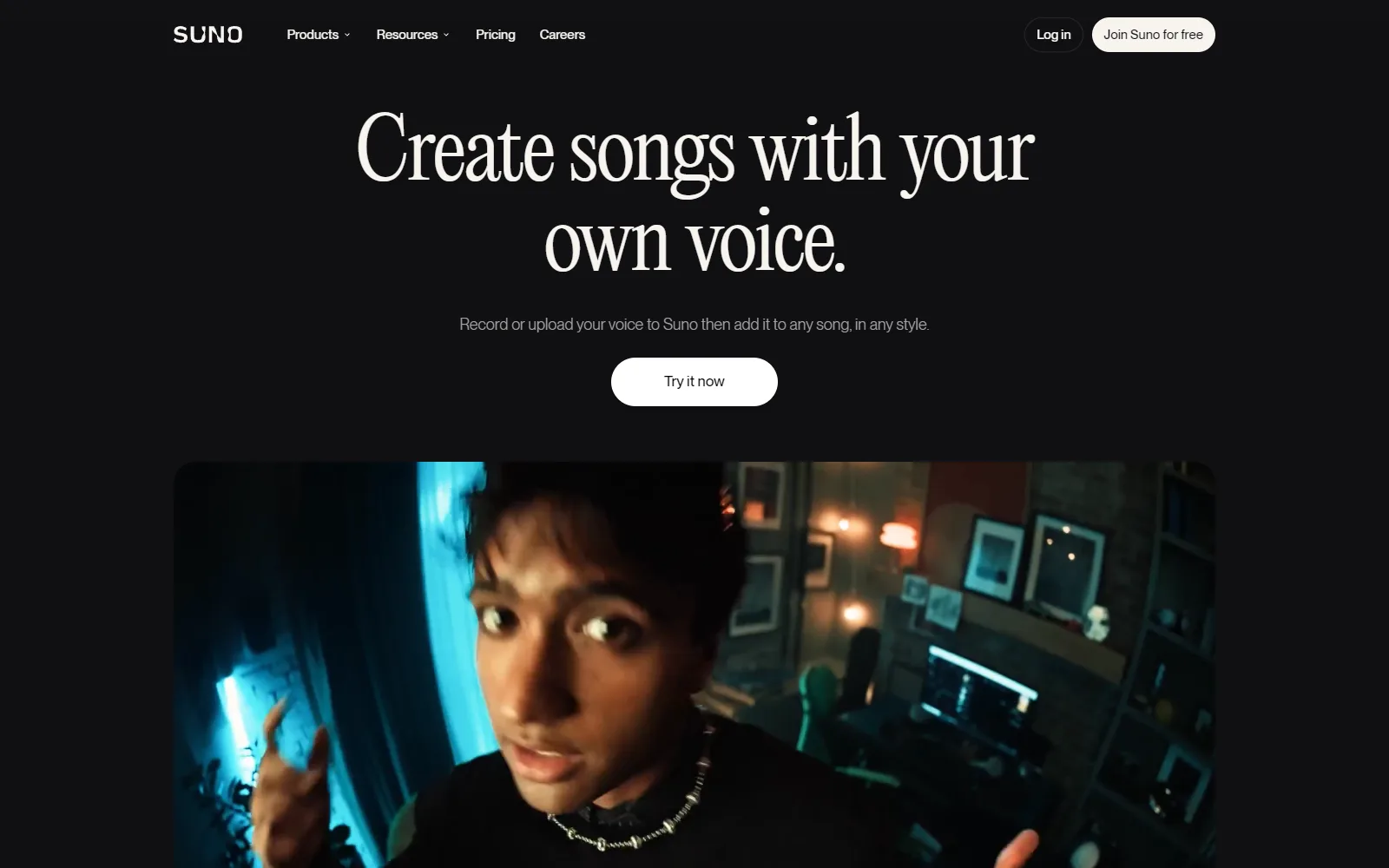
Suno also offers voice models. The Terms are explicit that a voice model must use your own voice: you agree not to create, or try to create, a voice model of another person. The Privacy Notice says speech analysed for voice models may be biometric data, and that such data is kept no more than three years after your last interaction.
Who Suno is for, and who should skip it
Suno suits people who want music quickly: a creator who needs a track for a video, someone sketching a song idea before recording it properly, or a person making songs for fun, since the free plan allows that without a card. The help article on commercial use says the free plan covers non-commercial use only.
Skip it, or stay on Free, if:
- You need to release or sell music. Free outputs are for lawful personal and non-commercial purposes, per the Terms.
- You need guaranteed copyright. The Terms say Suno makes no representation that any copyright will vest in an output, and the help article says AI-only music would not qualify for US copyright protection and that writing a prompt does not count as creating the song.
- You are under 13. The Terms do not allow registration under 13, and ages 13 to 17 need a parent or guardian's consent.
- You do not want your content used for training. The Privacy Notice describes no opt-out.
How much does Suno cost?
Suno has three plans. We read the figures on the Suno pricing page on 13 October 2026; taxes are calculated at checkout.
USD, read 13 October 2026, from Suno pricing (suno.com/pricing)
| Plan | Price | Credits | Models and features |
|---|---|---|---|
| Free | $0 a month | 50 a day | v6-mini; shared creation queue; no commercial rights; no credit top-ups |
| Pro | $8 a month | 2,500 a month | v6 and v6-wild; commercial use rights; priority queue, up to 10 songs at once; can buy extra credits |
| Premier | $24 a month | 10,000 a month | Everything in Pro, plus personas and advanced editing; Studio per the FAQ |
The pricing page says yearly billing saves $24 on Pro and $72 on Premier, but it does not print the annual prices. That implies about $72 and $216 a year, which is our arithmetic. The homepage FAQ instead mentions a 20% discount on both paid plans for annual billing. Those two statements do not match, so check what checkout shows.
The conditions matter as much as the prices. Per the pricing page, credits included in a subscription do not carry over from day to day or month to month. Purchased top-up credits do not expire, but you need an active subscription to use them. The Terms say payments are final and non-refundable unless Suno decides otherwise, subscriptions renew automatically at the then-current rate, and cancelling keeps paid access to the end of the period you paid for.
Is Suno free?
Yes. The Free plan costs $0 and, according to the pricing page, gives 50 credits a day with the v6-mini model. The homepage says up to 10 songs a day with no credit card required. The limits are the shared queue, no top-ups, and above all no commercial rights. Free is a good way to find out whether the output suits you, not a way to produce music you plan to publish for money.
How Suno handles your content
The Suno Privacy Notice lists contact details, account and subscription information, usage logs, uploads and outputs, and chat prompts among what it collects. Payment details are handled by payment processors and, it says, are not collected or stored by Suno.
- Training. The notice says Suno may use content and chat inputs to train and enhance the models behind the service. It describes no opt-out.
- License. The Terms say you keep ownership of your submissions but grant Suno a license to use your content to improve the service and its AI models. They also say you may not use the service or its output to train other AI models.
- Selling data. Suno says it does not sell personal information. Analytics and advertising providers such as Google Analytics use cookies.
- Deletion. You can ask for deletion by email, with exceptions for data needed for an active account, a contract, legal proceedings or compliance.
The Terms name Suno Inc., 17 Dunster Street, Floor 4, Cambridge, MA 02138, and are governed by Massachusetts law.
Where Suno's own pages disagree
- The pricing page lists v6 and v6-wild for Pro, while the homepage FAQ mentions v5.5 on Pro.
- The pricing page says 50 credits a day on Free, which the homepage turns into up to 10 songs a day. Pro is 2,500 credits a month on the pricing page and 500 songs a month on the homepage, so a song costs 5 credits.
- Yearly billing is a $24 and $72 saving on the pricing page and a 20% discount on the homepage.
- The pricing page says Pro and Premier have commercial use rights. The Terms add that commercial exploitation depends on a permitted download under your tier's monthly download allowance, and the pricing page itself points to the Terms for limits.
How Suno compares with other tools reviewed here
We have not reviewed another music generator yet, so there is nothing on this site to line Suno up against price for price. The closest overlap is with voice and audio tools, which do a different job: they record, transcribe or clean up sound rather than compose it. Judge Suno on its own terms: a free daily allowance for trying it, $8 for commercial rights and a bigger credit pool, and $24 for 10,000 credits and the editor.
Suno screenshots
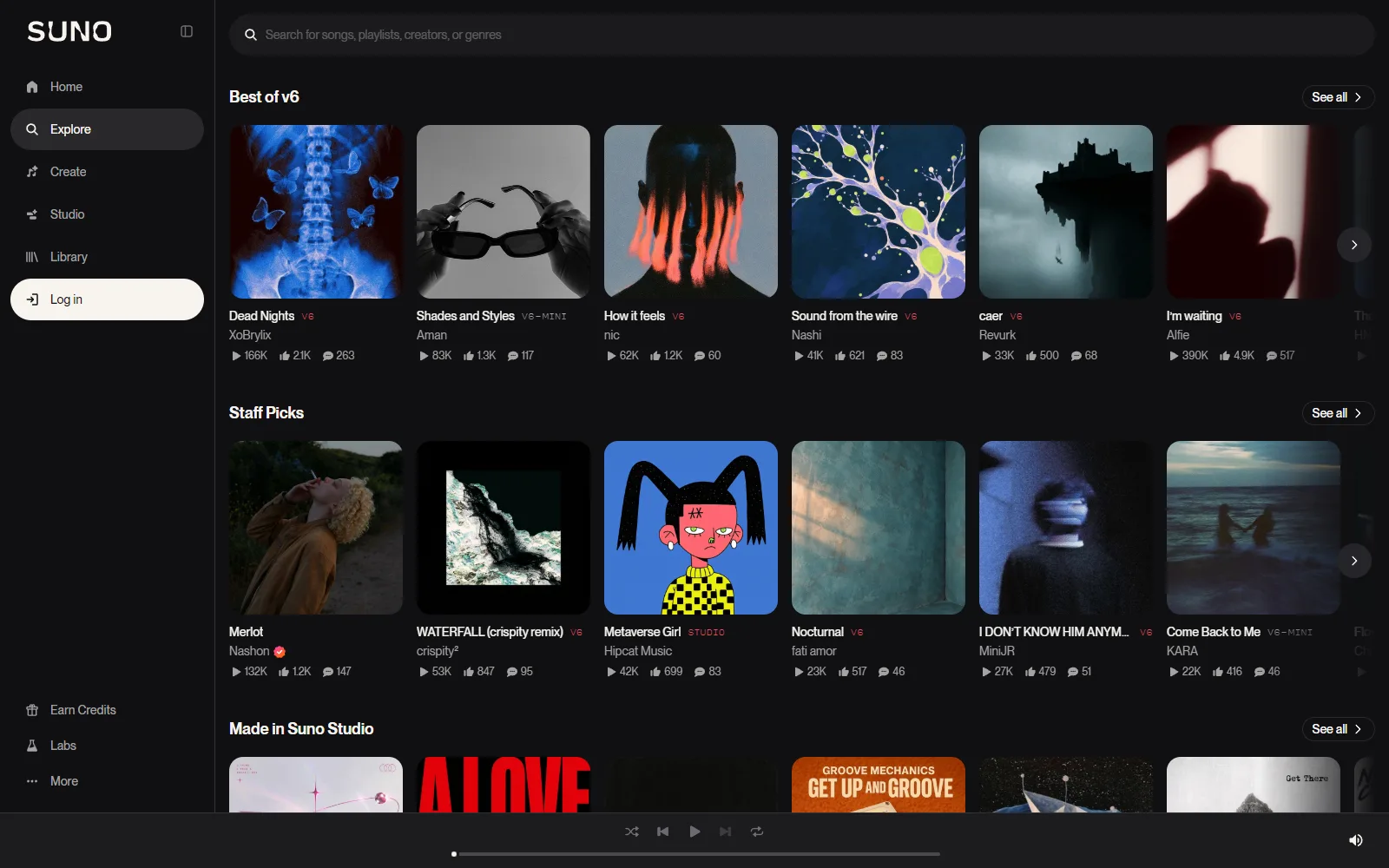
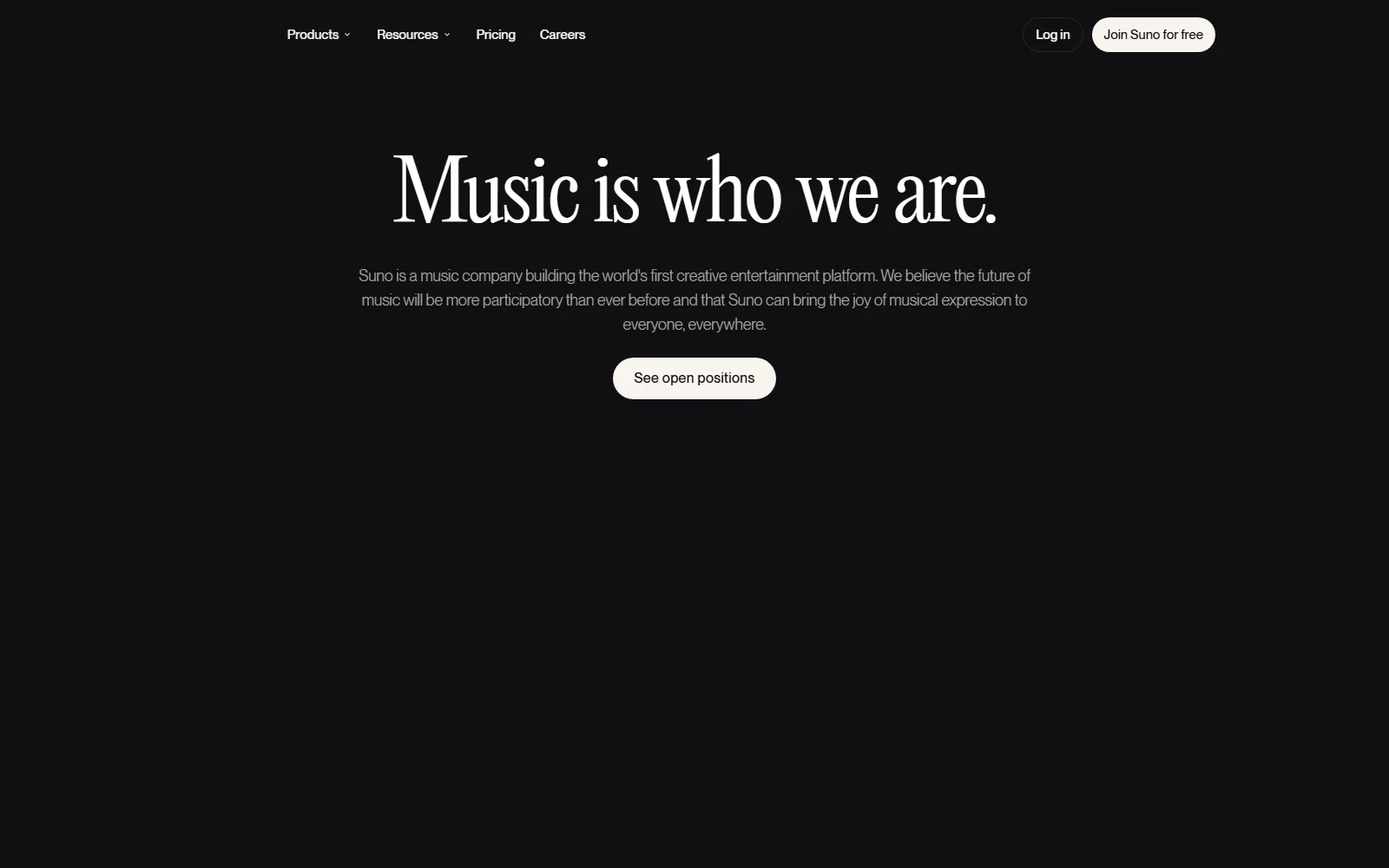
More of Suno's own website, captured . Each caption says which page it shows.
Sources
- Suno pricing page, suno.com/pricing, read 13 October 2026
- Suno homepage, suno.com, read 13 October 2026
- Suno Terms of Service, suno.com/terms, read 13 October 2026
- Suno Privacy Notice, suno.com/privacy, read 13 October 2026
- Suno help article on commercial use and ownership, help.suno.com, read 13 October 2026
Suno pros and cons
Pros
- Free plan gives 50 credits a day, with no credit card required
- Pro at $8 a month adds commercial use rights and 2,500 credits
- Priority queue with up to 10 songs at once on paid plans
- Stem separation and audio uploads of up to 8 minutes on Pro
- Unused top-up credits do not expire while you stay subscribed
Cons
- Free plan outputs carry no commercial rights
- Subscription credits do not carry over from day to day or month to month
- Privacy Notice says content may train Suno's models and describes no opt-out
- Payments are non-refundable unless Suno decides otherwise or the law requires
- Terms say no representation that any copyright will vest in an output
The bottom line on Suno
Best for
- Background music for videos
- Song ideas and demos
- Casual music making
Facts checked
Visit SunoSuno FAQ
Is Suno free to use?
Yes. The Free plan costs $0 and gives 50 credits a day with the v6-mini model, per suno.com/pricing read on 13 October 2026. It carries no commercial rights.
Can I use Suno songs commercially?
Only on Pro or Premier. The Terms add that commercial use depends on a permitted download under your tier's monthly allowance, and that remixes are non-commercial on every tier.
How much does Suno cost?
Pro is $8 a month with 2,500 credits and Premier is $24 a month with 10,000 credits. The pricing page says yearly billing saves $24 on Pro and $72 on Premier.
Do Suno credits roll over?
No. Credits included in a subscription do not carry over from day to day or month to month. Purchased top-up credits do not expire but need an active subscription to use.
Does Suno train on my songs and prompts?
Its Privacy Notice says it may use content and chat inputs to train and enhance its models, and it describes no opt-out. The Terms grant Suno a license for that purpose.
Can I get a refund from Suno?
Payments are final and non-refundable unless Suno decides otherwise, though statutory rights are not limited. You can cancel and keep access to the end of the paid period.
Will my Suno song be protected by copyright?
Not necessarily. The Terms say Suno makes no representation that copyright will vest in an output, and its help article says AI-only music would not qualify for US copyright protection.
Alternatives to Suno
 DescriptFree plan + paid upgradesEdit video and podcasts by editing the transcript
 OnepinFree plan + paid upgradesAI voiceover pipeline that routes, checks and fixes TTS
 TonefoldFreeFree open-source AI composer that exports editable MIDI
 VapiPaid onlyDeveloper platform for building voice agents that take calls
 VideorcFree plan + paid upgradesOpen-source recording and multistream studio with AI tools

Reviewed by
Amit Kumar
Full Stack AI Strategist
Amit Kumar runs MPAT, where he reviews AI tools and writes its guides. When he covers a tool he checks its pricing, credits and plan limits against the vendor's own pages, so readers know what a plan includes before they pay. He also leads the site's SEO and AI-focused content strategy.