 Reviewed by Amit Kumar
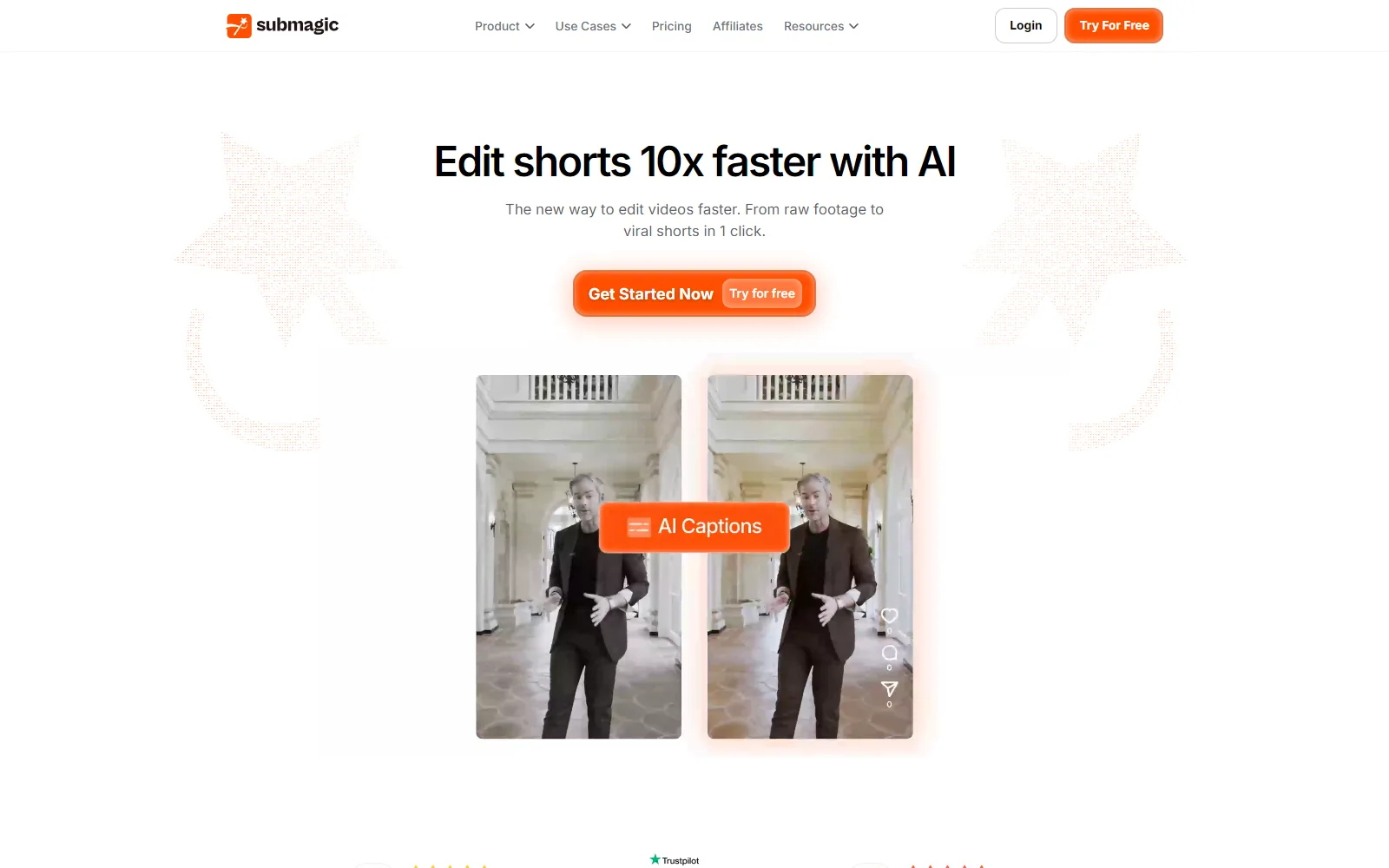
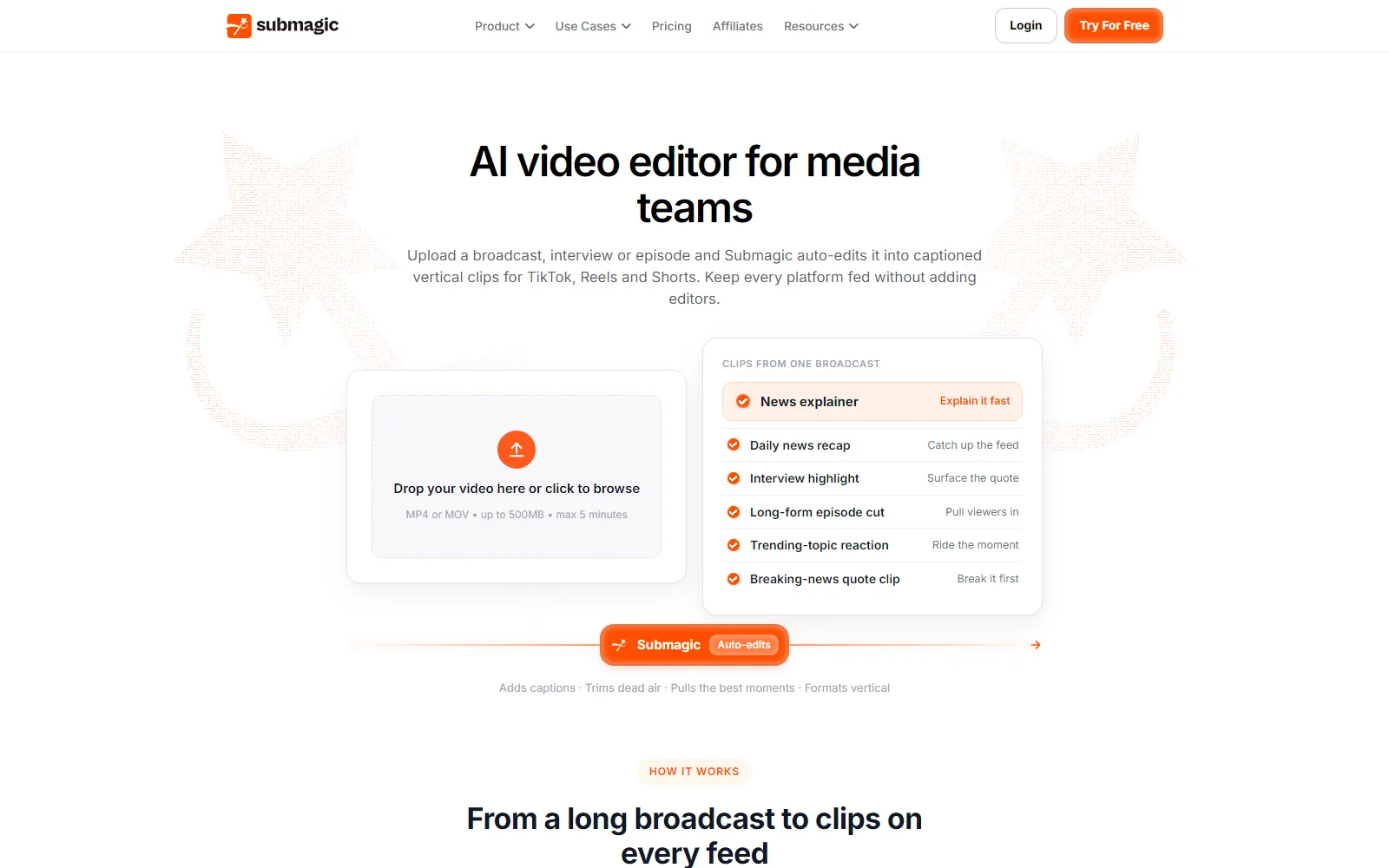
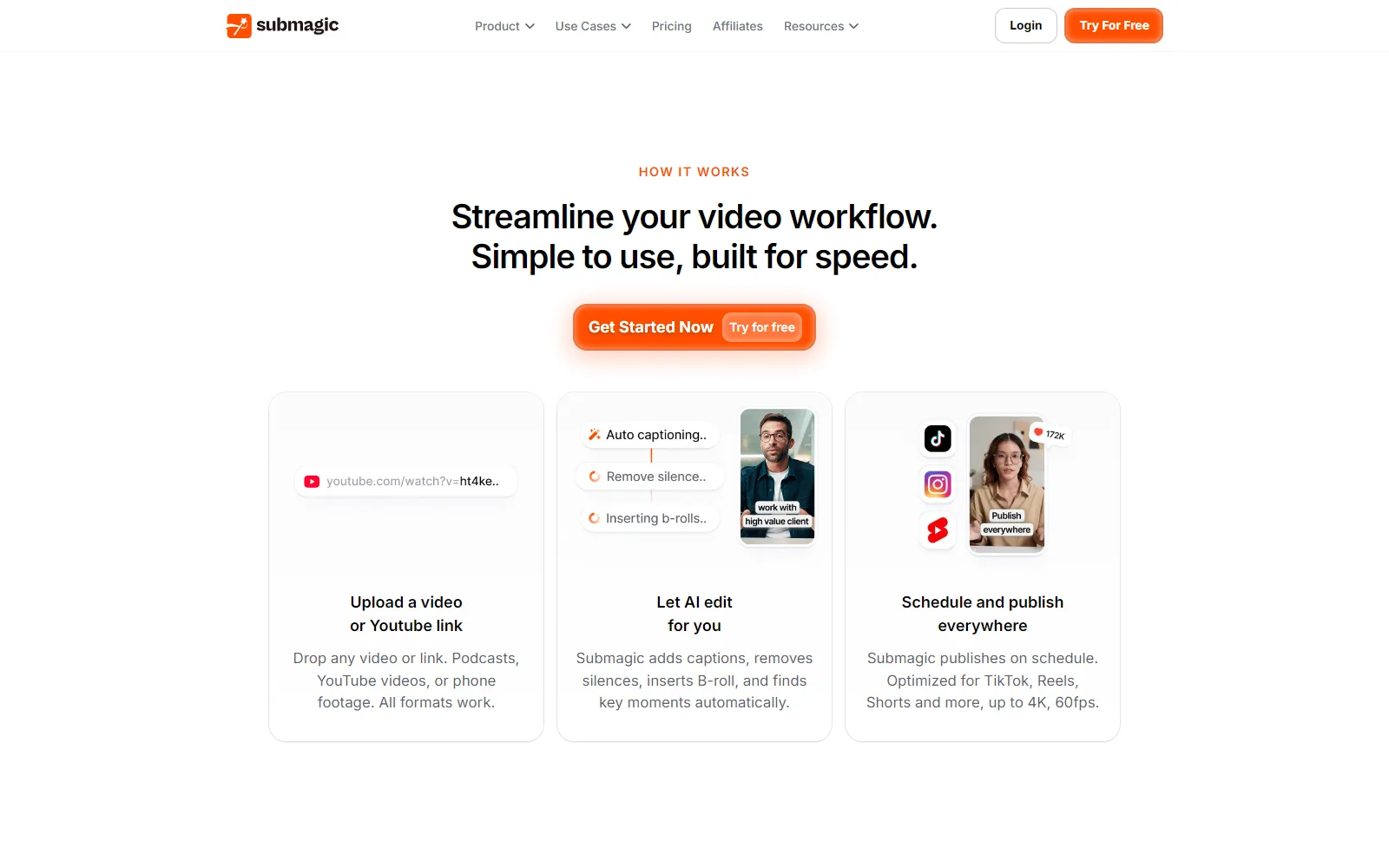
Submagic finishes short-form video. You upload a clip and it comes back captioned in a styled format, with bad takes and silences removed and the audio cleaned up. It is an editor, not a clipper: it does not search an hour of footage for the good parts, so you bring it something already short. No free plan is listed. Starter is $19 a month for 15 videos, Pro is $39 for 40 and Business is $69 for 100.
Fact-checked reviewVideos

Submagic Review: Pricing, Credits and Length Caps
Captions, cleans and styles short vertical video
Quick verdict
This is one of the few tools in the category where moving up genuinely lowers the unit price, and the limit that will stop you is not credits. It is video length. Starter rejects anything over two minutes no matter how many credits remain, so check your typical clip against the length column before anything else.
Best forCaptioning short vertical videoAgencies managing many accountsConsistent branding across clips
How we reviewed Submagic
Every Submagic plan, price and limit in this review comes from Submagic's own pages, checked on , and links to the page it came from. All 2 sources are listed at the end. A review cannot be bought. How these reviews are written
On this page
Submagic at a glance
All figures come from submagic.co/pricing, read on 24 September 2026 and checked again on 13 October 2026 (plan names, prices and caps matched). On Product Hunt, Submagic first appeared on 3 July 2023 and finished #2 of the day and #2 of the week; its Magic Clips release reached #5 of the day in December 2024. It holds a 4.4 rating from 30 reviews with 1.9K followers.
What is Submagic used for?
Captioning short vertical video at volume
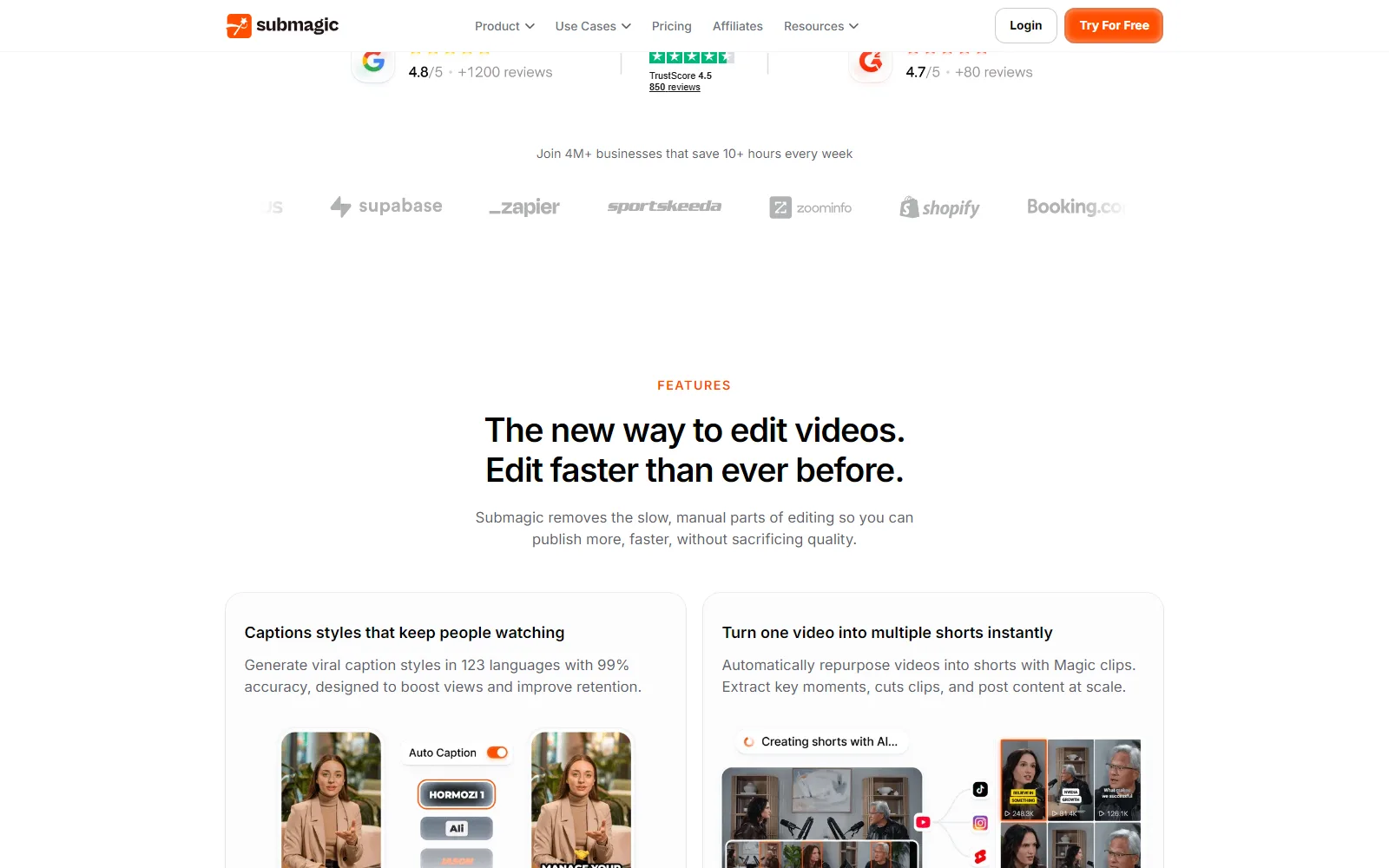
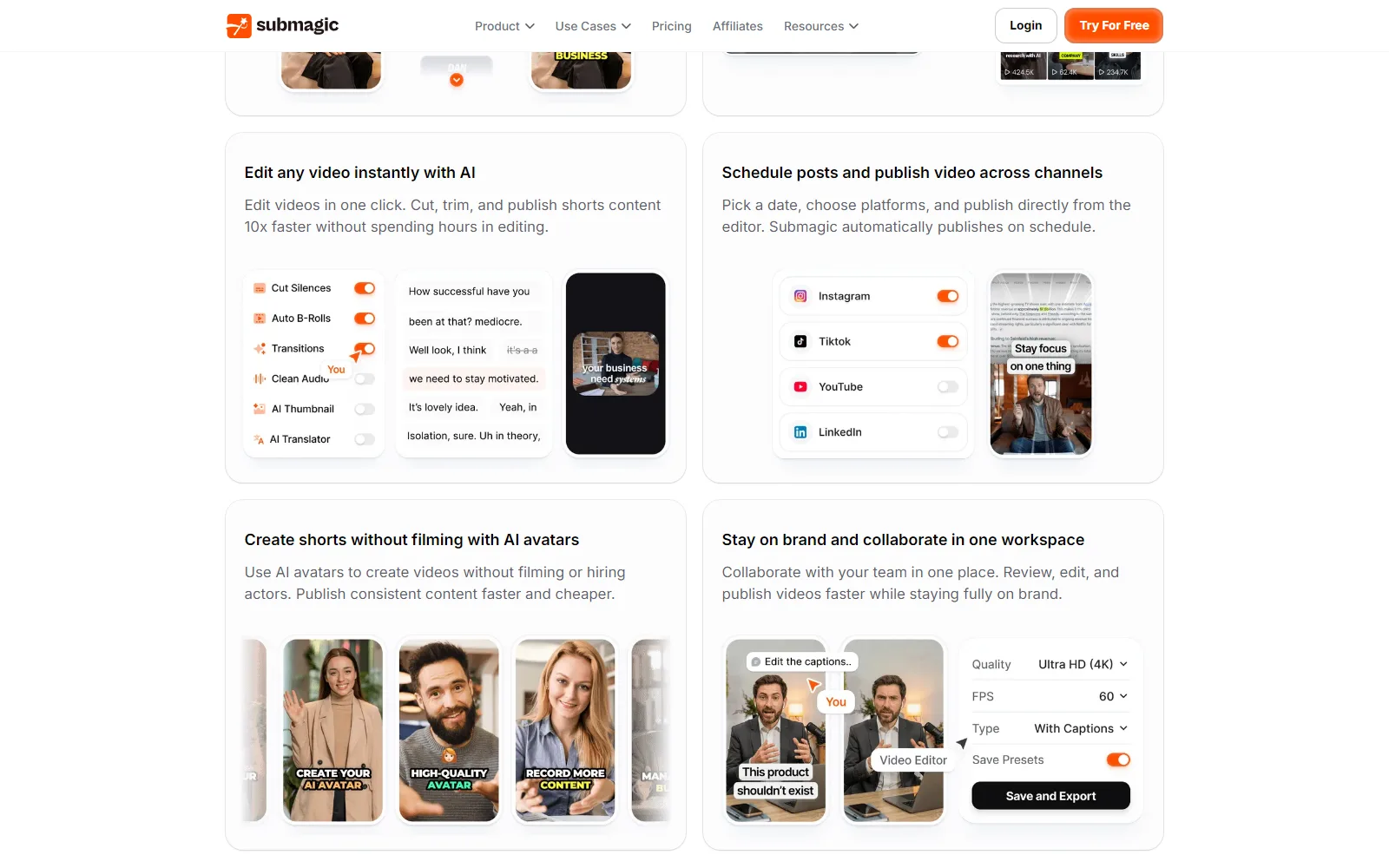
The core case: captions, hook titles, removal of bad takes and silences, and clean audio, applied consistently to every clip. This is what the product is for and what its reviews praise.
Agency work across several accounts
Business allows unlimited users and three publishing profiles per platform. At $0.41 a video billed yearly it is the cheapest unit rate Submagic offers, which suits managing many clients from one subscription.
Keeping a brand consistent across clips
Brand Kit on Pro, and logos, brand assets and unlimited custom templates on Business, mean every clip leaves looking the same. Custom vocabulary on Business also stops product names being mis-transcribed.
Translated captions for other markets
Caption translation is on Starter, the entry plan, so reaching another language does not require an upgrade.
Does Submagic have a free plan?
No free plan is listed. The cheapest way in is Starter at $19 a month, or $12 a month if you pay for the year. That matters for how you evaluate it. With Opus Clip you can process 60 minutes a month at $0 and judge the output. With Submagic the decision has to come from marketing pages, other people's results, or a paid month.
It also changes what the annual discount means. A year at $12 a month is $144 before you have run a single video of your own through it, a reasonable bet only if you already know this is the tool you want.
How much does Submagic cost?
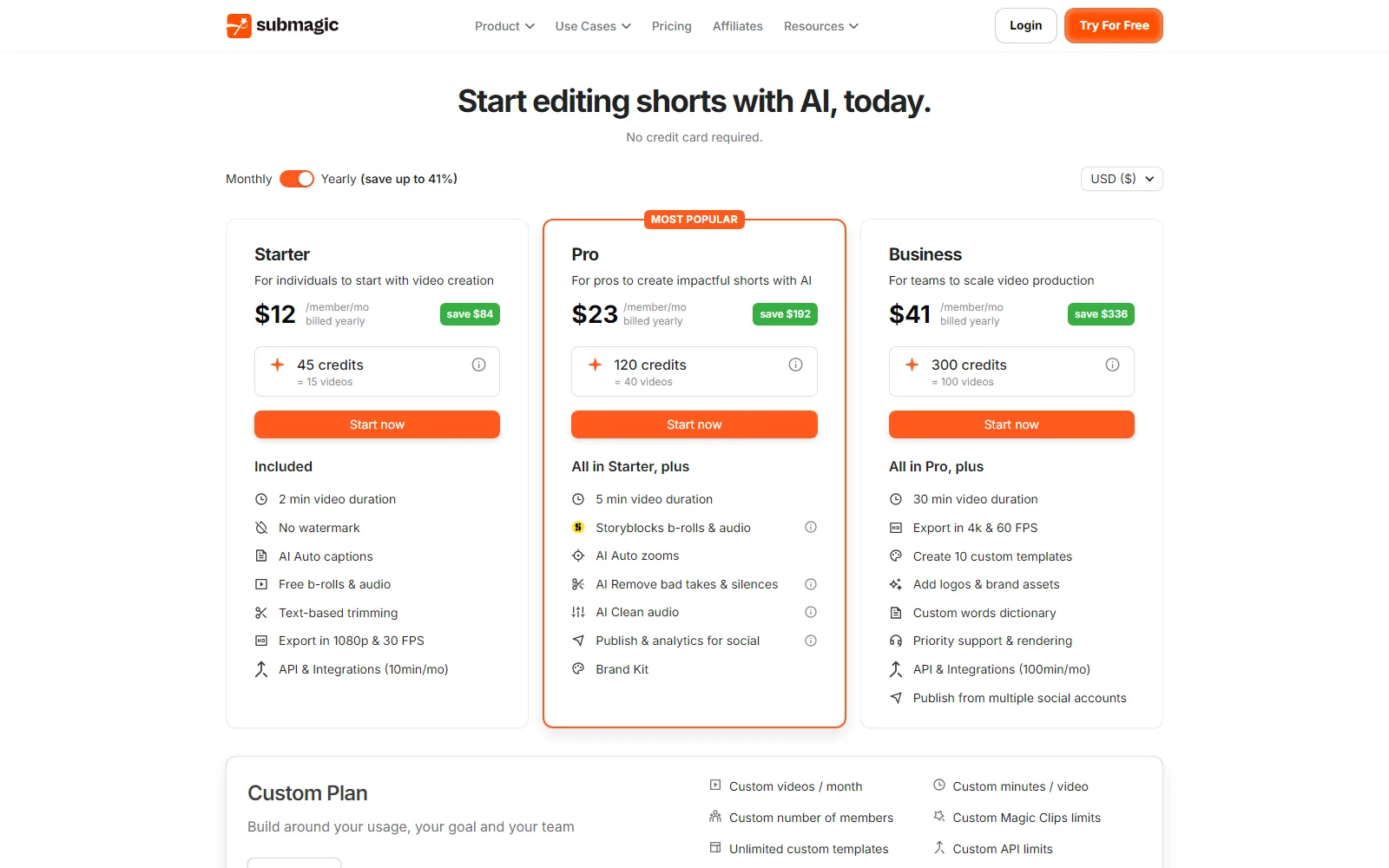
Starter is $19 a month ($12 billed yearly), Pro is $39 ($23 yearly) and Business is $69 ($41 yearly). Custom plans are quoted by sales and add custom video counts, durations and API limits, custom team size and templates, dedicated success support and SSO.
Submagic plans, in USD, checked 24 September 2026 (prices confirmed 13 October 2026)
| Plan | Monthly | Billed yearly | Credits and videos | Max length | Export | Cost a video, yearly |
|---|---|---|---|---|---|---|
| Starter | $19 | $12 | 45 credits, 15 videos | 2 minutes | 1080p / 30fps | $0.80 |
| Pro | $39 | $23 | 120 credits, 40 videos | 5 minutes | 1080p / 30fps | $0.58 |
| Business | $69 | $41 | 300 credits, 100 videos | 30 minutes | 4K / 60fps | $0.41 |
| Custom | Sales | Sales | Custom | Custom | Custom | n/a |
Starter adds no watermark, hook titles, caption translation and 10 API minutes a month. Pro adds Storyblocks b-roll and audio, AI auto-zooms, 3 custom templates, Brand Kit, priority support and priority rendering. Business adds custom vocabulary, 100 API minutes and unlimited users.
The cost per video is our arithmetic: $1.27 on Starter monthly, $0.98 on Pro, $0.69 on Business, and $0.80, $0.58 and $0.41 on annual billing. Most tools reviewed here charge the same or more per unit as you climb, and Submagic does not, which deserves credit. The advertised annual savings check out too: $84 on Starter, $192 on Pro and $336 on Business are exactly twelve times the monthly difference in each case.
What a credit buys, and the limit that binds first
Three credits make one video, consistently across every plan: 45 credits for 15 videos, 120 for 40, 300 for 100. You can plan directly in videos, which is simpler than most credit systems in this category.
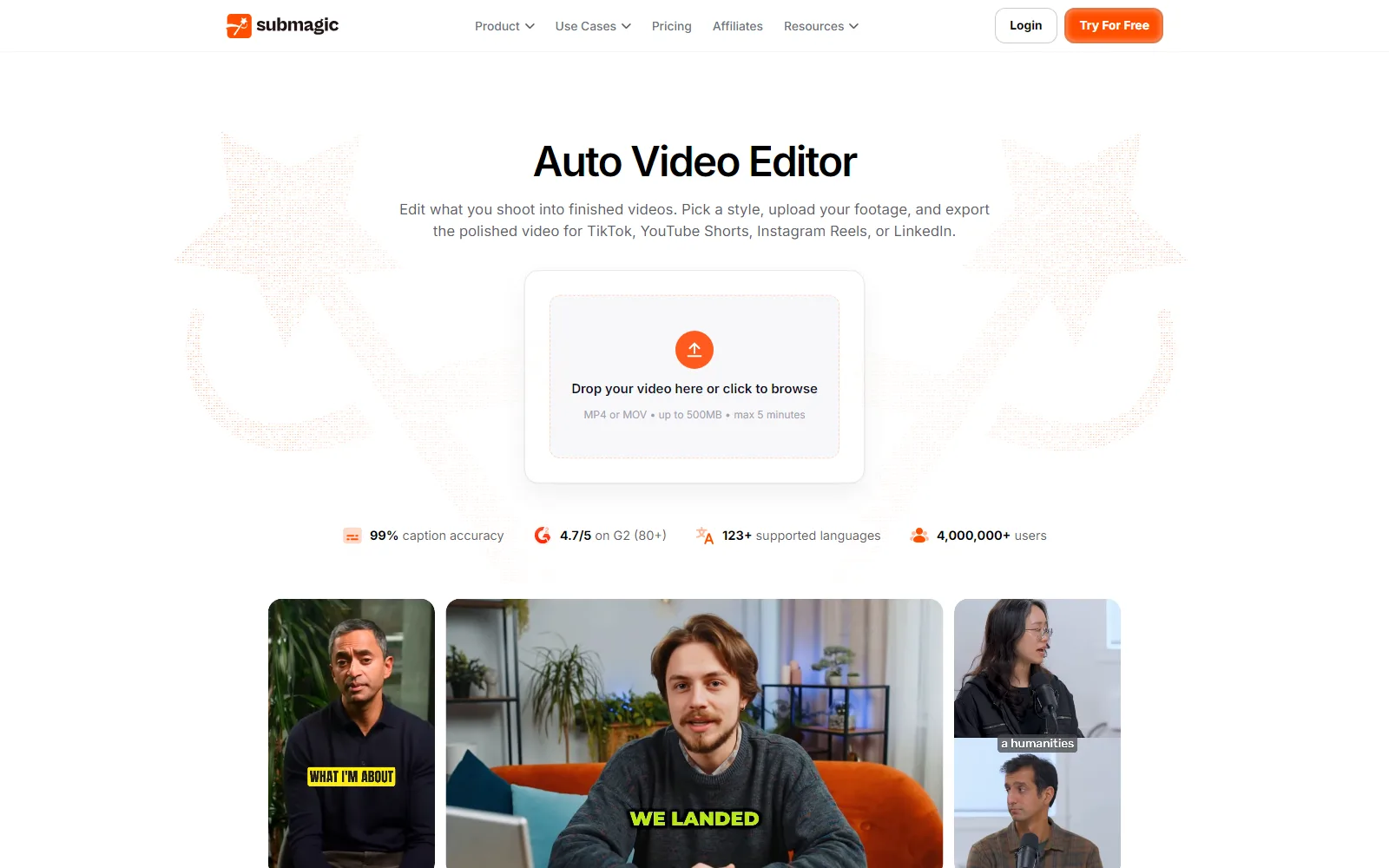
The constraint that actually stops people is the maximum video duration: 2 minutes on Starter, 5 on Pro, 30 on Business. A duration cap is a hard gate. A three-minute video cannot be processed on Starter however much credit is left; you need Pro. A credit limit you can work around by doing less, but the cap simply excludes the file. Two minutes is tight for anything beyond a short social cut, and it is the likeliest reason a Starter subscription turns out to be the wrong tier. Export quality follows the same ladder: 1080p at 30fps on Starter and Pro, and 4K at 60fps only on Business.
The API is priced separately
Plans include a small API allowance, 10 minutes a month on Starter and 100 on Business, and anything beyond that is bought in packs.
Submagic API credit packs, monthly, checked 24 September 2026
| Pack | Price | Per minute |
|---|---|---|
| 250 minutes | $57 | $0.228 |
| 500 minutes | $75 | $0.15 |
| 1,000 minutes | $150 | $0.15 |
| 2,000 minutes | $300 | $0.15 |
| 5,000 minutes | $500 | $0.10 |
| 10,000 minutes | $1,000 | $0.10 |
Two things fall out of the table. The 250-minute pack is poor value at $0.228 a minute, more than 50% above the next one up, which costs only $18 more in total for twice the minutes. And the 500, 1,000 and 2,000 packs share the same rate, so a bigger one gains nothing per minute until 5,000. If you need 250 minutes, buy the 500 pack. Do not round up to 5,000 early either: 2,500 minutes as a 2,000 pack plus a 500 pack costs $375, against $500 for the 5,000 pack.
Submagic vs Opus Clip
They are priced on different units because they do different halves of the job. Opus Clip charges by the minute of source video and finds the clips inside a long recording. Submagic charges by the finished video and styles something you have already cut. Vizard sits on the Opus Clip side of that line and is worth pricing against it on your own volume.
- You have a podcast or a stream. Opus Clip, clearly. Submagic would need you to cut it first, and Starter would reject anything over two minutes.
- You already film short vertical pieces. Submagic. Paying by the minute of source for a 60-second clip is the wrong unit.
- You want to test before paying. Opus Clip, which has a free tier.
Plenty of people run both, and that is a coherent choice: one finds the moment, the other finishes it. If captions are only one part of a longer edit, Descript gives you full editing control.
Who Submagic suits, and who it does not
It suits creators and social teams publishing short vertical video at a steady pace, especially those who already shoot short. Custom vocabulary on Business, which teaches it your product names so they stop being mis-transcribed, only matters once you publish regularly. Business suits an agency in particular: 100 videos a month at $0.41 each billed yearly, unlimited users, 4K output and three publishing profiles per platform is a competitive package for managing several accounts.
It does not suit long-form source material, where a clipper is the right category. It does not suit low volume either: Starter's 15 videos a month cost nearly double Business's rate per video. And it does not suit anyone who wants to try before buying, since no free plan is listed.
Submagic screenshots
More of Submagic's own website, captured . Each caption says which page it shows.
Sources
Every figure on this page was read from the pages below on 24 September 2026. The pricing page was read again on 13 October 2026.
- Submagic pricing: plan prices, annual savings, credit-to-video conversions, duration caps, export quality and API pack rates
- Submagic on Product Hunt: the date it first appeared, day and week rankings, rating and review count
Submagic pros and cons
Pros
- A real volume discount: $1.27 a video on Starter falls to $0.69 on Business, and $0.80 to $0.41 billed yearly
- Credits map to videos at three per video on every plan, so you can plan in videos
- The advertised annual savings of $84, $192 and $336 check out exactly against the monthly prices
- Caption translation is included on the entry plan rather than reserved for higher tiers
- Business allows unlimited users, which makes its per-video rate strong for agencies
Cons
- No free plan is listed, so you cannot evaluate it on your own material before paying
- The 2-minute duration cap on Starter is a hard gate that credits cannot work around
- 4K/60fps export requires Business; Starter and Pro stop at 1080p/30fps
- The 250-minute API pack costs $0.228 a minute, more than 50% above the 500-minute pack
- The 500, 1,000 and 2,000 API packs share one rate, so mid-size packs offer no saving
- It edits short clips rather than finding them, so long-form source material needs a different tool
The bottom line on Submagic
Best for
- Captioning short vertical video
- Agencies managing many accounts
- Consistent branding across clips
Facts checked
Visit SubmagicSubmagic FAQ
Does Submagic have a free plan?
No free plan is listed on its pricing page. The cheapest entry is Starter at $19 a month, or $12 a month billed yearly. If testing before buying matters, Opus Clip's free plan processes 60 minutes a month.
How much does Submagic cost?
Starter is $19 a month or $12 billed yearly, Pro is $39 or $23 yearly, and Business is $69 or $41 yearly. Custom plans are quoted by sales. By our arithmetic that is $1.27, $0.98 and $0.69 a video monthly, or $0.80, $0.58 and $0.41 billed yearly. Checked 13 October 2026.
How many credits does a Submagic video use?
Three. The ratio holds across every plan: 45 credits for 15 videos on Starter, 120 for 40 on Pro and 300 for 100 on Business. The credit number is the video number times three.
What is the longest video Submagic will process?
2 minutes on Starter, 5 minutes on Pro and 30 minutes on Business. It is a hard gate, not a budget: a three-minute video cannot be processed on Starter however many credits are left.
Submagic or Opus Clip?
It depends on what you start from. Opus Clip charges by the minute of source video and finds the clips inside a long recording; Submagic charges by the finished video and styles something already cut. Long podcasts and streams suit Opus Clip, short vertical pieces suit Submagic, and many people run both.
How much does the Submagic API cost?
Plans include 10 API minutes a month on Starter and 100 on Business, with extra minutes in packs: 250 for $57, 500 for $75, 1,000 for $150, 2,000 for $300, 5,000 for $500 and 10,000 for $1,000. The 250 pack is $0.228 a minute against $0.15 for the 500, 1,000 and 2,000 packs, and $0.10 from 5,000.
Alternatives to Submagic
 Opus ClipFree plan + paid upgradesCuts long videos into captioned vertical clips
 VizardFree plan + paid upgradesTurns long videos into short social clips
 DescriptFree plan + paid upgradesEdit video and podcasts by editing the transcript
 Vozo AIFree plan + paid upgradesAI video dubbing, lip-sync and on-screen text translation
 AIVeedFree plan + paid upgradesPay-per-use AI video and image credits across many models

Reviewed by
Amit Kumar
Full Stack AI Strategist
Amit Kumar runs MPAT, where he reviews AI tools and writes its guides. When he covers a tool he checks its pricing, credits and plan limits against the vendor's own pages, so readers know what a plan includes before they pay. He also leads the site's SEO and AI-focused content strategy.