 Reviewed by Amit Kumar
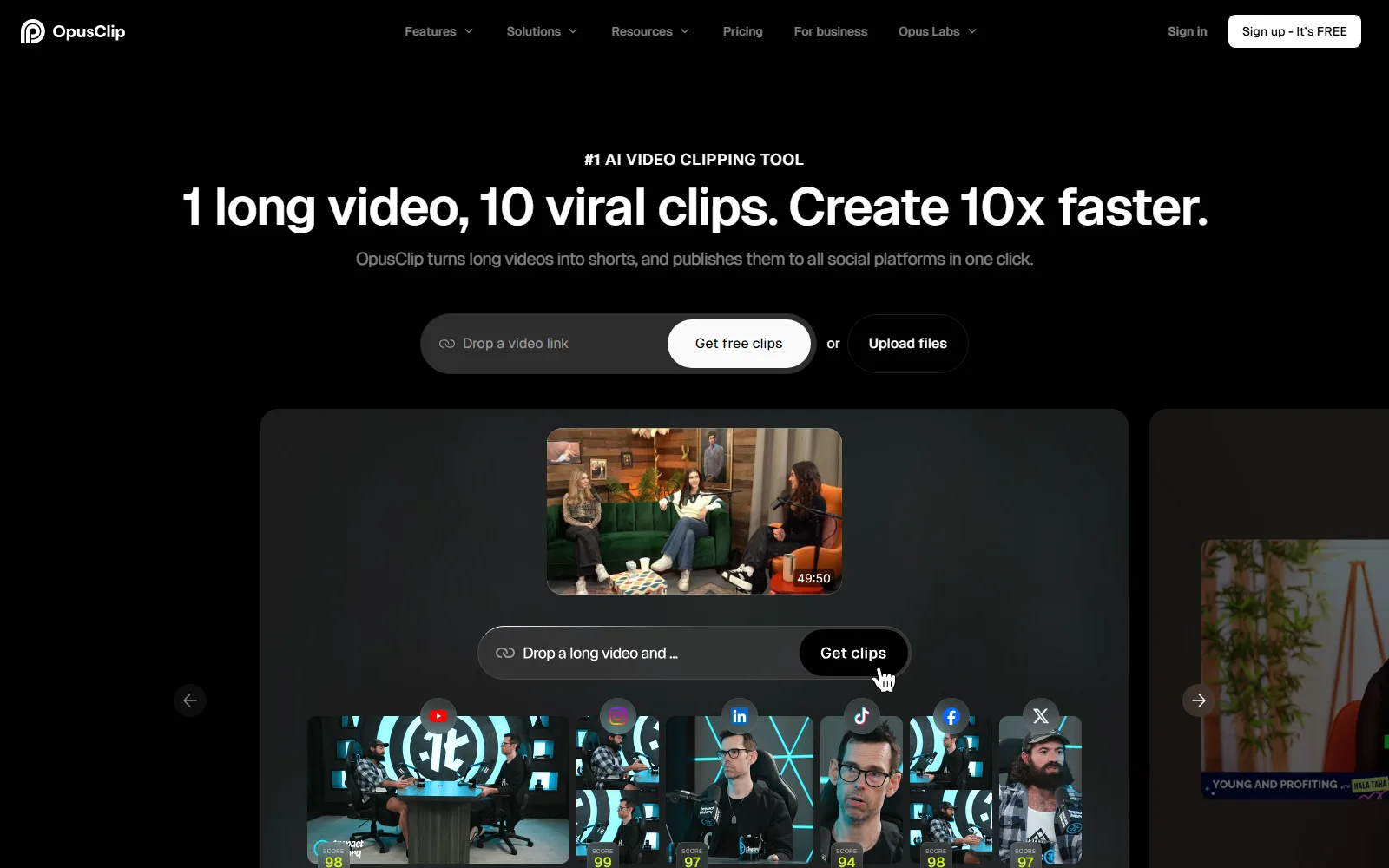
Opus Clip takes one long video, such as a podcast, a webinar, a stream or a talking-head recording, and returns a set of short vertical clips, captioned and ready to post. It is aimed at people sitting on long recordings who want them repurposed without opening an editor. The free plan runs 60 processing minutes a month with a watermark, Starter is $15 a month and Pro is $29 a month.
Fact-checked reviewVideos

Opus Clip Review: Pricing, Free Limits and Minutes
Cuts long videos into captioned vertical clips
Quick verdict
The price is easy to see and the limit is not. Opus Clip's pricing page never states how much video each plan may process. The numbers (60, 150 and 300 minutes a month) are in the help centre, and they are the limit that actually binds. Pro costs about the same per minute as Starter, so the extra $14 buys features, not a discount. And on the free plan, exports expire after three days, so download the day you make a clip.
Best forPodcast episodes into clipsLivestream and VOD highlightsWebinars and conference talks
How we reviewed Opus Clip
Every Opus Clip plan, price and limit in this review comes from Opus Clip's own pages, checked on , and links to the page it came from. All 3 sources are listed at the end. A review cannot be bought. How these reviews are written
On this page
Opus Clip at a glance
Prices come from opus.pro/pricing, which we read on 24 September 2026 and again on 13 October 2026 (the plan prices matched). Processing allowances come from Opus Clip's help centre, read on 24 September 2026. On Product Hunt it first appeared on 11 July 2023 and finished #3 of the day. Later releases kept placing: Captions at #2 of the day in April 2024, ReframeAnything at #2 in March 2025 and Thumbnail at #4 in May 2025. It carries 3.3K followers and a 4.5 rating from 78 reviews.
What is Opus Clip used for?
The work it does is selection as much as editing. It decides which stretches of an hour are worth cutting, then reframes them to keep the speaker in a 9:16 frame.
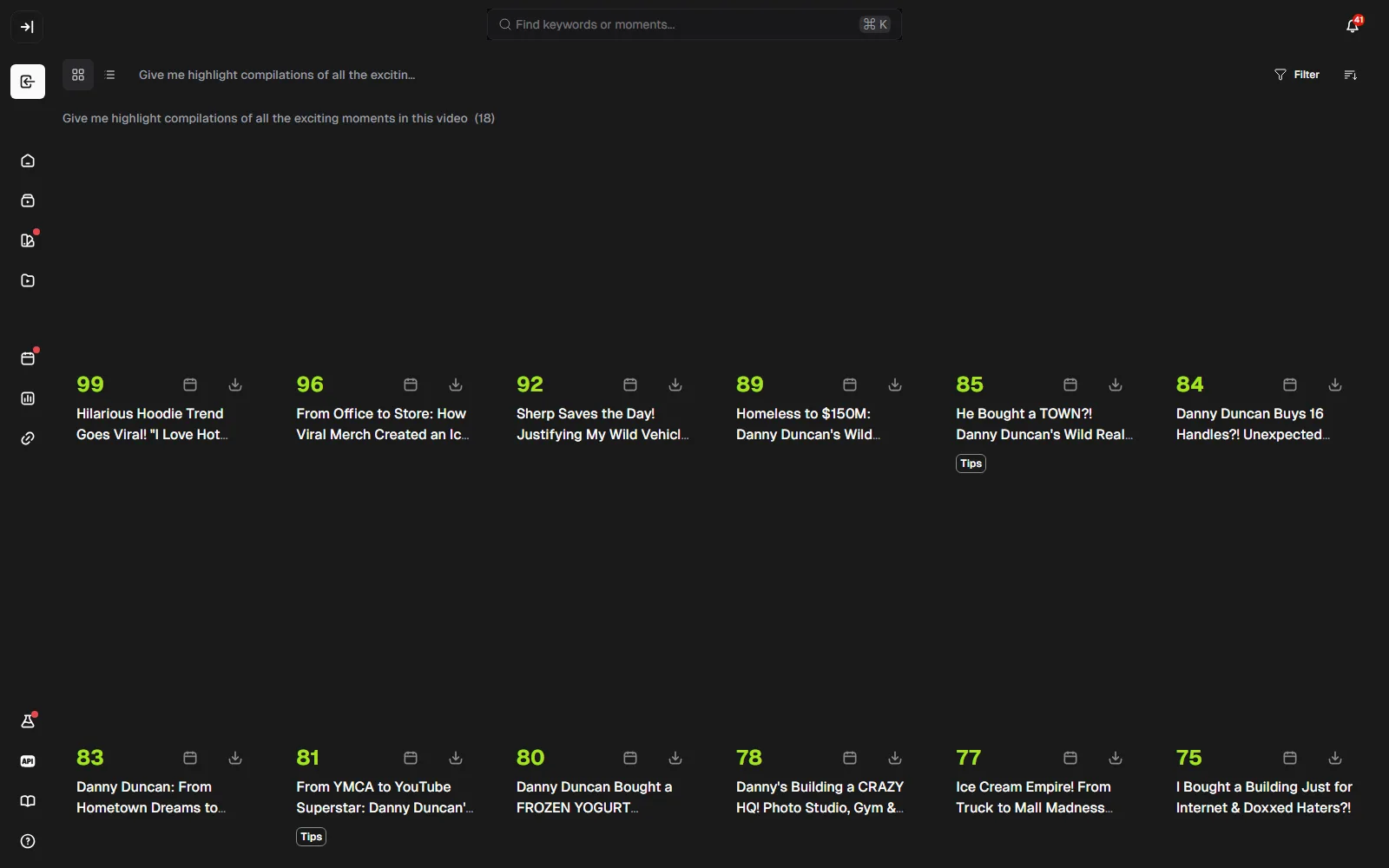
Podcast episodes into weekly clips
The original use case and still the strongest. One hour-long episode yields a week of vertical clips, captioned and reframed. Budget for it properly: a weekly hour is around 240 source minutes a month, which is above Starter's 150.
Livestream and VOD highlights
Pro imports from Twitch alongside 15+ other sources, which matters when the source is not a file you have locally. Long streams eat the minute allowance quickly, so the annual 3,600-minute pool suits them.
Webinars and conference talks
A recorded talk becomes a set of quotable moments for social without a video editor in the loop. Clipping by emotion and by genre, both paid features, tend to beat clipping by spoken words on this material.
Repurposing to several platforms at once
Pro's scheduler posts to 6+ platforms; Starter posts to YouTube Shorts, TikTok and Instagram only. If being on every surface is the point, that difference is the reason to be on Pro rather than the extra minutes.
Is Opus Clip free?
Yes, with three restrictions that decide whether the free plan is usable: a watermark, a 60 processing minutes a month ceiling, and exports that expire after three days. The free plan covers:
- Allowance: 60 processing minutes a month, from the help centre. This counts the length of the video you feed in, not the clips that come out. That is enough for one long episode, so the free plan is a fair way to see whether the automatic selection picks the moments you would have picked.
- Watermark: present, and not removable on the free plan.
- Storage: none. Exports are available for three days and then they are gone.
- Resolution: up to 1080p.
- Imports: local files up to 10GB, and YouTube.
- Clipping method: by spoken words only. The visual, sound, emotion and genre-based methods are paid.
- Posting: none. You download and upload by hand.
- Support: Discord and an AI chat.
The three-day expiry is the one that catches people. It is a clock that starts when the clip is made, not a quota you can manage around, and a free account that does not download promptly loses the work.
How much does Opus Clip cost?
Starter is $15 a month and Pro is $29 a month. Free is $0 and Business is quoted by sales. The pricing page does not publish annual prices.
Opus Clip plans, in USD, checked 24 September 2026 (prices confirmed 13 October 2026). Processing minutes are from the help centre, not the pricing page.
| Plan | Price | Processing minutes | Exports | Posting |
|---|---|---|---|---|
| Free | $0 | 60 a month | Expire after 3 days, 1080p, watermarked | None |
| Starter | $15/mo | 150 a month | 29 days, highest resolution, no watermark | YouTube Shorts, TikTok, Instagram |
| Pro | $29/mo | 300 a month, or 3,600 a year | No limit, 100GB storage | 6+ platforms with a scheduler |
| Business | Sales | Not published | Unlimited storage | All platforms, CMS integration |
Per processing minute that is $0.10 on Starter and about $0.097 on Pro, our arithmetic: plan price divided by the monthly minute allowance. The two are within a third of a cent of each other, so Pro is not a volume discount. It is the same rate with more attached. Decide on the features and treat the extra 150 minutes as something you get, not something you are buying.
What the extra $14 buys: AI B-roll, dubbing, sound effects and speech enhancement; 15+ import sources including Twitch, Facebook and Dropbox; a scheduler across 6+ platforms; 100GB of storage instead of an expiry clock; the Video Editing and Scheduler APIs; team seats in packs of two up to four; and live chat support rather than Discord. Starter also adds AI voice-over at 20 a day. Business adds a dedicated enterprise processing queue, unlimited storage and member seats, SSO, custom onboarding, and invoice and ACH payment.
The allowance is not on the pricing page
The pricing page lists four plans and never says how much video each may process. Those figures are the binding constraint: everything else on the page is a feature you use or skip, while the minute allowance is what stops you working in the third week of the month.
A podcast is the clearest example. One weekly hour-long episode is roughly 240 minutes of source video a month, which exceeds Starter's 150 and nearly exhausts Pro's 300, and that is before a single re-run. Someone sizing a plan from the pricing page alone would not see that coming.
Minutes and credits are used interchangeably
The help centre moves between "processing minutes" and "credits" without defining the relationship. Pro top-up packs, for instance, are described as "300 more credits per month for video processing", the same number as the plan's minutes under another name. Read them as one unit until Opus Clip says otherwise, and confirm with support before buying top-ups at volume.
Annual is quoted in a different unit again
Pro on annual billing is listed as 3,600 minutes a year. That is 300 a month with no monthly reset in between, which beats twelve separate 300-minute months: a heavy week in January can borrow from a quiet February. The pricing page does not mention the annual option at all.
Opus Clip vs Submagic and Vizard
They are priced on different units, so the comparison is less about cost and more about what you feed in. Opus Clip charges by the minute of source video. Submagic charges by the finished video, 45 credits for 15 videos on its $19 Starter plan, and caps each one at two minutes on that tier. Vizard sits in the same category and is the closest like-for-like, so price it against Opus Clip on your own volume.
If you record long and cut many clips, a minutes-based plan is the cheaper unit. If you already have short pieces to caption and style, a per-video plan is, though Submagic has no free tier to test that on and Opus Clip does. Submagic's cheapest plan also holds the two-minute cap regardless of credits left, while Opus Clip has no per-clip length cap of that kind on paid plans.
Who Opus Clip suits, and who it does not
It suits podcasters, streamers, webinar hosts and teams turning conference talks into social clips. The scheduler on Pro is what turns it from a clipping tool into a publishing workflow, and that is where the $29 starts paying for itself. Stay on the free plan if you publish from one long recording a month.
It does not suit someone whose raw material is already short: at 60 seconds in and 60 seconds out, you pay a minutes-based rate for a job per-video pricing does better, and Submagic is the cheaper unit. Nor does it suit anyone who needs frame-level control. The point of the product is that it makes the selection decisions, and if you intend to overrule them, Descript and its transcript-based editing are closer to what you want.
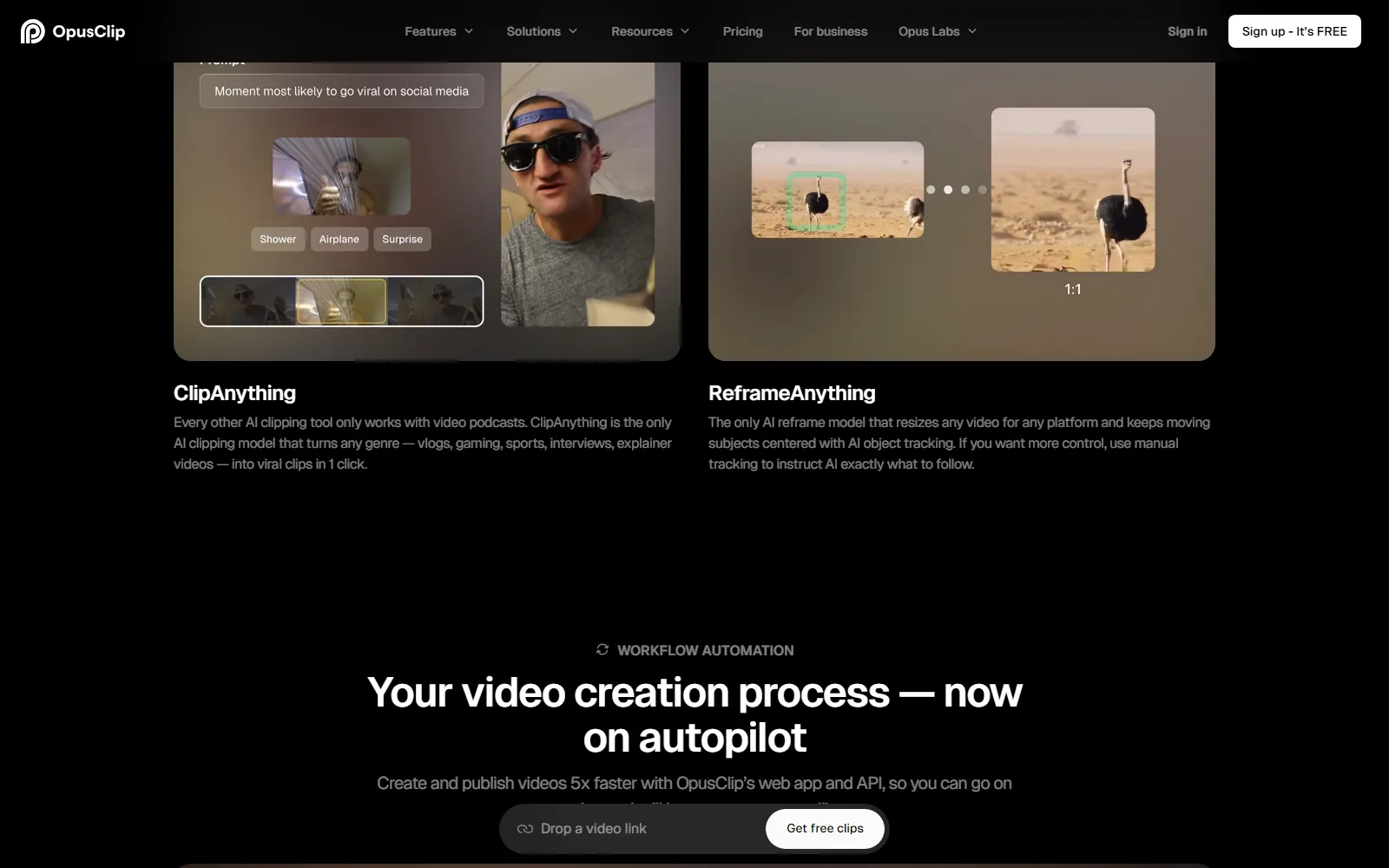
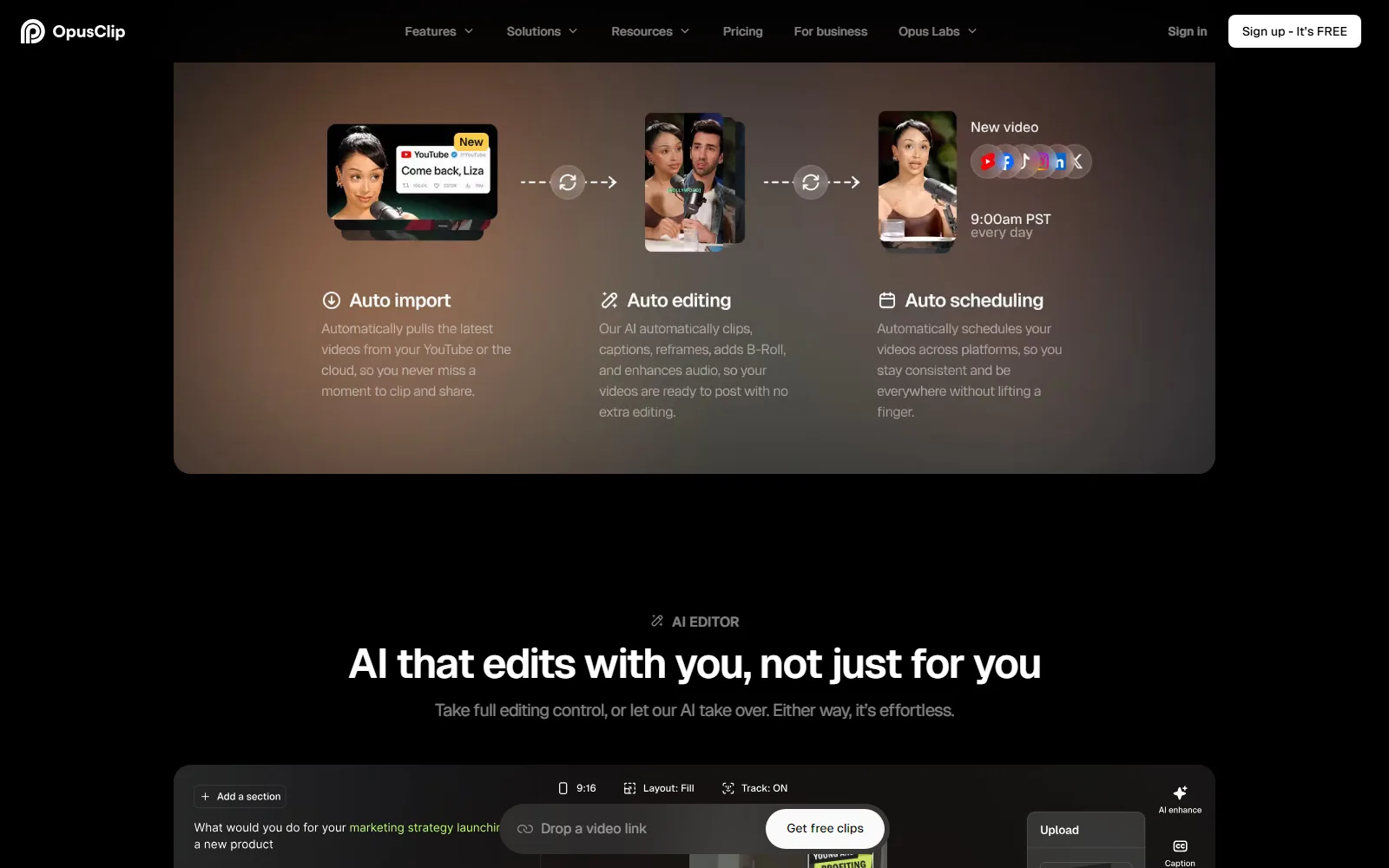
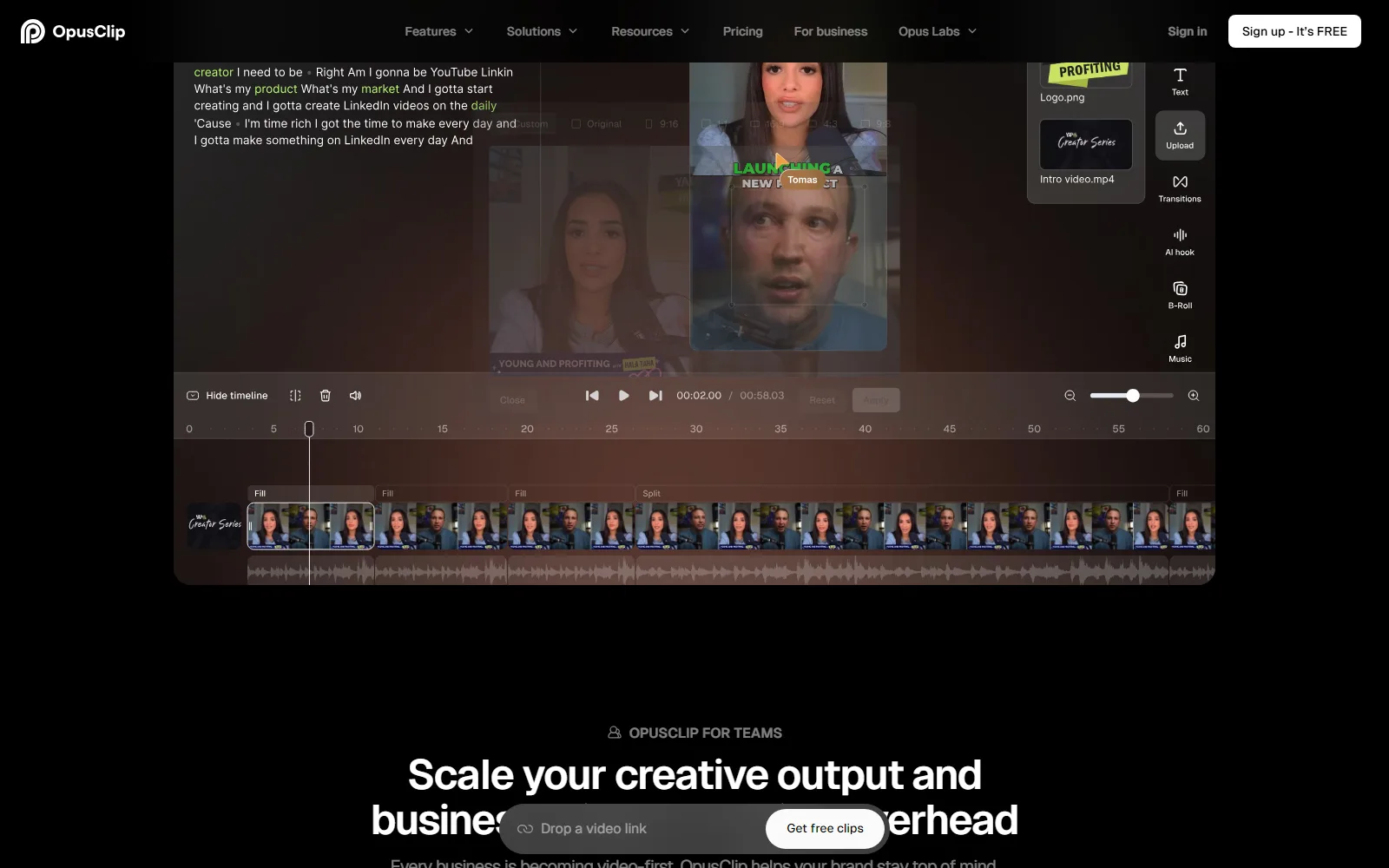
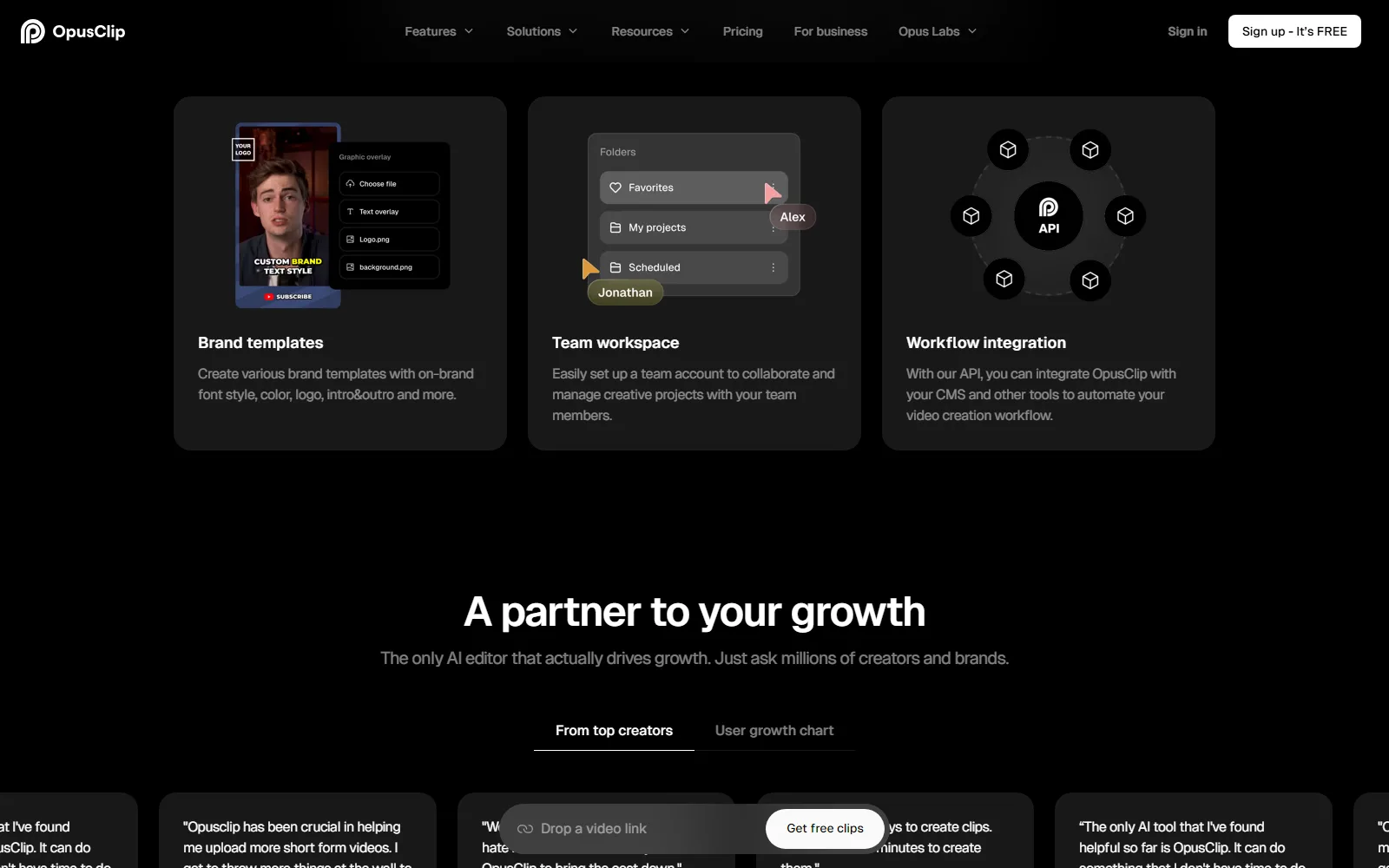
Opus Clip screenshots
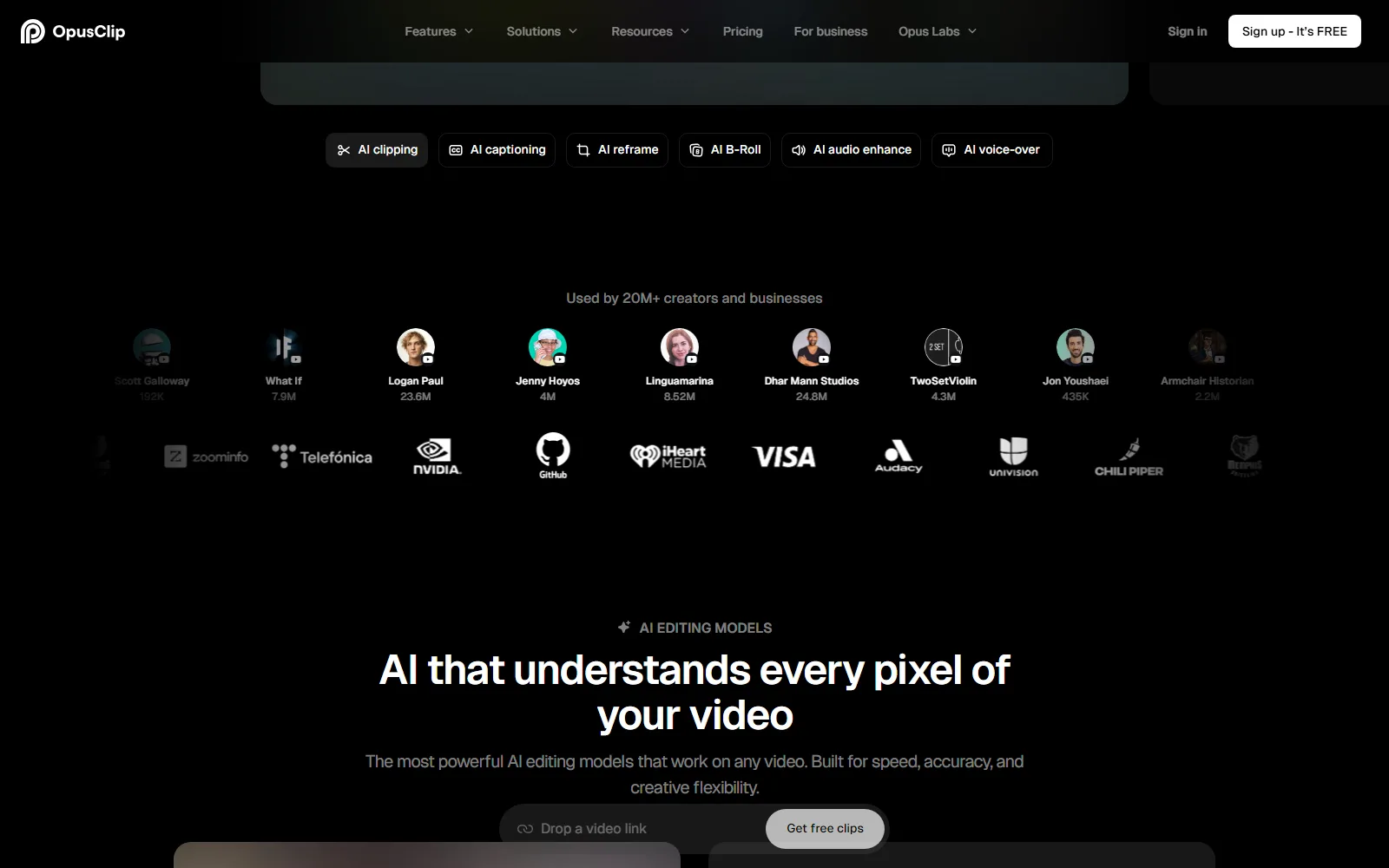
More of Opus Clip's own website, captured . Each caption says which page it shows.
Sources
Every figure on this page was read from the pages below on 24 September 2026. The pricing page was read again on 13 October 2026.
- Opus Clip pricing: plan prices, export windows, watermark, import sources, posting and team seats
- Opus Clip help centre: plans and credits: the 60 / 150 / 300 processing-minute allowances, the annual 3,600 figure, and the interchangeable use of minutes and credits
- Opus Clip on Product Hunt: the date it first appeared, daily rankings across four releases, rating and review count
Opus Clip pros and cons
Pros
- A free plan with a real allowance: 60 processing minutes a month, enough for one long episode
- Charges by source minute, the cheaper unit when you cut many clips from one recording
- Annual Pro pools 3,600 minutes across the year instead of resetting monthly
- The Pro scheduler turns it into a publishing workflow across 6+ platforms
- A 4.5 rating from 78 Product Hunt reviews, the deepest review base among the short-form video tools reviewed here
Cons
- The pricing page never states the processing-minute allowance, which is the limit that binds
- Free exports expire after three days, so work not downloaded promptly is lost
- Pro costs nearly the same per minute as Starter, so there is no volume discount for moving up
- The help centre uses 'processing minutes' and 'credits' interchangeably without defining the relationship
- No annual pricing is shown on the pricing page even though an annual Pro allowance exists
- Poor value when the source material is already short, where per-video pricing is cheaper
The bottom line on Opus Clip
Best for
- Podcast episodes into clips
- Livestream and VOD highlights
- Webinars and conference talks
Facts checked
Visit Opus ClipOpus Clip FAQ
Is Opus Clip free?
Yes. The free plan gives 60 processing minutes a month, up to 1080p, with an Opus Clip watermark. Clipping is by spoken words only and exports expire after three days, with no storage, so anything you do not download promptly is gone.
How much does Opus Clip cost?
Starter is $15 a month and Pro is $29 a month, checked on opus.pro/pricing on 13 October 2026. Free is $0 and Business is quoted by sales. The pricing page does not publish annual rates.
How many minutes does each Opus Clip plan include?
60 processing minutes a month on Free, 150 on Starter and 300 a month on Pro, or 3,600 for the year on annual billing. Business is not published. These figures are in the help centre, not the pricing page, and they count the video you upload, not the clips returned.
What does Opus Clip cost per minute?
About $0.10 a processing minute on Starter ($15 for 150 minutes) and about $0.097 on Pro ($29 for 300), our arithmetic from the published prices and allowances. Pro is the same rate with B-roll, dubbing, the scheduler, storage, APIs and team seats attached.
Is Opus Clip or Submagic cheaper?
It depends on your source material. Opus Clip bills by the minute of video you feed in; Submagic bills by the finished video, 45 credits for 15 videos on its $19 Starter plan, each capped at two minutes. Long recordings cut into many clips favour Opus Clip, short pieces favour Submagic.
Can Opus Clip post to social media for me?
On paid plans, yes. Starter posts to YouTube Shorts, TikTok and Instagram, and Pro adds a scheduler across 6+ platforms plus a Scheduler API. The free plan has no posting, so you download each clip and upload it yourself within the three-day window.
Alternatives to Opus Clip
 SubmagicPaid onlyCaptions, cleans and styles short vertical video
 VizardFree plan + paid upgradesTurns long videos into short social clips
 AIVeedFree plan + paid upgradesPay-per-use AI video and image credits across many models
 AnimeArcPaid onlyTurns one story idea into an AI anime drama
 DescriptFree plan + paid upgradesEdit video and podcasts by editing the transcript

Reviewed by
Amit Kumar
Full Stack AI Strategist
Amit Kumar runs MPAT, where he reviews AI tools and writes its guides. When he covers a tool he checks its pricing, credits and plan limits against the vendor's own pages, so readers know what a plan includes before they pay. He also leads the site's SEO and AI-focused content strategy.