
 Reviewed by Amit Kumar
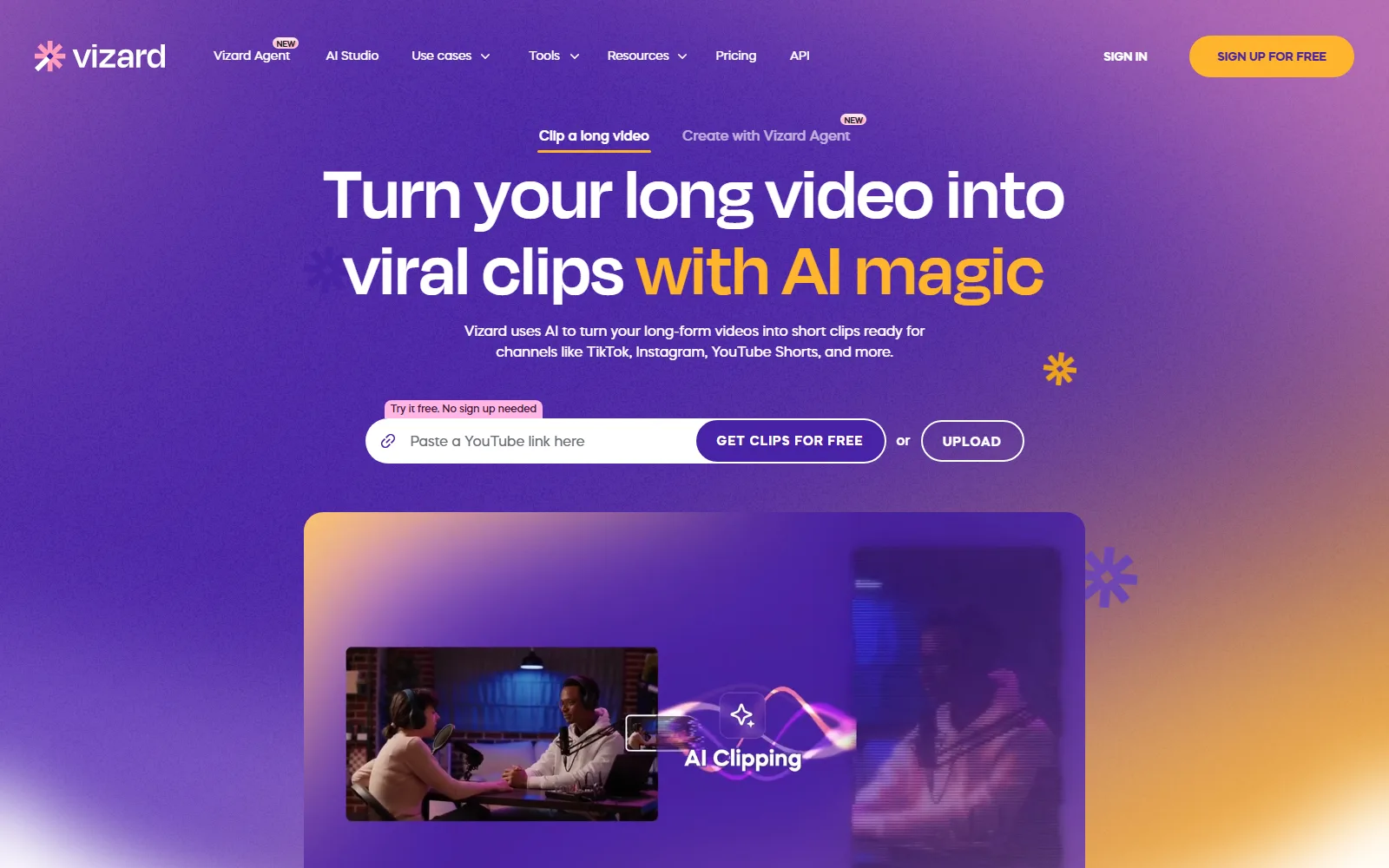
Vizard is an AI clipping tool: you upload a long video such as a podcast, webinar or interview, and it proposes short vertical clips with captions for TikTok, Instagram and YouTube Shorts. It is built for creators, marketers, coaches and agencies who repurpose recordings. There is a Free plan at $0, Creator at $29 a month ($14.50 a month billed yearly) and Business at $39 a month ($19.50 billed yearly).
Fact-checked reviewVideos

Vizard Review: Pricing, Free Plan and Credit Limits
Turns long videos into short social clips
Quick verdict
The pricing is simple, but it is metered by the minute. One credit equals one minute of video you upload, so a 60-minute podcast uses 60 credits whether or not you keep any clips. The Free plan's 60 credits therefore cover about one hour of source footage a month. The other catch sits in the Terms, which let Vizard use the content you process to improve its models.
Best forPodcast episodes into clipsWebinar repurposingAgency social video output
How we reviewed Vizard
We read Vizard's pricing page, homepage, Terms of Service and Privacy Policy on 13 October 2026, and each fact below links to its source.
Every Vizard plan, price and limit in this review comes from Vizard's own pages, checked on , and links to the page it came from. All 4 sources are listed at the end. A review cannot be bought. How these reviews are written
On this page
Vizard at a glance
| Question | Short answer |
|---|---|
| Plans | Free, Creator, Business, plus custom plans through sales |
| Free allowance | 60 credits a month, 720p export, 3-day storage, watermark |
| Credit rule | 1 credit = 1 minute of uploaded video |
| Refunds | Within 7 days of purchase, if the services have not been used |
| Company | Vizard, Corp., California law |
| Prices read | vizard.ai/pricing, 13 October 2026 |
What is Vizard used for?
The Vizard homepage lays out a three-step workflow: upload and transcribe a video, click to generate AI clips, then download or publish.
Clip generation and reframing
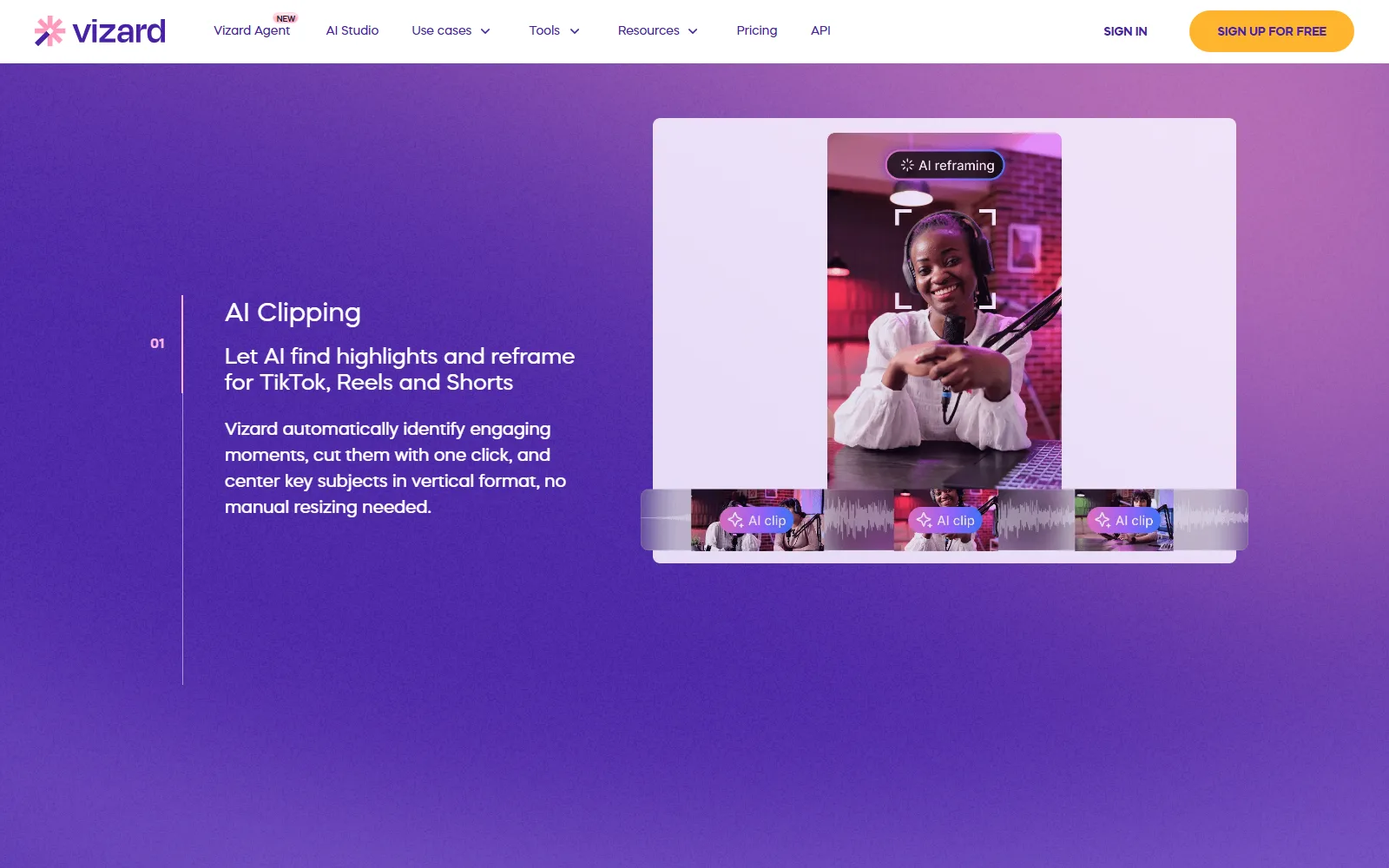
The AI finds highlights, cuts them and reframes them vertically, keeping key subjects centred. The homepage promises "30+ clips, in one click" from a long video. Treat that as the vendor's claim, since it is not tied to a plan limit.
Captions and extras
Captions, AI emoji, AI B-roll and AI-written social captions and hashtags are listed on the homepage.
Editing by transcript
The editor lets you delete transcript text to cut the matching footage. It also has timeline editing, aspect-ratio changes and brand templates. Caption translation covers over 100 languages, per the homepage.
Publishing and teams
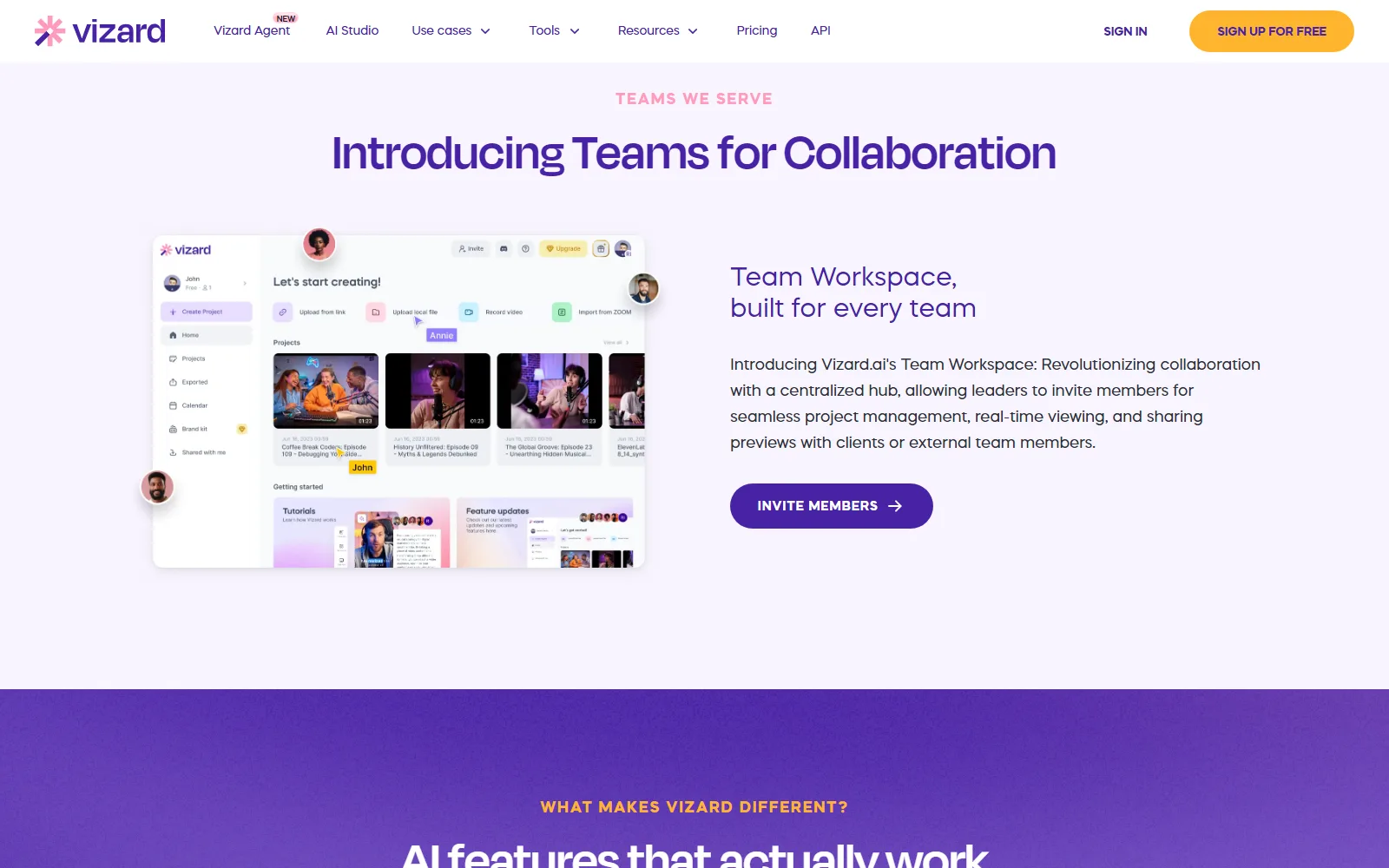
You can download clips, share them as links or publish from Vizard. Creator adds scheduled posts. Team workspaces let members join and view projects, and share previews with clients. The homepage also lists Vizard Agent, AI Studio and an API; the pricing page gives API rate limits of 1 a minute on Free, 3 on Creator and 10 on Business.
Who Vizard is for, and who should skip it
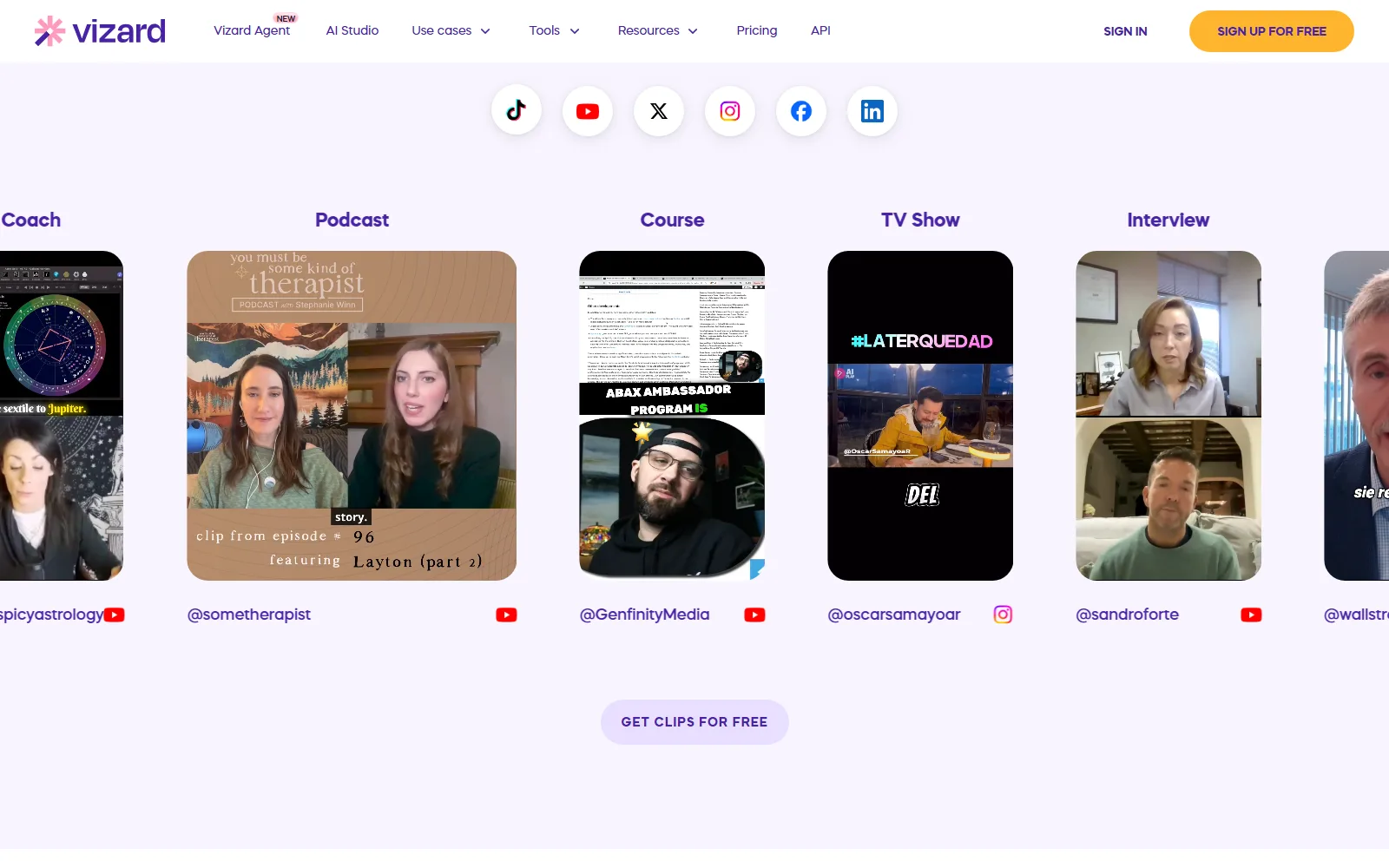
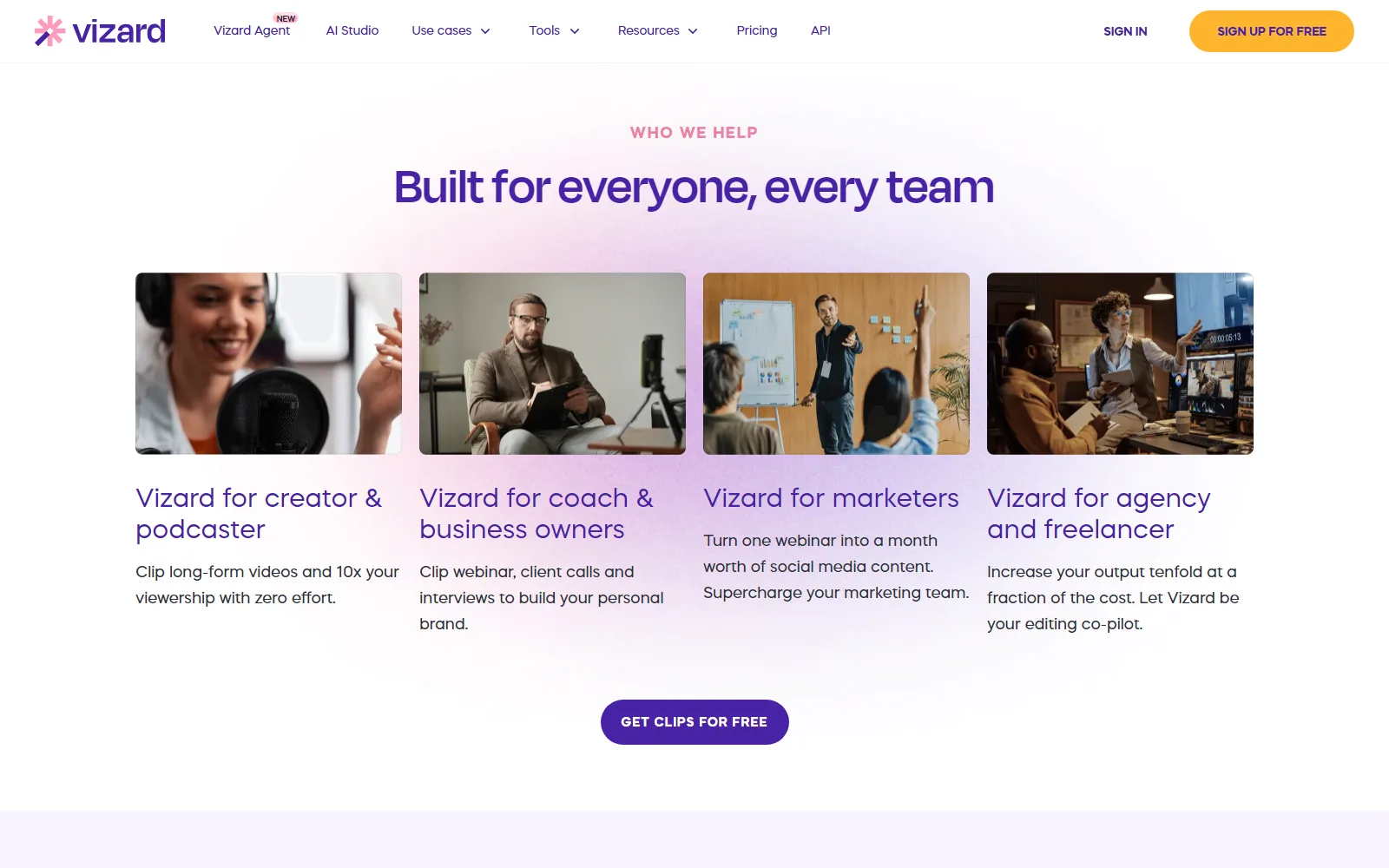
The homepage names creators and podcasters, coaches and consultants, social and event marketers, and agencies and freelancers. It fits anyone with hours of recorded talk and little editing time.
- Skip it if you upload a lot of footage. Every uploaded minute costs a credit, and Free stops at 60.
- Skip the Free plan for client work. It exports at 720p with a watermark, and Creator is where "no watermark" starts.
- Think twice about confidential recordings. The Terms allow machine-learning use of processed content (see data section below).
- Check seats first if you run a team. Business adds invited members at a published $5 a month per seat.
How much does Vizard cost?
Prices below are US dollars, read on the Vizard pricing page on 13 October 2026. Yearly billing is advertised as 50% off.
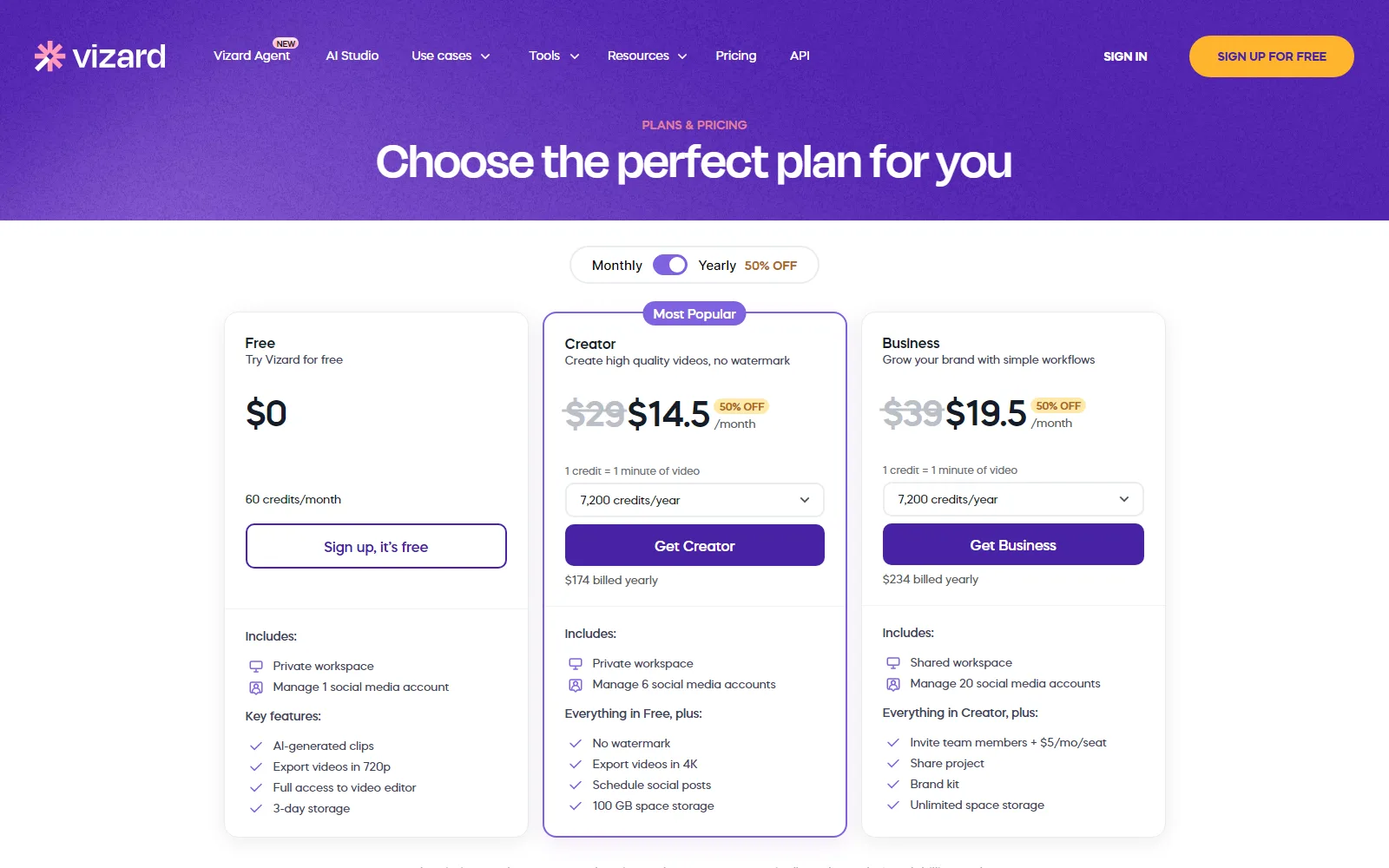
| Plan | Monthly | Yearly, per month | Limits and extras |
|---|---|---|---|
| Free | $0 | $0 | 60 credits a month, 1 social account, 720p export, exports up to 10 minutes, 3-day storage, upload up to 60 minutes and 1 GB |
| Creator | $29 | $14.50 ($174 billed yearly) | From 600 credits, 6 social accounts, no watermark, 4K export, scheduled posts, 100 GB storage, upload up to 600 minutes and 30 GB |
| Business | $39 | $19.50 ($234 billed yearly) | Everything in Creator plus shared workspace, 20 social accounts, team members at $5 a month per seat, shared projects, brand kit, storage for as long as you subscribe |
The comparison table lists "From 600" monthly credits for both paid plans, with a slider for higher volumes. It does not show what the monthly price is for each credit step, so the cost grows with volume. The 600-credit start is the figure we could read; confirm what your chosen monthly or yearly toggle gives before paying.
Per the page, Creator and Business renew automatically at the end of each billing cycle, and the card on file is charged. The billing FAQ says payments go through Stripe and the cancellation route is the Workspace-Subscription screen, with the plan expiring at the end of the billing cycle. For refunds, the Vizard Terms of Service allow a request within 7 days of purchase if the services have not been used.
Is Vizard free?
Yes. The Free plan is $0 and gives 60 credits a month, one social account, a private workspace, AI-generated clips and full access to the video editor. The limits are the 720p export, the watermark, the 10-minute export length and storage that lasts 3 days. The homepage says "Try it free. No sign up needed."
How Vizard handles your content
The Terms of Service are dated 31 October 2022, and the Vizard Privacy Policy carries the same date. Read on 13 October 2026, they say the following.
- Licence. By uploading you grant Vizard a nonexclusive, perpetual, irrevocable, worldwide, sub-licensable licence to use, host, reproduce and display your content, "solely for the operation and maintenance of the Website".
- Machine learning. The Terms say the service may use machine learning "to calibrate data models, and improve algorithms" while processing user content and usage data. Nothing in the Terms prohibits using that to tune the underlying models. This is not a promise that your video is excluded from improvement work.
- Analytics. The Privacy Policy names Microsoft Clarity and Microsoft Advertising for behavioural metrics, heatmaps and session replay.
- Deletion. You can delete certain personal information, but Vizard may keep a copy for the time needed for its legal obligations and partners.
- Moderation. Vizard may remove or block content on complaint, an infringement notice, an order of a public authority or if it sees risk.
Where Vizard's own pages disagree
- The seat price. The comparison grid on the pricing page showed a seat charge that read as $0 in one rendering, while the plan card says $5 a month per seat. Go by the card, and confirm at checkout.
- Refunds. The pricing billing FAQ describes cancelling at the end of the cycle and says nothing about refunds, while the Terms allow one within 7 days if unused.
- Dates. The Terms and Privacy Policy are both dated October 2022, yet the Terms reference the Publish to YouTube feature and the product now includes newer tools such as Vizard Agent, so the legal pages may not describe every current feature.
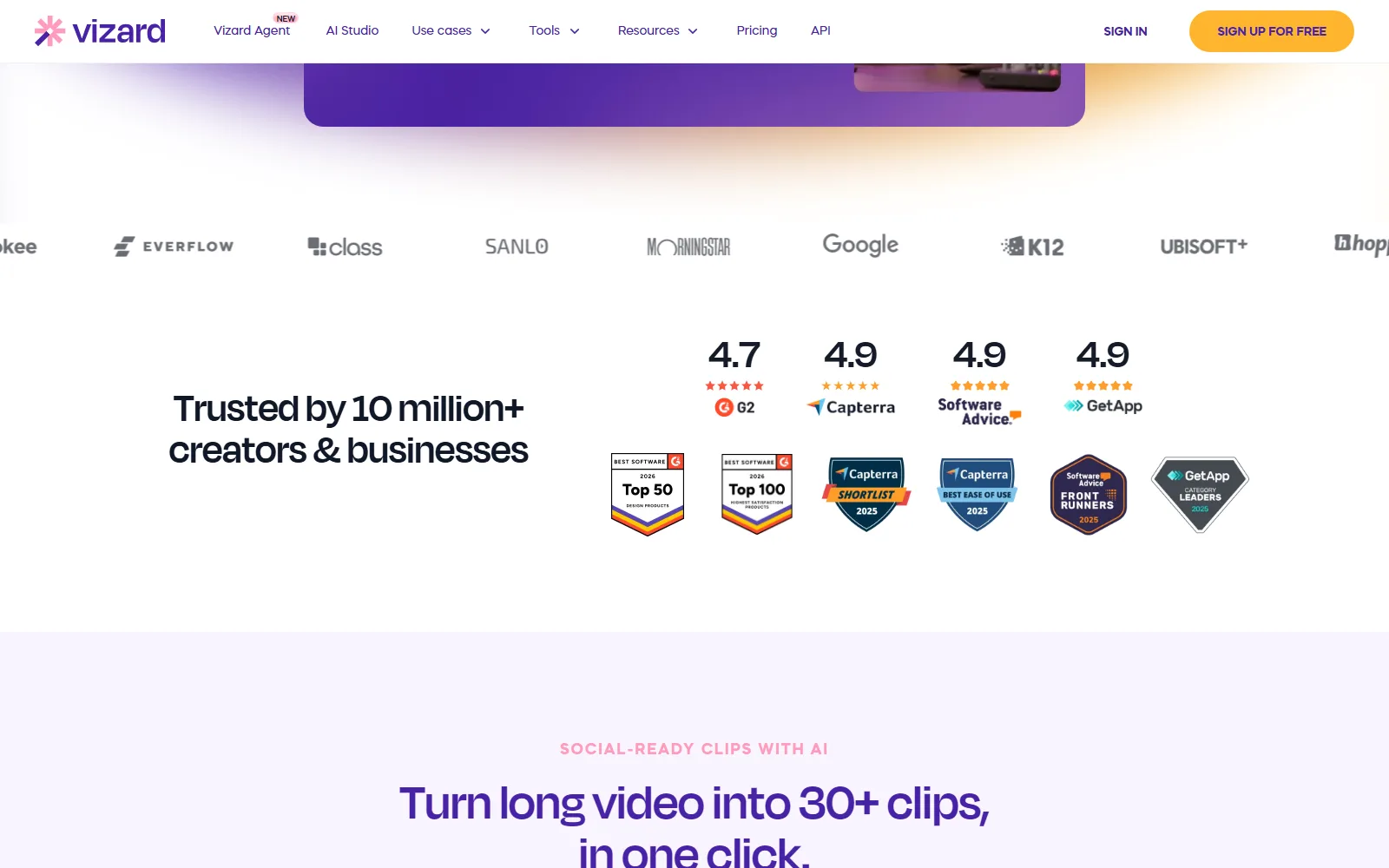
- Scale claim. The homepage says it is trusted by 10 million+ creators and businesses. No paying-customer count is given, so the figure cannot be compared with plan sizes.
How Vizard compares with other tools reviewed here
Vizard vs Opus Clip. Both turn long videos into short clips. Our Opus Clip review (checked 24 September 2026) shows a Free plan with 60 processing minutes a month and watermarked exports, Starter at $15 a month with 150 minutes and Pro at $29 a month with 300 minutes. Vizard's Creator is also $29 a month, but its minimum credit allowance is shown as 600.
Vizard vs Submagic. Submagic is built around captions and edits, with Starter at $19 a month (or $12 billed yearly) for 15 videos a month capped at 2 minutes each, per our review checked 24 September 2026. Vizard meters by uploaded minute rather than by number of videos.
For more options, browse the video AI tools.
Vizard screenshots
More of Vizard's own website, captured . Each caption says which page it shows.
Sources
- vizard.ai/pricing, read 13 October 2026
- vizard.ai, read 13 October 2026
- vizard.ai/user-service.html, read 13 October 2026
- vizard.ai/privacy-policy.html, read 13 October 2026
Vizard pros and cons
Pros
- Free plan includes AI clips and the full editor with 60 credits a month
- Paid prices are published: $29 and $39 a month, half that on yearly billing
- Creator removes the watermark and exports in 4K
- Business adds shared projects, a brand kit and unlimited storage while subscribed
- Refund possible within 7 days if the services have not been used
Cons
- Every uploaded minute costs a credit, so Free covers about an hour of footage
- Free exports at 720p with a watermark and deletes storage after 3 days
- Terms allow machine-learning use of processed content and a perpetual licence
- Extra Business team members cost $5 a month each
- Terms and Privacy Policy are dated October 2022
The bottom line on Vizard
Best for
- Podcast episodes into clips
- Webinar repurposing
- Agency social video output
Facts checked
Visit VizardVizard FAQ
Is Vizard free?
Yes. The Free plan is $0 with 60 credits a month, one social account, 720p export, a watermark and 3-day storage (vizard.ai/pricing, read 13 October 2026). Creator removes the watermark.
How much does Vizard cost?
Creator is $29 a month, or $14.50 a month billed yearly at $174. Business is $39 a month, or $19.50 a month billed yearly at $234. Yearly billing is advertised as 50% off.
What is a Vizard credit?
One credit equals one minute of video. Every minute you upload costs 1 credit, so a 60-minute recording uses 60 of Free's 60 monthly credits.
What is Vizard used for?
It turns long recordings such as podcasts, webinars and interviews into short vertical clips with captions for TikTok, Instagram and YouTube Shorts. It also has a transcript-based editor and caption translation in 100+ languages.
Does Vizard use my videos to train AI?
The Terms say the service may use machine learning to improve algorithms while processing user content, and that nothing prohibits tuning its models this way. We found no opt-out in that section.
Can I get a refund from Vizard?
The Terms allow a refund request within the first 7 days of purchase if the services have not been used. Cancelling ends the plan at the end of the billing cycle.
Does Vizard add a watermark?
On Free, yes: the pricing page lists no watermark as a Creator feature. Free also exports at 720p, while Creator and Business export up to 4K.
Alternatives to Vizard
 Opus ClipFree plan + paid upgradesCuts long videos into captioned vertical clips
 SubmagicPaid onlyCaptions, cleans and styles short vertical video
 AIVeedFree plan + paid upgradesPay-per-use AI video and image credits across many models
 AnimeArcPaid onlyTurns one story idea into an AI anime drama
 DescriptFree plan + paid upgradesEdit video and podcasts by editing the transcript

Reviewed by
Amit Kumar
Full Stack AI Strategist
Amit Kumar runs MPAT, where he reviews AI tools and writes its guides. When he covers a tool he checks its pricing, credits and plan limits against the vendor's own pages, so readers know what a plan includes before they pay. He also leads the site's SEO and AI-focused content strategy.