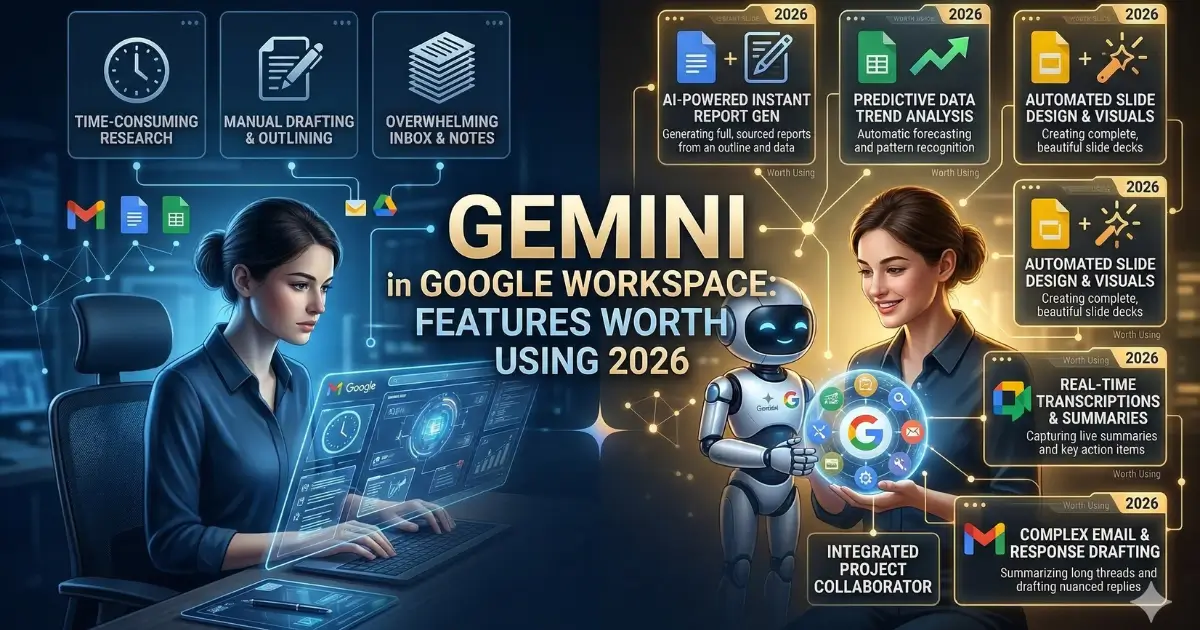
Google has been steadily weaving its Gemini AI model into the full suite of Workspace applications, from Docs and Gmail to Sheets, Slides, Drive, Meet, and beyond. With updates rolling out at a rapid pace, the real question for everyday users is no longer what Gemini can do but which features are genuinely useful in day-to-day work. The answer lies in the practical tools that help manage information faster: summarizing content, drafting documents, organizing data, and keeping track of meetings.
Google Docs: Summaries and Smart Drafting
The standout capability in Docs is automatic summarization. Rather than scrolling through a lengthy report, users can ask Gemini for the key points or a quick outline. A newer addition, the "Help me create" tool, takes things further by letting users describe what they need — such as a newsletter or project report — and Gemini pulls context from Drive, Gmail, and Chat to generate a first draft. Additional features like "Help me write" for refining wording, "Match writing style" for keeping multi-author documents consistent, and "Match the format" for replicating the structure of another document round out the experience, though these remain in beta.
Gmail: Taming the Inbox
For anyone struggling with an overflowing inbox, Gemini in Gmail offers welcome relief. The "AI Inbox" feature filters out non-essential messages and highlights what actually matters, like a reminder for an upcoming appointment or a child's schedule. Long email threads are automatically summarized in a card displayed at the top of the conversation, eliminating the need to read through dozens of back-and-forth messages. The "Help me write" tool generates context-aware replies in various tones, while an "AI Overview" feature allows users to ask natural-language questions across their entire inbox history.
Google Sheets: Data from a Single Prompt
In Sheets, Gemini can pull relevant information from Gmail, Chat, and Drive and turn it into a fully structured spreadsheet with a single prompt. A "Fill with Gemini" feature speeds up populating tables, which is particularly handy when working with raw or incomplete data. Gemini can also generate charts and graphs to help users visualize their information without needing advanced spreadsheet skills.
Google Slides: Faster Presentations
Creating slide decks has become significantly easier with Gemini handling the formatting and layout. Users can enter a prompt like "create a five-slide deck summarizing our Q1 results" and receive a presentation that matches their theme, organizes content into slides with visuals, and includes bullet points. Fine-tuning is straightforward — users can ask Gemini to simplify slides, adjust formatting, or match a specific design style. An image-editing tool called Nano Banana adds another creative layer.
Google Meet: Never Miss a Detail
The most valuable Gemini feature in Meet is automatic note-taking. Instead of splitting attention between listening and writing, users can let Gemini capture key points, decisions, and action items, all organized and ready to share after the meeting. Joining a call late is no longer a problem either — users can request a quick summary of what was discussed. Real-time translated captions and audio improvements also make meetings easier to follow.
Drive, Calendar, and Beyond
Gemini in Drive generates an "AI Overview" of relevant information across documents, complete with sources. A beta tool called "Ask Gemini in Drive" lets users query across their calendar, documents, emails, and the web simultaneously.
In Calendar, the "Help me schedule" feature suggests optimal meeting times based on everyone's availability and preferences, even connecting to Gmail to detect open time slots. Rescheduling is also smarter, with Gemini suggesting alternatives that minimize conflicts.
Google Chat now offers thread summarization and action-item extraction, while Google Vids uses Gemini to generate video scripts, voiceovers, and AI-powered avatars. Even Google Forms benefits, with Gemini creating complete surveys from a simple description and summarizing results as they come in.
Taken together, these features mark a shift from novelty to genuine productivity. The AI is no longer just a gimmick — it is becoming the invisible layer that makes Workspace faster, smarter, and considerably less tedious.