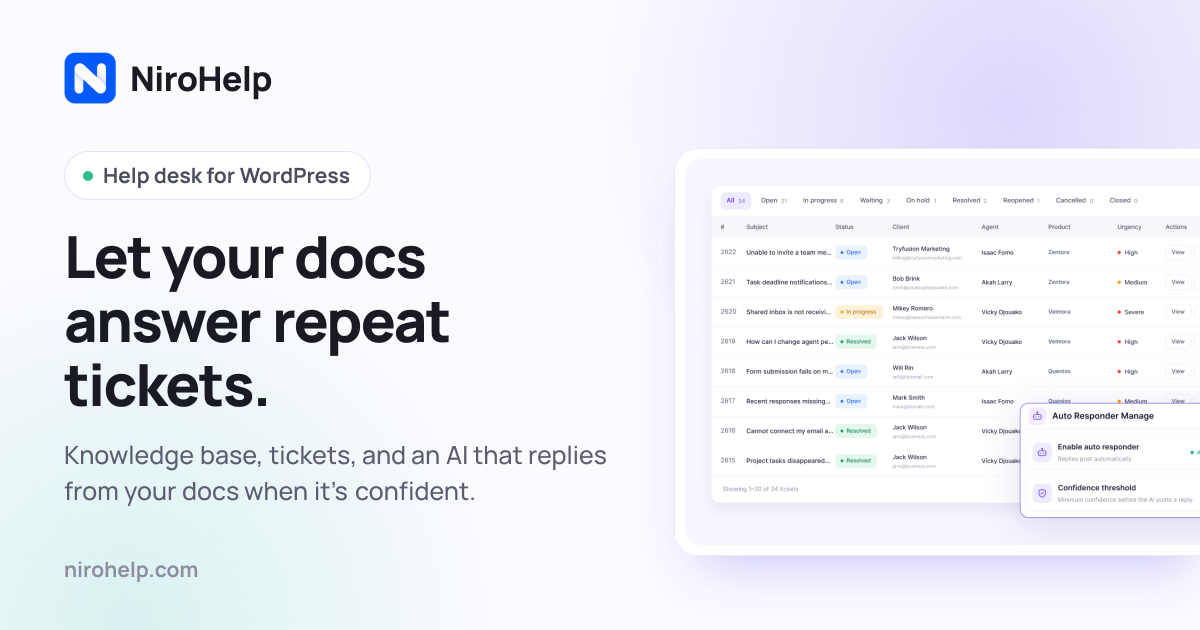
NiroHelp’s free WordPress plugin covers knowledge base and tickets with unlimited agents; paid plans from $9.99/month add AI answers drawn from your docs, with credits that pause AI when they run out. If you run support inside WordPress and want seat-free pricing, start on Free and size Starter vs Growth by monthly AI answers—not by headcount. Prices below were read from nirohelp.com/pricing on 2026-09-28.
This guide is by Amit Kumar for MPAT. Morning and afternoon launch slots on 2026-09-28 did not publish tools, so this evening guide goes deep on NiroHelp rather than faking a three-tool roundup.
What does NiroHelp actually cost in 2026?
On 2026-09-28 the vendor listed four layers:
Free — $0 forever: knowledge base, ticketing, dashboard, imports from seven plugins, unlimited agents/tickets/articles. No AI, no email piping.
Starter — $9.99/month or $79.99/year: one site, 1,000 AI credits/month, chatbot, auto-responder, Ask NiroHelp copilot, email piping.
Growth — $29.99/month or $239.99/year: five sites, 6,000 credits/month.
Agency — $49.99/month or $399.99/year: ten sites, 15,000 credits/month, per-client chatbot branding, voice-call support.
Yearly billing was advertised as roughly ten months’ price, with an extra early-bird 20% off through 30 Sep 2026. Paid plans carry a 30-day money-back note. Always re-open the pricing page before you buy—promotions end.
Where does the free plan stop?
The free stop is sharp: everything that answers customers with AI is paid. Docs and human tickets keep working forever on the WordPress.org plugin. The chatbot widget, ticket auto-responder, dashboard copilot, and email piping switch on only after you buy Starter or higher and connect the cloud AI key the vendor emails you.
That split is useful. You can migrate docs and tickets first, measure volume for a month, then decide whether 1,000 AI answers (Starter) covers your repeat questions. If a launch week burns credits, AI pauses until the 1st; humans still work the queue.
Publish searchable help docs? | Yes | Yes | Yes |
Unlimited agents? | Yes | Yes | Yes |
AI answers from docs? | No | Yes (1,000/mo) | Yes (6,000/mo) |
Email piping? | No | Yes | Yes |
Sites on one licence | Unlimited (no AI) | 1 | 5 |
List price (checked 2026-09-28) | $0 | $9.99/mo or $79.99/yr | $29.99/mo or $239.99/yr |
USD from vendor pricing/homepage cards, checked 2026-09-28.
How is NiroHelp different from n8n, Tines, or Supademo?
These are the closest live comparisons already on MPAT—not WordPress help desks, but tools buyers often evaluate in the same “automate customer touchpoints” budget.
NiroHelp (this evening’s listing): WordPress-native KB + tickets + optional doc-grounded AI, priced per site.
n8n: general workflow automation with free self-hosting and Cloud paid tiers. Better when support is one node in a multi-app pipeline.
Tines: automation with a free edition and sales-led paid editions—stronger for security/ops workflows than public WP docs.
Supademo: interactive demos for sales and onboarding (free tier with low demo caps; Scale from $50/creator/month on the MPAT listing). Complements help docs; does not replace a ticket queue.
Also useful context from the board: meeting notes tools like Tactiq and Granola solve call capture, not WordPress support. Do not buy them as a NiroHelp substitute.
How should a WordPress team pick a plan?
Count monthly repeat questions that a good article could answer. If that number stays under ~800 with headroom, Starter’s 1,000 credits is the rational test. If you run five client sites on one agency retainer, Growth’s five-site licence is the unit that matches the work. If you need ten branded chat widgets, Agency is the published ceiling.
Ignore seat math from Intercom/Zendesk-style quotes unless you also need their CRM and omnichannel stack. NiroHelp’s own pricing page shows yearly stack comparisons; treat those as the vendor’s marketing math, then verify each competitor’s current public price.
Is the AI safe to turn on for customer answers?
Compiled from vendor docs, not a pen test: AI is optional and paid; with AI off, KB and tickets stay in your WordPress database. When AI is on, replies are supposed to come from your published articles and to stay silent below your confidence threshold. You still own editorial quality—bad docs make confident-sounding wrong answers. Start with a high threshold and a small credit plan.
A practical migration order for existing WordPress support plugins
NiroHelp advertises one-click imports from seven plugins. A sane order, based on how the product is structured rather than a hands-on migration we ran:
Install the free plugin and confirm the knowledge base and ticket menus appear in wp-admin.
Import articles first so the AI—if you later pay—has something true to read.
Import open tickets second, then map stages to the eight-stage queue.
Run a week with humans only. Measure how many tickets a good article could have closed.
Buy Starter, set a high confidence threshold, and watch the usage panel for a full billing cycle before upgrading to Growth.
If import misses custom fields, fix those before you turn on auto-responder. An AI that replies from incomplete docs creates more work than it removes.
How to read “credits” next to seat-based quotes
Seat-based tools bill for people. Credit-based AI bills for answers. A three-person support team on a $70/agent SaaS seat is already over $200/month before AI add-ons. Starter at $9.99/month looks cheaper until you burn 1,000 answers in a week and the chatbot goes quiet. Growth at $29.99/month with 6,000 answers is the plan that usually matches a busy plugin launch calendar—still far below multi-seat stacks if WordPress is your only channel.
Do the arithmetic with your own ticket export: count last month’s messages that were links to existing docs. That count is your minimum credit need. Add a 30–50% buffer for launch weeks. If the buffer pushes you past 6,000, Agency’s 15,000 credits or a second Growth licence (if site count requires it) is the published path—not inventing overage packs that the pricing page does not list.
What this guide is not
It is not a claim that NiroHelp beat Intercom in a bake-off we ran. MPAT listings compile vendor-published plans with a check date. We opened nirohelp.com, the pricing page, the FAQ, and the WordPress.org plugin listing on 2026-09-28. We did not instrument a production storefront or measure auto-resolution percentage. If a founder’s Product Hunt thread quotes “60% auto-resolution,” treat that as their claim, not ours.
FAQ
Is NiroHelp free?
Yes for KB + tickets on WordPress.org. AI features need a paid plan.
How much does NiroHelp cost?
Starter $9.99/mo or $79.99/yr; Growth $29.99/mo or $239.99/yr; Agency $49.99/mo or $399.99/yr (checked 2026-09-28).
Do I pay per support agent?
No. Every plan includes unlimited agents; paid tiers are priced by sites and AI credits.
What happens when credits run out?
AI pauses until the monthly reset; the rest of the help desk keeps working.
Do I need an OpenAI account?
No on paid NiroHelp plans—the vendor includes the AI service.
Sources
https://nirohelp.com/pricing/ — checked 2026-09-28