 Compiled by Amit Kumar
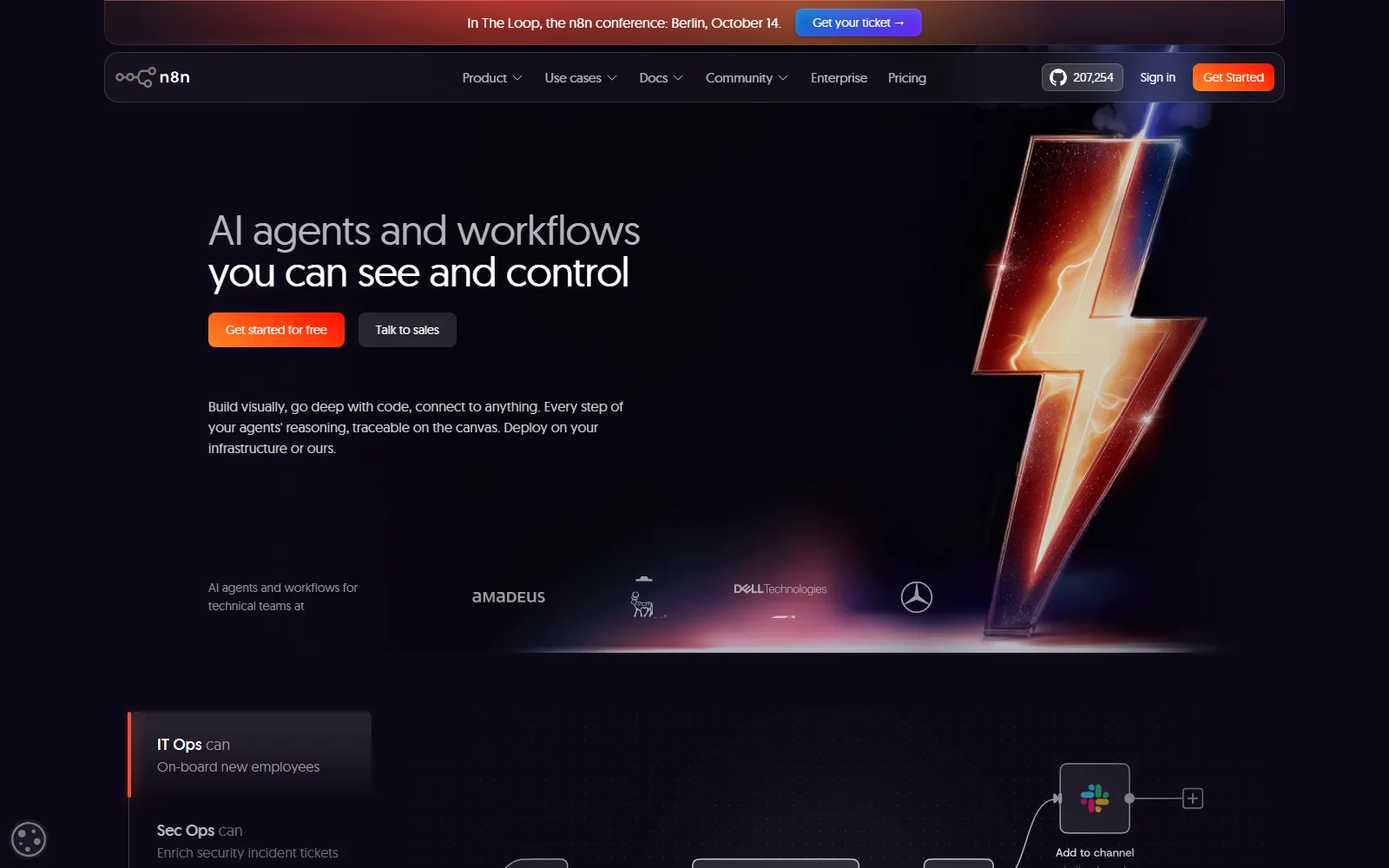
n8n is a workflow automation tool for people comfortable with a bit of code. You build workflows and AI agents visually, and it charges per workflow run rather than per step. It runs on n8n's cloud or on your own server under a source-available licence. Cloud plans start at 20€ a month billed annually. We read n8n's homepage, pricing page, self-serve terms, AI terms, Privacy Policy and licence page on 13 October 2026.
Our read: counting an execution as a whole workflow run, however many steps it has, is the idea that sets n8n's pricing apart, and it makes the monthly bill easier to forecast. The catch sits in the plan ladder. Starter is capped at 2.5K executions and 5 concurrent runs, the Business plan at 667€ a month is self-hosted only, and the free Community Edition is under a licence that restricts use to your own internal business purposes. Annual plans are non-refundable.
n8n at a glance
| Question | Short answer |
|---|---|
| Billing unit | One execution is one run of the whole workflow, whatever its length |
| Cloud plans | Starter 20€, Pro 50€ a month billed annually; Business 667€ a month, self-hosted only |
| Trial | 14 days of Cloud with Pro-level features, capped at 1,000 executions, no card required |
| Self-hosting | Free under the Sustainable Use License, for internal business purposes |
| Company | n8n GmbH, Berlin; hosted data stored in Frankfurt |
| Pages read | n8n.io and docs.n8n.io, 13 October 2026 |
What is n8n used for?
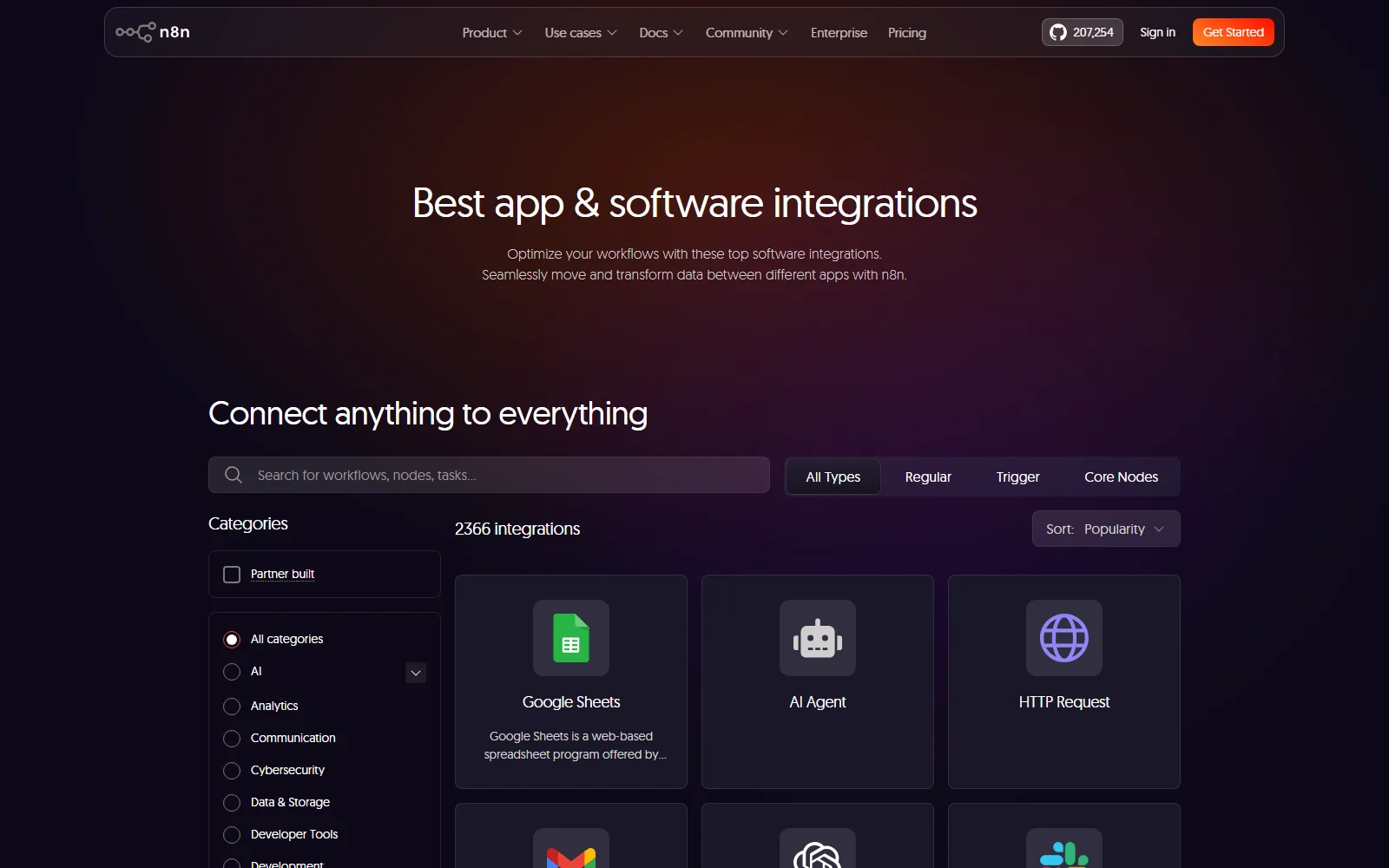
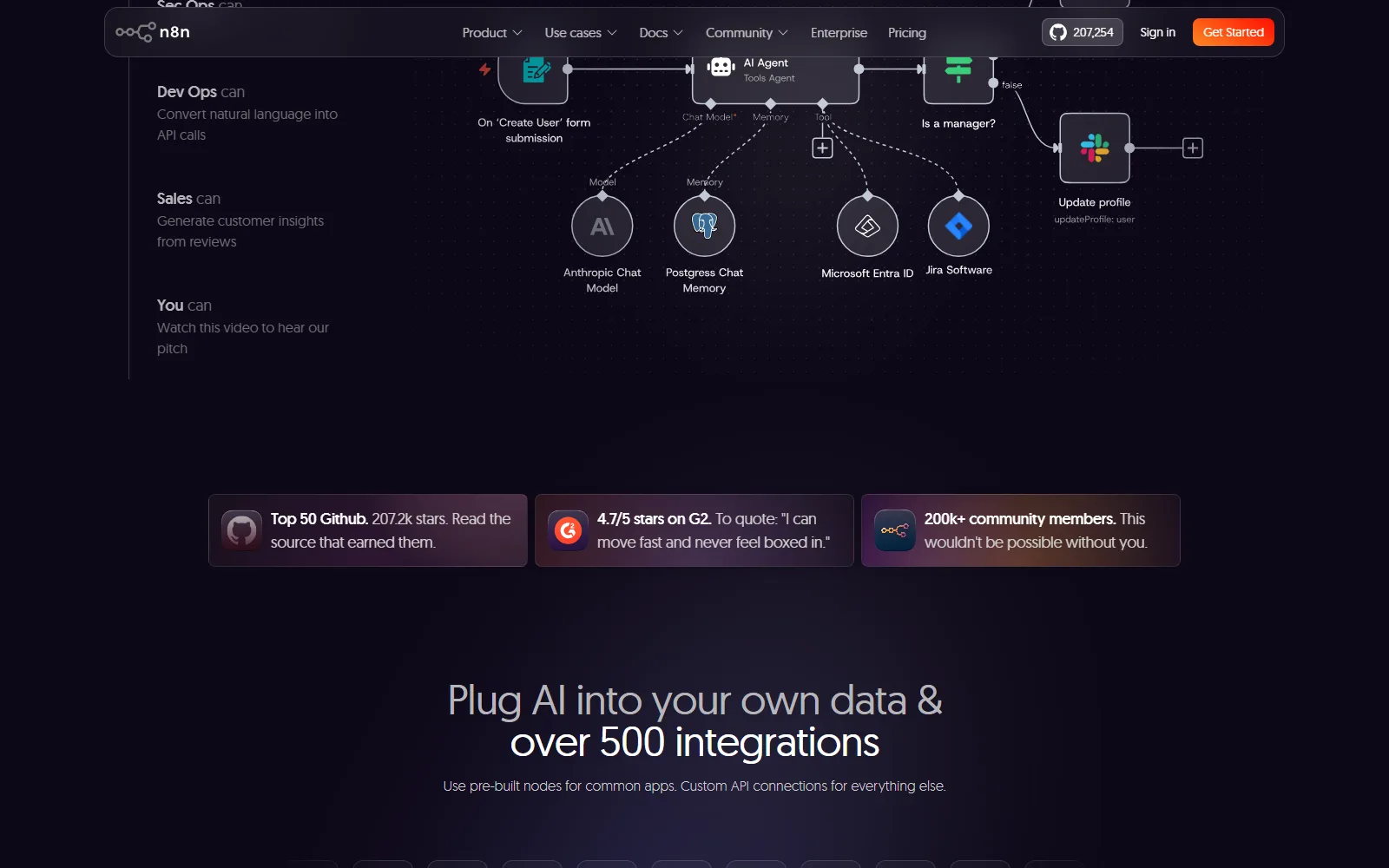
n8n connects apps and runs logic between them. The homepage cites over 500 integrations, with pre-built nodes for common apps and custom API connections for everything else, and says every plan includes unlimited users, workflows and integrations.
Visual workflows with code when needed
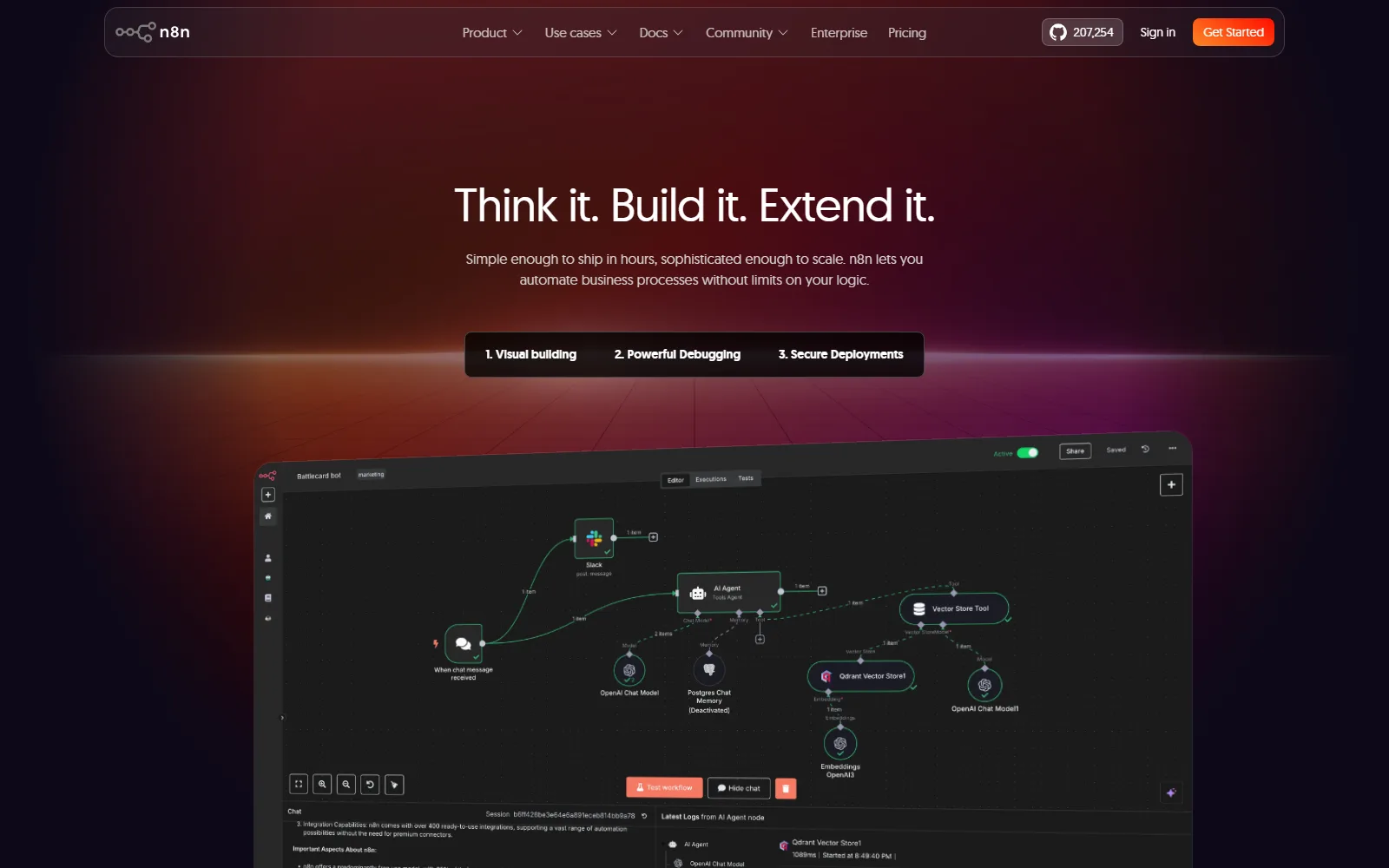
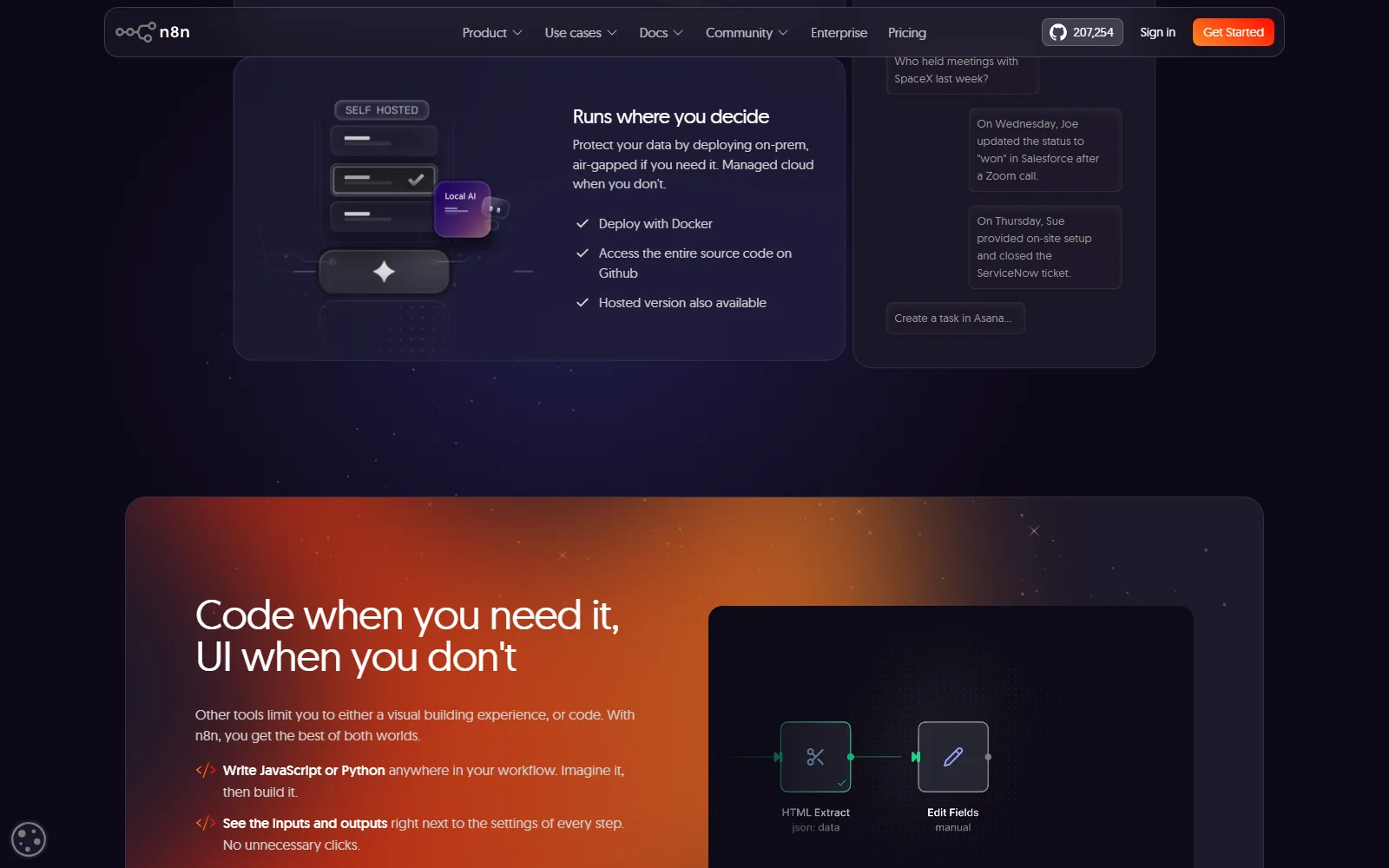
The homepage pitches a mix of UI and code: you can write JavaScript or Python anywhere in a workflow, see the inputs and outputs next to each step, re-run a single step instead of the whole workflow, and replay or mock data so you do not wait on outside systems.
AI agents
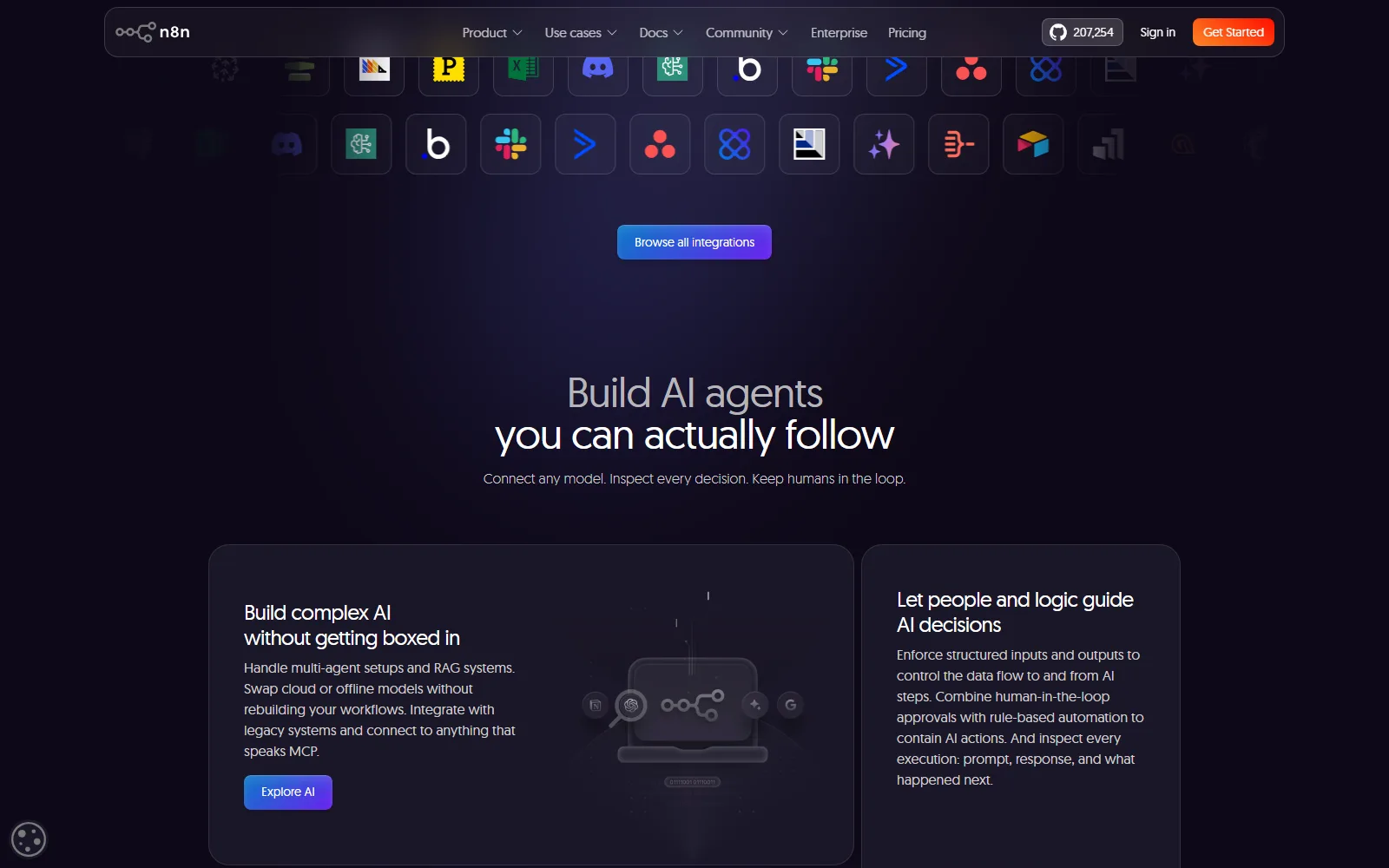
According to the homepage, you can connect any model, handle multi-agent setups and RAG systems, swap cloud or offline models, and connect to anything that speaks MCP. It also lists human-in-the-loop approvals, structured inputs and outputs for AI steps, and native evaluation of AI performance. The Starter card lists "Agents, MCP and AI nodes" and "AI models without API keys".
Where it runs
The homepage says you can deploy with Docker, on-prem or air-gapped, or use the hosted version. On the pricing page, the Starter and Pro cards are hosted by n8n, Business is self-hosted only, and Enterprise can be either.
Who n8n is for, and who should skip it
It suits developers, IT and operations people and technical founders who want control and are fine owning some complexity. The pricing page describes Starter as for building your first workflows and agents, Pro for solo builders and small teams running automations in production, and Business for companies with fewer than 100 employees needing collaboration and scale.
Skip it, or look hard at the terms, if:
- You want to resell automation to clients. The licence limits use to your own internal business purposes, and says you may not provide the software to others except free of charge for non-commercial purposes.
- You want a refund option on annual billing. The self-serve terms call an annual plan a non-refundable payment.
- You need a hosted plan between 50€ and a custom quote. Business at 667€ is self-hosted only.
- You want to avoid all telemetry on Cloud. The Privacy Policy says telemetry cannot be switched off on n8n Cloud.
How much does n8n cost?
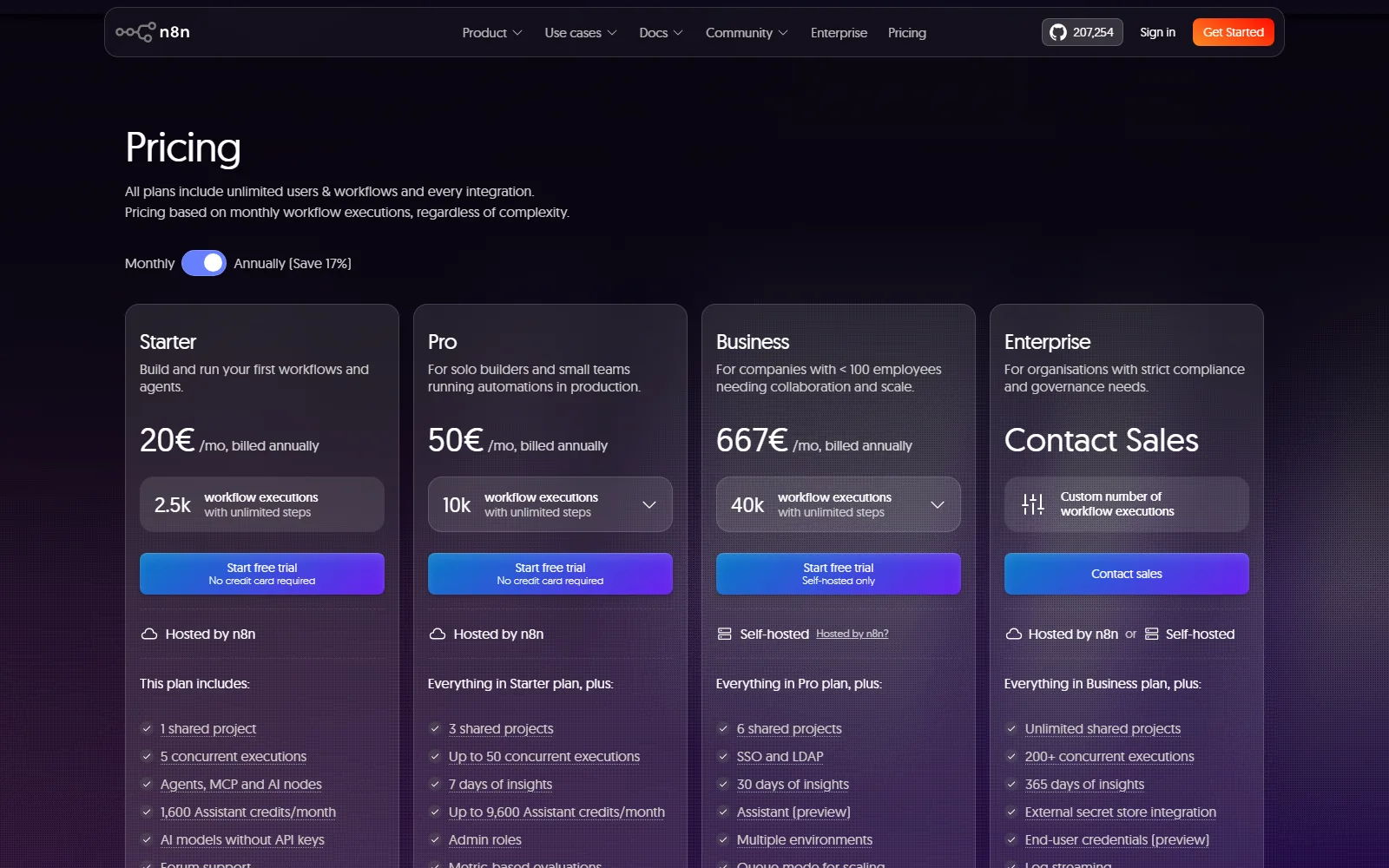
The pricing page, read on 13 October 2026, offers a monthly or an annual toggle that saves 17%. The prices below are the annual ones, shown as "/mo, billed annually".
EUR, checked 13 October 2026, from n8n pricing (n8n.io/pricing)
| Plan | Price | Executions and limits | Notable extras |
|---|---|---|---|
| Starter | 20€ a month, billed annually | 2.5K executions; 1 shared project; 5 concurrent executions | 1,600 Assistant credits a month; forum support |
| Pro | 50€ a month, billed annually | 10K executions; 3 shared projects; up to 50 concurrent executions | Up to 9,600 Assistant credits a month; 7 days of insights; admin roles; workflow history |
| Business | 667€ a month, billed annually | 40K executions; 6 shared projects; self-hosted only | SSO and LDAP; Git version control; multiple environments; queue mode; 30 days of insights |
| Enterprise | Contact sales | Custom executions; unlimited shared projects; 200+ concurrent executions | Log streaming; external secret store; 365 days of insights; dedicated support with SLA |
The page's limits table adds that saved executions are capped at 2.5k on Starter and 25k on Pro, with execution log retention of 7 days and 30 days, and a maximum execution duration of 5 minutes on Starter against 40 minutes on Pro. Reaching a history limit removes the oldest runs and does not stop workflows. Business overage is priced at 4,000 EUR for each extra bucket of 300,000 executions, and workflows keep running if you exceed your quota.
On cancelling, the self-serve terms (last updated 28 August 2026) say a monthly plan can be cancelled at any time with access until the end of that month, while an annual plan is a non-refundable payment for 12 months. Hosted plans are billed through a merchant of record. The pricing page FAQ adds that n8n does not offer pro-rata refunds. For the Business plan, a licence key must ping n8n's licence server daily to stay active.
Is n8n free?
There are two free routes. The first is the 14-day Cloud trial, which per the pricing page gives Pro-level features, a 1,000 execution cap, 5 concurrent executions, a 180-second execution timeout, 1 team project and 800 Assistant credits that expire when the trial ends. No card is required for the Cloud trial, though one is for the Business trial. The second is self-hosting. The licence page describes the Sustainable Use License as a fair-code licence that gives you the free right to use, modify and redistribute the software, with three limits: internal business, non-commercial or personal use only; distribution only free of charge and non-commercially; and no removing licence or copyright notices. You also run and maintain the servers yourself.
How n8n handles your data
- Location. The pricing FAQ says hosted data is stored in the EU, on servers in Frankfurt, Germany; for self-hosted plans it is wherever you host n8n.
- AI training. The AI terms say n8n will not use Customer Content or Output to train any ML models, will not retain Customer Content beyond the time needed to process it and deliver Output, and will not share it with third parties except as needed to deliver AI features. You own Output, and you are responsible for checking it.
- Privacy Policy. The Privacy Policy (last updated 28 September 2026) says n8n does not use personal data for training AI or ML models. On Cloud it records sessions in the interface, though credential values are never recorded, and Paddle processes card payments as merchant of record.
- Customer Content. The self-serve terms say anything you run through Cloud, including your workflows, is Customer Content and private by default.
- Company. The terms name n8n GmbH, registered number HRB 212509 B, at Novalisstr. 10, 10115 Berlin, and are governed by the laws of England and Wales.
Where n8n's own pages disagree
- The Pro card says "Up to 50 concurrent executions", while the limits table below it shows "20 / 50", presumably by plan size.
- The Pro card lists up to 9,600 Assistant credits a month, and the FAQ says 4,000 or 9,600 depending on plan size, so the lower Pro size gets less.
- The Terms are governed by English law although the contracting company is registered in Berlin.
How n8n compares with other tools reviewed here
Tines is the closest tool we have reviewed: a workflow platform for AI agents and automation aimed at IT and security teams. Our review shows a Free edition at $0 and paid editions by contacting sales, so it publishes no price list, whereas n8n publishes Starter, Pro and Business prices up front. If you want a stated price and a self-host option, n8n gives you more to work from on paper.
Sources
- n8n homepage, read 13 October 2026
- n8n pricing, read 13 October 2026
- n8n self-serve terms, read 13 October 2026
- n8n AI terms, read 13 October 2026
- n8n Privacy Policy, read 13 October 2026
- n8n Sustainable Use License page, read 13 October 2026