 Reviewed by Amit Kumar
Fathom is an AI notetaker. It captures your video calls, transcribes them, and produces a summary and a list of action items without you writing anything down. On its higher plans it goes further: it writes fields back into a CRM, scores calls against a rubric and answers questions across your whole call history. The free plan carries unlimited recordings, transcriptions and AI summaries at $0, and Premium is $20 a month, or $16 billed yearly.
Fact-checked reviewProductivity

Fathom Review: Free Plan Limits and Real Cost
AI notetaker with unlimited free recording and summaries
Quick verdict
Fathom puts volume on the free side and charges for depth. Most notetakers cap the free tier by meeting count or transcript minutes and put the AI summary behind the paywall, so this is unusual. The catches are small but real. The summary is free while the list of what you agreed to do is not, the bot-free capture is a Mac beta, and a solo user on Premium pays more per seat than a member of a two-person Team plan. Prices come from fathom.ai/pricing, read on 24 September 2026.
Best forSearchable archive of callsSales calls into CRMFree unlimited meeting notes
How we reviewed Fathom
Every Fathom plan, price and limit in this review comes from Fathom's own pages, checked on , and links to the page it came from. All 2 sources are listed at the end. A review cannot be bought. How these reviews are written
On this page
Fathom at a glance
Fathom was listed on Product Hunt on 8 December 2021 and won the 2021 Golden Kitty for AI & machine learning, finishing #2 AI & machine learning Product of the Year. Fathom 3.0 took #1 of the week on 15 April 2026, and it holds a 5.0 rating from 315 reviews.
Note the address. Fathom has moved from fathom.video to fathom.ai, and the old domain 301-redirects (verified 24 September 2026). Old links still work, but bookmarks, documentation and any integration configured against fathom.video should be updated to fathom.ai.
What Fathom is used for
A searchable record of every call
Unlimited recording and transcription on the free plan makes Fathom viable as an archive rather than a tool you ration. Six months in, the value is less the summary of today's call than being able to search what someone said in March.
Follow-ups that write themselves
AI-generated action items sit on Premium and up. This is the case that justifies $16 a month billed yearly for one person: the summary is free, but the list of what you agreed to do is not.
Sales calls into CRM fields
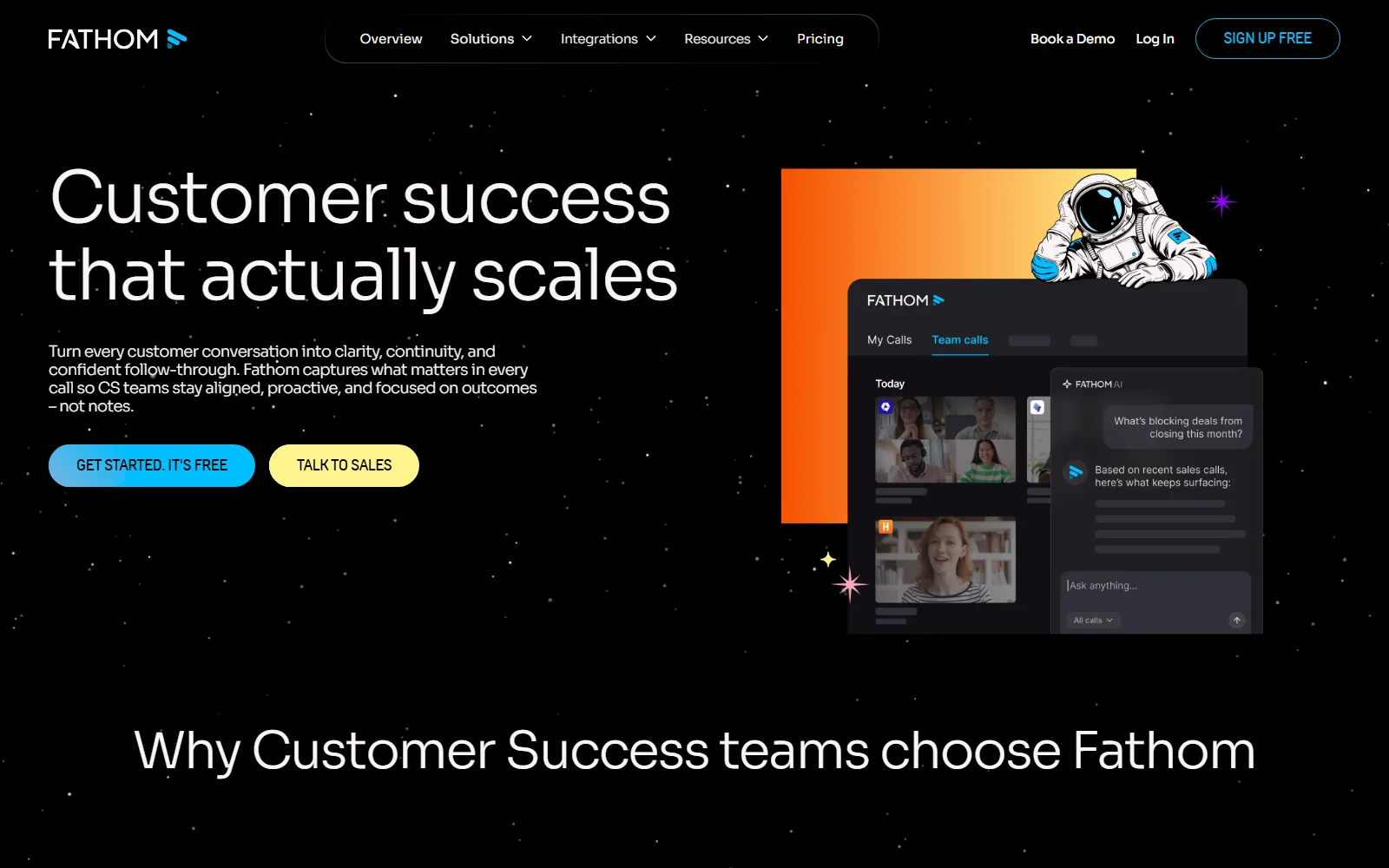
Business, at $25 a user billed yearly, syncs fields back into the CRM and adds Deal View. For a revenue team this replaces the part of the job nobody does consistently, which is updating records after the call.
Coaching and call review
AI scorecards and coaching metrics, also on Business, turn a recording archive into a review process. Team playlists make the good calls findable for onboarding.
Cross-meeting questions
Ask Fathom queries across the history rather than within one call. It is useful, but on Premium it is explicitly limited in a way the pricing page does not quantify, so confirm the limit before it becomes load-bearing.
Is Fathom free?
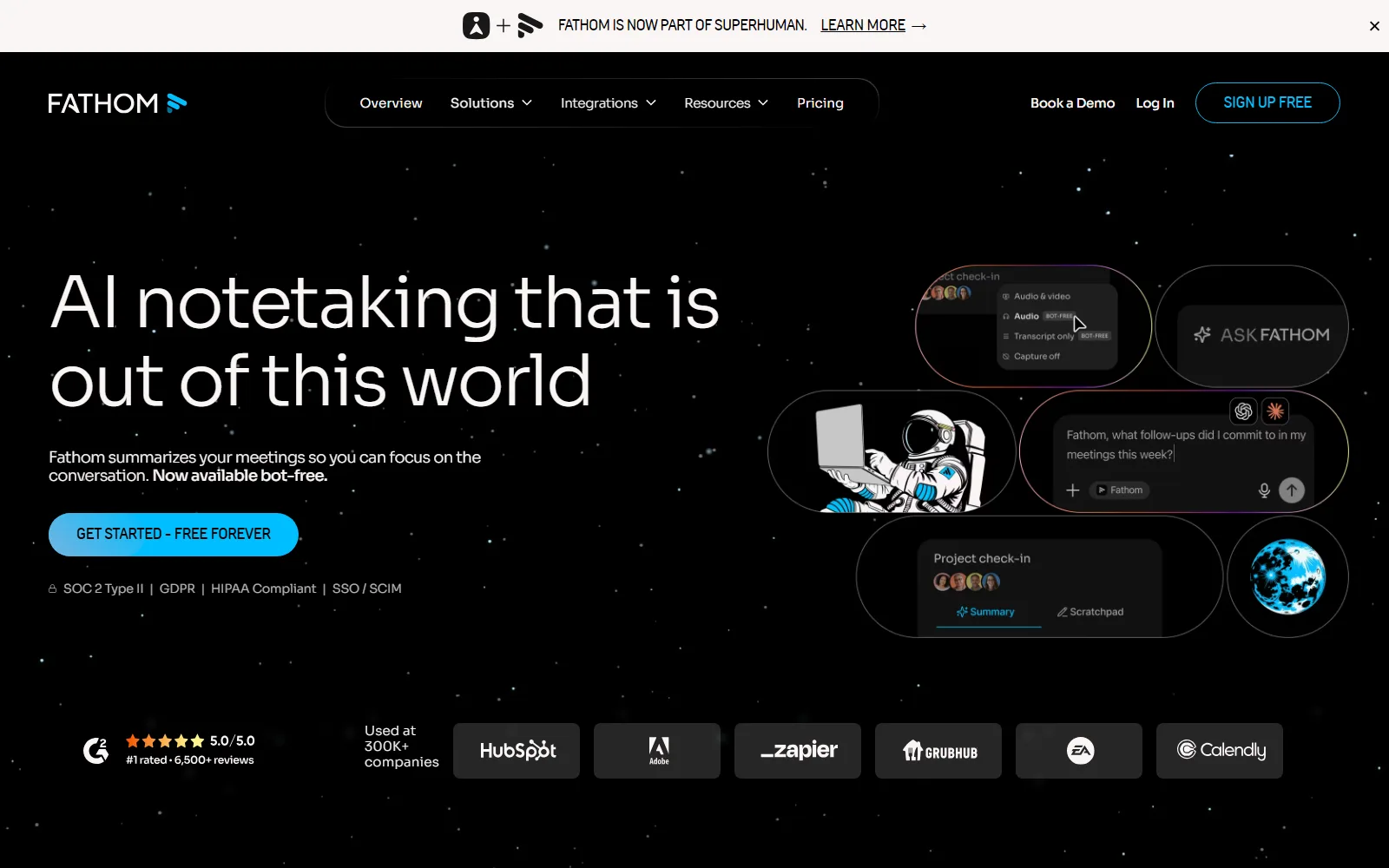
Yes, and the free plan is unusually complete: unlimited recordings and transcriptions, instant AI call summaries, clips, playlists and search across your calls, at $0 forever. Capture is a bot that joins the call, with a bot-free option in beta for Mac.
What is not free is the reasoning layer. Advanced summaries, AI-generated action items, the conversational assistant, the custom bot and Ask Fathom all sit on Premium. So the honest framing is that Fathom's free plan is a complete recorder and a basic summariser, and the paid plans are where it becomes an assistant.
How much does Fathom cost?
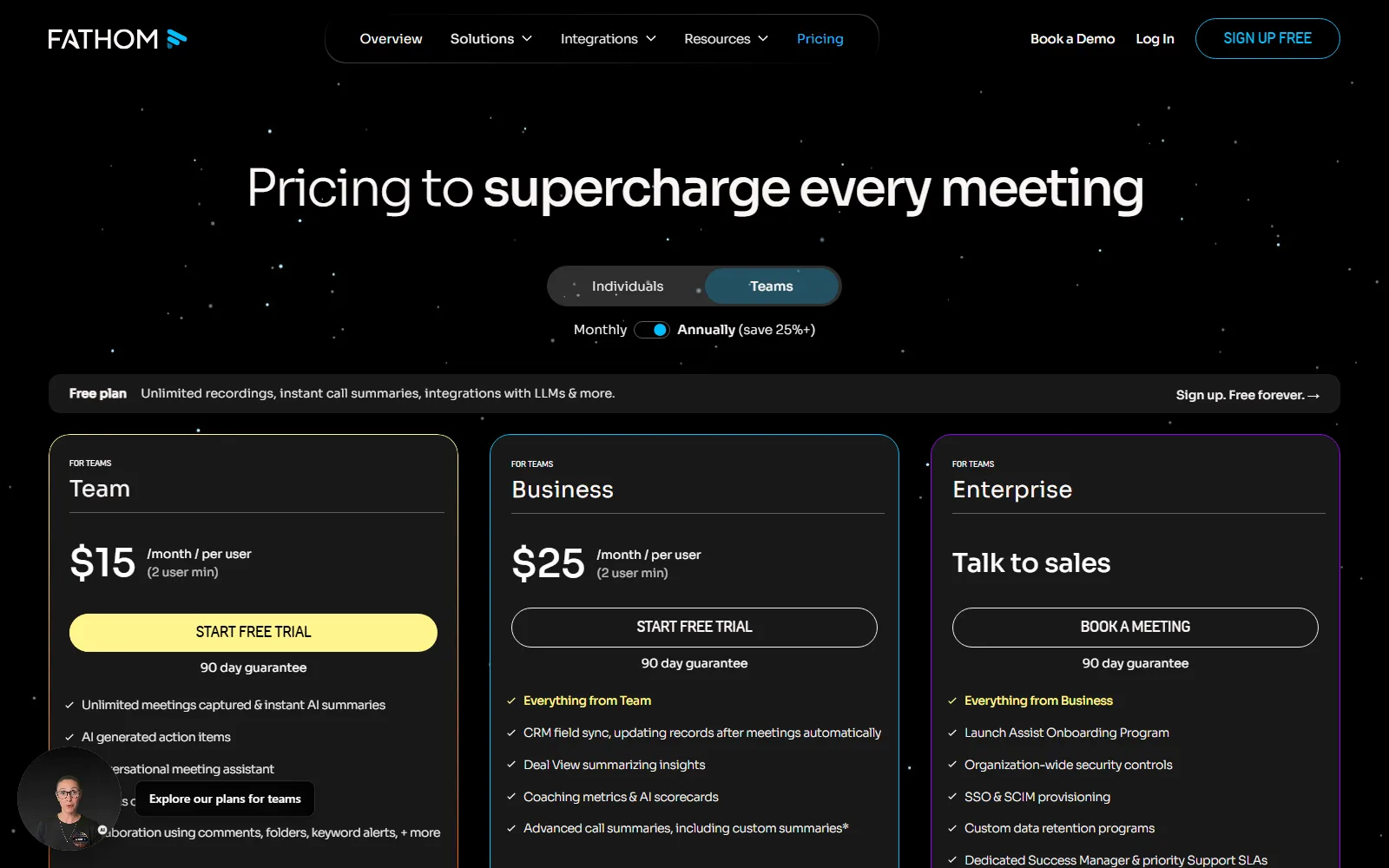
Team plans need at least two users. Every plan carries a 90-day guarantee, which is long for monthly software and takes some of the risk out of an annual commitment.
USD, checked 24 September 2026, from Fathom pricing
| Plan | Monthly | Billed yearly | Who it is for | What it adds |
|---|---|---|---|---|
| Free | $0 | $0 | Anyone | Unlimited recording, transcription, instant summaries, clips, search |
| Premium | $20 | $16 | One person | Advanced summaries, AI action items, meeting assistant, custom bot, Ask Fathom |
| Team | $19/user | $15/user | 2+ users | Global search, team playlists, comments, folders, keyword alerts |
| Business | $34/user | $25/user | Revenue teams | CRM field sync, Deal View, coaching metrics, AI scorecards, custom summaries |
| Enterprise | Sales | Sales | Large orgs | SSO and SCIM, custom retention, launch assist, dedicated success manager |
The solo user pays more than a team member
Premium, the one-person plan, costs $20 a month. Team, which needs two users, costs $19 a user. So the individual plan is a dollar more per seat than the team plan: $16 against $15 on annual billing.
That is backwards from the usual direction, and it has a practical consequence. Two people on Team pay $38 a month and get everything in Premium plus global search, shared playlists, comments, folders and keyword alerts. Two people each on their own Premium plan pay $40 and get none of the shared features. If there are two of you, separate Premium plans are never the right answer. The only reason to be on Premium is that you are genuinely alone.
What the pricing page leaves undefined
Two things are described without numbers, and both are worth asking about before you commit to a year.
Ask Fathom (limited use)
Ask Fathom queries your call history in natural language, and on Premium the pricing page qualifies it as limited use. It does not say limited to what: questions a day, questions a month, or something measured another way. That wording is Fathom's own. Treat the feature as unsized rather than unlimited, and find the number before you build a workflow on it.
The bot-free capture is a Mac beta
Fathom's default capture sends a bot into the meeting, which everyone on the call can see. The alternative, capturing the audio on your own machine so nothing visibly joins, is listed as in beta, for Mac. If you are shopping because you do not want a bot appearing in client calls, that is the deciding detail: on Windows, as the pricing page has it, the bot is the way Fathom works. Premium lets you customise that bot.
Who Fathom is for, and who should skip it
It suits anyone taking a lot of calls who wants them all recorded, searchable and summarised without spending anything. It suits sales teams even better: Business at $25 a user billed yearly buys CRM field sync, Deal View, coaching metrics and AI scorecards, a different product from note-taking and priced below what dedicated conversation-intelligence tools ask.
Skip it if:
- You cannot have a visible bot in the room. At least on Windows, the bot-free path remains a Mac beta.
- You are a solo user who wants shared search and playlists. Those are Team features, and Team needs two seats.
- Ask Fathom is the feature you are buying. Get the limit in writing first.
How Fathom compares with other tools reviewed here
Four tools give four different answers to the same question, and the split is cleaner than the feature lists suggest.
- Fathom gives the most away free (unlimited recording, transcription and summaries) and charges for the reasoning layer and the CRM write-back. It is best when volume is high and you may later want revenue tooling.
- Granola captures device audio with no bot and blends your own typed notes with the transcript. Its free tier limits how long notes stay readable rather than how many meetings you may have, and it works without a bot on every platform, not as a beta.
- Tactiq runs as a browser extension, so again no bot. Its free tier is 10 transcripts and 5 AI credits a month, and even paid Pro caps AI at 10 credits. The AI, not the transcript, is the limit.
- Otter.ai is the incumbent, with the longest history in meeting transcription.
The practical question is not which is best but whether a bot may join your calls. If yes, Fathom's free plan is the most generous on offer. If no, Granola and Tactiq are built the way you need, and Fathom's alternative is still a Mac beta. If you only want an unlimited archive and can do without AI action items, stay on Fathom Free: no competitor here gives away as much.
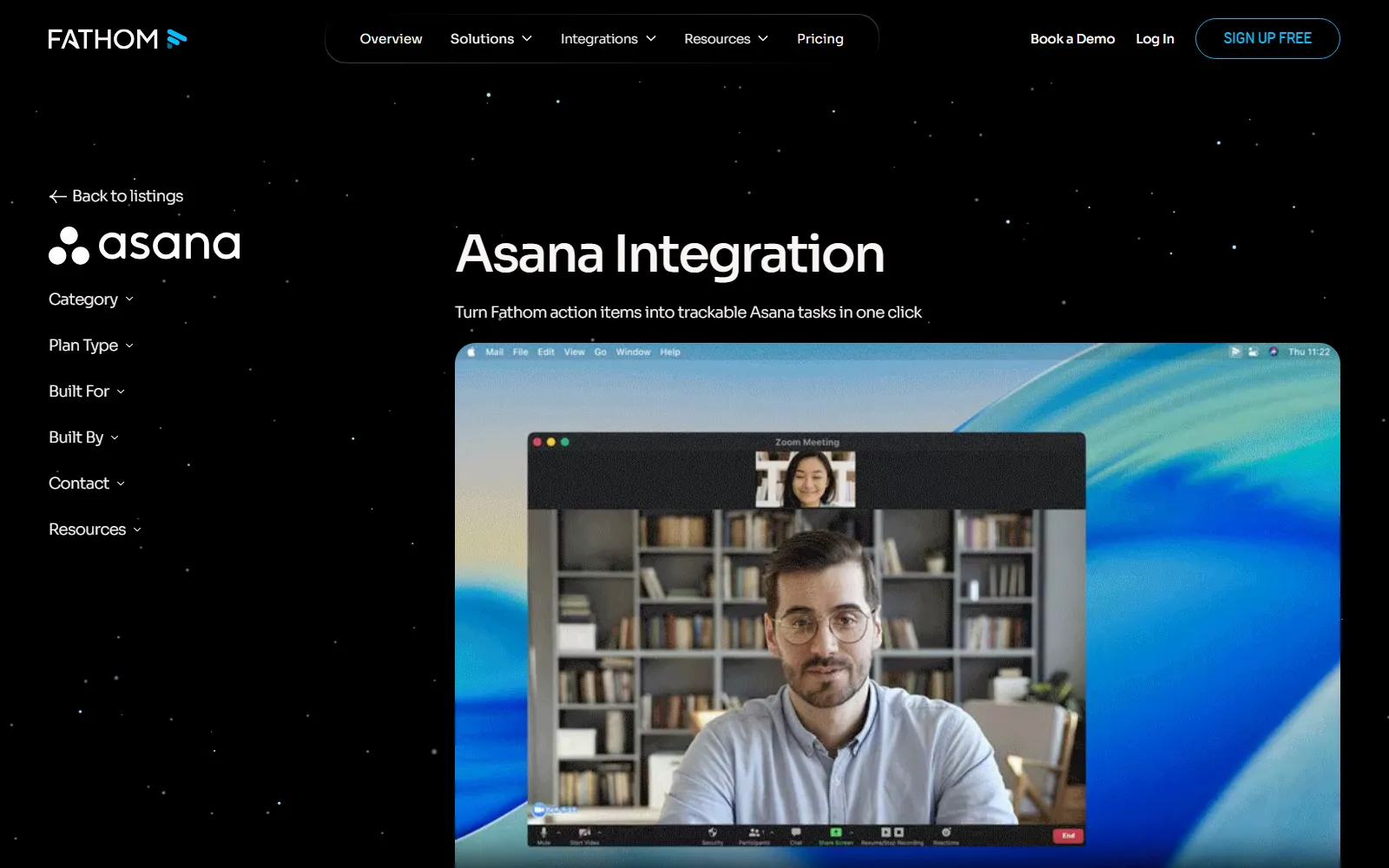
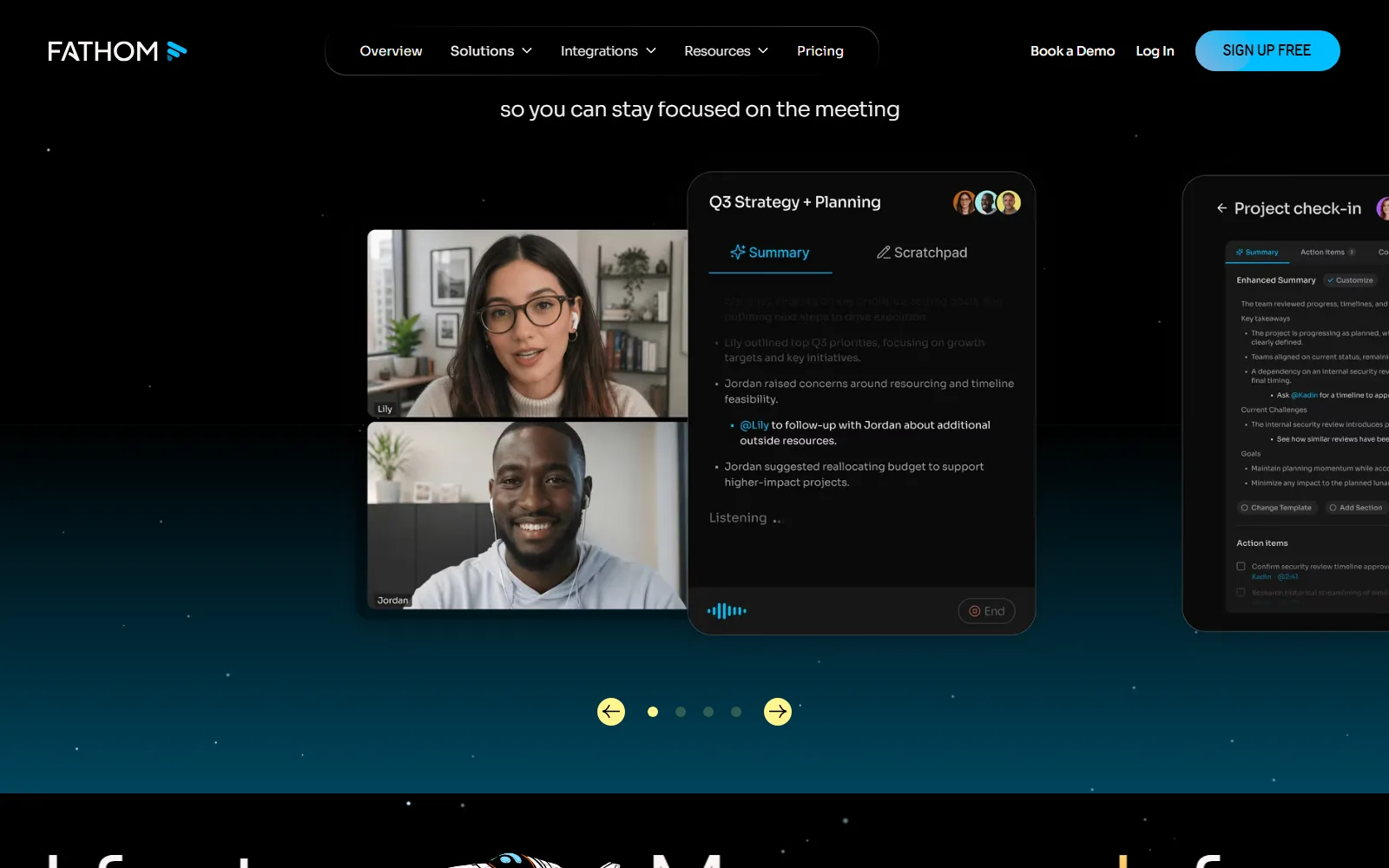
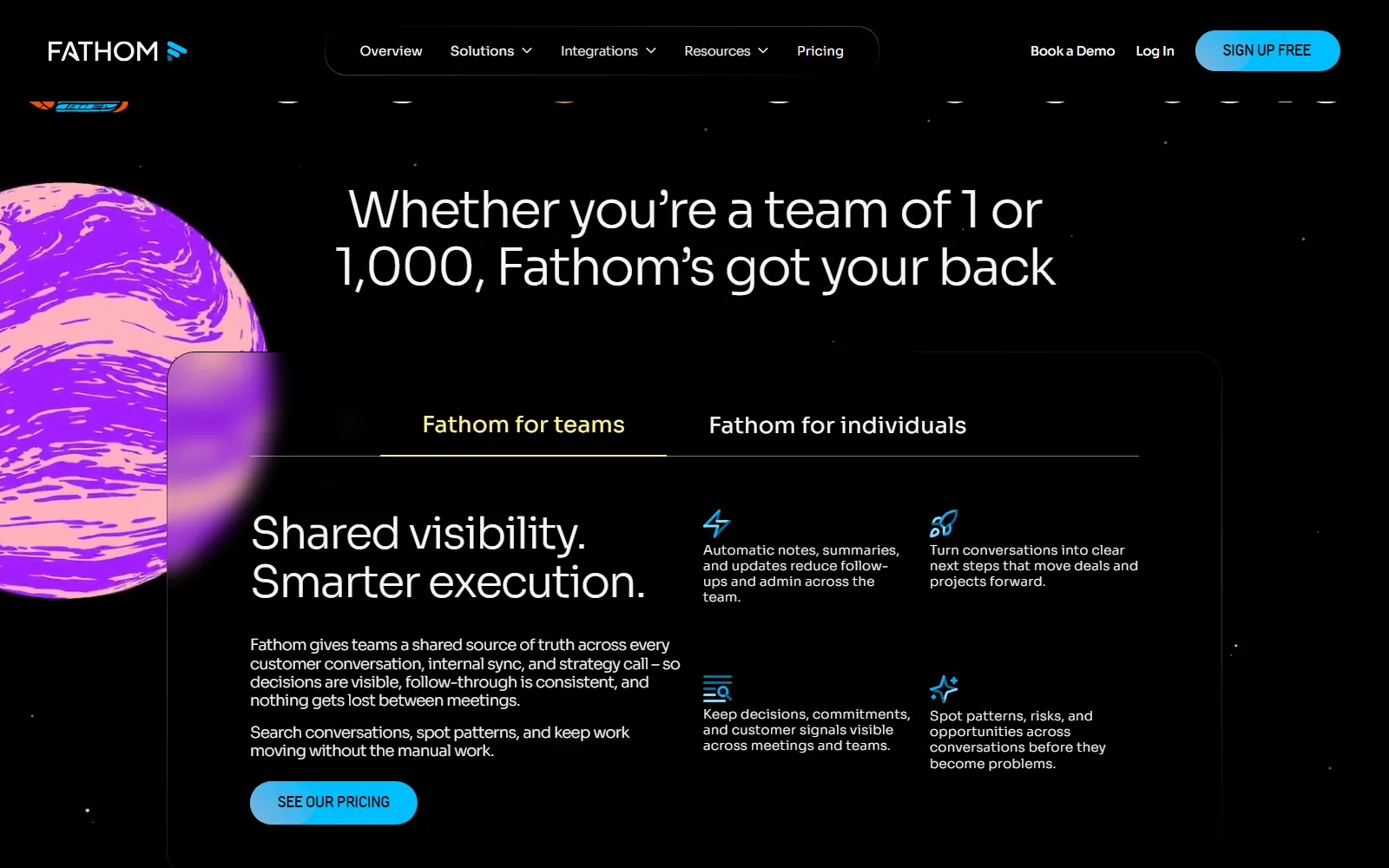
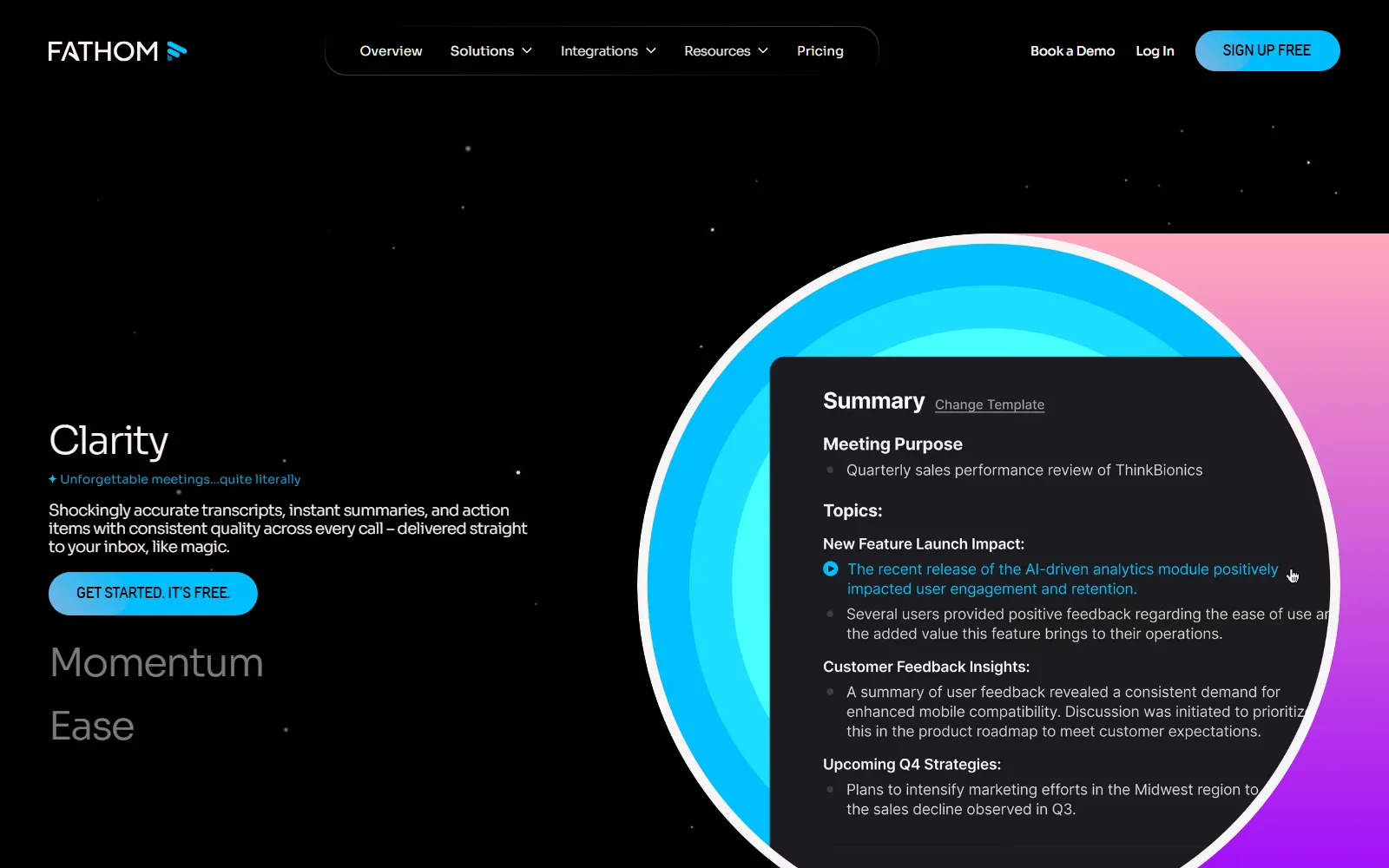
Fathom screenshots
More of Fathom's own website, captured . Each caption says which page it shows.
Sources
Every figure above was read from these pages on 24 September 2026.
- Fathom pricing: plan prices, the free tier's unlimited recording and transcription, the Ask Fathom limited-use wording, the Mac bot-free beta and the 90-day guarantee
- Fathom on Product Hunt: the listing date, the 2021 Golden Kitty for AI and machine learning, the Fathom 3.0 weekly ranking, rating and review count
Fathom pros and cons
Pros
- Free plan has unlimited recordings, transcriptions and AI summaries at $0
- A 90-day guarantee on every plan, which is long for monthly software
- Team costs less per seat than the single-user Premium plan ($19 against $20 monthly)
- Business bundles CRM sync, Deal View, scorecards and coaching at $25 a seat billed yearly
- A 5.0 rating from 315 Product Hunt reviews and a 2021 Golden Kitty for AI and machine learning
Cons
- Bot-free capture is still a beta and only on Mac, so on Windows a visible bot joins the call
- Ask Fathom on Premium is described as limited use with no number attached
- Shared search, playlists, comments and keyword alerts need Team, which needs two seats
- A solo user on Premium pays more per seat than a member of a two-person Team plan
- Advanced summaries and action items are entirely paid, so the free plan summarises but does not conclude
- The move from fathom.video to fathom.ai leaves stale links and integrations pointing at a redirect
The bottom line on Fathom
Best for
- Searchable archive of calls
- Sales calls into CRM
- Free unlimited meeting notes
Facts checked
Visit FathomFathom FAQ
Is Fathom free?
Yes, and the free plan is unusually complete: unlimited recordings and transcriptions, instant AI call summaries, clips, playlists and search across your calls, at $0 forever. Advanced summaries, AI action items, the conversational assistant, the custom bot and Ask Fathom all require Premium.
How much does Fathom cost?
Premium is $20 a month, or $16 billed yearly. Team is $19 a user a month, or $15 billed yearly, and needs at least two users. Business is $34 a user a month, or $25 billed yearly, and Enterprise is quoted by sales. Checked on fathom.ai/pricing, 24 September 2026; all plans carry a 90-day guarantee.
Does Fathom put a bot in my meeting?
By default, yes. Fathom's standard capture sends a bot that joins the call and is visible to everyone on it, and Premium lets you customise that bot. A bot-free option that captures audio on your own machine is listed as in beta, for Mac. Granola and Tactiq work without a bot as their normal mode.
Is Fathom Team cheaper than Premium?
Per seat, yes. Premium is the single-user plan at $20 a month ($16 yearly), while Team is $19 a user ($15 yearly) with a two-user minimum. Two people on Team pay $38 a month and get shared features, whereas two Premium plans cost $40 and include none of them.
What are the limits on Ask Fathom?
Fathom does not say. On Premium the pricing page describes Ask Fathom as limited use without a number of questions a day, a month or any other measure (checked 24 September 2026). If it is the feature you are paying for, confirm the limit before committing to an annual plan.
Is Fathom still at fathom.video?
No. fathom.video now issues a 301 permanent redirect to fathom.ai, verified on 24 September 2026. Old links still work, but bookmarks, documentation and integrations configured against the old hostname should be updated to fathom.ai.
Alternatives to Fathom
 GranolaFree plan + paid upgradesBot-free meeting notepad that finishes the notes you type
 Otter.aiFree plan + paid upgradesAI meeting notes, transcripts and action items
 TactiqFree plan + paid upgradesBrowser-extension meeting transcriber with no bot
 VoicenotesFree plan + paid upgradesVoice notes and meeting notes, transcribed and searchable
 RaycastFree plan + paid upgradesKeyboard-first command bar, with AI on paid plans

Reviewed by
Amit Kumar
Full Stack AI Strategist
Amit Kumar runs MPAT, where he reviews AI tools and writes its guides. When he covers a tool he checks its pricing, credits and plan limits against the vendor's own pages, so readers know what a plan includes before they pay. He also leads the site's SEO and AI-focused content strategy.