 Reviewed by Amit Kumar
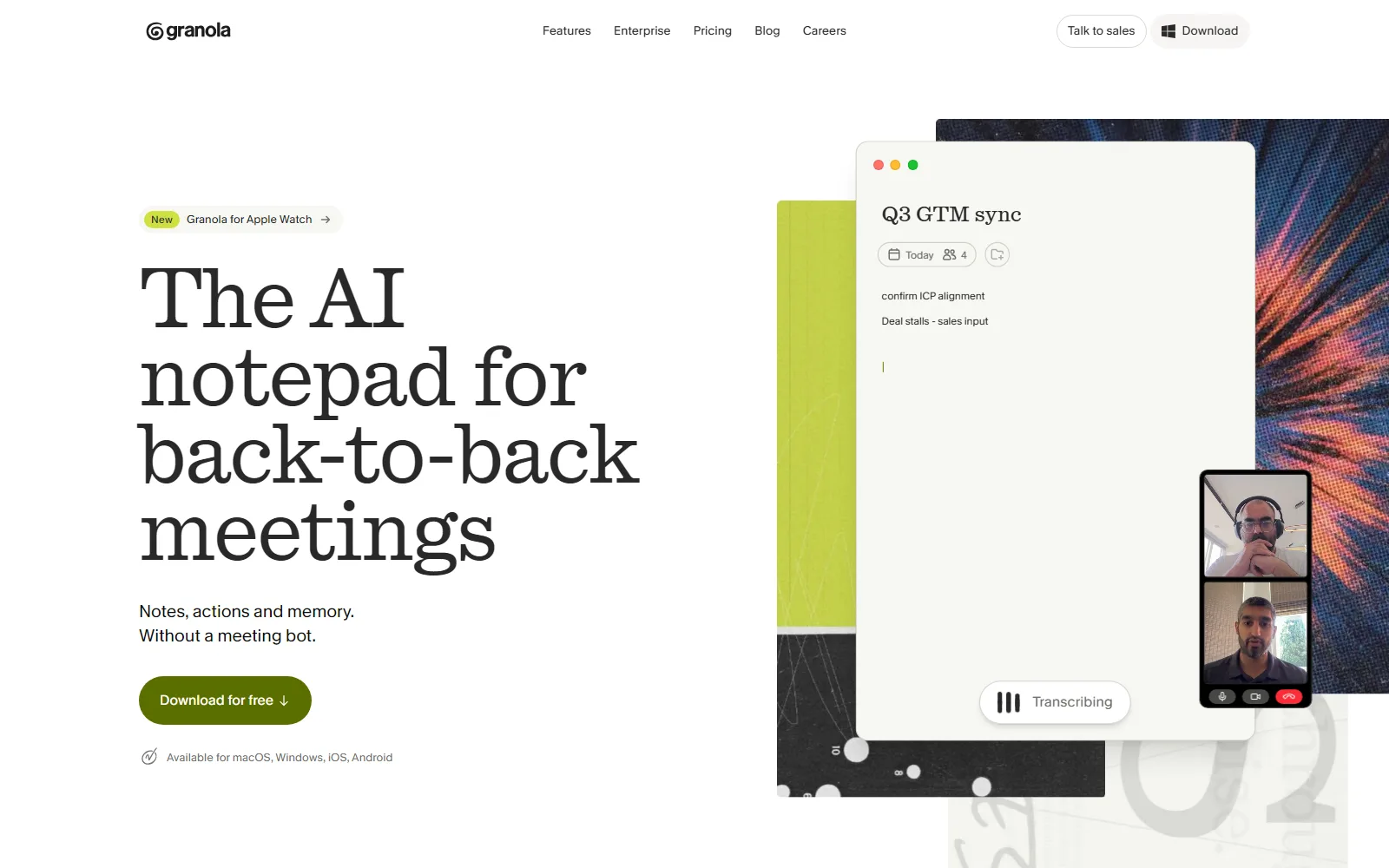
Granola is a notepad for meetings. You type rough notes during the call as you always would, Granola captures your computer's audio in the background, and afterwards it rewrites your notes into something complete. Because the audio comes from your own device, no bot joins the meeting and nobody else on the call sees a recorder. Basic is free, Business is $14 a user a month and Enterprise is $35.
Fact-checked reviewProductivity

Granola Review: Pricing, Free Plan and History Limit
Bot-free meeting notepad that finishes the notes you type
Quick verdict
The free tier is open on volume and tight on time. You can record as many meetings as you like and question the AI about them, but the notes stay readable only for a limited window, and Granola's own pages have not agreed on how long that window is. One post said 14 days and another said 30. The pricing table said 30 when we read it on 13 October 2026. If you need an archive, budget for Business from the start.
Best forPeople who type meeting notesBack-to-back meeting schedulesClient and candidate calls
How we reviewed Granola
Every Granola plan, price and limit in this review comes from Granola's own pages, checked on , and links to the page it came from. All 4 sources are listed at the end. A review cannot be bought. How these reviews are written
On this page
Granola at a glance
| Question | Short answer |
|---|---|
| Plans | Basic (free), Business and Enterprise, priced per user per month with no annual option |
| Free-plan limit | Time, not volume: unlimited meetings, limited history |
| Apps | Desktop, iOS, Android and Apple Watch, with Windows since June 2025 |
| Product Hunt | First appeared 22 May 2024; 4.8 rating from 56 reviews, 1.6K followers |
| Address | granola.ai; the older granola.so redirects to it |
On Product Hunt, Granola 2.0 reached #4 of the day in May 2025, the iOS app #5, and Granola for Windows #5 of the day on 16 June 2025. Product Hunt still lists granola.so. Both addresses work; granola.ai is the canonical one.
What is Granola used for?
A transcriber gives you everything that was said. Granola's premise is that what you chose to write down is the signal, and the transcript is there to fill in what you missed. That is what separates it from the rest of the category.
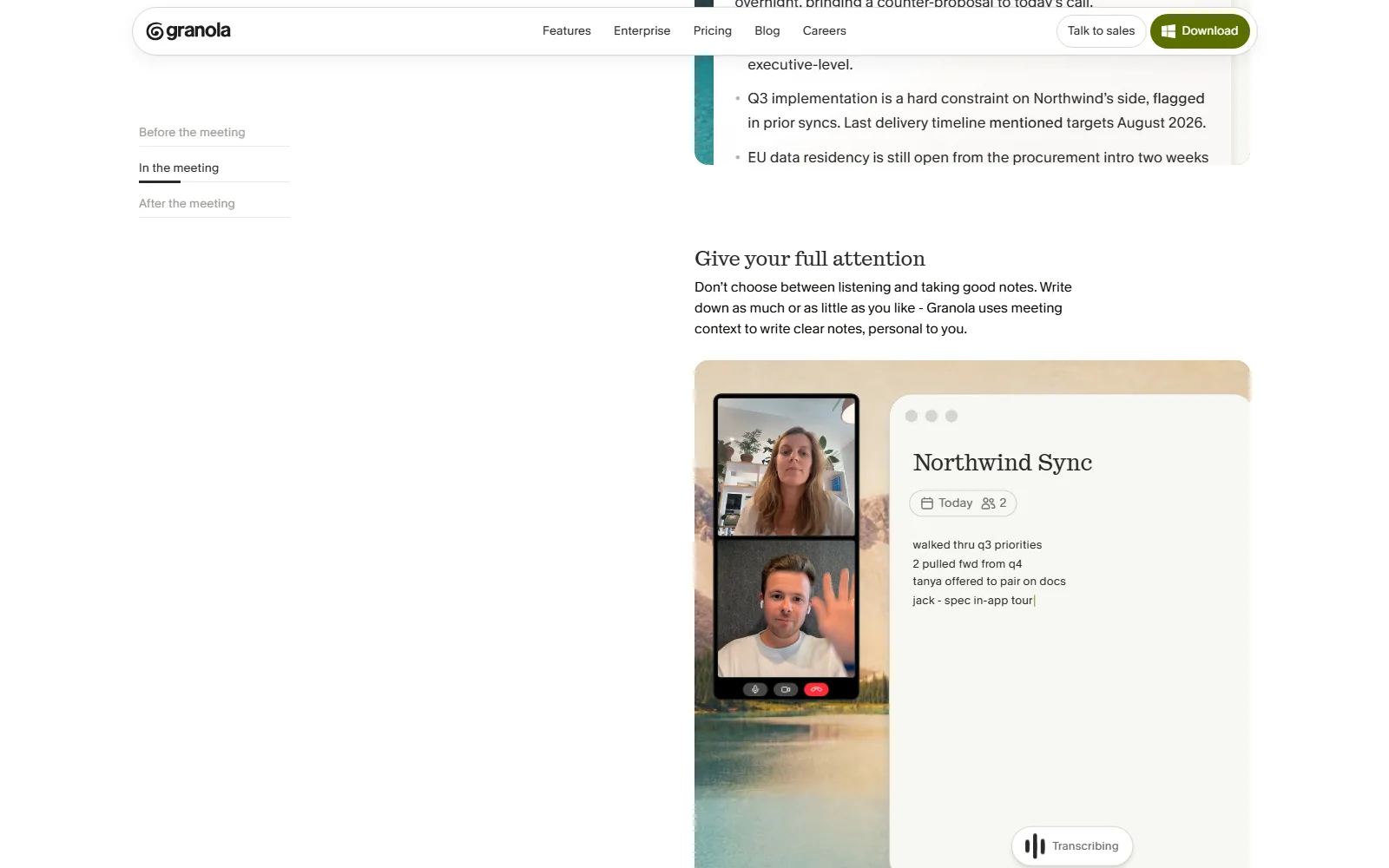
Finishing the notes you typed
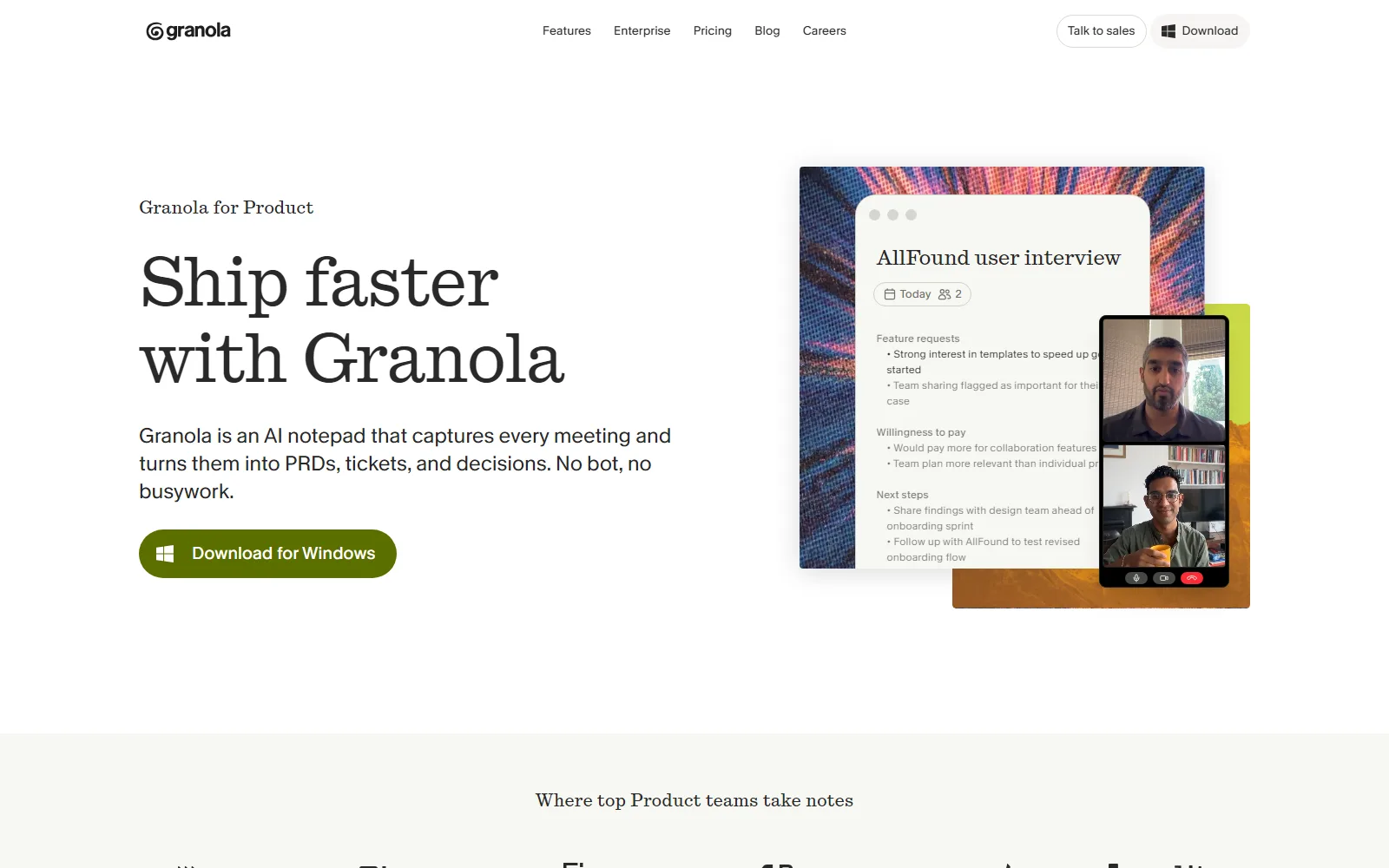
You type the three things that mattered; Granola supplies the context, the numbers and the names you did not catch. Custom templates and Recipes, both on Basic, give a weekly standup or a pipeline review the same structure each time.
Calls with no recorder in sight
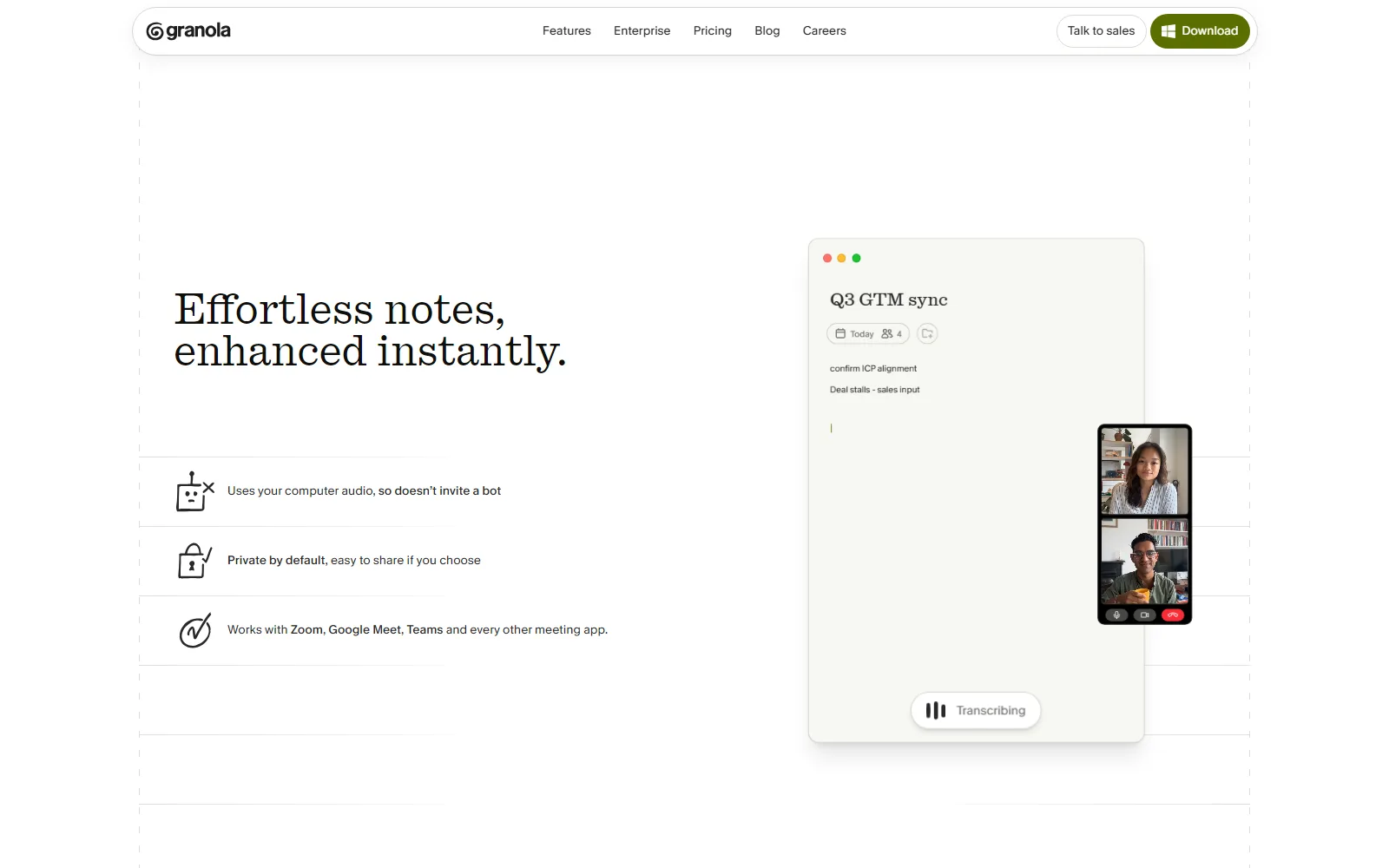
Device-audio capture means nothing joins the meeting, which matters most for interviews, client work and sensitive conversations. The trade-off is built in: Granola records what your device can hear, so a meeting you do not attend cannot be captured.
Is Granola free?
Yes. The Basic plan is $0 a user a month and does not cap how many meetings you record. What it caps is how long the notes stay readable.
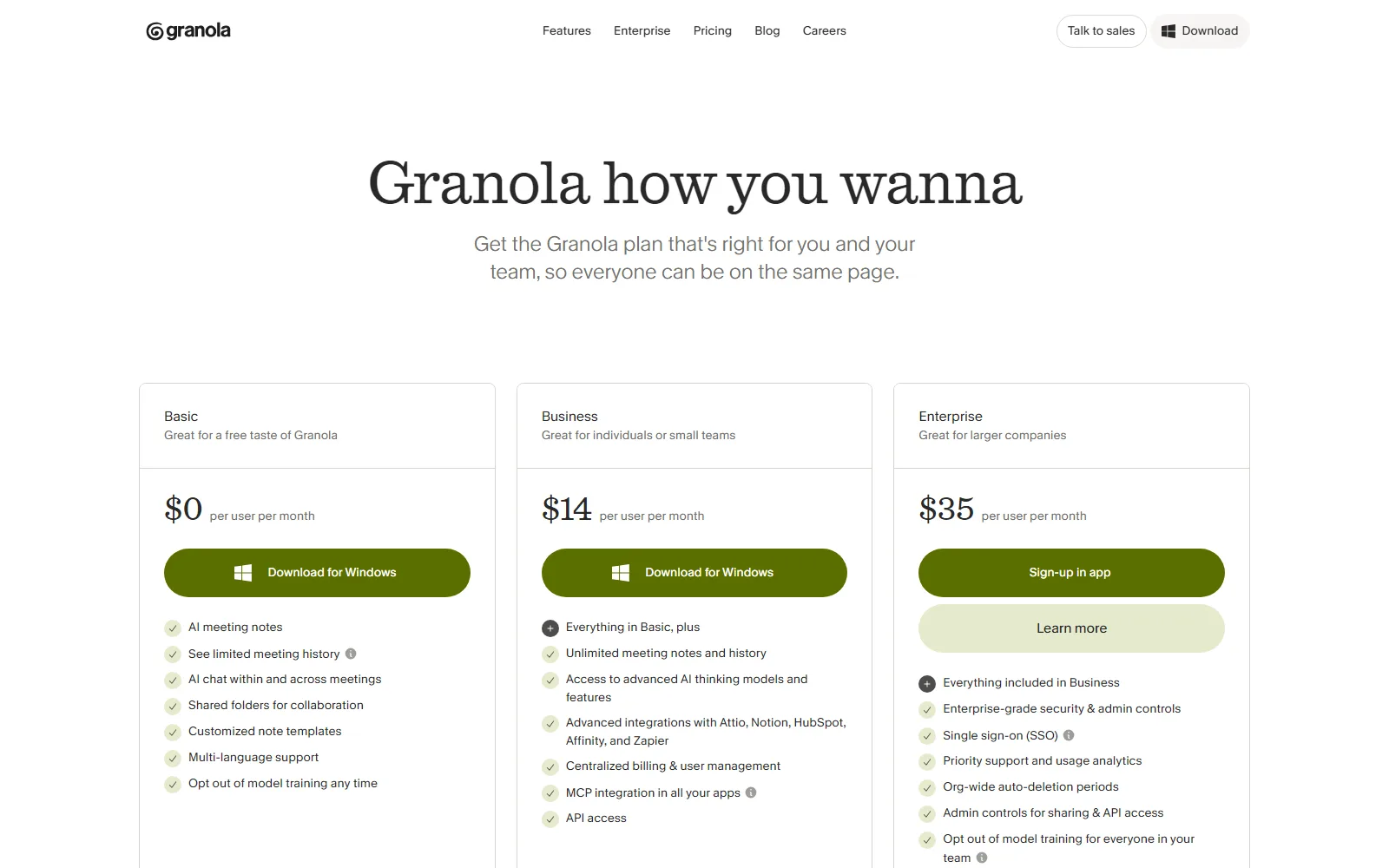
What Basic includes, from Granola's pricing page and its plan-comparison post:
- AI meeting notes and device-audio capture, with no bot.
- AI chat within a meeting and across meetings, on standard models.
- Shared folders for collaboration and custom templates.
- Multi-language support: 10 languages on desktop.
- Recipes and People & Companies, both bounded by the history window.
- MCP integration, also bounded by the history window.
- Opt-out of model training, per user.
That is a lot to give away. The catch is entirely in the history window.
How long does the free plan keep your notes?
Granola's own pages have given two different answers: 30 days and 14. Its pricing table says 30.
- The plan-comparison post states: "The Basic plan gives you a rolling 30-day window of note access."
- The getting-started post states: "The Free plan provides access to notes from the past 14 days."
- The pricing page's plan card says only "limited meeting history". The comparison table on the same page lists Basic meeting history as 30 days, and Basic MCP access as personal notes from the last 30 days (checked 13 October 2026).
Both posts were read on 24 September 2026, when we recorded the pricing page as defining nothing. A vendor contradicting itself on a plan limit is itself the useful fact, so we give all three. The pricing page is the one Granola sells from, which makes 30 days the number to go on. The shorter figure is the one you would regret assuming away, though: if losing a note would hurt, export it inside 14 days until you have confirmed the window with Granola.
Two things the window does not limit are easy to get wrong. It does not cap the number of meetings you record: Granola's documentation sets no meeting-count limit on any plan. And the notes are not deleted. What expires is your access to read them, which is why exporting before the window closes is the workaround.
How much does Granola cost?
Business is $14 a user a month and Enterprise is $35 a user a month; Basic is $0. Granola publishes no annual pricing.
Granola plans, in USD per user per month, checked 24 September 2026
| Plan | Price | Meeting history | What it adds |
|---|---|---|---|
| Basic | $0 | Limited: 30 days in the pricing table (checked 13 October 2026), 14 days in Granola's getting-started post | AI notes, AI chat across meetings, shared folders, templates, MCP, training opt-out, Slack |
| Business | $14/user | Unlimited | Advanced AI models, Notion, Zapier, HubSpot, Attio, Affinity, central billing, API, full MCP |
| Enterprise | $35/user | Unlimited | SSO, enterprise security and admin controls, workspace-wide settings, HIPAA compliance, priority support |
Slack is included on every plan in the pricing page's comparison table (checked 13 October 2026); the other integrations start at Business.
The absence of annual pricing is unusual at this price point and cuts both ways: no discount for committing, and no annual commitment to regret. A five-person team on Business comes to $840 a year, with the freedom to stop any month.
HIPAA compliance sits on Enterprise, not Business. For anyone in healthcare that one line decides the plan, and it is a 2.5x step up in price.
Granola vs Fathom and Tactiq
All three capture without putting a bot in the room. They meter completely different things, which makes the choice unusually clean.
- Granola meters time. Unlimited meetings and unlimited AI chat, but notes become unreadable after the free window closes. It is also the only one of the three built around merging your own typed notes with the transcript.
- Fathom meters depth. Unlimited recording, transcription and basic summaries are free forever, with no expiry on access; advanced summaries and action items start at $16 a month. Its bot-free capture, however, is a Mac beta, where Granola's is how the product works everywhere.
- Tactiq meters AI. It is bot-free through a browser extension. The free tier is 10 transcripts and 5 AI credits a month, and even paid Pro stops at 10 credits, which caps AI at 10 meetings.
For a permanent free archive, pick Fathom. For AI on everything without counting, Granola's free plan is the most generous, for as long as the window lasts. If a bot must never appear on any operating system, Granola and Tactiq are the two that qualify. And if the window is your only objection, Granola Business removes the history limit entirely, with no annual pricing to commit to.
Who Granola suits, and who it does not
It suits people who already take notes and want them finished, not replaced. If you type during calls, Granola is the only tool in this group designed around that habit instead of against it. Back-to-back schedules benefit for the same reason: AI chat across meetings answers questions spanning several calls on the free plan, and several competitors charge for that.
It does not suit anyone who needs an archive. A free tier whose limit is time is exactly wrong if the value of a meeting shows up three months later, and paying for Business is the only fix. Healthcare work rules out everything below Enterprise. And a buyer who wants certainty about the free plan should read the pricing table first, because Granola's pages have not told one story about it.
Granola screenshots
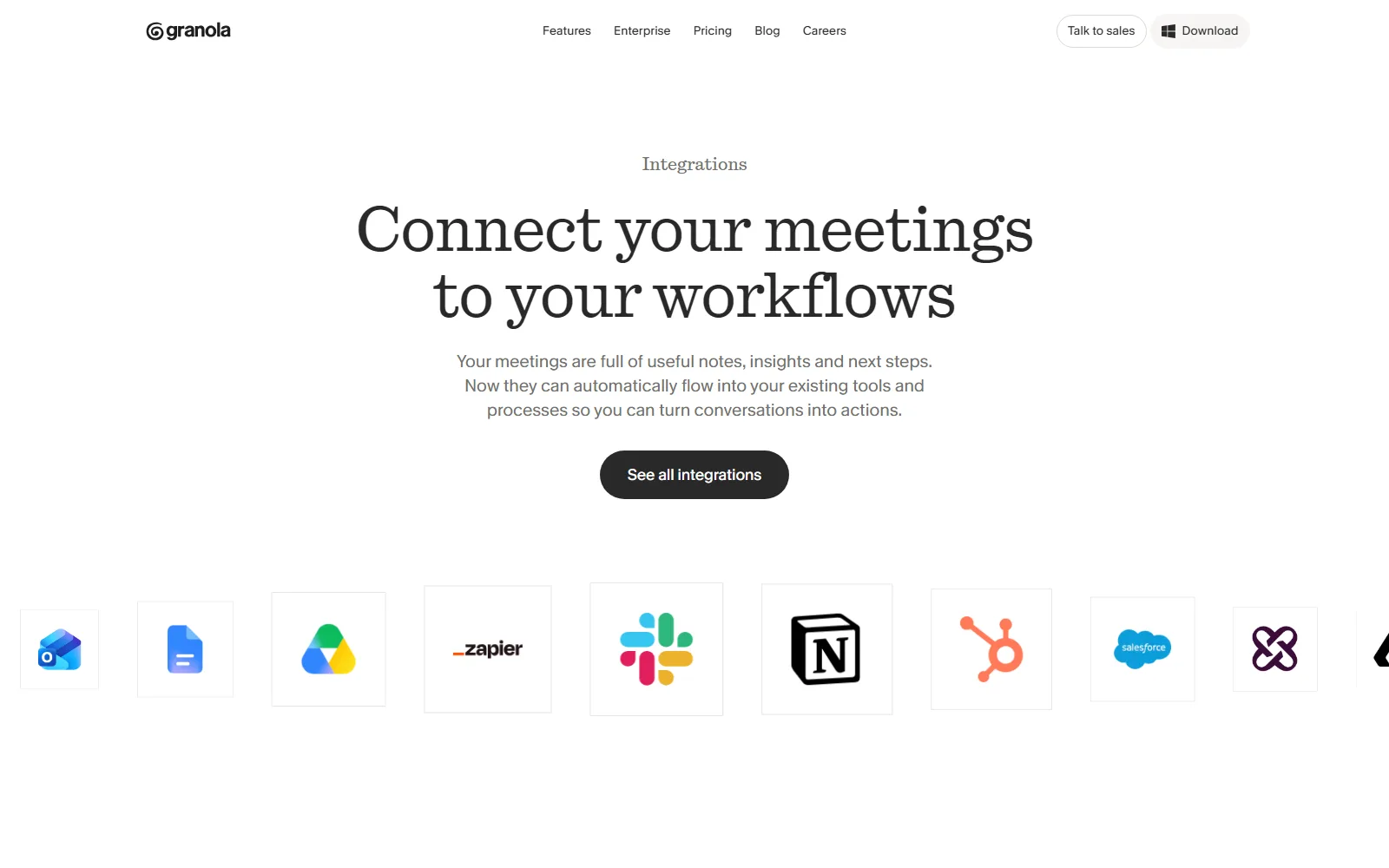
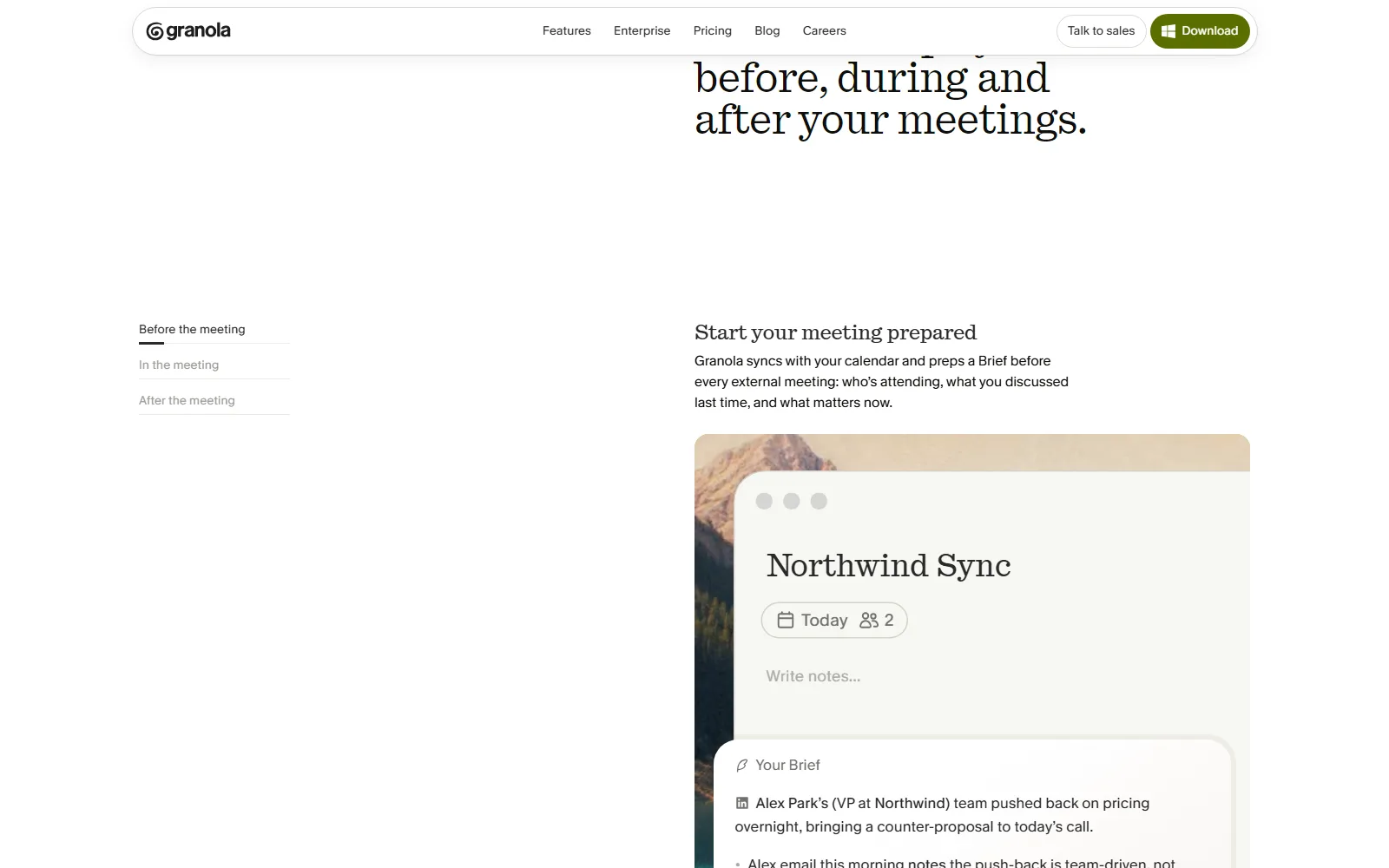
More of Granola's own website, captured . Each caption says which page it shows.
Sources
Every figure on this page was read from the pages below on 24 September 2026. The pricing page was read again on 13 October 2026.
- Granola pricing: plan prices, the "limited meeting history" wording, the 30-day figure in the comparison table (13 October 2026), platform list and what Business and Enterprise add
- Granola blog: free vs paid features: the statement that the Basic plan gives a rolling 30-day window of note access, and the full Basic feature list
- Granola blog: getting started: the statement that the Free plan provides access to notes from the past 14 days, which contradicts the post above
- Granola on Product Hunt: the date it first appeared, the Granola 2.0, iOS and Windows rankings, rating and review count
Granola pros and cons
Pros
- No bot joins the call on any platform, because capture runs on your device's audio
- Built around the notes you type yourself, with the transcript filling in what you missed
- The free plan sets no limit on the number of meetings and includes AI chat across them
- Opt-out of model training is available to free users, not reserved for enterprise buyers
- Apps for desktop, iOS, Android and Apple Watch, plus Windows since June 2025
- No annual contract: Business is $14 a user a month and you can stop any month
Cons
- Granola's pages have given two free-history limits: 30 days in the pricing table and one blog post, 14 days in another post
- The free tier expires access to notes instead of capping volume, which is the wrong shape if you need an archive
- No annual pricing is published, so there is no discount for committing
- HIPAA compliance requires Enterprise at $35 a user, two and a half times the Business price
- Multi-language support is listed as 10 languages on desktop, far fewer than transcription-led rivals offer
- Capture depends on your own device audio, so meetings you do not attend cannot be recorded
The bottom line on Granola
Best for
- People who type meeting notes
- Back-to-back meeting schedules
- Client and candidate calls
Facts checked
Visit GranolaGranola FAQ
Is Granola free?
Yes. The Basic plan costs nothing per user, does not limit how many meetings you record, and includes AI meeting notes, AI chat within and across meetings, shared folders, custom templates, MCP integration and a per-user opt-out of model training. The limit is on how long notes remain readable, not on how much you use it.
How long does Granola keep free-plan notes?
Thirty days, according to the comparison table on Granola's pricing page (checked 13 October 2026) and its plan-comparison post, although its getting-started post said 14 days when read on 24 September 2026. The notes are not deleted when the window closes: what expires is access, so exporting before then preserves them.
How much does Granola cost?
Business is $14 a user a month, Enterprise is $35 a user a month and Basic is free. Granola publishes no annual pricing, so there is no discount for committing to a year and no annual lock-in either. Checked on granola.ai/pricing, 24 September 2026.
Does Granola put a bot in my meeting?
No. Granola captures your computer's audio directly on every platform, so nothing joins the call and no other participant sees a recorder. The trade-off is that it records what your device can hear, so a meeting you do not personally attend cannot be captured.
What does Granola Business add over the free plan?
Unlimited meeting notes and history, which removes the free tier's time window, plus advanced AI models and integrations with Notion, Zapier, HubSpot, Attio and Affinity. It also adds API access, centralised billing and user management, and full MCP access across your entire meeting archive. Slack is already included on Basic (checked 13 October 2026).
Is Granola at granola.so or granola.ai?
Both resolve, but granola.ai is the canonical address: granola.so redirects to it, verified 24 September 2026. Granola's Product Hunt page still shows granola.so, which is why the older address is still widely cited.
Is Granola HIPAA compliant?
Only on Enterprise. Granola lists HIPAA compliance on the Enterprise plan at $35 a user a month and not on Business, which is a 2.5x step up in price.
Alternatives to Granola
 FathomFree plan + paid upgradesAI notetaker with unlimited free recording and summaries
 Otter.aiFree plan + paid upgradesAI meeting notes, transcripts and action items
 TactiqFree plan + paid upgradesBrowser-extension meeting transcriber with no bot
 RaycastFree plan + paid upgradesKeyboard-first command bar, with AI on paid plans
 VoicenotesFree plan + paid upgradesVoice notes and meeting notes, transcribed and searchable

Reviewed by
Amit Kumar
Full Stack AI Strategist
Amit Kumar runs MPAT, where he reviews AI tools and writes its guides. When he covers a tool he checks its pricing, credits and plan limits against the vendor's own pages, so readers know what a plan includes before they pay. He also leads the site's SEO and AI-focused content strategy.