 Reviewed by Amit Kumar
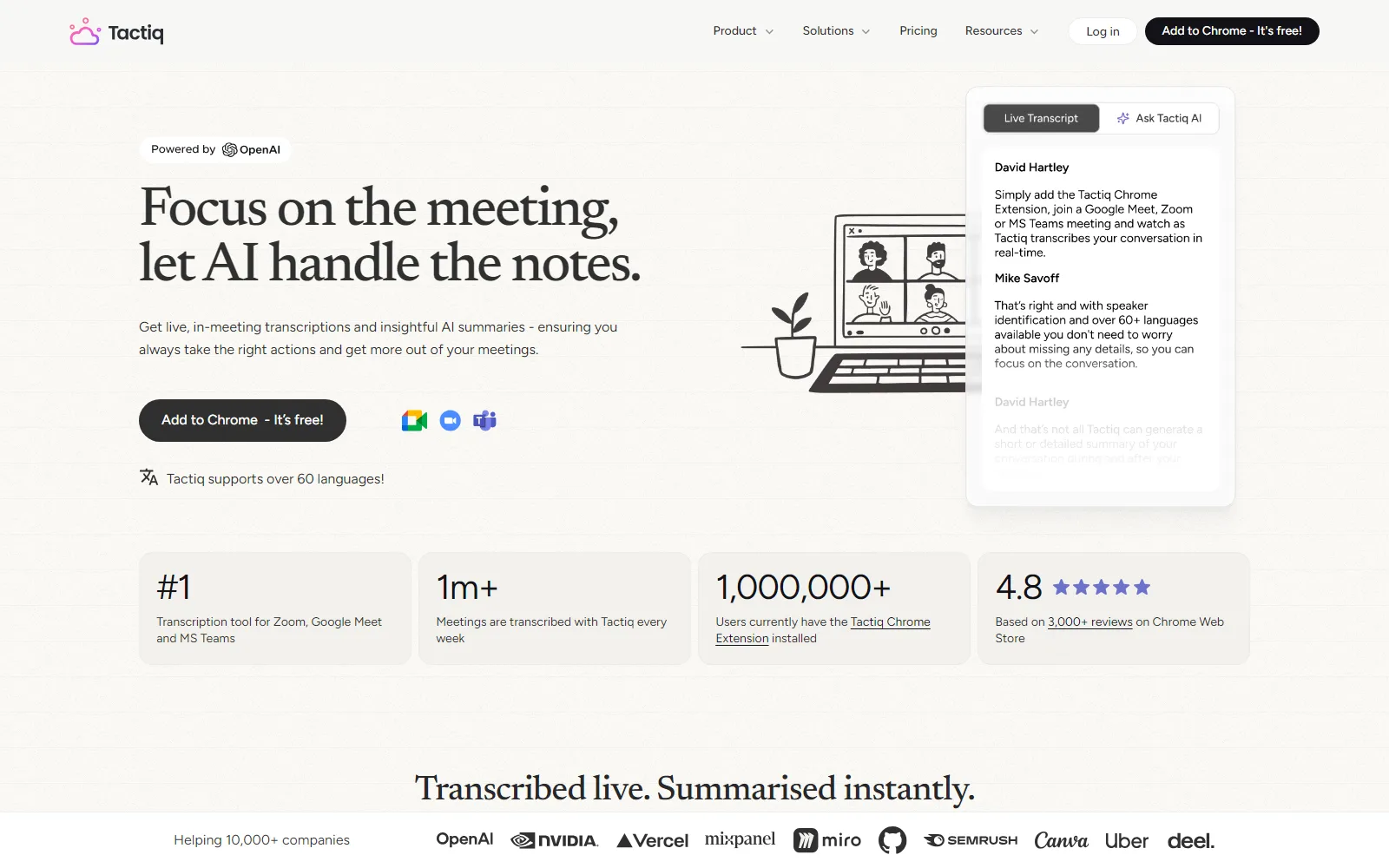
Tactiq is a meeting transcriber that runs as a browser extension instead of a participant. It reads Google Meet, Zoom and Teams calls from your browser, so no bot appears in the meeting, and AI features then sit on top of the transcript: summaries, action items, decisions, follow-up emails and questions about a specific meeting. The free plan gives 10 transcripts and 5 AI credits a month. Billed annually, Pro is $8 a user a month, Team is $16.67 and Business is $29.17.
Fact-checked reviewProductivity

Tactiq Review: Free Plan, AI Credits and Pricing
Browser-extension meeting transcriber with no bot
Quick verdict
The headline on Pro is unlimited transcripts, but the number that matters is 10 AI credits a month, which caps AI at ten meetings however many you record. Unlimited AI starts at Team, roughly double the price. And no monthly price is published on either pricing page, so the annual rate is the only figure a buyer can plan around.
Best forClient calls without a botLive notes during meetingsRepeatable meeting formats
How we reviewed Tactiq
Every Tactiq plan, price and limit in this review comes from Tactiq's own pages, checked on , and links to the page it came from. All 4 sources are listed at the end. A review cannot be bought. How these reviews are written
On this page
Tactiq at a glance
Prices come from tactiq.io/pricing and tactiq.io/buy, and the credit mechanics from Tactiq's help centre. We read all three on 24 September 2026 and read tactiq.io/pricing again on 13 October 2026, when the plan prices and allowances matched. On Product Hunt, Tactiq first appeared in 2020 and has had eight releases there since: Tactiq 2.0 at #4 of the day in September 2021, Spaces at #5 in May 2024, AI Workflows at #5 in December 2024, and Tactiq 3.0 in December 2025. It holds a 4.8 rating from 26 reviews with 1.6K followers.
What is Tactiq used for?
Client calls where a bot would be awkward
The core case. Tactiq records from your browser, so nothing joins the meeting and nothing has to be explained to the client. This is its clearest advantage over bot-based notetakers.
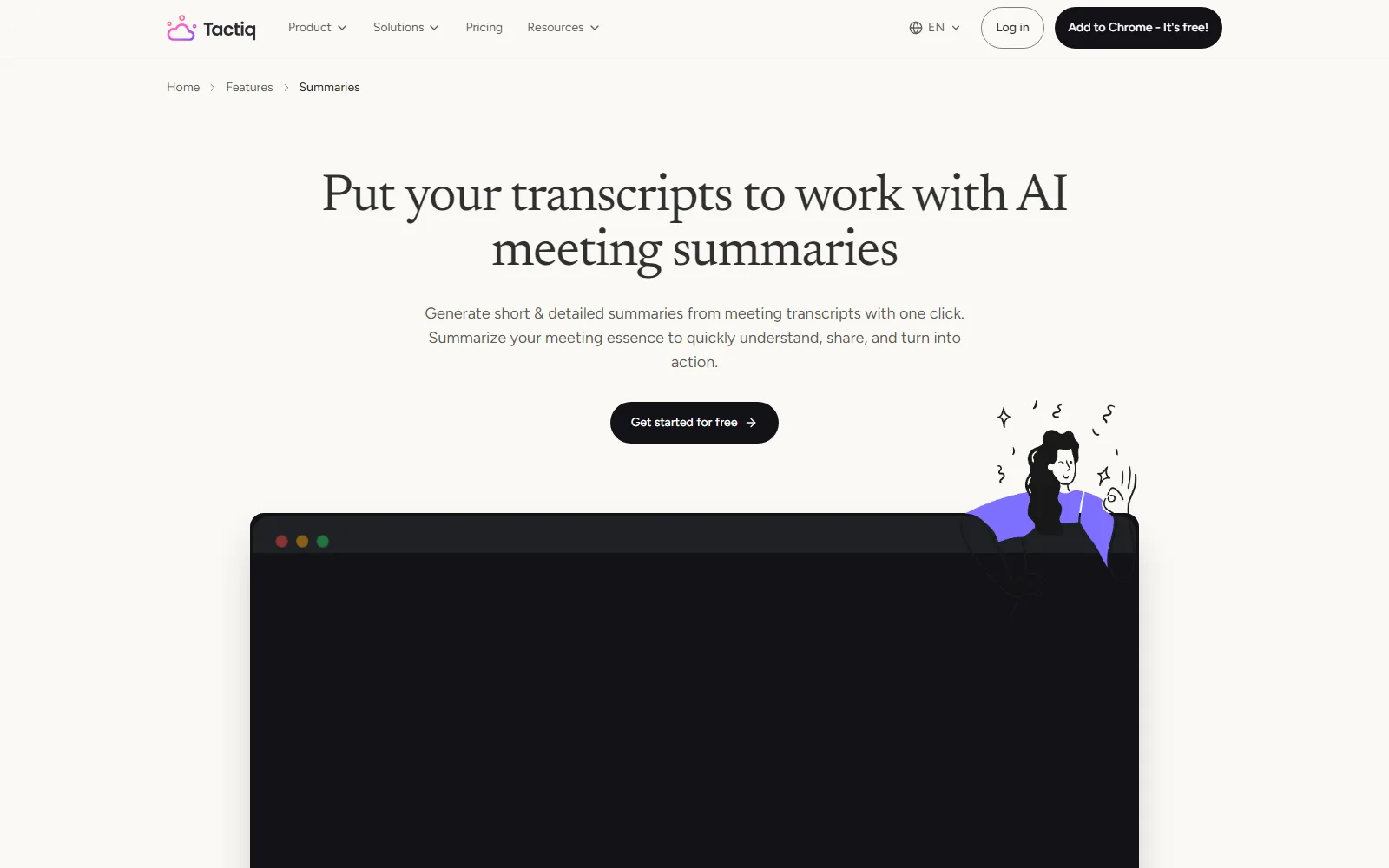
Turning one meeting into every follow-up
Because one credit covers a whole meeting, the efficient pattern is to work a call over completely in one sitting (summary, decisions, action items, follow-up email) instead of returning later and spending again.
Live notes during the call
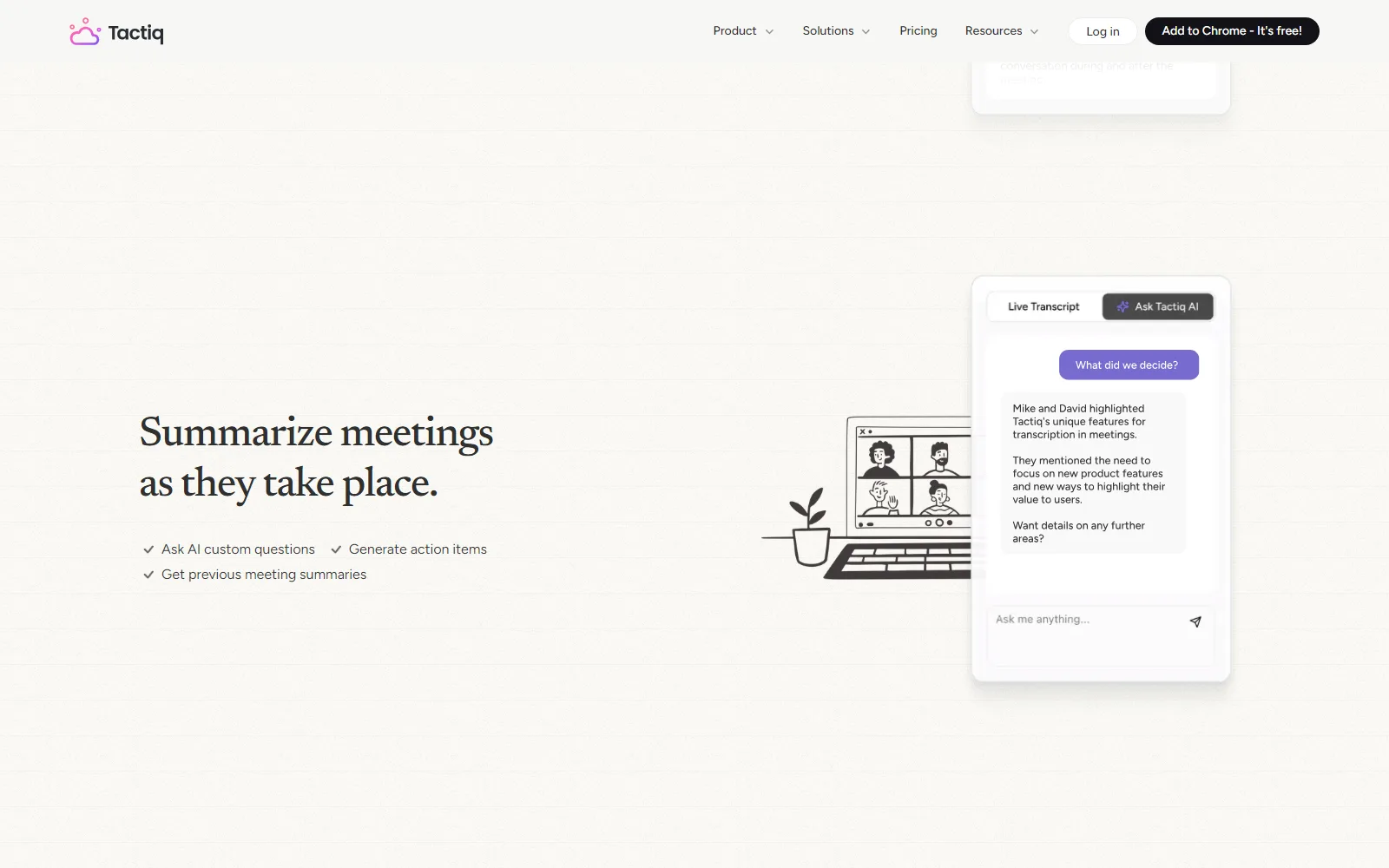
In-meeting AI is on the free plan, so you can pull a summary or an action list while the call is still running.
Repeatable meeting formats
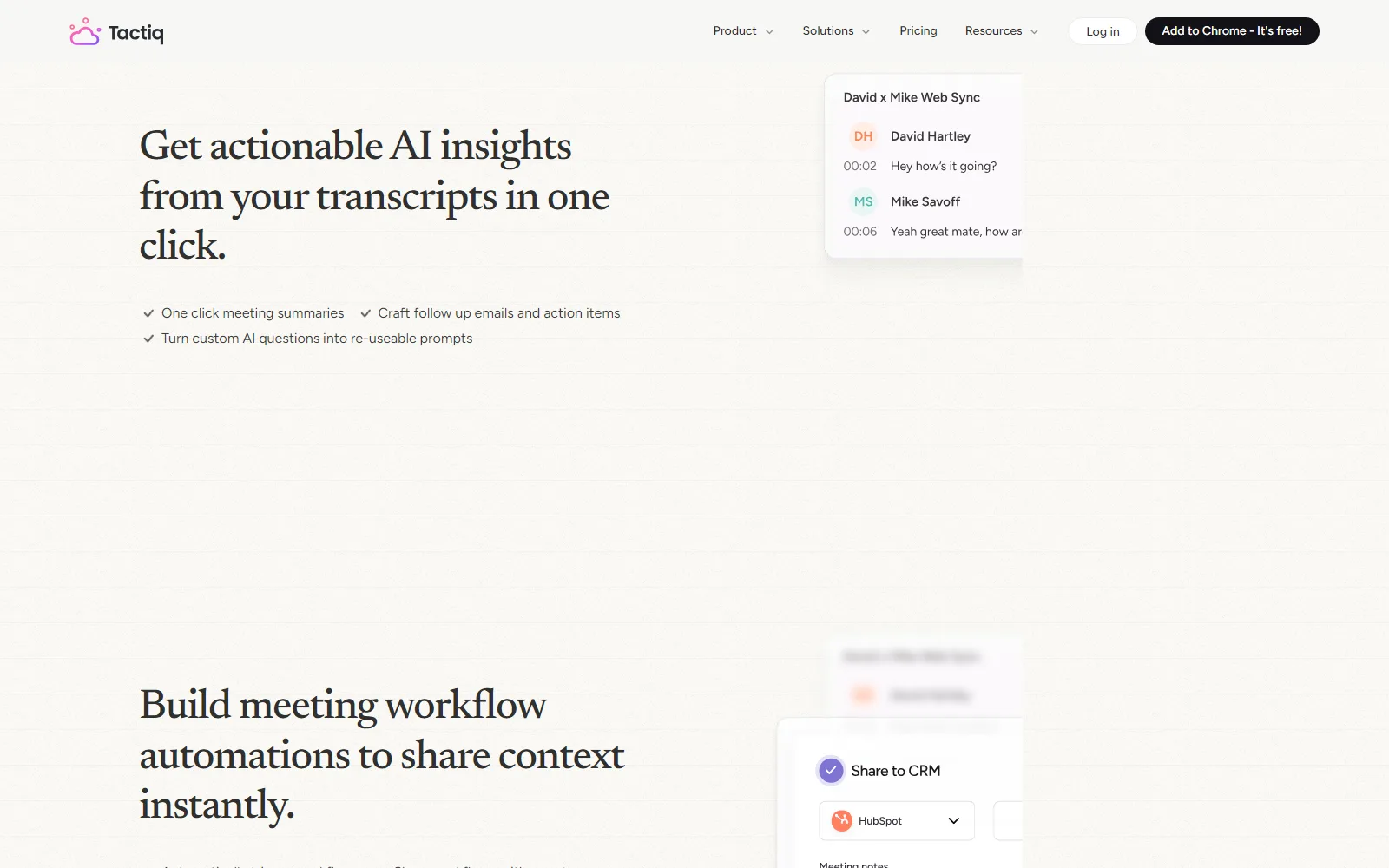
AI Meeting Kits apply a prompt set built for a meeting type, such as a brainstorm, a project update or a standup, so a recurring meeting produces the same shape of output each time without rewriting the prompt.
Querying the archive from Claude or ChatGPT
Tactiq MCP on the Business plan, still in beta, exposes meetings to a connected assistant. Those questions bill on the same credit as the meeting they concern, which on Business is unlimited anyway.
Is Tactiq free?
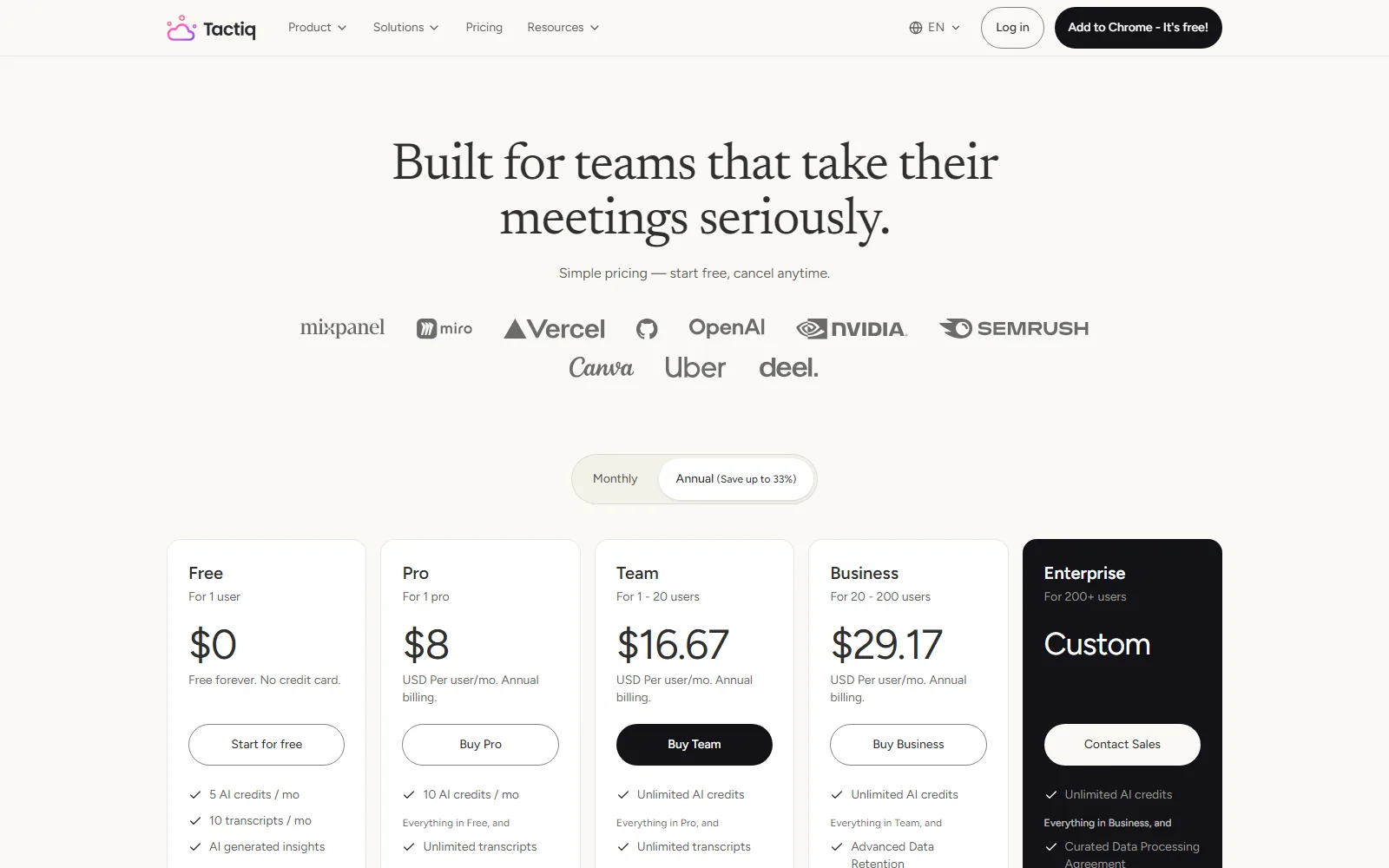
Yes. The free plan gives 10 transcripts and 5 AI credits a month, plus AI insights, sharing, export and in-meeting AI. Read those two numbers together, because they measure different things. Ten transcripts is ten meetings captured; five AI credits is five meetings you may actually ask the AI about. For the other five you get a transcript and nothing more.
Capture uses the browser extension, so no bot joins. For someone with a handful of important calls a month that is a real free tier and not a demo. In back-to-back meetings it runs out in the first week.
How much does Tactiq cost?
Billed annually: Pro is $8 a user a month, Team is $16.67 and Business is $29.17. Enterprise is quoted by sales.
Tactiq plans, in USD per user per month billed annually, checked 24 September 2026 (tactiq.io/pricing confirmed 13 October 2026)
| Plan | Billed annually | Monthly | Transcripts | AI credits |
|---|---|---|---|---|
| Free | $0 | $0 | 10 a month | 5 a month |
| Pro | $8 | Not published | Unlimited | 10 a month |
| Team | $16.67 | Not published | Unlimited | Unlimited |
| Business | $29.17 | Not published | Unlimited | Unlimited |
| Enterprise | Sales | Sales | Unlimited | Unlimited |
Pro lets you disable the transcript notification and pause automatic transcription. Team adds priority support and auto-sharing transcripts with the team. Business adds advanced data retention, SAML SSO, a customer success manager and Tactiq MCP, still labelled beta, which lets an assistant like Claude or ChatGPT query your meetings directly. Enterprise adds a curated data processing agreement, a customisable in-meeting notification and a dedicated account manager.
There is no monthly price anywhere
Both tactiq.io/pricing and tactiq.io/buy show a Monthly / Annual toggle that advertises "Save up to 33%". On neither page does a monthly figure render for Pro, Team or Business. A 33% saving implies a monthly Pro rate near $11.94 and a monthly Team rate near $24.88 if the discount is applied the way the toggle suggests. That is our arithmetic from Tactiq's own claim, not a price Tactiq publishes, so confirm it at checkout.
The substantive point is that a saving is quoted against a number the buyer cannot see. If you intend to pay monthly, find the rate before you plan the budget, because everything on the public pages assumes the annual commitment.
What is an AI credit, and why it is the real limit
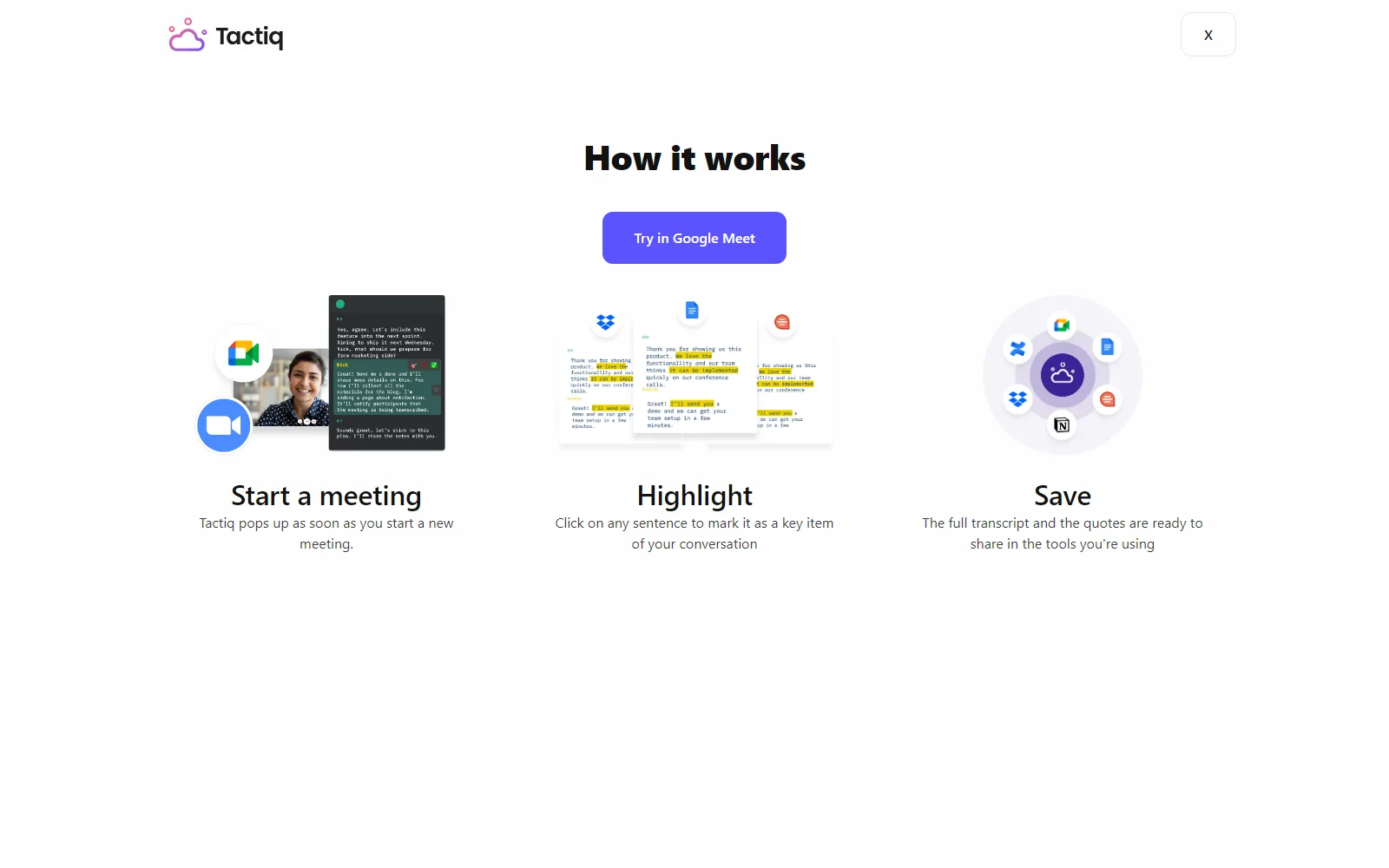
Tactiq's help centre says: "For most users and AI actions, each meeting uses a maximum of one AI credit." That is a generous definition. One credit does not mean one question. Within a single meeting, one credit covers questions typed into the Ask AI box, Quick Prompts (Summary, Action items, Key insights), prompts run from an AI Meeting Kit, AI steps inside a workflow, AI actions taken live during the call, and questions asked through a connected assistant such as Claude or ChatGPT. A credit is closer to "one meeting, fully worked over" than to one API call.
The consequence is the thing to plan around: Pro advertises unlimited transcripts but includes only 10 AI credits a month, which caps you at AI on ten meetings regardless of how many you record. Put the numbers side by side. Free is 10 transcripts and 5 credits; Pro is unlimited transcripts and 10 credits. Doubling the credits is the actual upgrade, and the unlimited transcripts only matter if you want a searchable record of meetings you never ask about.
If you take more than ten meetings a month and want AI on all of them, the plan you need is Team at $16.67, where credits go unlimited, not Pro. That step of roughly double is the real pricing decision this product asks you to make.
Tactiq vs Fathom and Granola
All three avoid or de-emphasise the meeting bot. They differ on what is metered.
- Tactiq meters the AI. Transcripts go unlimited at $8 a user; the intelligence stays capped until $16.67.
- Fathom meters nothing on capture: unlimited recording, transcription and basic summaries are free forever, and it charges for advanced summaries and action items from $16 a month. Its bot-free capture is a Mac beta, where Tactiq's extension is the normal path on any desktop browser.
- Granola meters time: its free plan limits how long notes stay readable instead of how many meetings or how much AI. It merges your own typed notes with what it heard, a different product from a transcript with AI on top.
Pick by which limit you would notice. Heavy call volume with occasional analysis favours Fathom, as long as a bot in the room is acceptable. Moderate volume with AI on everything favours Tactiq Team. Wanting your own typed notes merged into the record favours Granola. Otter.ai remains the best-known option in the category.
Who Tactiq suits, and who it does not
It suits people who cannot or will not have a bot appear in client calls, and who want that to be the ordinary way the tool works instead of a beta. The extension model is also the least disruptive to install across a team: there is nothing to admit to a meeting, and no calendar integration to grant before it works. For a Business buyer there is a specific draw too. Tactiq MCP, beta though it is, lets an AI assistant query the meeting archive directly, which is a different capability from reading summaries.
It does not suit high-volume meeting schedules on the Pro plan, where ten AI credits will not stretch. It does not suit anyone who needs to budget monthly, since no monthly rate is published. And because capture runs in your browser, it does not suit calls you do not personally attend: there is no bot to send in your place.
Tactiq screenshots
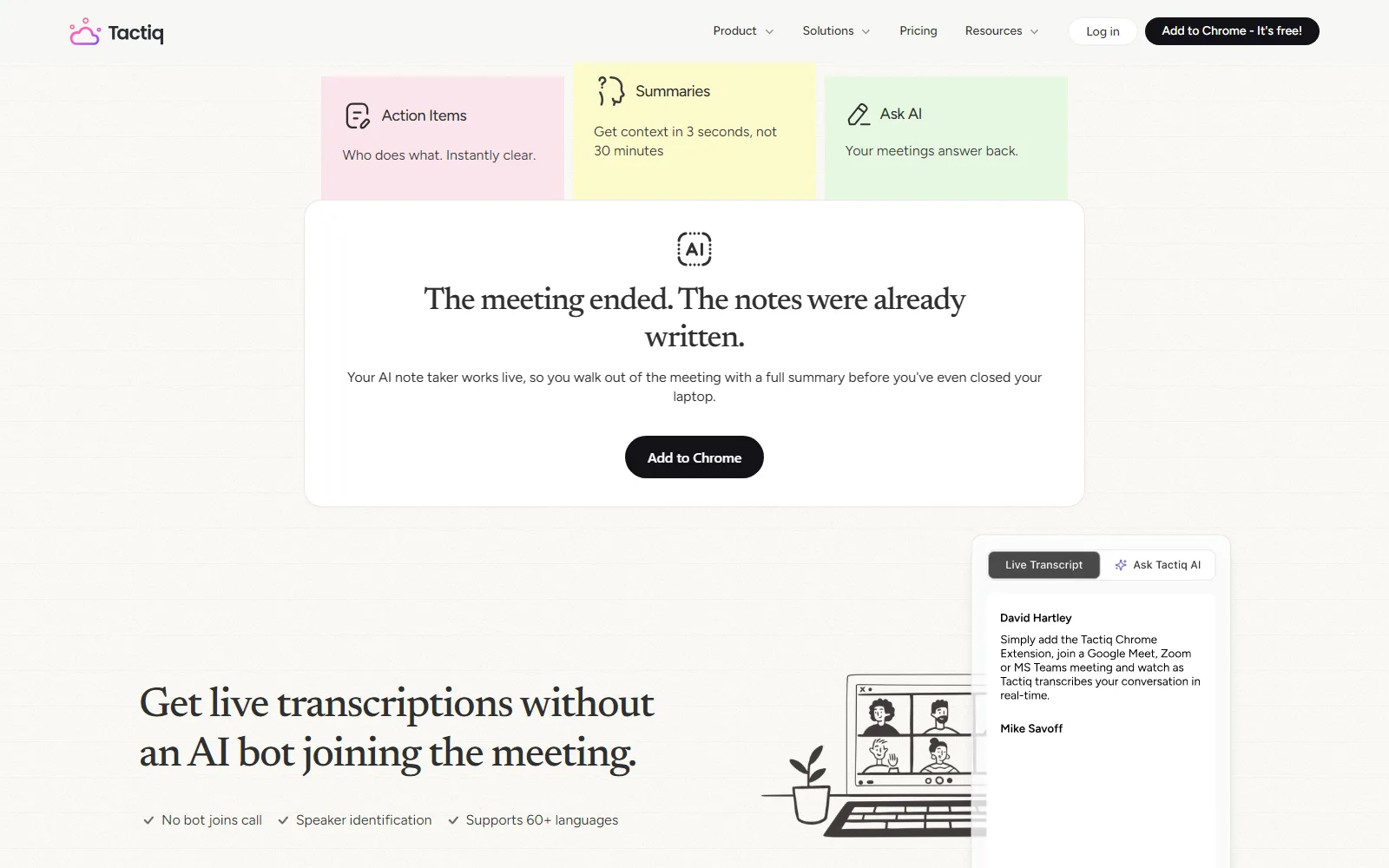
More of Tactiq's own website, captured . Each caption says which page it shows.
Sources
Every figure on this page was read from the pages below on 24 September 2026. tactiq.io/pricing was read again on 13 October 2026.
- Tactiq pricing: annual plan rates, transcript and AI credit allowances, and the Monthly/Annual toggle that renders no monthly figure
- Tactiq buy page: the same annual-only rates and the advertised saving of up to 33% against an unpublished monthly price
- Tactiq help centre: what is an AI credit: the one-credit-per-meeting rule, the full list of actions a credit covers, and per-plan allowances
- Tactiq on Product Hunt: the eight releases since 2020, the Tactiq 2.0, Spaces and AI Workflows rankings, rating and review count
Tactiq pros and cons
Pros
- No bot joins the call, and the extension model is the normal path, not a beta
- One AI credit covers a whole meeting, including live actions and assistant queries, not one question
- In-meeting AI is included on the free plan rather than held back for paid tiers
- Credits are unlimited from Team upward at $16.67 a user billed annually
- Eight Product Hunt releases since 2020 and a 4.8 rating, so the product is maintained
Cons
- No monthly price is published on either pricing page, though both advertise a saving of up to 33% against one
- Pro's headline unlimited transcripts is undercut by a hard cap of 10 AI credits a month
- Unlimited AI means Team at $16.67, roughly double Pro, which is the real upgrade step
- The free tier's 10 transcripts and 5 credits do not match: five recorded meetings get no AI at all
- Capture runs in your browser, so meetings you do not personally attend cannot be recorded
- Tactiq MCP, a main reason to choose the Business plan, is still labelled beta
The bottom line on Tactiq
Best for
- Client calls without a bot
- Live notes during meetings
- Repeatable meeting formats
Facts checked
Visit TactiqTactiq FAQ
Is Tactiq free?
Yes. The free plan gives 10 transcripts and 5 AI credits a month, along with AI insights, sharing, export and in-meeting AI. Ten transcripts is ten meetings captured and 5 credits is five meetings you can ask the AI about, so the other five leave you a transcript and nothing else.
How much does Tactiq cost?
Billed annually, Pro is $8 a user a month, Team is $16.67 and Business is $29.17. Enterprise is quoted by sales. Checked on tactiq.io/pricing on 13 October 2026; neither the pricing page nor tactiq.io/buy shows a monthly rate for any paid plan.
What is a Tactiq AI credit?
In Tactiq's own words, for most users and AI actions each meeting uses a maximum of one AI credit. That credit covers Ask AI questions, Quick Prompts, AI Meeting Kit prompts, workflow steps, live actions during the call, and questions asked through a connected assistant such as Claude or ChatGPT.
Does Tactiq Pro really give unlimited AI?
No. Pro gives unlimited transcripts but only 10 AI credits a month, so AI applies to at most ten meetings however many you record. Unlimited credits start on Team at $16.67 a user a month billed annually.
What does Tactiq cost per month rather than annually?
Tactiq does not publish it. Both pricing pages show a Monthly / Annual toggle advertising a saving of up to 33% but render no monthly figure. Applying 33% implies roughly $11.94 a month for Pro and $24.88 for Team, which is our arithmetic and not a published price, so confirm it at checkout.
Does Tactiq send a bot into the meeting?
No. Tactiq captures the call through a browser extension, so nothing joins the meeting and no other participant sees a recorder. The trade-off is that capture depends on you being in the call in your browser; there is no bot to send to a meeting you do not attend.
Alternatives to Tactiq
 GranolaFree plan + paid upgradesBot-free meeting notepad that finishes the notes you type
 FathomFree plan + paid upgradesAI notetaker with unlimited free recording and summaries
 Otter.aiFree plan + paid upgradesAI meeting notes, transcripts and action items
 VoicenotesFree plan + paid upgradesVoice notes and meeting notes, transcribed and searchable
 AncherFree plan + paid upgradesSave what you read and watch, then find it by meaning

Reviewed by
Amit Kumar
Full Stack AI Strategist
Amit Kumar runs MPAT, where he reviews AI tools and writes its guides. When he covers a tool he checks its pricing, credits and plan limits against the vendor's own pages, so readers know what a plan includes before they pay. He also leads the site's SEO and AI-focused content strategy.