NiroHelp is a help desk that lives inside WordPress. It combines a knowledge base, ticketing and AI answers drawn from your own docs, and it is built for plugin shops, agencies and SaaS sites that already work in wp-admin. The core plugin is free on WordPress.org; paid plans, from $9.99 a month, add the AI chatbot, the ticket auto-responder and email piping.
This review draws on NiroHelp's own site and pricing, checked on 28 September 2026.
Quick verdict
The pricing logic is the interesting part. You pay per WordPress site, not per agent, so adding a support hire never changes the invoice, and the AI is metered in plain credits: one answer, one credit. The catch is the yearly price. The vendor describes it as ten months' price plus an early-bird 20% off that was due to end on 30 September 2026, yet the pricing page still showed the same yearly prices on 13 October 2026. Confirm the yearly total at checkout.
Best forWordPress support teamsPlugin shop help desksAgencies with client sites
How we reviewed NiroHelp
Every NiroHelp plan, price and limit in this review comes from NiroHelp's own pages, checked on , and links to the page it came from. All 4 sources are listed at the end. A review cannot be bought. How these reviews are written
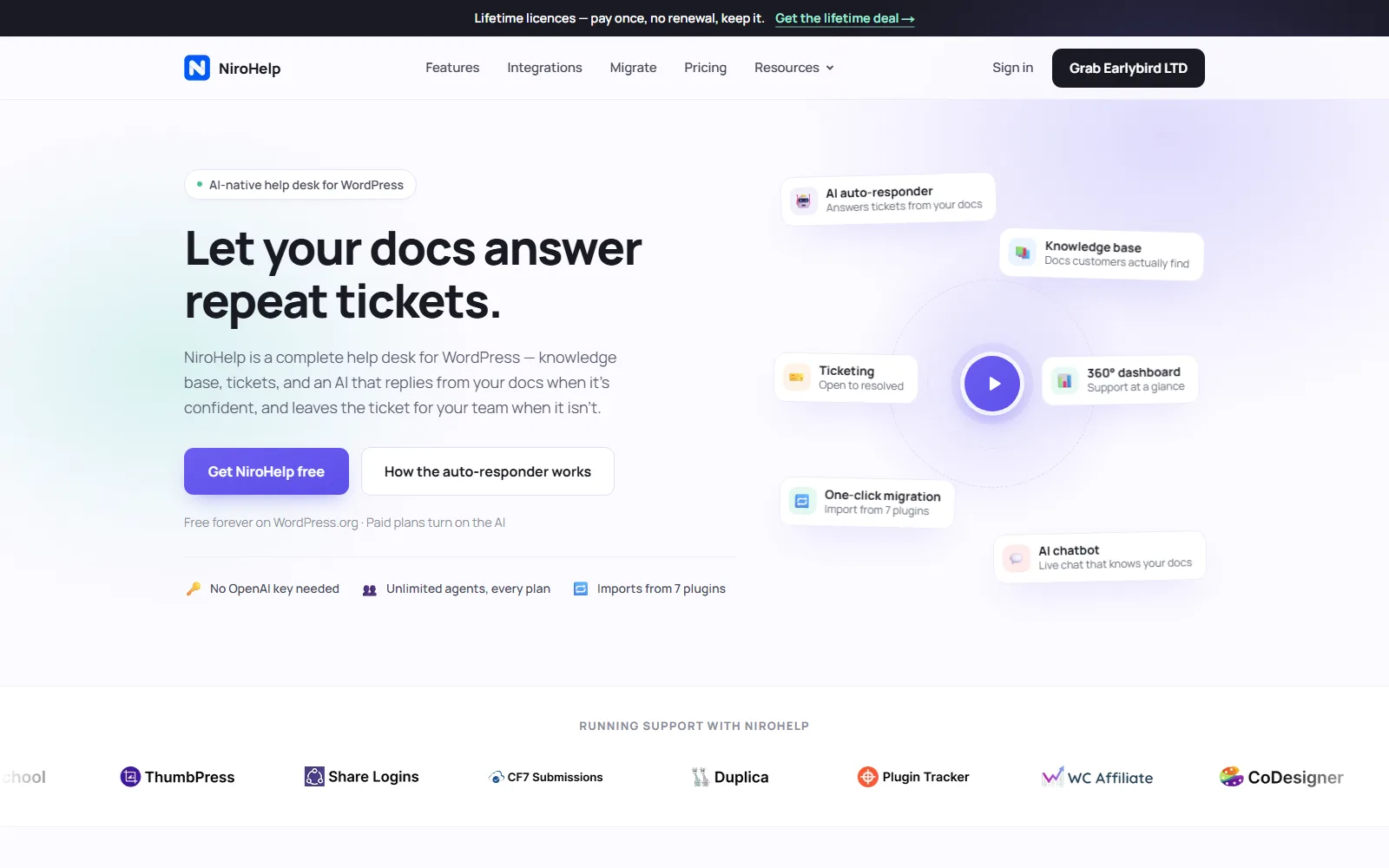
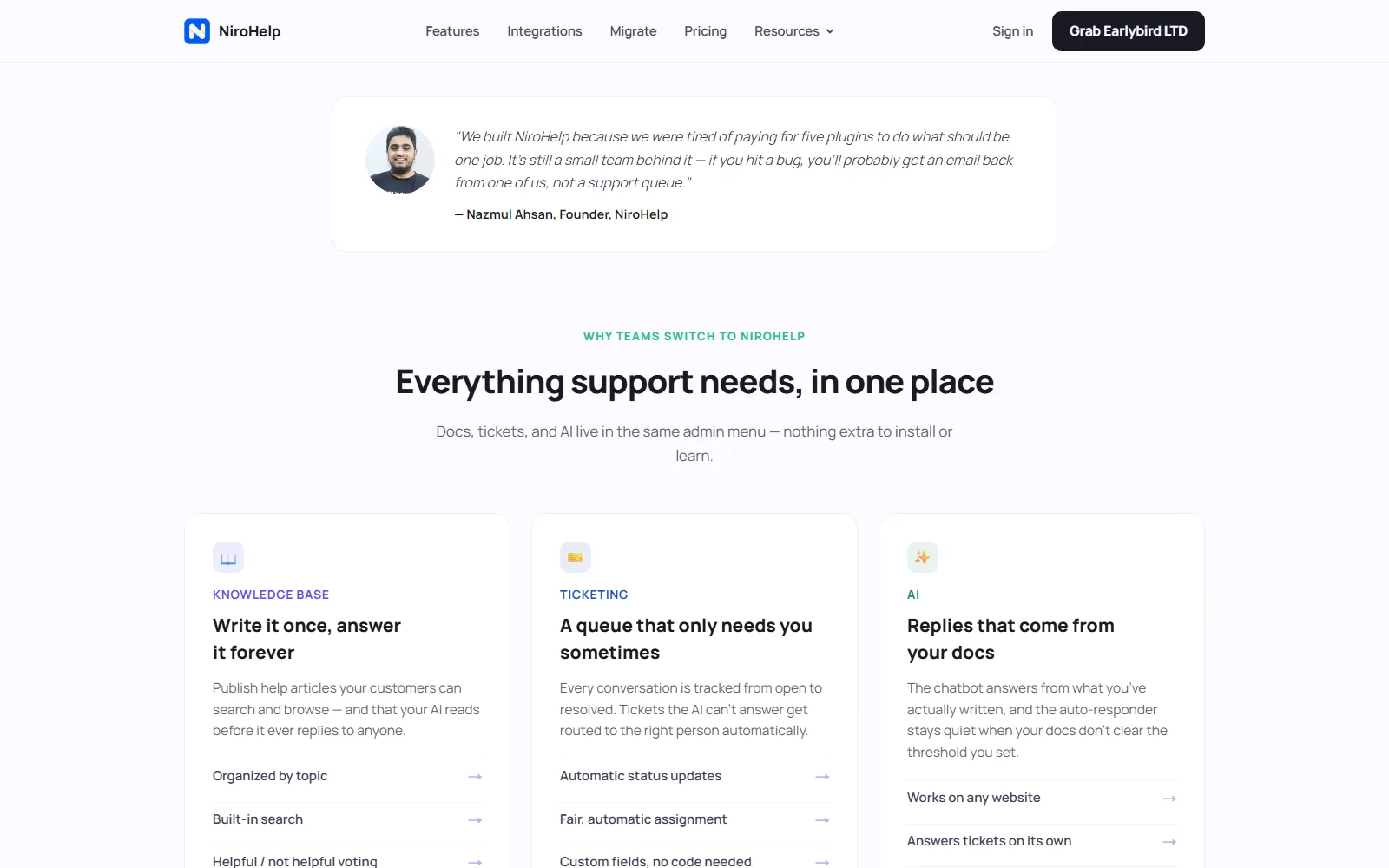
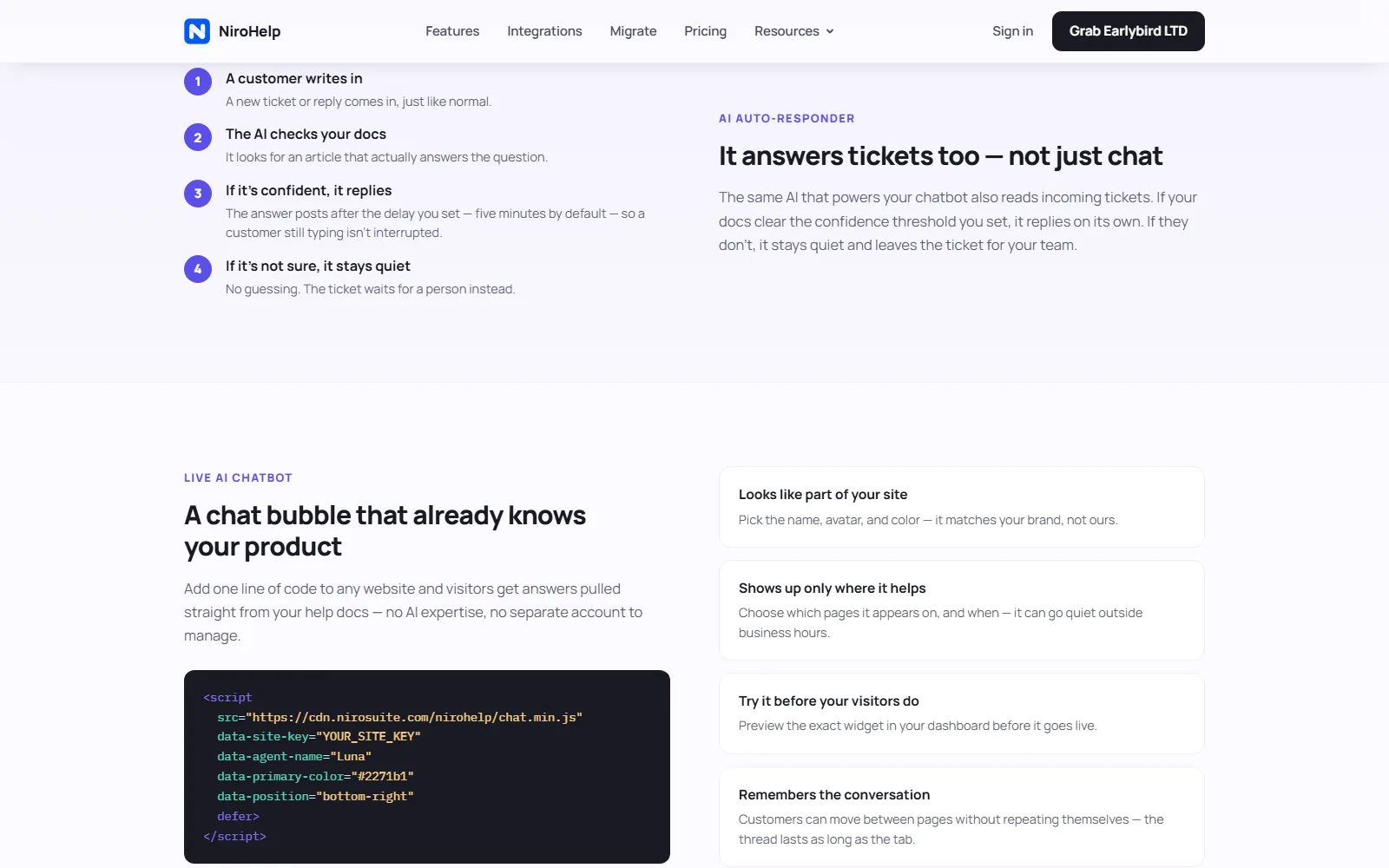
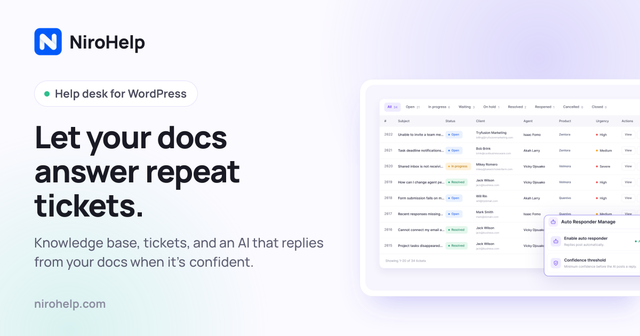
NiroHelp installs as a WordPress plugin and puts three pieces in one admin menu: a searchable knowledge base, a ticket queue with eight stages, and optional AI that replies from the articles you published. The vendor's pitch is specific. The AI answers when your docs clear a confidence threshold you set, and leaves the ticket for a human when they do not.
What NiroHelp does
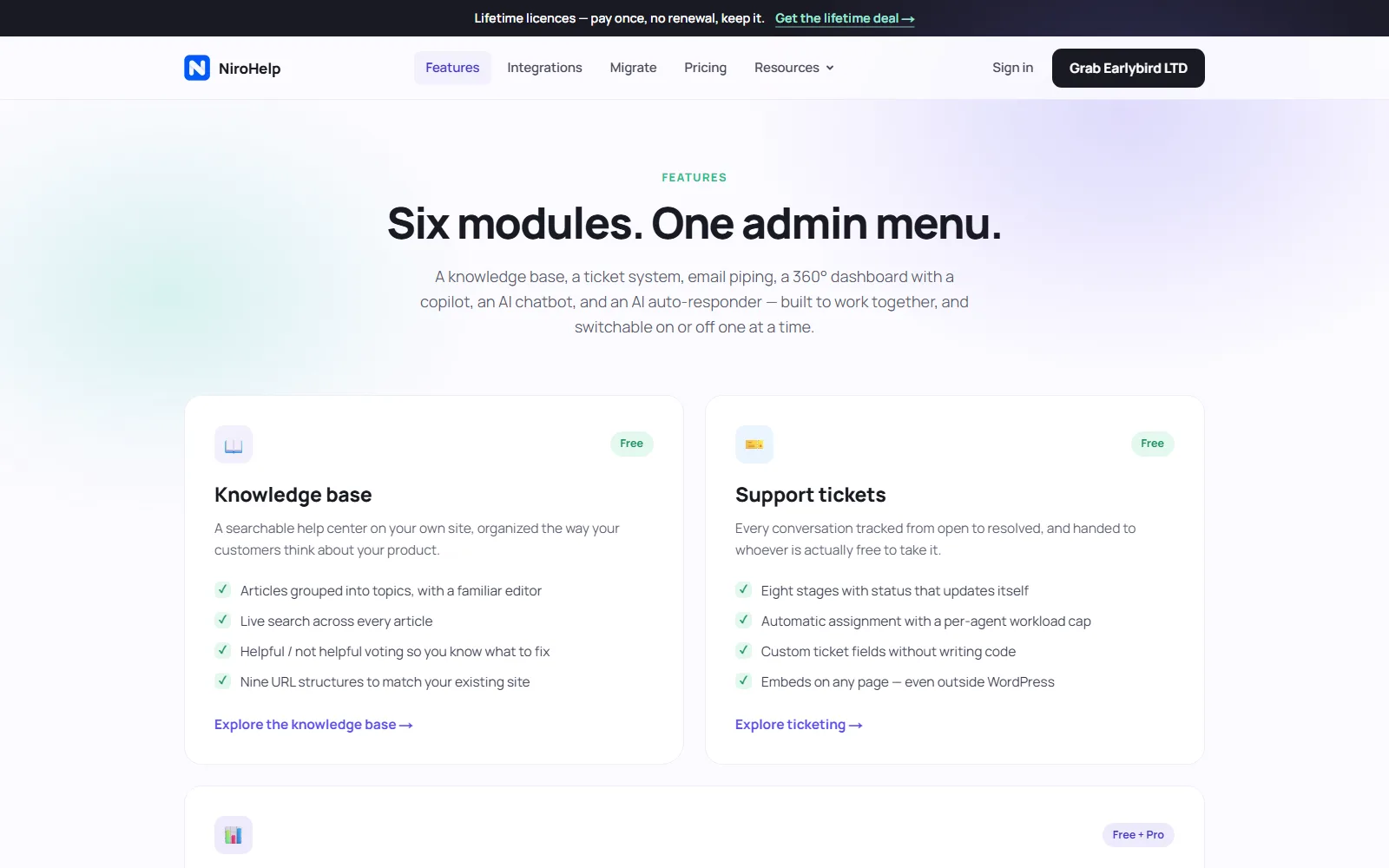
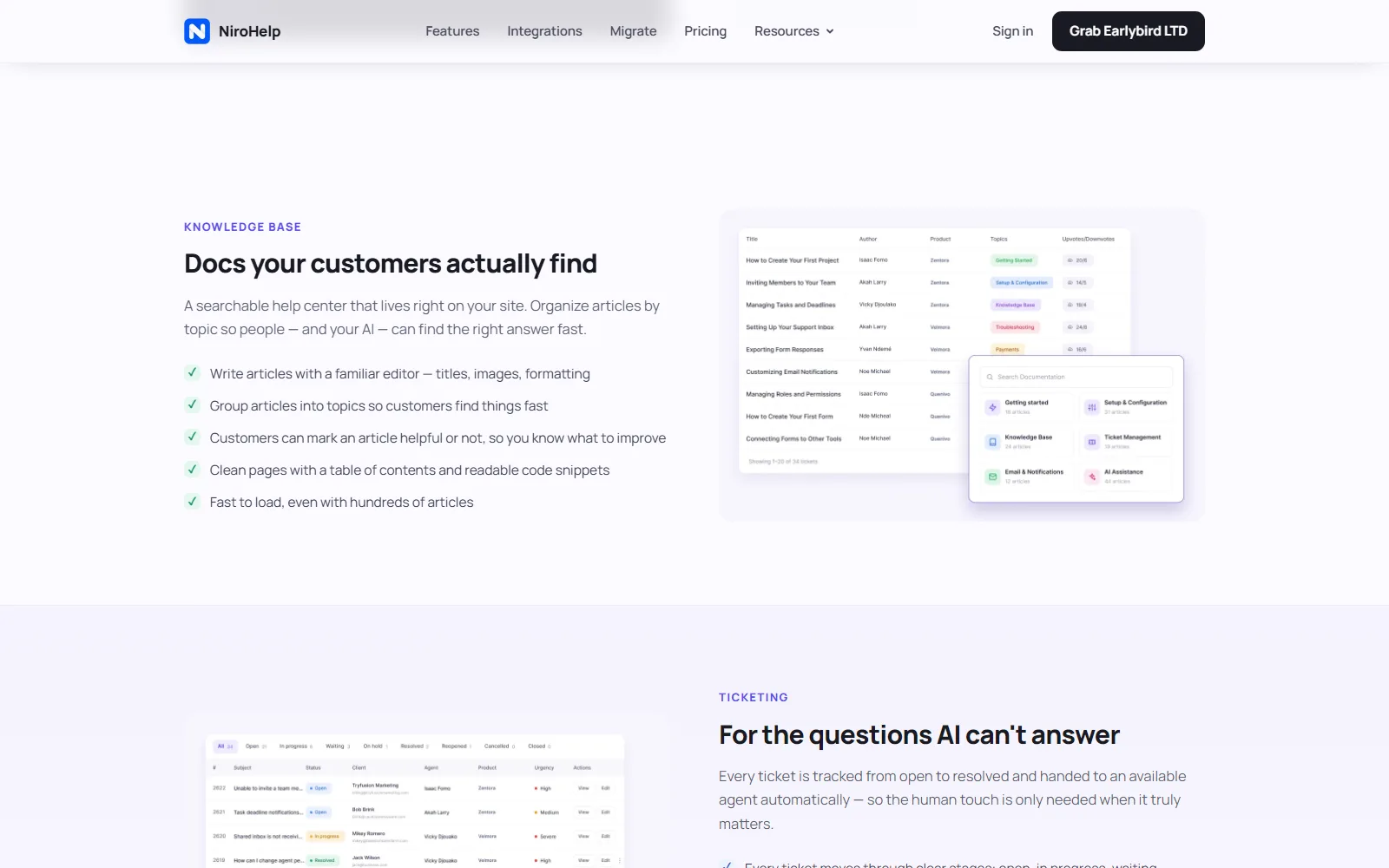
The free plugin, listed on WordPress.org, gives you the knowledge base with topics, search and helpful or not-helpful voting; ticketing with automatic assignment and custom fields; a support dashboard; imports from seven other plugins; and unlimited agents and tickets. No account or card is needed for that layer.
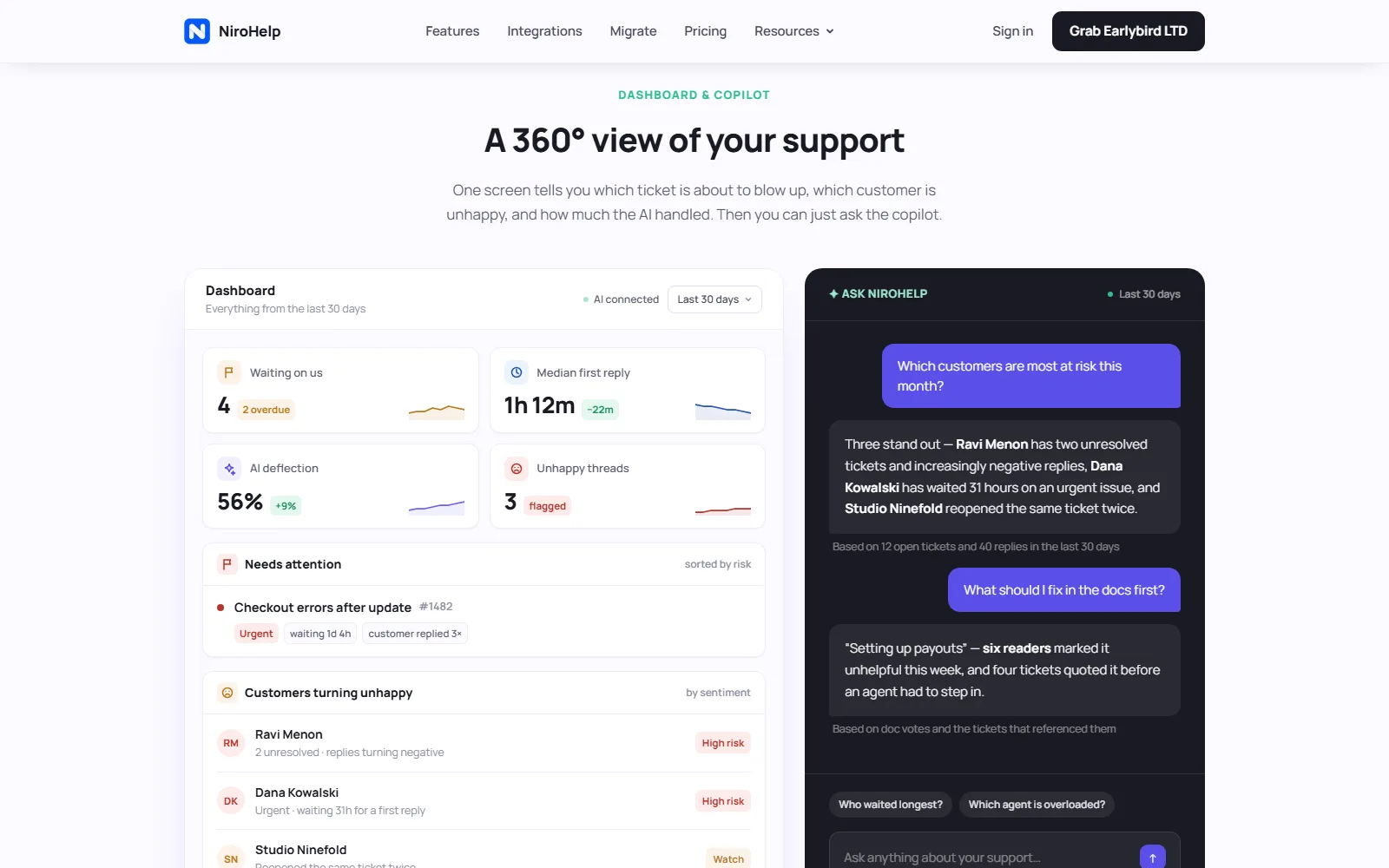
Paid NiroHelp Cloud plans add the AI and mailbox features: an on-site chatbot that reads your help articles, an auto-responder for tickets, the Ask NiroHelp copilot on the dashboard, and email piping with multiple shared inboxes. You do not paste in your own OpenAI or Anthropic key. The paid plan includes the AI service, and the vendor emails you a site key to register the site, per the pricing FAQ.
Billing is per site. Starter covers one site with 1,000 AI credits per month, Growth five sites with 6,000 credits, and Agency ten sites with 15,000 credits plus per-client chatbot branding and voice-call support. One credit equals one AI answer (a chatbot reply, an auto-responder reply or a copilot question), however long it is. When credits run out, the AI pauses until the monthly reset on the 1st; docs, tickets and human replies keep working.
Who NiroHelp is for, and who should skip it
It fits you if you run support on WordPress (a plugin business, a WooCommerce store, agency client sites or a docs-heavy SaaS marketing site), want unlimited agents without seat fees, and already write the help articles you want the AI to treat as its source of truth.
Skip it if:
Your stack is not WordPress.
You need a full ITSM suite with asset management and Slack or Teams agents as the main interface. Look at enterprise ITSM tools instead.
You refuse any cloud AI component and will not buy a paid plan. The free plugin still gives you a knowledge base and tickets, but not the AI.
You need phone or IVR agents rather than site chat and ticket replies.
How much does NiroHelp cost?
USD, checked 28 September 2026, from NiroHelp pricing and the homepage plan cards. Lifetime licences are sold separately on a lifetime page; this table covers the subscription plans only. Paid plans carry a 30-day money-back guarantee.
NiroHelp pricing page, captured October 13, 2026.
Plan
Price (USD)
What you get
Where the free tier / credits stop
Free
$0 forever
Knowledge base, ticketing (8 stages), dashboard, import from 7 plugins, unlimited agents, tickets and articles. No account required.
No AI chatbot, no ticket auto-responder, no Ask NiroHelp copilot, no email piping.
Starter
$9.99/month, or $79.99/year (early-bird yearly shown as 20% off vs $99.99/year until 30 Sep 2026)
Everything in Free, plus AI auto-responder, AI chatbot, email piping, Ask NiroHelp copilot, 1 site, 1,000 AI credits/month, priority email support.
AI pauses when the 1,000 monthly credits are used; human tickets and KB continue.
Growth
$29.99/month, or $239.99/year (early-bird vs $299.99/year until 30 Sep 2026)
Everything in Starter across 5 sites, 6,000 AI credits/month.
Same credit pause; five-site licence ceiling.
Agency
$49.99/month, or $399.99/year (early-bird vs $499.99/year until 30 Sep 2026)
Everything in Growth across 10 sites, 15,000 AI credits/month, chatbot branded per client, voice-call support.
Same credit pause; ten-site licence ceiling.
Seat-based help desks raise the bill every time you hire. Here the invoice depends on how many WordPress sites sit on the licence, which matters for plugin companies where founders, contractors and community moderators all touch the queue.
Credits are shared across every site on the licence and renew on the first of the month. If you expect spikes, such as a product release week or a WooCommerce sale, check whether 1,000 Starter answers will cover them or whether Growth's 6,000 is the safer floor. The vendor's comparison table on the pricing page stacks NiroHelp Starter against Intercom, Zendesk, HubSpot, Help Scout and an all-WordPress plugin stack. Use it as orientation, then re-check each competitor's own site before you decide.
On the yearly price: the vendor calls it ten months' price plus an early-bird 20% off until 30 September 2026. On 13 October 2026 the pricing page still showed these yearly prices, although that end date had passed.
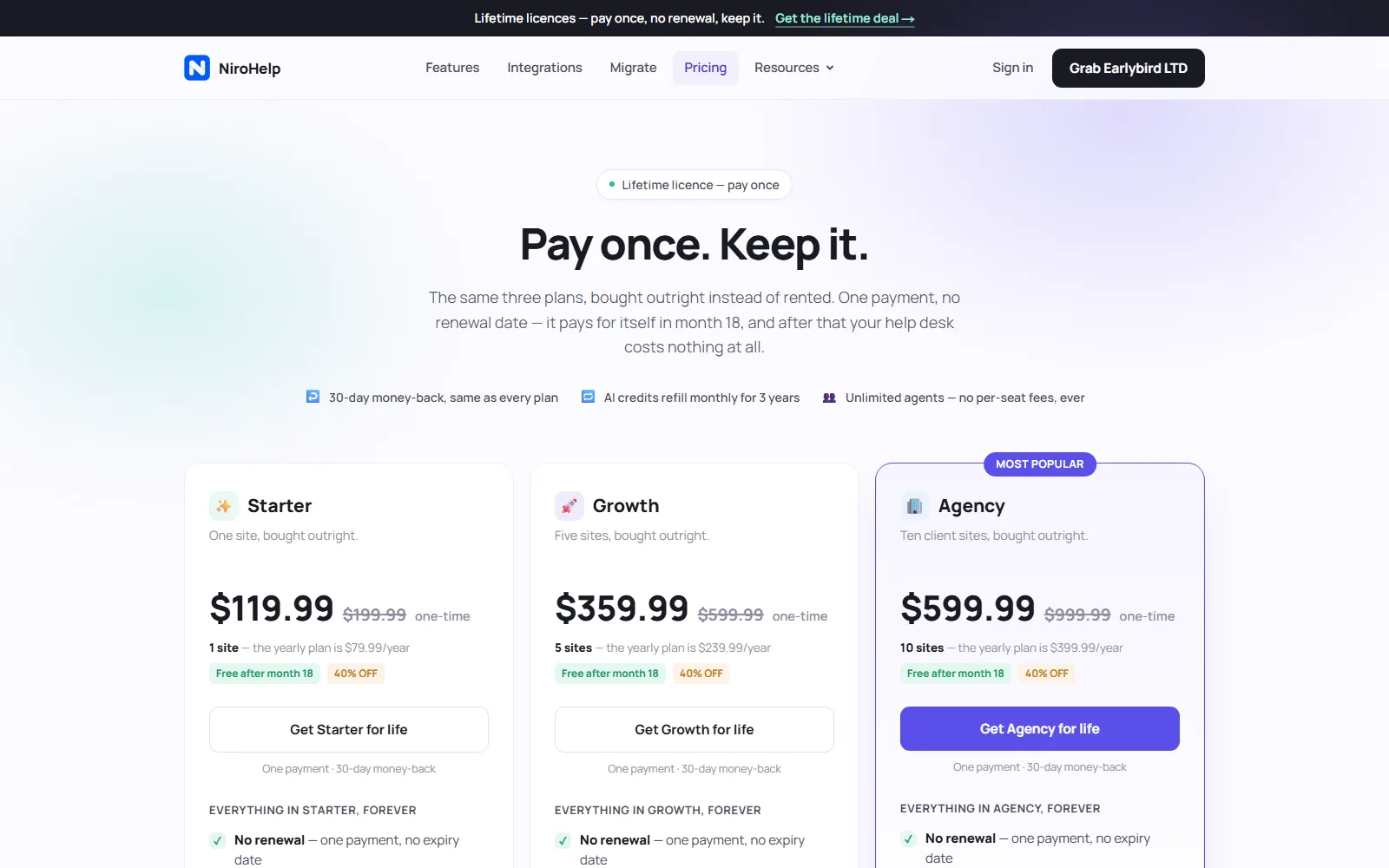
Lifetime licences. A separate lifetime page, read on 14 October 2026, sells the same three plans for one payment: Starter at $119.99 (shown against $199.99), Growth at $359.99 (against $599.99) and Agency at $599.99 (against $999.99), each with the same 30-day money-back guarantee. The vendor says a licence "pays for itself in month 18", and the arithmetic agrees: 18 months of Starter on the $79.99 yearly plan is $119.99. Read the line under it, though. The AI credits refill monthly for 3 years, and the page does not say what happens to them after that, so the AI part of a lifetime licence is really a three-year term.
Is NiroHelp free?
For the core help desk, yes. The WordPress.org plugin costs $0 with unlimited agents, and it covers the knowledge base, ticketing, dashboard and importers. The AI chatbot, auto-responder, copilot and email piping need a paid plan.
Data and privacy
As the vendor states it, the knowledge base, tickets, emails and migration data stay in your WordPress database when AI is off. AI is an opt-in paid connection. Cancelling a paid plan turns the AI off and falls back to the free plugin; articles and tickets remain as ordinary WordPress posts and comments.
How NiroHelp compares with other tools reviewed here
We have not reviewed another WordPress-native AI help desk, so the closest comparisons are automation and customer-facing tools, not drop-in replacements.
n8n. Workflow automation with a free self-hosted Community Edition and Cloud plans billed from a Starter tier (our review notes a Cloud free trial and a paid Starter in EUR). Use n8n to wire AI agents across many SaaS APIs; use NiroHelp when support must live inside WordPress with your docs as the answer source.
Tines. Security-oriented workflow automation with a Free edition ($0, limited live workflows) and paid editions via sales. It is stronger for SecOps-style automation than for a public WordPress knowledge base and ticket UI.
Supademo. Interactive product demos (Free $0/month with tight demo limits; Scale from $50/creator/month). It complements onboarding and sales explainers but does not replace a ticket queue or AI answers from help articles.
For more tools in the same job family, browse the productivity tools category.
NiroHelp screenshots
More of NiroHelp's own website, captured . Each caption says which page it shows.
NiroHelp features page, captured October 13, 2026.NiroHelp homepage, further down the page, captured October 13, 2026.NiroHelp homepage, further down the page, captured October 14, 2026.NiroHelp homepage, further down the page, captured October 14, 2026.NiroHelp homepage, further down the page, captured October 14, 2026.
Yes for the core help desk. The WordPress.org plugin includes knowledge base, ticketing, dashboard and importers at $0 with unlimited agents. AI chatbot, auto-responder, copilot and email piping need a paid plan.
How much does NiroHelp cost?
Checked 28 September 2026 on nirohelp.com/pricing: Starter $9.99/month or $79.99/year; Growth $29.99/month or $239.99/year; Agency $49.99/month or $399.99/year. Early-bird yearly discounts were advertised through 30 September 2026, and the same yearly prices were still shown on 13 October 2026. A lifetime licence for the same plans was $119.99, $359.99 or $599.99 once on 14 October 2026, with AI credits refilled monthly for 3 years.
What is NiroHelp used for?
WordPress teams use it to publish help docs, collect tickets, and optionally let AI answer repeat questions from those docs via chat or auto-reply, escalating low-confidence cases to humans.
Do I need my own OpenAI key?
No. Paid plans include the AI service; you register the site and use the key NiroHelp emails. There is no separate model subscription to manage.
What happens when AI credits run out?
AI pauses until credits reset on the 1st of the month. Tickets, knowledge base and human replies continue. The dashboard shows remaining answers and the renewal date.
NiroHelp vs Intercom or Zendesk?
NiroHelp is WordPress-native and priced per site with unlimited agents. Intercom and Zendesk are broader SaaS suites usually billed per seat. Compare current vendor prices yourself; this review records only what NiroHelp publishes.
Can I get a refund on NiroHelp?
Yes. Paid plans carry a 30-day money-back guarantee, according to the vendor's pricing page and FAQ.
Amit Kumar runs MPAT, where he reviews AI tools and writes its guides. When he covers a tool he checks its pricing, credits and plan limits against the vendor's own pages, so readers know what a plan includes before they pay. He also leads the site's SEO and AI-focused content strategy.
Guides that cover NiroHelp
Articles that discuss this tool alongside others for the same job.
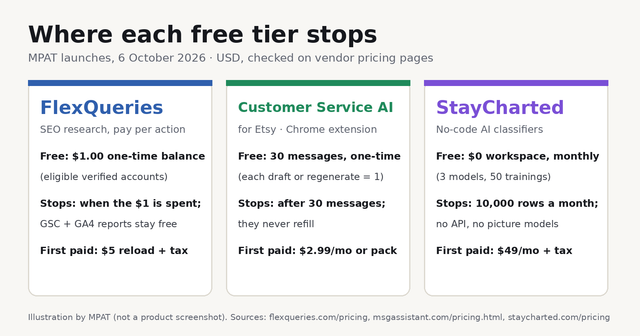
FlexQueries gives eligible new accounts a one-time $1.00 balance, Customer Service AI for Etsy gives 30 one-time AI messages, and StayCharted has a permanent $0 workspace. Here is where each free tier stops and what the first payment buys, checked 6 October 2026.
No comments yet. Say what NiroHelp is good at, or where it falls down.
Be the first to comment.
We value your privacy
We use essential cookies to run this site. With your consent we also use analytics and marketing cookies to understand traffic and improve your experience. You can accept, reject, or choose what to allow. See our Privacy Policy.

 Reviewed by Amit Kumar