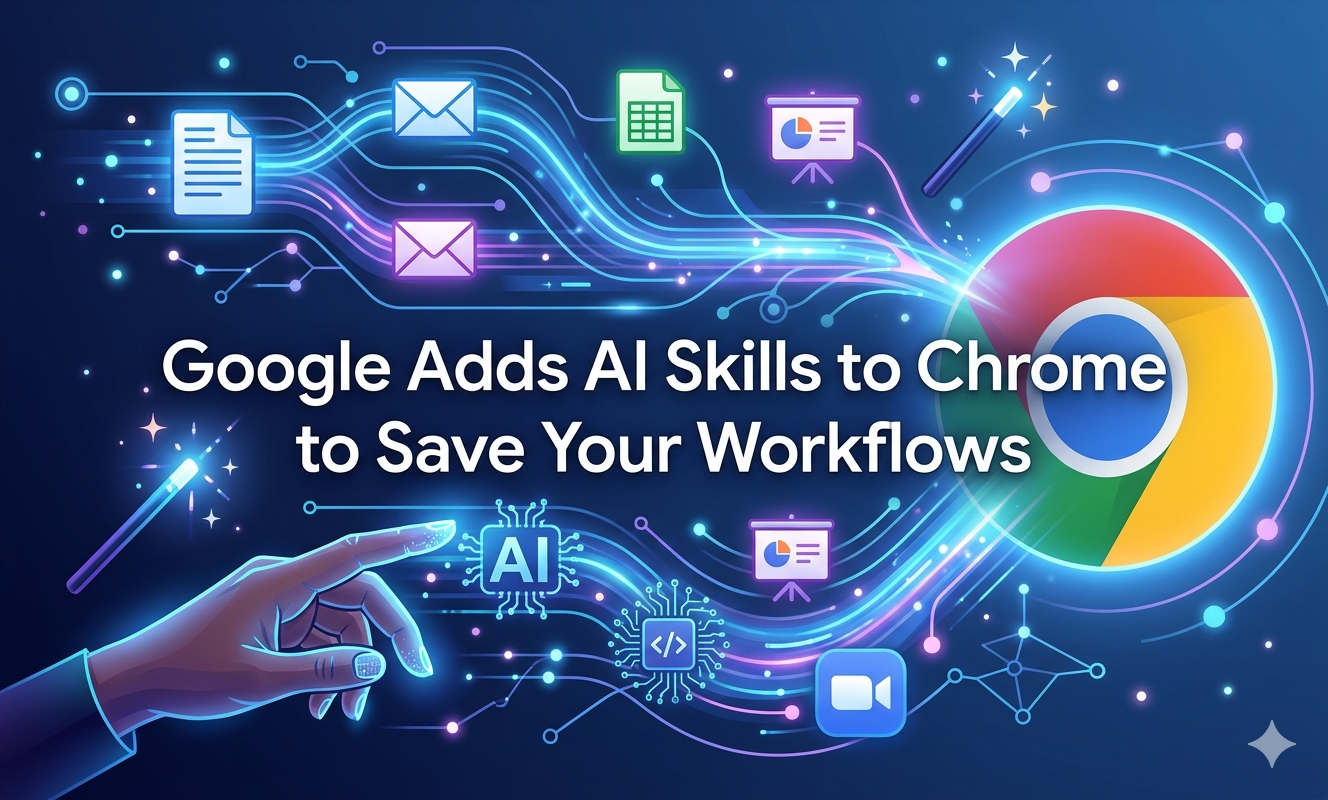
Artificial intelligence is no longer just a chatbot you open in a separate tab. It is quietly embedding itself into every corner of your digital life — and your web browser is the latest frontier. Google has announced a brand new feature called Skills, coming to its Chrome browser, which allows users to save and reuse their favorite AI prompts across different web pages without having to type them in again.
It sounds simple. But the implications are enormous.
What Exactly Are Chrome Skills?
If you have ever used Gemini inside Chrome, you already know how powerful it can be — asking it to summarize a page, answer a question, or help you compare products. But until now, every session started from scratch. Every. Single. Time.
Skills changes that by letting users create AI prompts that can be accessed time and again with just a click.
Think of it like a macro, but for AI. You teach Chrome what you want once, and it remembers forever.
Google gives a perfect example: if you often ask Gemini to suggest vegan substitutions when browsing recipe websites, you can now save that prompt as a Skill and fire it up on any recipe page instantly.
How Do You Use It?
The interface is refreshingly straightforward. To access the feature, you save the AI prompt as a Skill directly from your chat history. The Skill can then be reused in Gemini in Chrome by typing a forward slash ( / ) or clicking the plus sign ( + ) button. The Skill will then run on the web page you are currently viewing, along with any additional tabs you have selected.
And if your needs change? No problem. Skills can be edited at any time. You are never locked into a prompt you set months ago.
What Are People Actually Using It For?
Google did not just theorize about use cases — they tested this in the real world. Early adopters used Skills in areas like health and wellness, for instance to calculate protein macros in recipes, as well as for shopping comparisons and scanning and summarizing lengthy documents.
These are not niche power-user habits. These are things millions of people do every single day. Checking nutritional information, comparing prices before buying, skimming through a 40-page PDF — Skills turns all of these into one-tap operations.
The Skills Library: AI for Everyone
Not a tech wizard? Not a problem. To help users get started, Google is also launching a Skills Library that offers common tasks and workflows in areas like productivity, shopping, recipes, budgeting, and more. To use a pre-programmed Skill, users simply add it to their saved Skills in Chrome. Each Skill can also be customized to fit individual needs by editing the prompt.
This is Google making AI genuinely accessible — not just for developers or early adopters, but for your mum who just wants to budget better, or your colleague who is tired of manually summarizing every report they receive.
Safety First
One concern people always have with AI taking actions on their behalf is: what if it does something I did not want? Google has addressed this directly. Like other Gemini actions in Chrome, Skills will ask the user for confirmation before taking certain actions, such as sending an email or adding an event to your calendar.
You stay in control. The AI assists — it does not act unilaterally.
When and Where Can You Get It?
Skills will begin rolling out today to Chrome desktop users who are signed into their Google account, though the feature will initially work only if your Chrome browser's language is set to English (US).
International rollout and additional language support will presumably follow in the coming months.
The Bigger Picture
This feature ties into Google's broader integration of Gemini AI into Chrome, which arrived alongside a growing wave of competitors in the browser space — including OpenAI's Atlas, Perplexity's Comet, and The Browser Company's Dia.
The browser wars are back, and this time AI is the battlefield. Google's Skills feature is a smart, user-friendly move that could keep Chrome ahead of the pack — at least for now.