 Compiled by Amit Kumar
Gamma is an AI tool that builds presentations, documents, websites and social visuals from a prompt, then lets you edit and share the result. It has a Free plan at $0, then Plus at $9, Pro at $18 and Ultra at $90 per seat per month billed annually, with Team and Business plans for groups. We read Gamma's homepage, pricing page, Terms and Privacy Policy on 13 October 2026.
Our read: credits are the whole story. Free gives 400 credits once, at signup, with no monthly refill, so it is a trial rather than a plan you can live on. The paid tiers are cheap per seat, but the Terms say there are no refunds and that you must cancel at least thirty days before renewal by emailing support. Another thing to check before pasting in company material: on plans below Team and Business, the Terms give Gamma a licence to train models on your content.
Gamma at a glance
| Question | Short answer |
|---|---|
| What it makes | Presentations, documents, websites, social visuals and AI images, per the homepage |
| Free plan | 400 credits at signup, not refilled; 10 slides per prompt; Gamma branding on |
| Paid plans | Plus $9, Pro $18, Ultra $90 per seat per month billed annually |
| Refunds | None, per Section 9.5 of the Terms |
| Company | Gamma Tech, Inc., San Francisco |
| Pages read | gamma.app, 13 October 2026 |
What is Gamma used for?
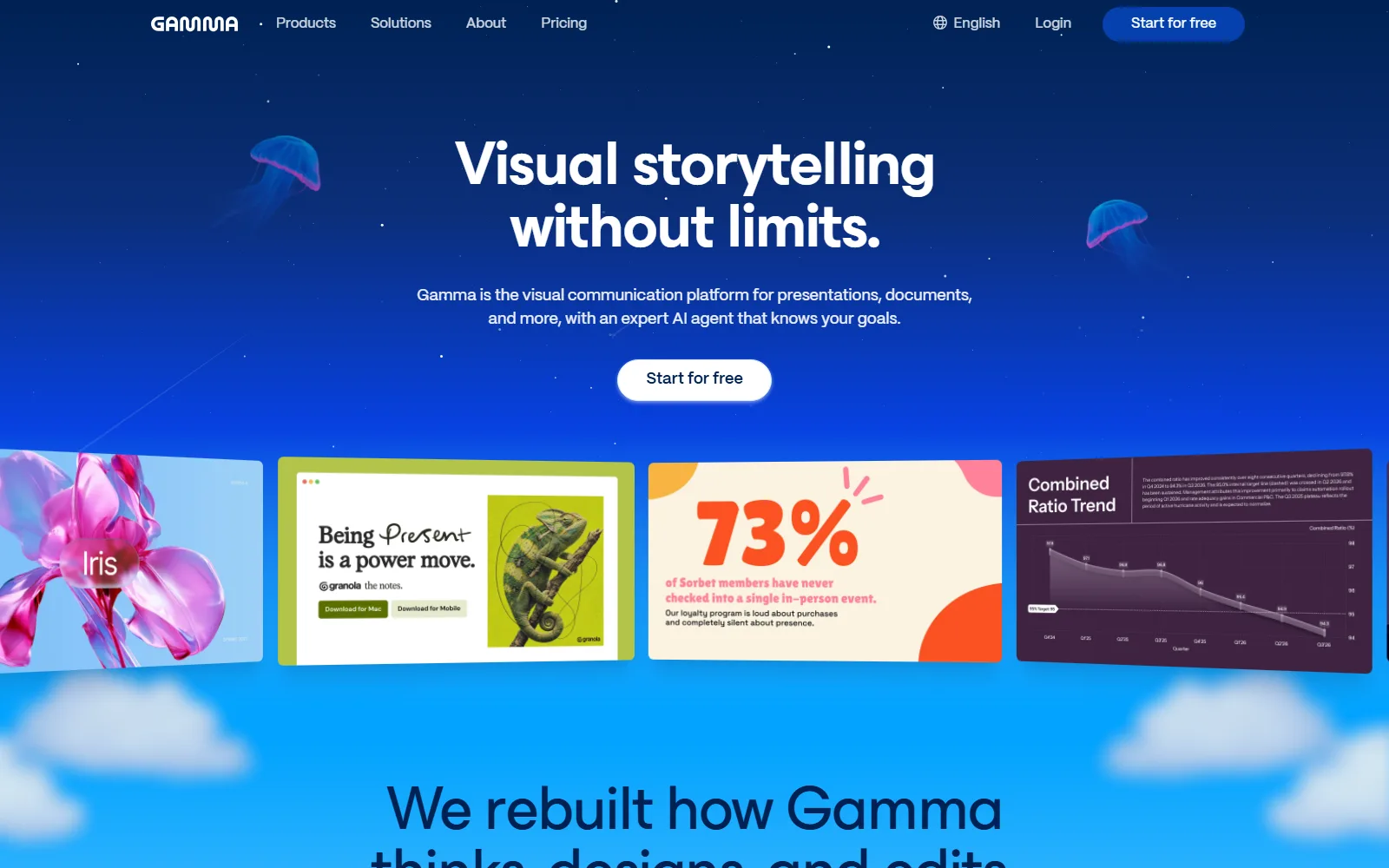
The homepage calls Gamma a visual communication platform that uses an AI agent to help create and edit content. In practice that means you start from a prompt, an outline or an imported file and edit the result in the browser.
Presentations, documents and websites
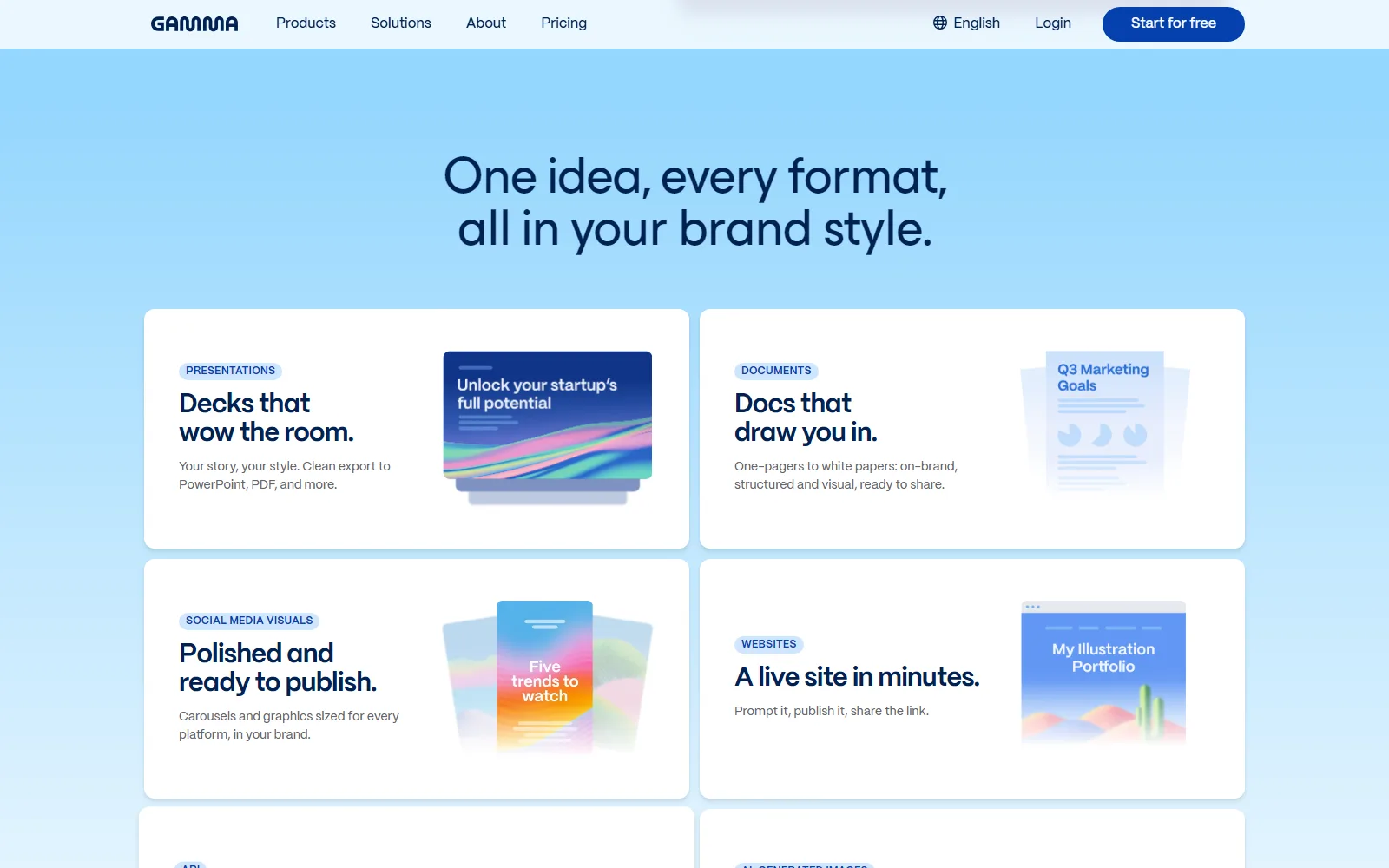
Presentations are the headline, but the homepage lists documents, a website builder, social media visuals, AI-generated images and an API as well. Plans cap how much one prompt can produce: up to 10 slides on Free and up to 100 on Plus and above, per the pricing page.
Chat-based editing and styling
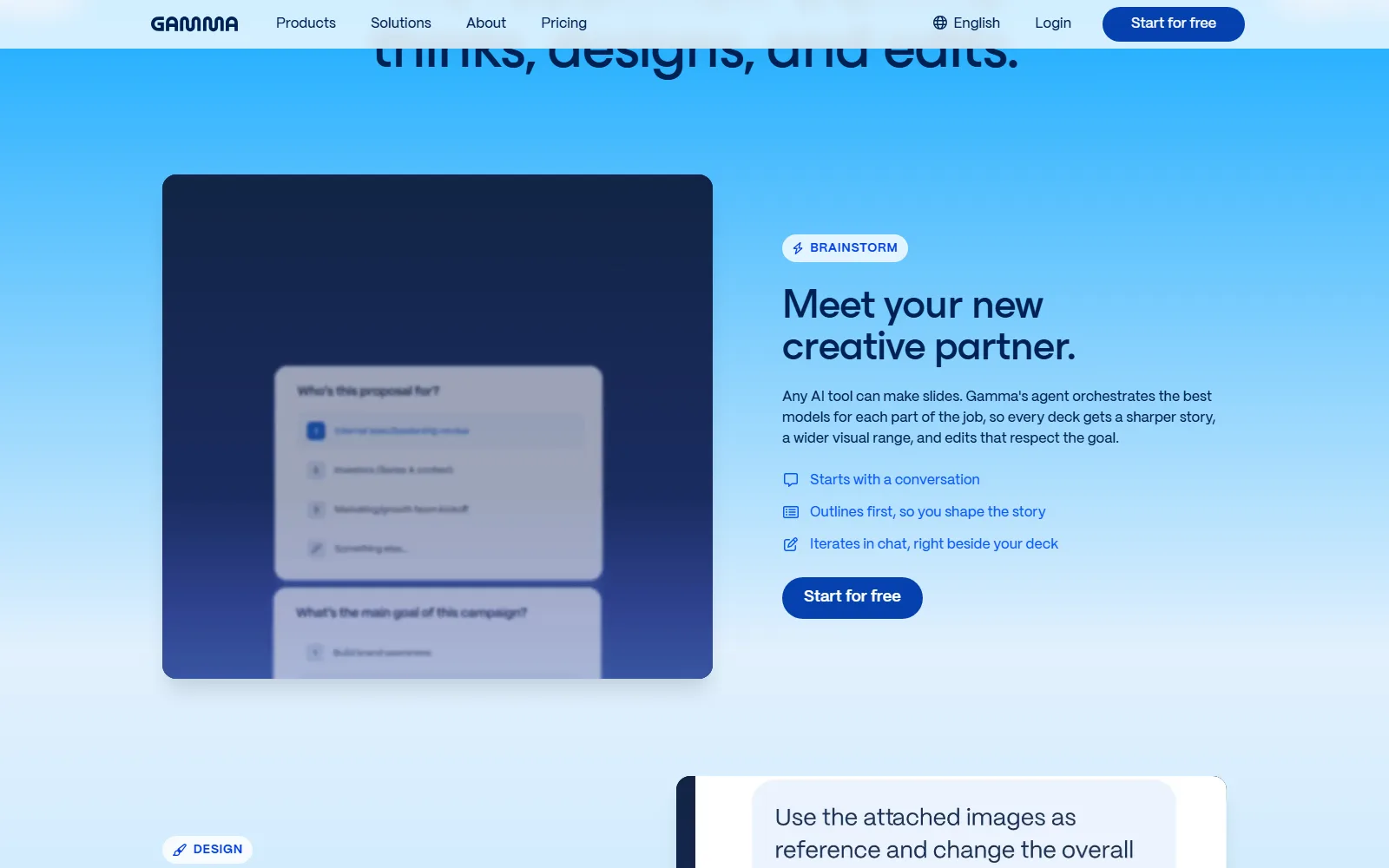
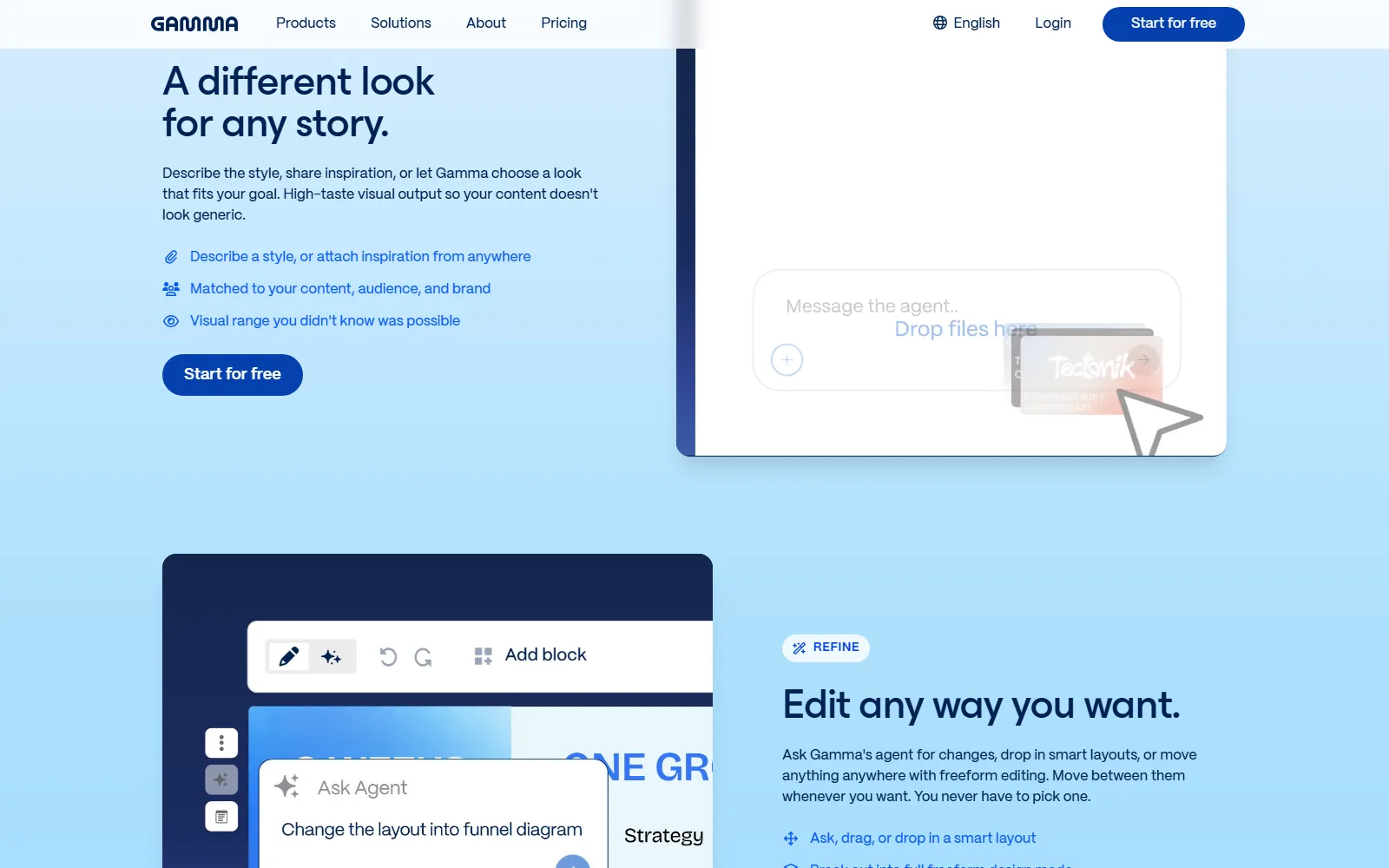
The homepage describes chat-based iteration beside your deck, outline-first story shaping, style selection with inspiration attachments, smart layouts and a freeform design mode. Custom instructions, brand controls and workspace templates are listed too, though brand removal and custom branding are paid features.
Import, export and connections
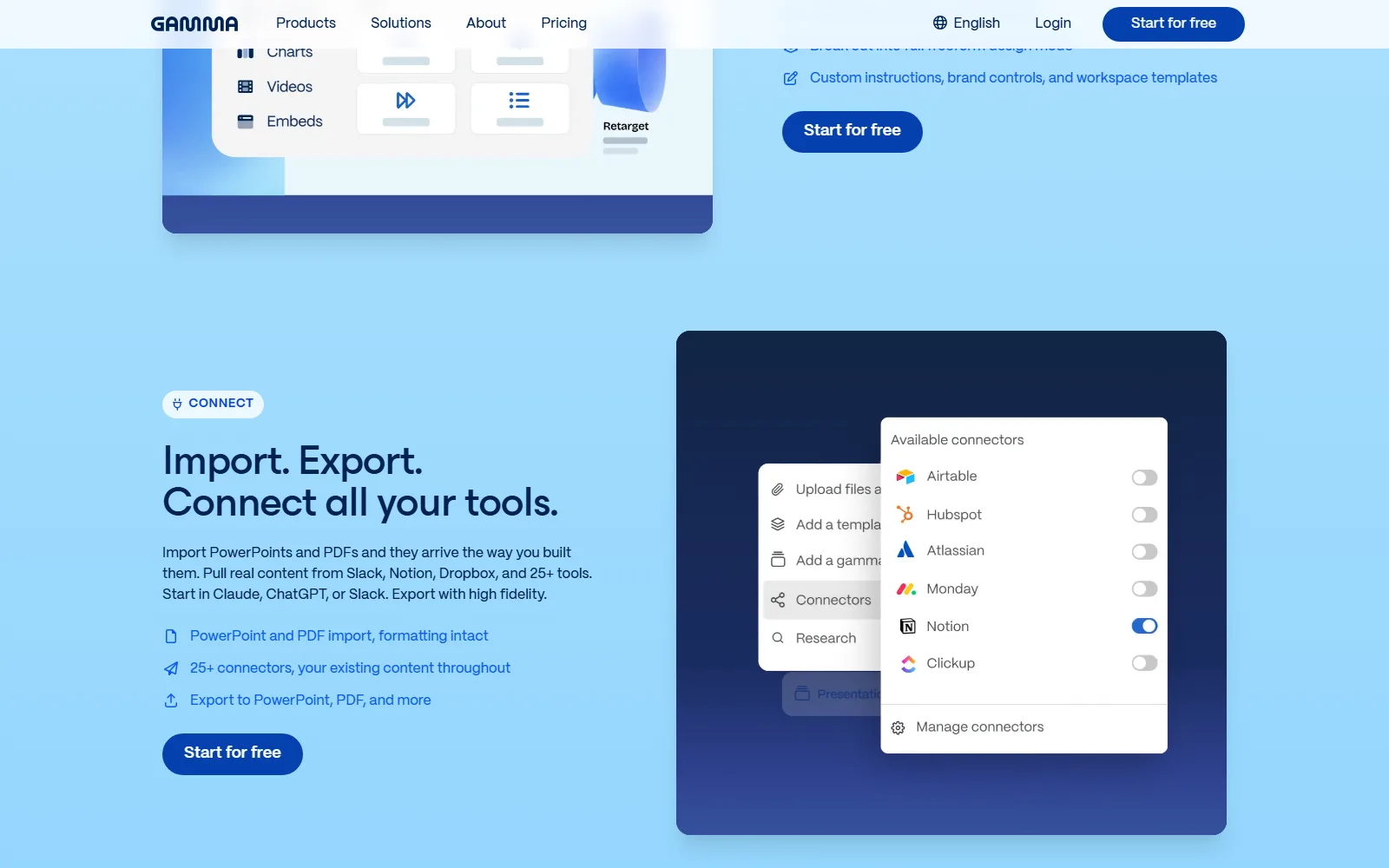
Gamma imports PowerPoint and PDF files and exports to PowerPoint, PDF and more, according to the homepage. The pricing page lists PDF, PPTX, PNG and Google Slides export even on Free. The homepage also names 25+ connectors, including Slack, Notion and Dropbox.
Who Gamma is for, and who should skip it
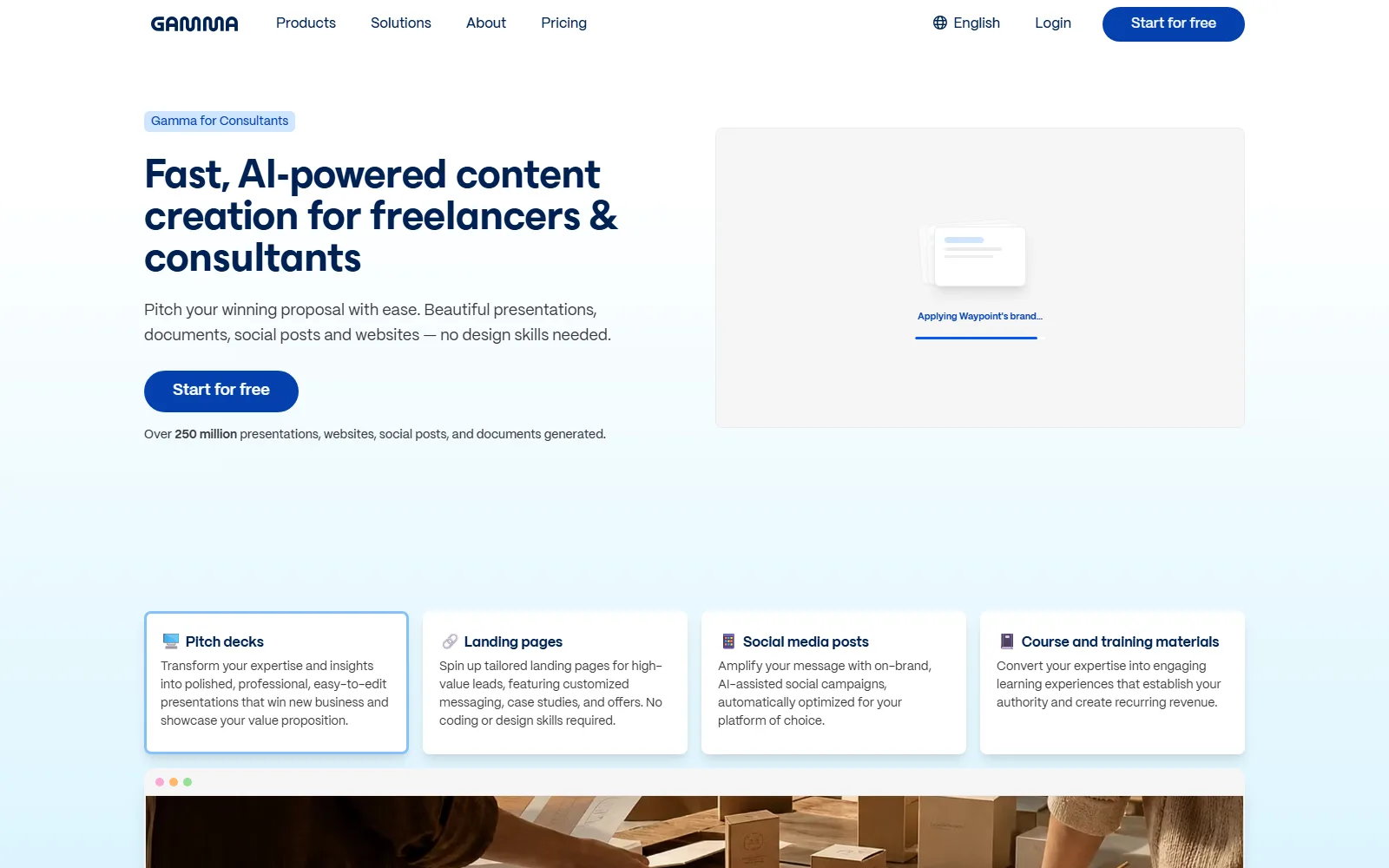
It suits people who need a decent first draft of a deck fast and are happy to edit from there: consultants, teachers, founders, internal teams. That fits the Terms, which describe Results as meant to help with "initial drafts" and "not intended as any final" presentation of a topic.
Skip it, or stay on Free, if:
- You need a monthly Free allowance. Free credits are a one-off 400.
- You want month-to-month flexibility. The prices we read are per seat per month billed annually, and the Terms refuse refunds and prorated refunds.
- You handle confidential material on a lower plan. The Terms say Gamma does not train on Your Content only on Team or Business plans.
- You expect warranties on the output. Section 1.4 says Results are provided "as is" with "all faults".
How much does Gamma cost?
The pricing page, read on 13 October 2026, lists four individual plans. The table shows the per-seat monthly price when billed annually, with the yearly total the page gives.
USD, checked 13 October 2026, from Gamma pricing (gamma.app/pricing)
| Plan | Price | Credits | What changes |
|---|---|---|---|
| Free | $0 | 400 at signup, not refilled | 10 slides per prompt; Gamma branding; export to PDF, PPTX, PNG and Google Slides |
| Plus | $9 per seat a month, $108 a year | 1,000 a month | Up to 100 slides per prompt; Gamma branding removed |
| Pro | $18 per seat a month, $216 a year | 4,000 a month | Custom branding; up to 10 custom domains |
| Ultra | $90 per seat a month, $1,080 a year | 20,000 a month | Up to 100 custom domains |
Paid plans roll unused credits over up to 2x the monthly amount, per the page. The page's FAQ also mentions a Business plan at 10,000 credits per seat a month, but shows no Business price, and we found no Team price there either, so we state none.
The conditions sit in Section 9 of the Terms. All fees are non-refundable, and a cancelled subscription gets no prorated refund. To cancel you must contact support@gamma.app at least thirty days before the renewal date, and you keep access until the end of the current term. Subscriptions continue indefinitely at Gamma's then-current price, and Gamma reserves the right to change pricing at any time. Read together, that makes the annual price a commitment, not a monthly one.
One practical way to read the numbers: the gap between Plus and Pro is 3,000 credits a month for another $9 a seat, and between Pro and Ultra it is 16,000 credits for another $72 a seat. Those are our sums on the published prices. Plus also covers the 100-slide limit and branding removal, so most solo users will compare Free against Plus, and teams will look at the Team and Business plans the FAQ mentions.
Is Gamma free?
Yes, but in a limited way. Free is $0, includes 400 credits at signup that are not refilled each month, and keeps Gamma branding on your output; removing it needs a paid plan. We could not read a credit-cost table on the vendor's help pages, so we cannot say how many credits one deck uses. Treat Free as a way to try the editor.
How Gamma handles your content and data
The Gamma Privacy Policy (effective 4-10-2025, as the page writes it) says it collects contact, profile, transactional and marketing data, user-generated content such as presentations, images and videos, and device and online activity data. It says personal information may be used for research and development, including to "train our artificial intelligence models". It names Stripe as payment processor and no AI model providers. Deletion requests from Europe-based users go to privacy@gamma.app; the page gives no separate process for other users.
The Terms are the more specific document. Section 4.3 says Gamma does not claim ownership of Your Content. Section 4.5 says on a Team or Business plan Gamma does not train on it, but otherwise you grant Gamma a perpetual, irrevocable licence to train models where your plan lacks AI-training privacy controls or they are switched off. The Terms do not specifically address ownership of AI-generated Results.
Where Gamma's own pages disagree
- The pricing page FAQ lists a Business plan at 10,000 credits per seat a month while the plan table shows no Business price.
- The Privacy Policy says personal information may be used to train AI models, while Section 4.5 of the Terms says Gamma does not train on Your Content on Team and Business plans. The Terms name the plans; the Privacy Policy does not.
- The help-centre credits article returned a 404, so the cost of each action in credits is not something we could confirm.
How Gamma compares with other tools reviewed here
Decktopus AI does the same core job: a short prompt in, a full presentation out, exported to PDF, PPT or PNG. Our review shows Pro at $9.99 a month billed annually, $19.99 a month on a 3-month plan and $24.99 monthly, so Decktopus lets you pay month to month where Gamma's published prices are annual. Gamma's edge on paper is range: websites, documents, social visuals and an API sit beside the decks, and Free carries Google Slides export.
Sources
- Gamma homepage, read 13 October 2026
- Gamma pricing, read 13 October 2026
- Gamma Terms of Service, read 13 October 2026
- Gamma Privacy Policy, read 13 October 2026