 Compiled by Amit Kumar
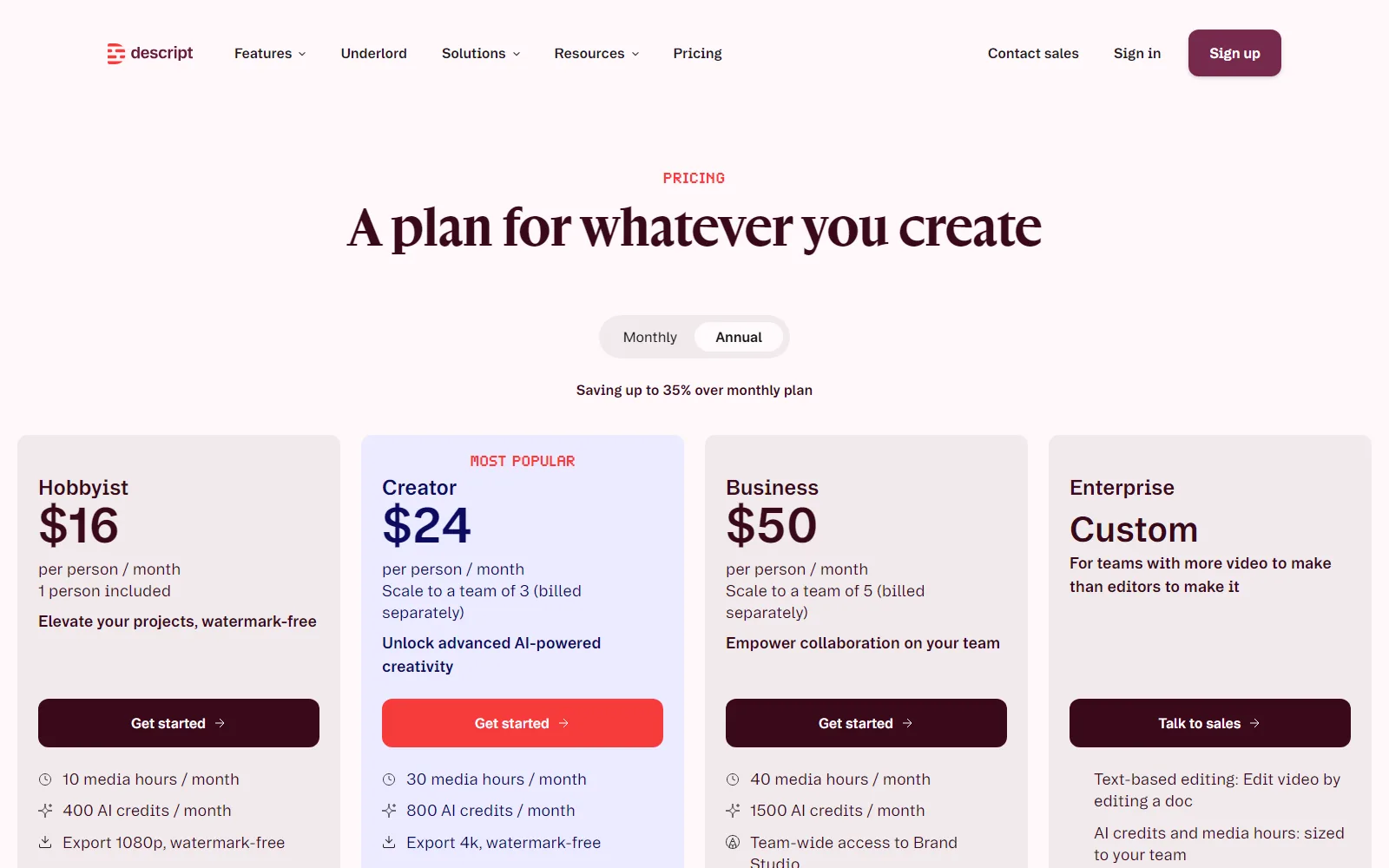
Descript is a video and podcast editor built around the transcript: you change the text and the recording changes with it. It has a Free plan at $0, three paid plans and a custom Enterprise tier. Hobbyist is $16, Creator $24 and Business $50 per person a month billed annually, or $24, $35 and $65 per person a month billed monthly. We read its homepage, pricing page (on 13 and 14 October 2026), Terms, Privacy Policy and About page on 13 October 2026.
Our read: Descript publishes its limits in unusual detail, down to recording hours and upload sizes, which makes the plans easy to compare on paper. The catch is that everything is priced per person. Creator scales to a team of 3 and Business to a team of 5, billed separately, so five people on Business cost $250 a month billed annually or $325 billed monthly (our arithmetic). The page says annual billing saves “up to 35%”; by our arithmetic it is 33% on Hobbyist, 31% on Creator and 23% on Business. Also weigh the watermark and 720p cap on Free, the one-time 100 Free AI credits, and a Privacy Policy that lists AI training among the uses of your information, with an opt-out.
Descript at a glance
| Question | Short answer |
|---|---|
| What it is | A video and audio editor where you edit the automatic transcript, with an AI co-editor called Underlord |
| Plans | Free ($0), Hobbyist, Creator, Business, Enterprise (custom) |
| Free allowance | 1 seat, 1 hour of media a month, 100 one-time AI credits, 5 GB storage, 720p export with a watermark |
| Paid prices | Per person a month: Hobbyist $16, Creator $24, Business $50 billed annually; $24, $35 and $65 billed monthly |
| Company | Descript, Inc., San Francisco, per the Terms |
| Pages read | descript.com, 13 and 14 October 2026 |
What is Descript used for?
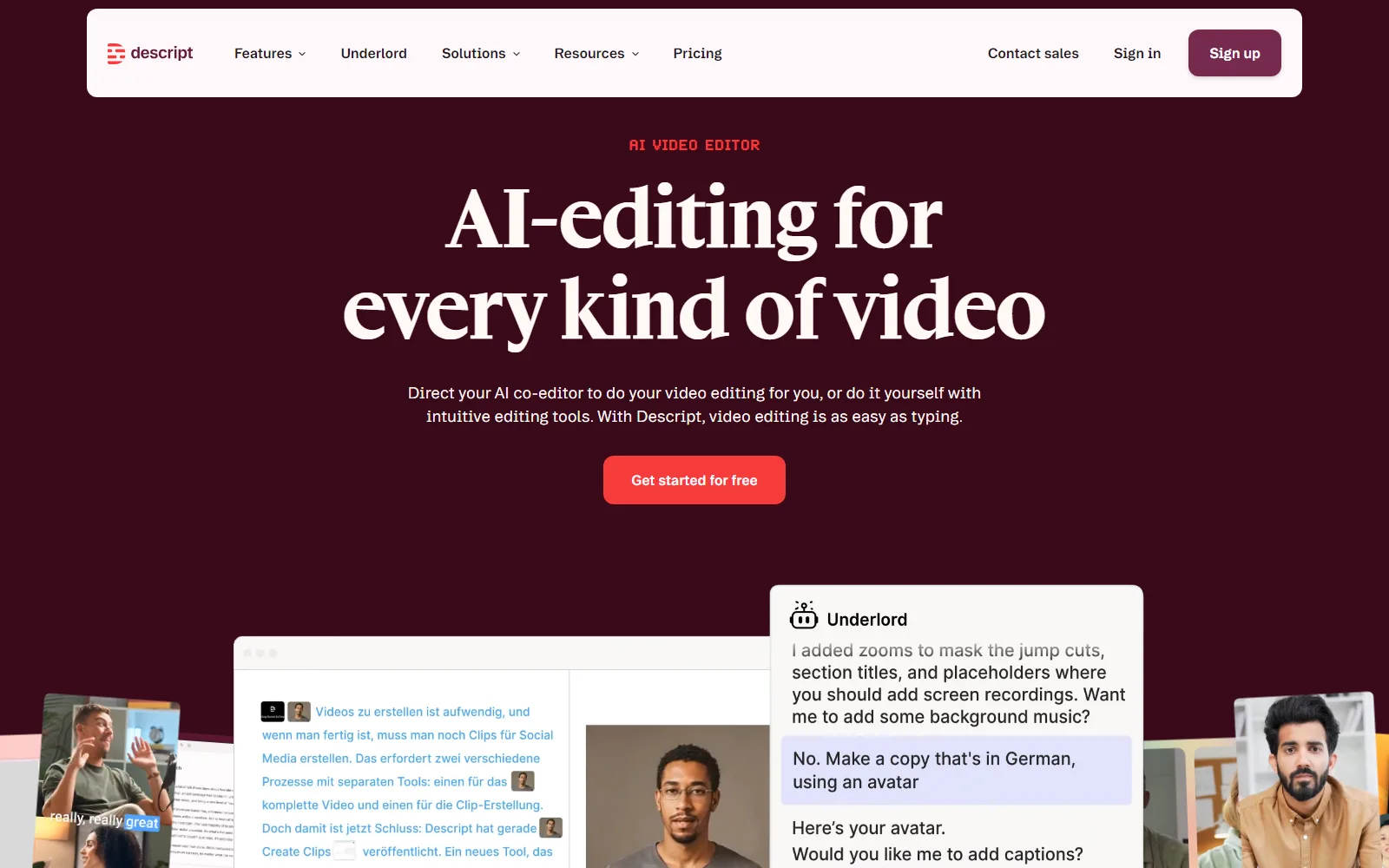
Descript puts recording, transcription, editing, clip-making and publishing in one app, according to its homepage. Four features carry most of the pitch.
Editing video by editing text
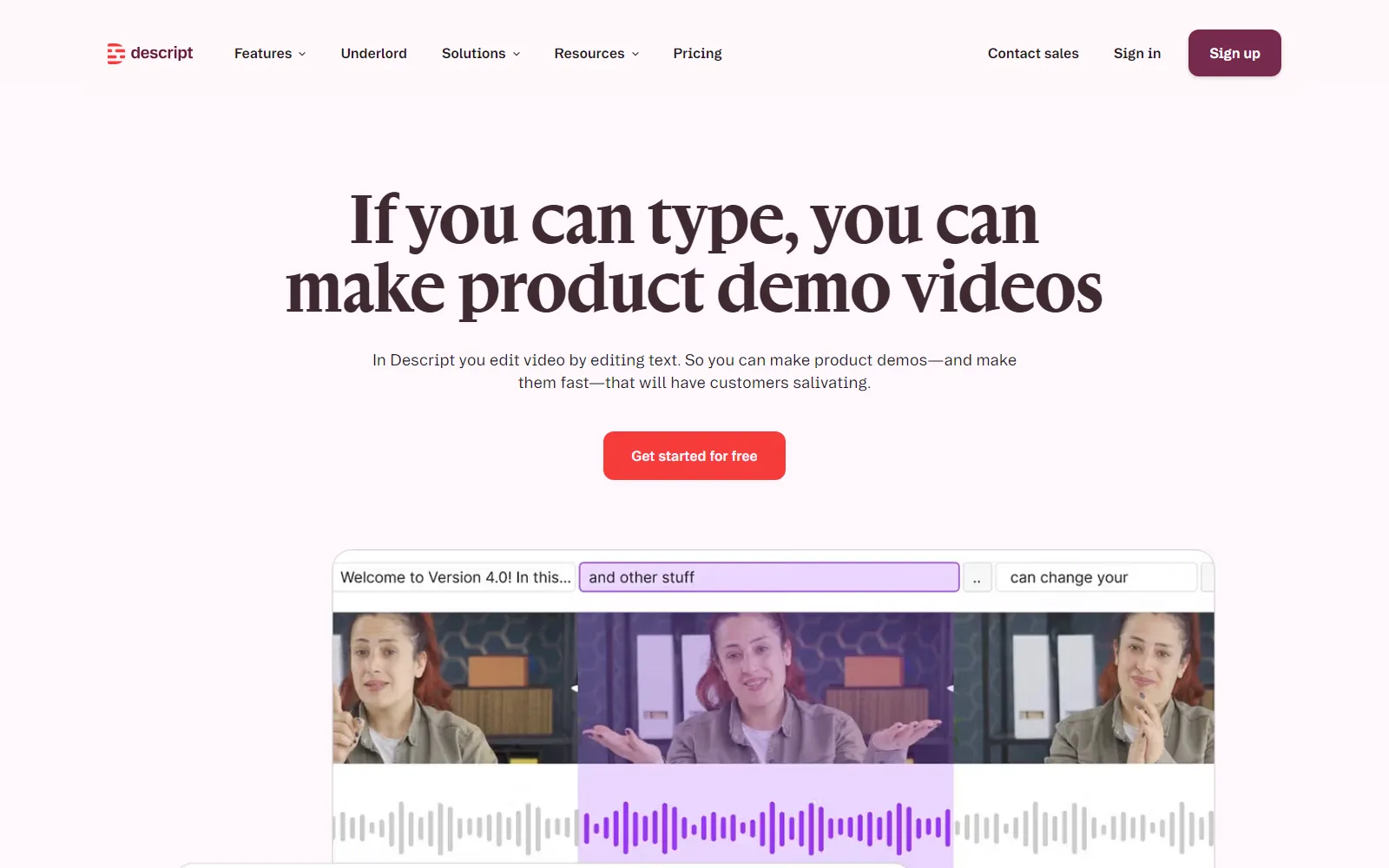
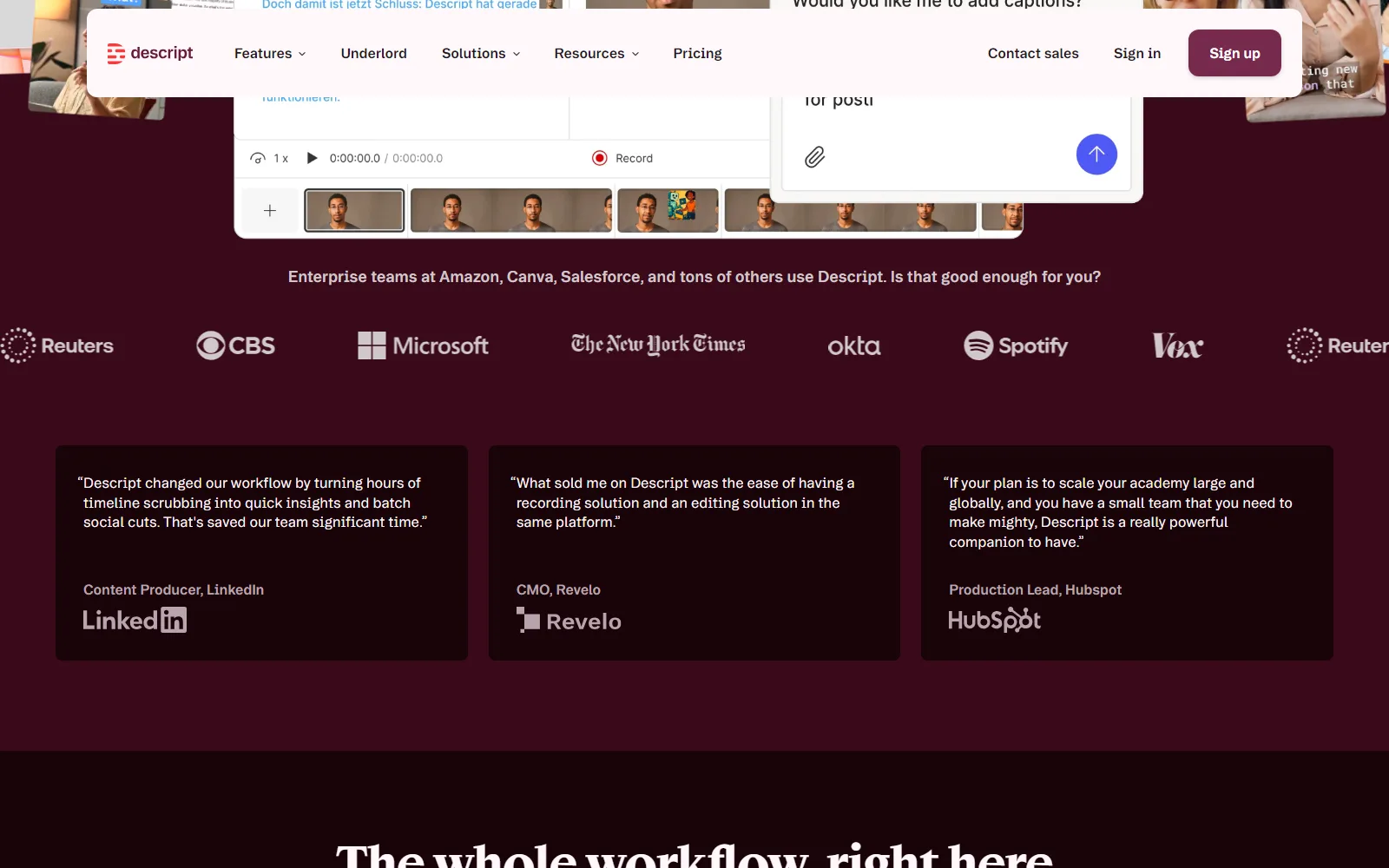
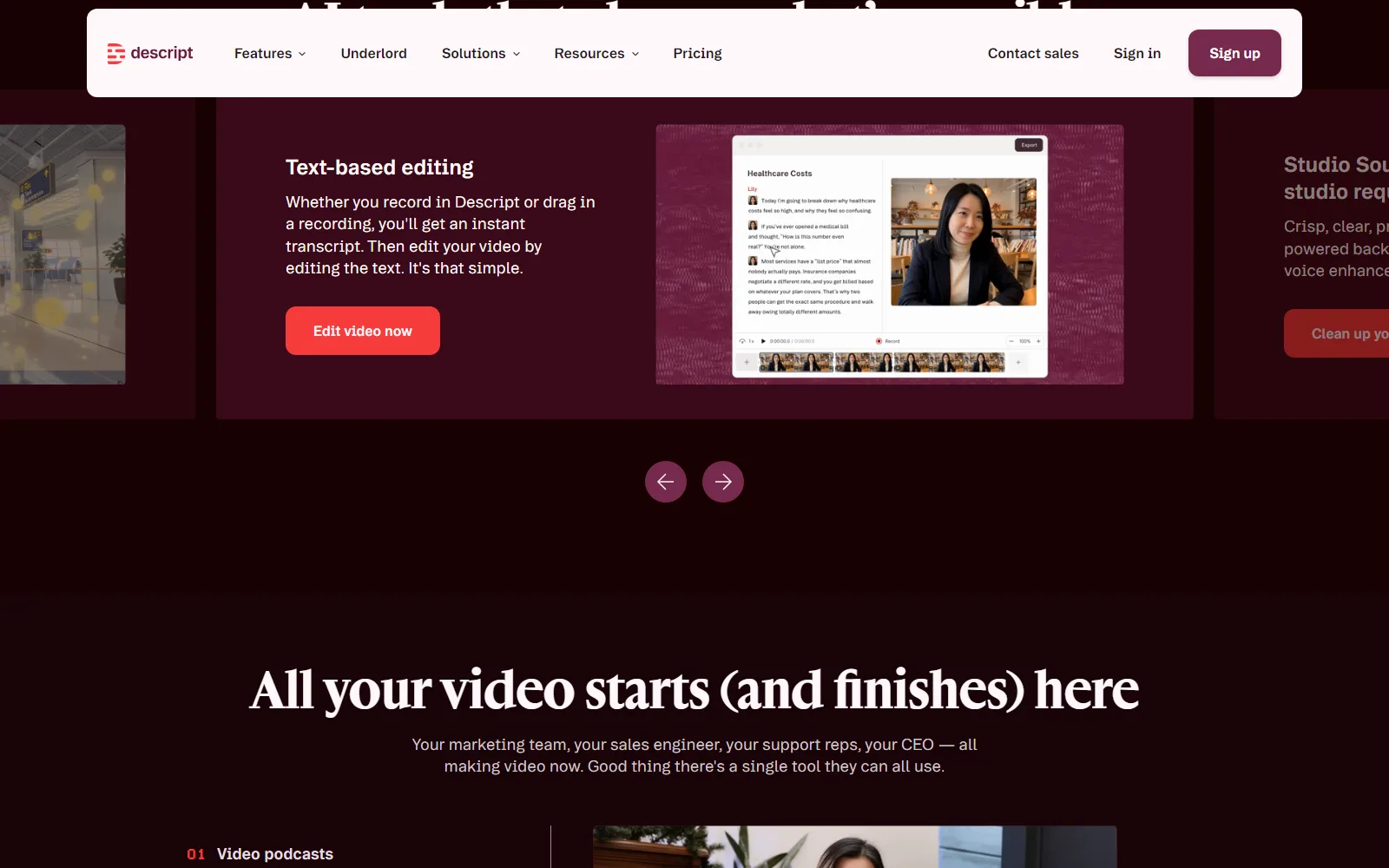
The homepage says you edit video by changing its automatic transcript. Delete a sentence in the text and the footage under it goes too. The About page says the team "hated working in the timeline" and describes its approach as text-based editing, automated design and prompt-based editing.
Underlord, the AI co-editor
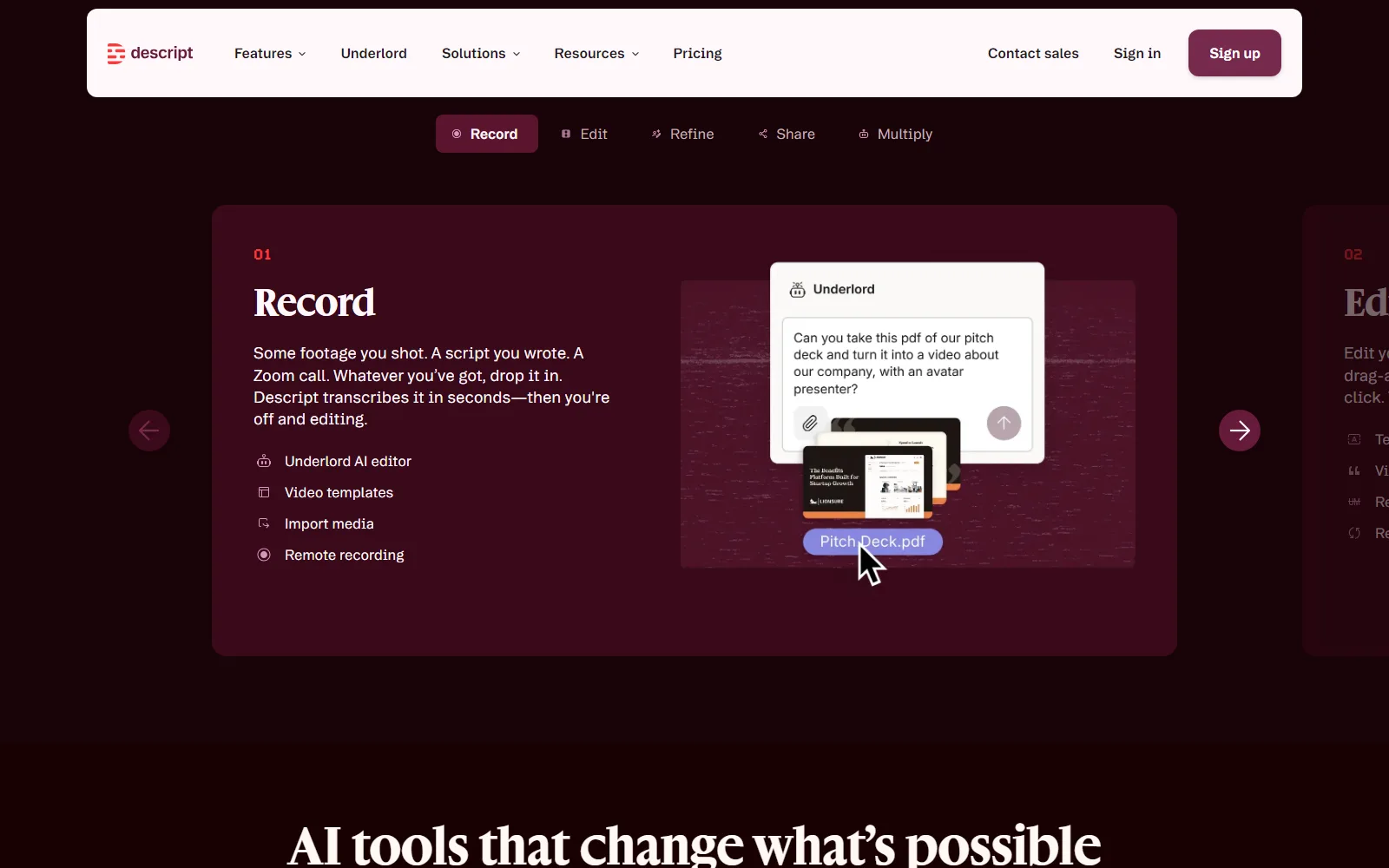
Underlord is described on the homepage as an AI video editor that can take a raw recording and produce a tight cut, and you can give it instructions or ask it questions. Access is metered by AI credits: Free gets 100 once, then the paid plans get 400, 800 and 1,500 a month (see the pricing section).
Studio Sound, clips and B-roll
Studio Sound removes background noise and improves voice quality in one click, per the homepage. The same page lists clip creation, which turns long videos or podcasts into short clips, and B-roll generation, which makes video, voice audio, music and images to fill gaps using models you choose.
Recording and team controls
Recording happens inside the app, and the pricing page gives each plan a recording allowance per drive: 2 hours a month on Free, 5 on Hobbyist, 15 on Creator and 25 on Business. For larger organisations the homepage lists SOC 2 Type II, SAML SSO and SCIM, GDPR compliance and controls for users, permissions and separate drives.
Who Descript is for, and who should skip it
It suits people who find a timeline slow: podcasters, interview-driven video makers and anyone cutting talking-head footage, where the words are the structure. Teams are covered too, but only in small steps: Creator scales to a team of 3 and Business to a team of 5, each billed per seat, per the pricing page.
Think twice if any of these apply:
- You export a lot at full quality for free. Free exports are 720p and not watermark-free.
- You have long footage. Free allows 1 hour of media a month and uploads up to 1 GB; Hobbyist allows 10 hours and 10 GB files.
- You are uneasy about training. The Privacy Policy lists training AI models among its uses of information (details below).
- You need a refund promise. We found no refund policy in the Terms or on the pricing page.
How much does Descript cost?
Descript has a free plan and three self-serve paid plans, priced per person per month. The pricing page, read on 13 and 14 October 2026, shows $16 for Hobbyist, $24 for Creator and $50 for Business per person a month billed annually. Switch the toggle to monthly billing and the same plans read $24, $35 and $65. The page says “Save up to 35% with annual billing”. Enterprise is custom, through “Talk to sales”.
Prices and limits checked 14 October 2026, from Descript pricing (descript.com/pricing)
| Plan | Price per person a month | Media and AI credits | Export and storage |
|---|---|---|---|
| Free | $0 | 1 hour of media a month; 100 AI credits, one-time | 720p, with watermark; 5 GB storage; uploads up to 1 GB; 1 seat |
| Hobbyist | $16 billed annually; $24 billed monthly | 10 hours a month; 400 AI credits a month | 1080p, no watermark; 100 GB storage; uploads up to 10 GB |
| Creator | $24 billed annually; $35 billed monthly | 30 hours a month; 800 AI credits a month | 4K, no watermark; 1 TB storage; uploads up to 20 GB; team of 3 |
| Business | $50 billed annually; $65 billed monthly | 40 hours a month; 1,500 AI credits a month | 4K, no watermark; 2 TB storage; uploads up to 50 GB; team of 5; priority support with SLA |
| Enterprise | Custom | Credits and media hours sized to your team | Not listed |
What each paid step adds, per the same page: Hobbyist brings Underlord access, AI tools such as Studio Sound, Remove Filler Words and Create Clips, and AI Speech with custom voice clones and video regenerate. Creator adds the full Underlord plus 20+ more AI tools, video generation with the latest AI models, an unlimited royalty-free stock media library and top-ups for more media hours and AI credits. Business adds a team-wide Brand Studio, translating and dubbing video in 30+ languages with proofread, custom avatars from a photo upload or text, and priority support with an SLA. Enterprise lists shared Brand Studio templates and company-wide guardrails, AI and data controls (opt-out of training, custom retention), SOC 2 Type II with SSO, SCIM and audit logs, a custom MSA with flexible billing, and a dedicated customer success manager.
Two details are easy to miss. Web link sharing is capped at 1 hour of video on Free and Hobbyist and 3 hours on Creator and Business, and the stock library shows the first 5 results per search on Free, the first 12 on Hobbyist, and unlimited on the two higher plans. Support also steps up: email and a knowledge base on Free, in-app live chat from Hobbyist, priority support with an SLA on Business.
The Terms, read on 13 October, contain no refund policy and do not address auto-renewal, though Section 23 says you may stop using the service at any time. That leaves cancellation and refund rules unwritten in the pages we read, so check the checkout screen before paying.
Is Descript free?
Yes, within limits. The pricing page describes Free as a way to start with text-based editing and "give our AI tools a spin". You get one seat and the allowances in the table. Exports carry a watermark, which is the clearest push toward Hobbyist. The 100 AI credits are one-time, not monthly, so they can run out before the media hour does.
How Descript handles your content and data
The Descript Privacy Policy says it collects content such as video, voice or audio recordings and images, plus name, email, postal address and password, with payment details going to a third-party processor. It also collects log, device and cookie data, and information from social networks, advertising networks, analytics providers and platforms you log in with, such as Google. The page text shows no effective date.
- AI training. The policy lists "research and development purposes including training our artificial intelligence models" among its uses of information. It also says it may use your Projects to analyse and improve the service, and you can opt out by disabling the Share Data with Descript setting.
- AI Speakers. Training data may be kept as research datasets, after Descript disassociates it from your account.
- Google Workspace. Data obtained through the Google Workspace integration is not used to develop or train AI models.
- Voiceprints. Kept until the purpose is met or for up to three years after you last accessed your account.
- Deletion. You can delete your account in settings, though Descript may keep some information where the law or legitimate business purposes require it, including cached or archived copies.
The Terms of Service add that you keep ownership of your content, and own the Input and Output of AI features to the extent the law protects them. You also grant Descript a "perpetual, irrevocable, nonexclusive, royalty-free, sublicensable, fully paid, worldwide license" to your content (Section 8.2), which is broad. On termination, Section 17 says Descript deletes the User Content it stores.
What Descript’s pages leave out
- The 13 October pricing screenshot, with annual billing selected, shows $16, $24 and $50. The monthly prices of $24, $35 and $65 appear only when you switch the toggle, so the headline numbers are not what you pay if you pay month to month.
- The Terms address neither refunds nor auto-renewal, while the pricing page sells subscriptions.
- The Privacy Policy gives no effective date in the page text.
- The pricing page lists translating and dubbing video in 30+ languages and a Brand Studio on Business, but the homepage does not mention dubbing, captions or export to editing suites such as Premiere, so we make no claim about those beyond the pricing page.
How Descript compares with other tools reviewed here
Descript edits footage you already have; the clip tools we have reviewed find short moments in it. Opus Clip takes a long video and cuts vertical clips, with a Free plan and paid plans at $15 and $29 a month per our review. Submagic captions and trims short videos, has no free plan and starts at $19 a month, or $12 billed yearly, per our review. Neither gives you a transcript-driven editor with recording built in, which is what Descript sells. If you only need short social clips, those are narrower and, going by published prices, may cost less.
Sources
- Descript homepage, read 13 October 2026
- Descript pricing, read 13 and 14 October 2026
- Descript Terms of Service, read 13 October 2026
- Descript Privacy Policy, read 13 October 2026
- Descript About page, read 13 October 2026