 Compiled by Amit Kumar
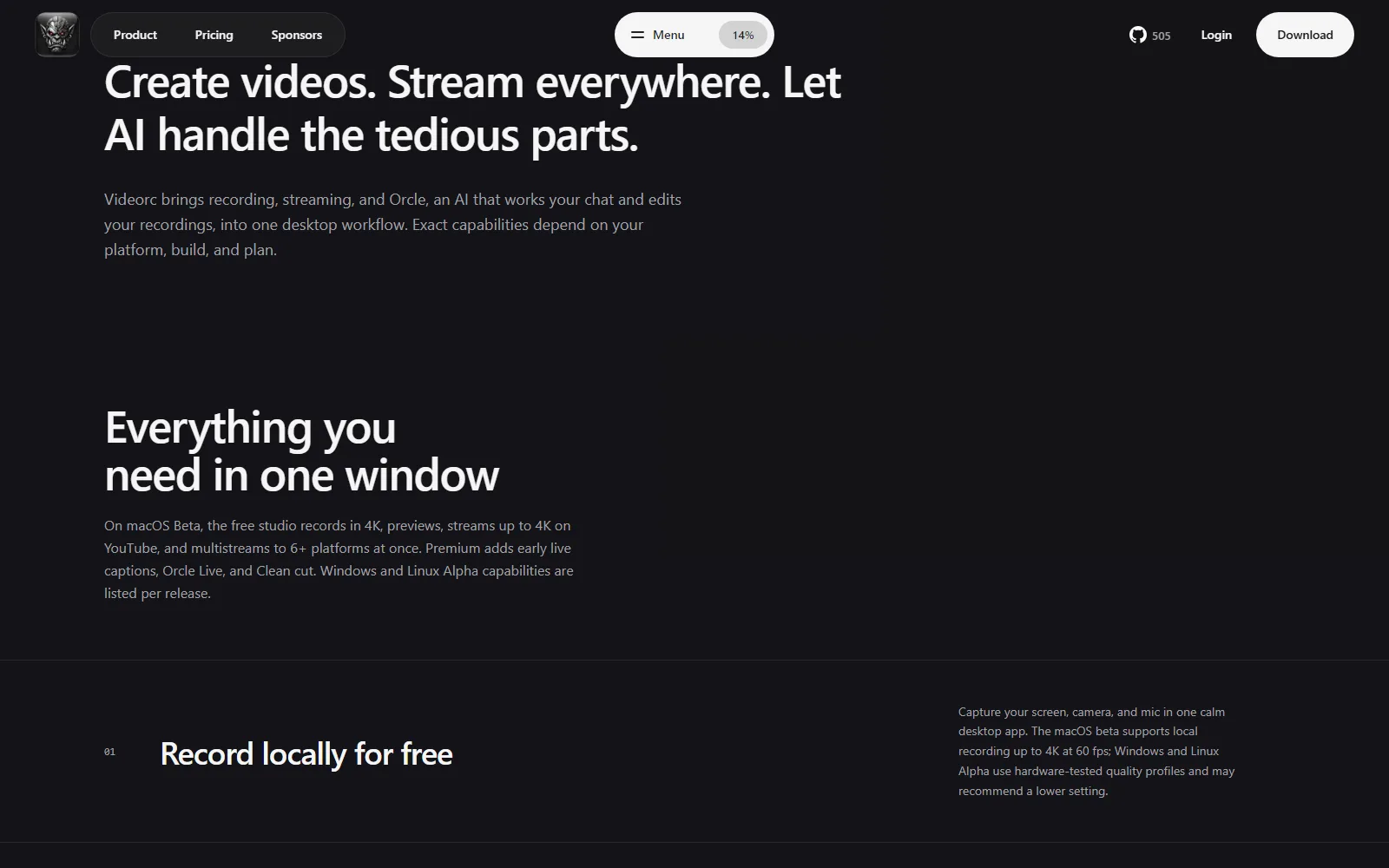
Videorc is an open-source desktop studio for recording your screen, camera and microphone and streaming to several platforms at once. It suits creators, developer advocates and teachers who record and go live from one computer. Recording and multistreaming are free, with no watermark and no time-limited trial. Premium adds AI captions, chat help and auto-editing for $39 a month, or $32.50 a month billed yearly, in US dollars.
We read the Videorc homepage and pricing section, the Premium page, the Orcle AI page, the Terms of Service and the Privacy Policy on 10 October 2026. Our read: the split is honest. The studio is genuinely free, and the paid part is a set of AI tools that run on Videorc's servers, which explains the price. The catches are that the quotas behind the flat fee are not published, the AI features are alpha, and only the macOS beta on Apple Silicon is the established build.
Videorc at a glance
| Question | Short answer |
|---|---|
| Plans | Free studio at $0; Premium at $39 a month or $32.50 a month billed yearly |
| Free allowance | Recording, scenes and multistreaming to 6+ destinations, no watermark, no trial |
| Platforms | macOS beta (Apple Silicon, macOS 13+); Windows 11 and Linux alphas |
| Operator | OrcDev, a developer; terms governed by Serbian law |
| Prices read | videorc.com, 10 October 2026 |
What Videorc does
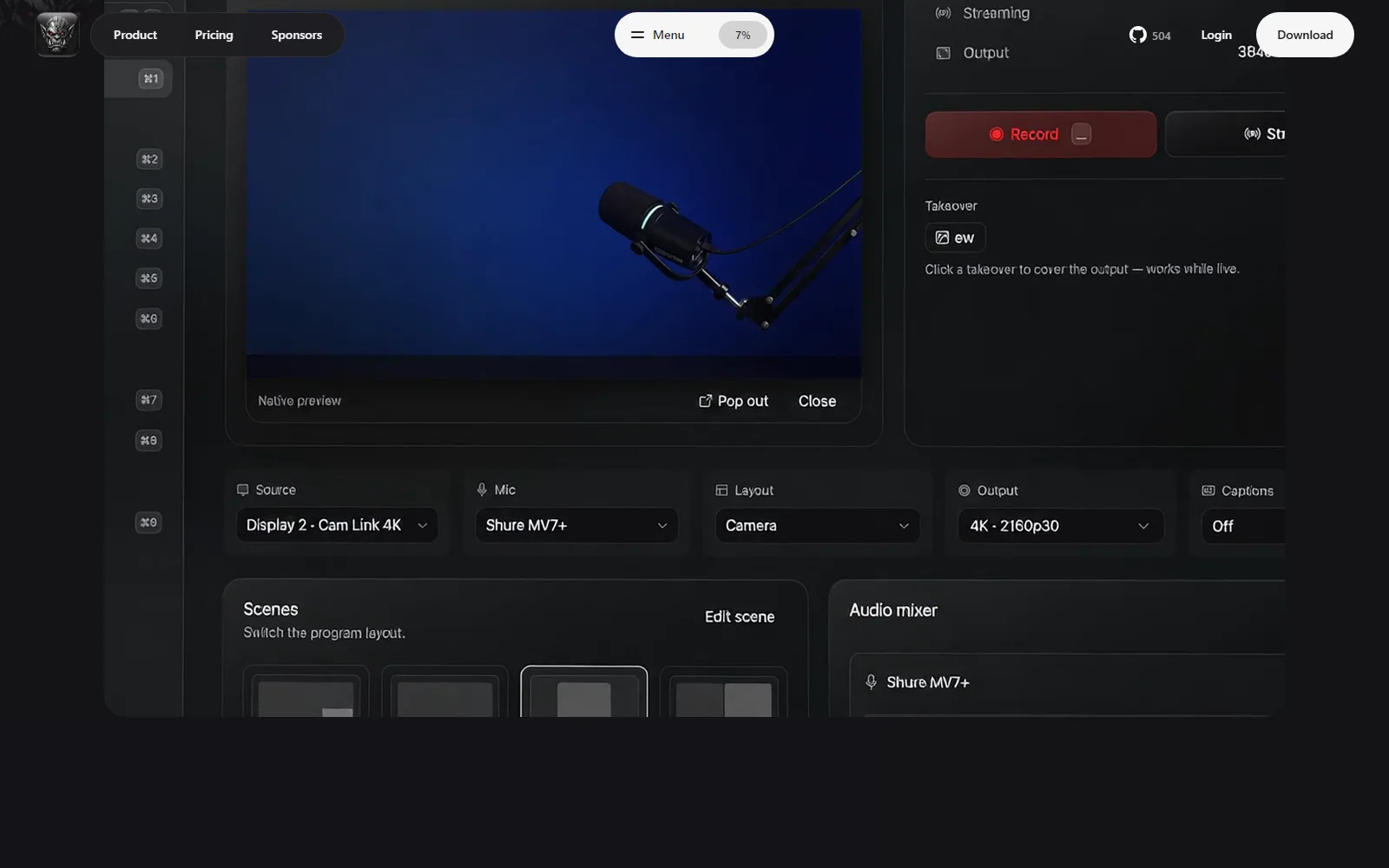
Videorc combines a recorder, a streaming tool and an editor in one desktop app. One encode writes the local file and sends the live copies, so the recording and the stream are the same take, per the vendor's announcement post of 9 October 2026. The free part is the studio itself. The paid part is the AI layer.
The free studio
On the macOS beta, the free studio covers two jobs.
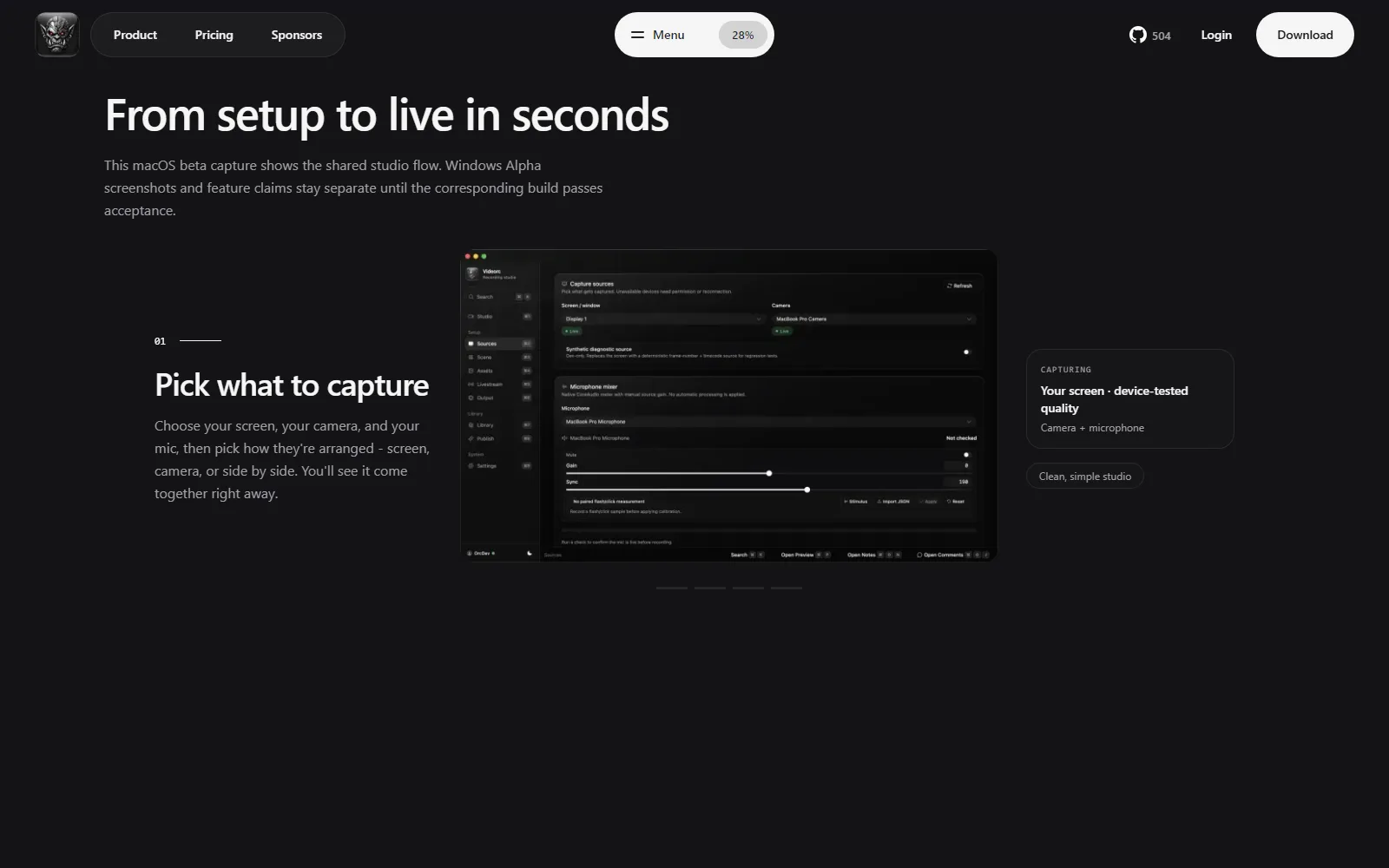
- Recording. Screen, camera and microphone, with scene layouts (screen and camera, screen only, camera only, side by side) and local recording up to 4K at 60 frames a second.
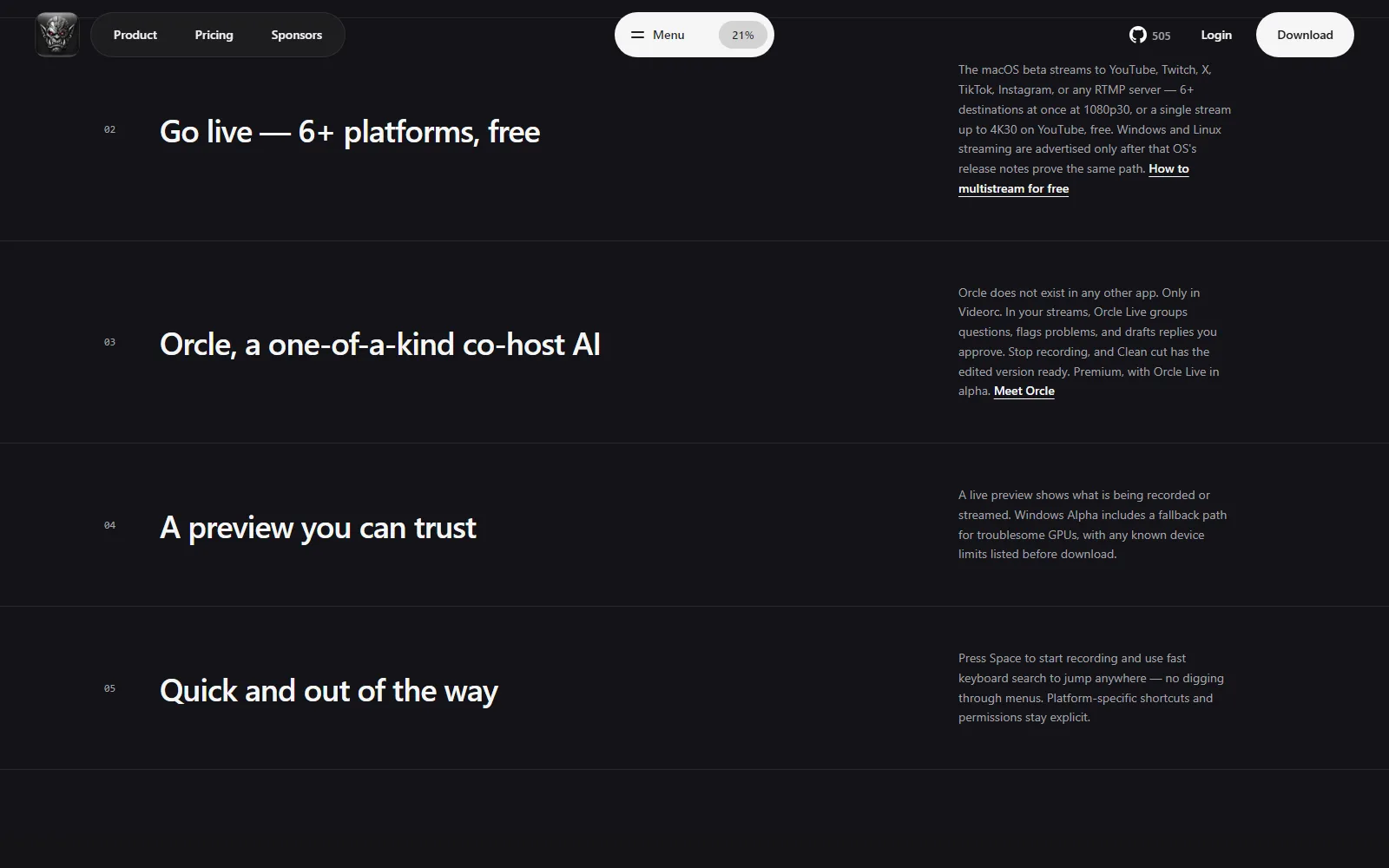
- Multistreaming. Live to YouTube, Twitch, Kick, X, TikTok, Instagram or any custom RTMP server, six or more destinations at once at 1080p and 30 frames a second. A single stream to YouTube can go up to 4K at 30 frames a second. The copies leave from your own computer, so your upload speed is the limit.
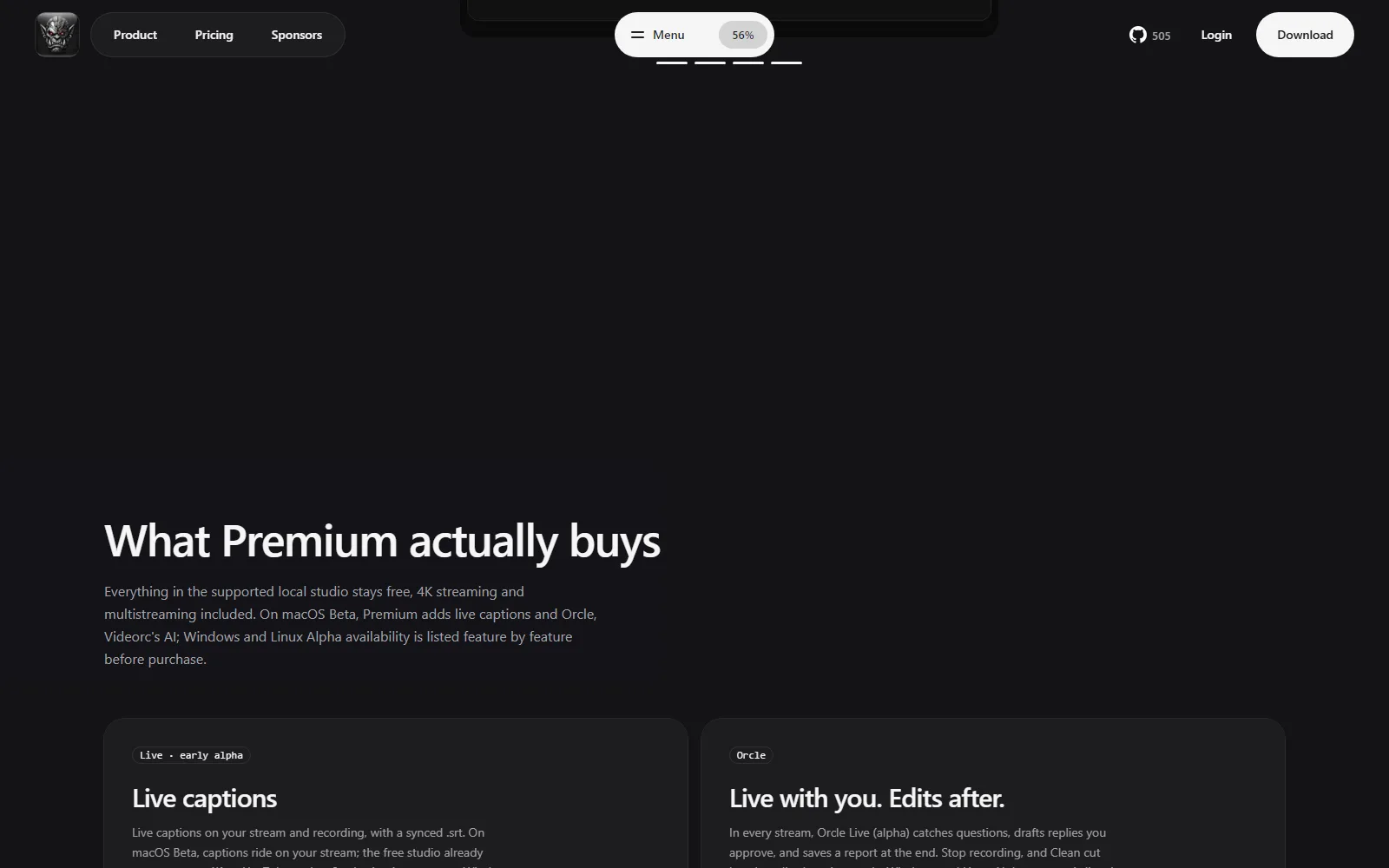
What Premium adds
- Live captions (early alpha). Speech-to-text on your stream and recording, which you can burn into the stream, the recording, both or neither, plus a synced .srt subtitle file.
- Orcle Live (alpha). A co-host AI that reads your live chat, groups repeated questions with a suggested reply, and flags toxicity, spam, self-promotion and personal information. It notices when you answer a question on air and saves a short report after each stream. The Orcle page says it never posts to chat and never bans anyone on its own.
- Voice commands. Say "Orcle, highlight the comment from…" to put a comment on stream, or ask it to remove one from chat. Removal asks you to confirm by default.
- Clean cut and Condensed. When you stop recording, Clean cut produces an edited copy with silences, ums, false starts and retakes removed. Condensed turns a long stream into a version of about 15 minutes. The original file is never changed.
- Noise cleanup. A cleaner-sounding copy of a recording, made on your computer.
Orcle is off by default and asks for consent before it sends chat or microphone audio to the cloud. Its drafts and voice commands work in English only, per the "honest limits" section of the Orcle page. The 9 October announcement post refers to the same companion as "Golem", a name the user can change; the product pages still call it Orcle.
Who Videorc is for, and who should skip it
It fits people who stream or record talking-head and screen content from a Mac: developer advocates live-coding on Twitch and YouTube together, teachers recording lessons, founders running product demos, and small creators who want a recording and a stream from the same session. It makes most sense if you currently pay a cloud relay only to reach a second platform.
Skip it, or stay on the free studio, if any of these apply:
- You are on Windows or Linux and need a finished product. The Windows alpha page says system audio, 4K at 60 frames, streaming and captions are not promised on Windows, and the 10 October Windows build was published with hardware acceptance "waived by the release owner".
- You have an Intel Mac. The macOS beta needs Apple Silicon (M1 or later) and macOS 13 or newer.
- Your chat and voice are mostly in languages other than English. The AI tools work in English only.
How much does Videorc cost?
The table is from Videorc pricing (Premium page and homepage pricing section). There is one paid plan, and it covers one person.
USD, checked 10 October 2026, from the Videorc Premium page and homepage pricing section
| Plan | Price | What you get | Where it stops |
|---|---|---|---|
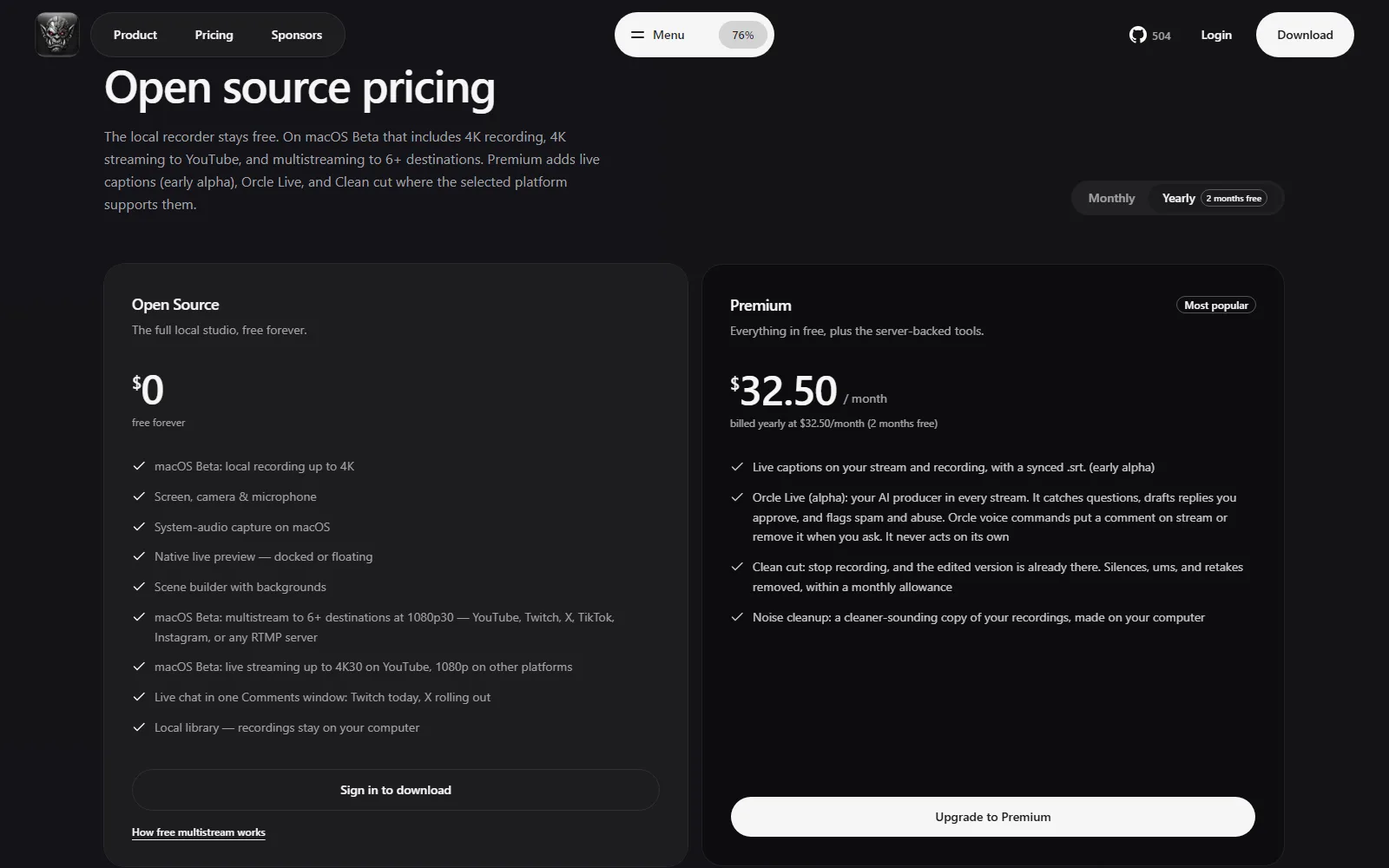
| Open Source (free) | $0, free forever; a free account is needed to download signed builds | Local recording up to 4K on the macOS beta, scenes and backgrounds, multistream to 6+ destinations at 1080p30, single YouTube stream up to 4K30, chat in one Comments window, local library; no watermark | No live captions, no Orcle, no Clean cut or Condensed, no noise cleanup |
| Premium | $39/month, or $32.50/month billed yearly ("2 months free") | Everything in free, plus live captions with a synced .srt (early alpha), Orcle Live and voice commands (alpha), Clean cut, Condensed and noise cleanup | AI features have monthly usage quotas shown in the app; Clean cut runs within a monthly allowance; one person per subscription, not a team |
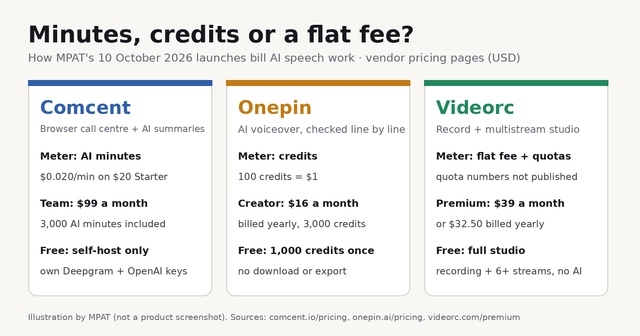
The billing model is simple: one flat plan rather than credits or per-minute charges. The Premium page says the subscription pays for the features that run on Videorc's servers. Premium does not buy more destinations or higher streaming quality, per the announcement post.
The flat fee still has a meter behind it. The terms say AI features have monthly quotas, "such as the Clean cut allowance", shown in the app or your account, and the Orcle page says busy chat is metered per day. None of these quota numbers is published on the public pages, so check them in the app before you commit to a year.
Per the terms, payments go through Creem as merchant of record, and refunds follow Creem's refund policy and your statutory rights. Cancelling takes effect at the end of the paid period; the account then drops back to the free studio. Subscribers get notice before a price change applies to a renewal.
Does Videorc upload my recordings?
Not the video. The homepage FAQ and privacy policy say recordings stay on your computer. Clean cut uploads only the recording's audio, in short chunks, for speech-to-text, then sends the transcript sentences to Videorc's cloud AI to decide what to cut; the cutting happens locally. Orcle sends chat batches and, with listening on, short stretches of microphone audio as text.
The privacy policy says Videorc servers keep none of that audio, and that Videorc does not train its own models on your content. It names OpenAI and Deepgram for transcription, with other AI providers reached through Vercel's AI Gateway.
Which computers does Videorc run on?
The macOS beta needs Apple Silicon (M1 or later) and macOS 13 Ventura or newer. Windows Alpha needs Windows 11 on x64, and Linux Alpha needs Ubuntu 24.04 or later on x64. The Videorc changelog lists macOS v0.9.140 Beta 1 on 10 October 2026.
Where Videorc's own pages disagree
Two details differ between pages. The product pages call the AI companion Orcle, while the announcement post calls it "Golem", a name the user can change. And the source code is public on GitHub under the AGPL-3.0 licence, although the Premium page describes the code as MIT, so check the repository's licence file if that matters to you.
The terms and privacy policy name the operator as OrcDev, with the terms governed by the laws of Serbia; no registered company name is given. Videorc's first appearance on Product Hunt was on 9 October 2026.
How Videorc compares with other tools reviewed here
Videorc vs Opus Clip. Opus Clip works after the recording: it takes a long video, podcast or stream and cuts it into captioned vertical clips. Our 24 September 2026 check found a free plan with 60 processing minutes a month, a watermark and exports that expire after three days, and Starter at $15 a month. Videorc's Condensed also shortens a long stream, to about 15 minutes, but it does not produce vertical clips or post them.
Videorc vs Submagic. Submagic finishes short videos: styled captions, bad takes and silences removed, audio cleaned. Our 24 September 2026 check found no free plan, with Starter at $19 a month or $12 billed yearly, for 15 videos of up to two minutes. Videorc's Clean cut does a similar silence-and-retake pass on your own recordings, but without styled social captions.
Videorc vs VocaScript. VocaScript transcribes long audio and video you already have. Our 9 October 2026 check found a free plan with 120 minutes a month and Plus at $10 a month. Videorc's live captions and .srt cover the sessions you record in Videorc itself; VocaScript is the better fit for transcribing files from anywhere.
Browse more video AI tools if none of these fit.
Sources
The free and Premium features, prices, system requirements and data FAQ come from the Videorc homepage and the Videorc Premium page. Orcle's features and limits come from the Orcle page. Billing, refunds, quotas and governing law come from the Videorc Terms of Service (last updated 7 October 2026), and data handling and processors from the Videorc Privacy Policy (last updated 4 October 2026). Windows limits come from the Windows alpha page, the 9 October date and the Golem name from the announcement post, and the licence from the Videorc GitHub repository. All pages were read on 10 October 2026.